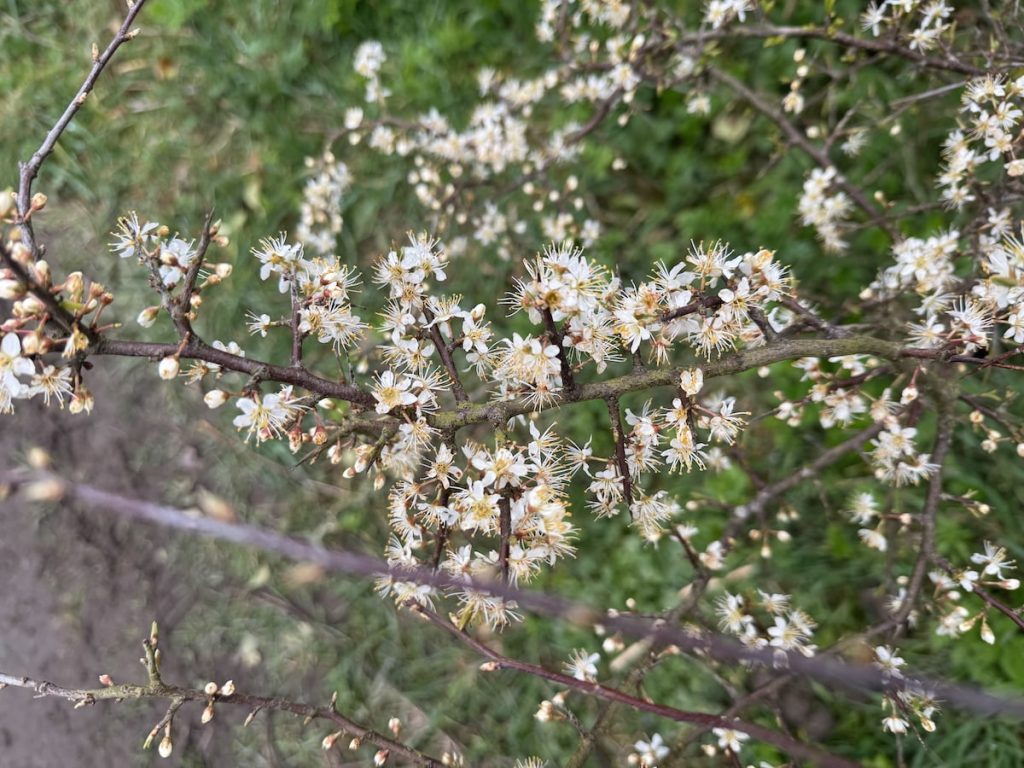
#SilentSunday

#SilentSunday
![Newspaper clipping reads:
The alarming bit was how out of touch the Al world was. "People would talk about how Al is going to bring all this wealth that will rain down - all we
have to do is figure out how to distribute it. But the Industrial Revolution already [promised] this, and we did not distribute the wealth globally. Why would this be any different? That attitude] was pervasive and hard to watch. If you take your eyes off your two smartphones and look around, San Francisco is a city that has enormous poverty."](https://johnjohnston.info/blog/wp-content/uploads/2026/03/ai-wealth-distribution-torn_paper-1024x460.png)
Zoë Hitzig the whistleblower tells all Observer 29-03-2026 seems to be hind a pay wall? I read in the paper. A poets view of AI risks.
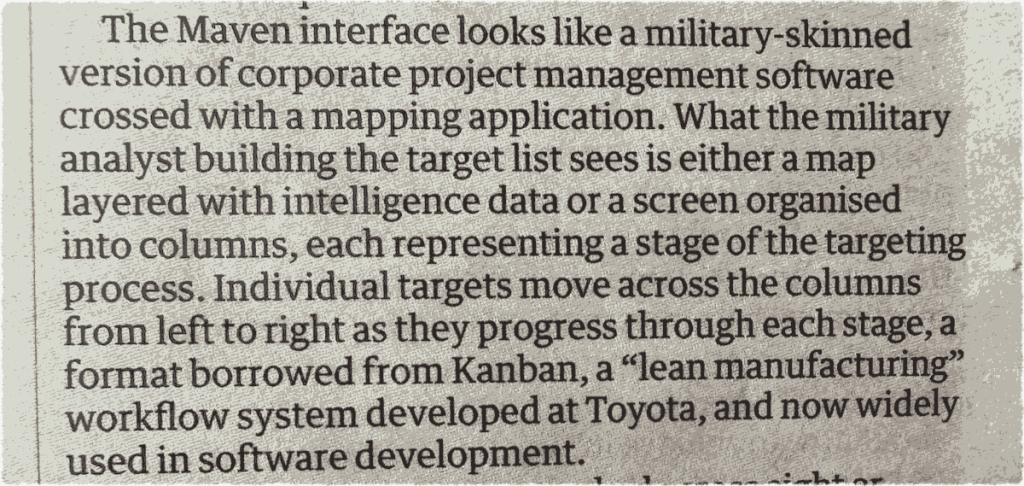
AI got the blame for the Iran school bombing. The truth is far more worrying -Kevin T Baker – Guardian 28 March 2026. Lots more worry about in this article, but this jumped out.
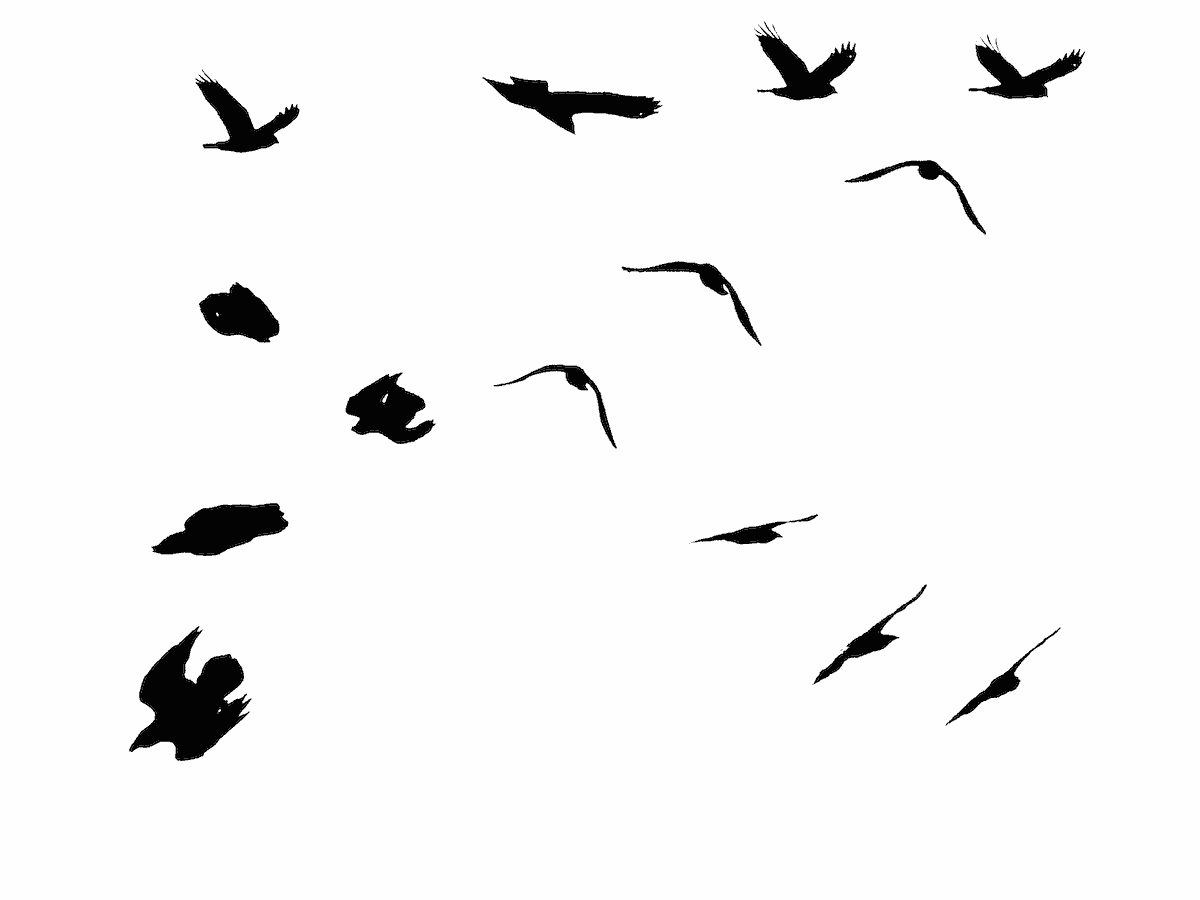
A raven flew through the trees and circled above. on each loop diving, folding & twisting in a relaxed, effortless way, despite the speed.
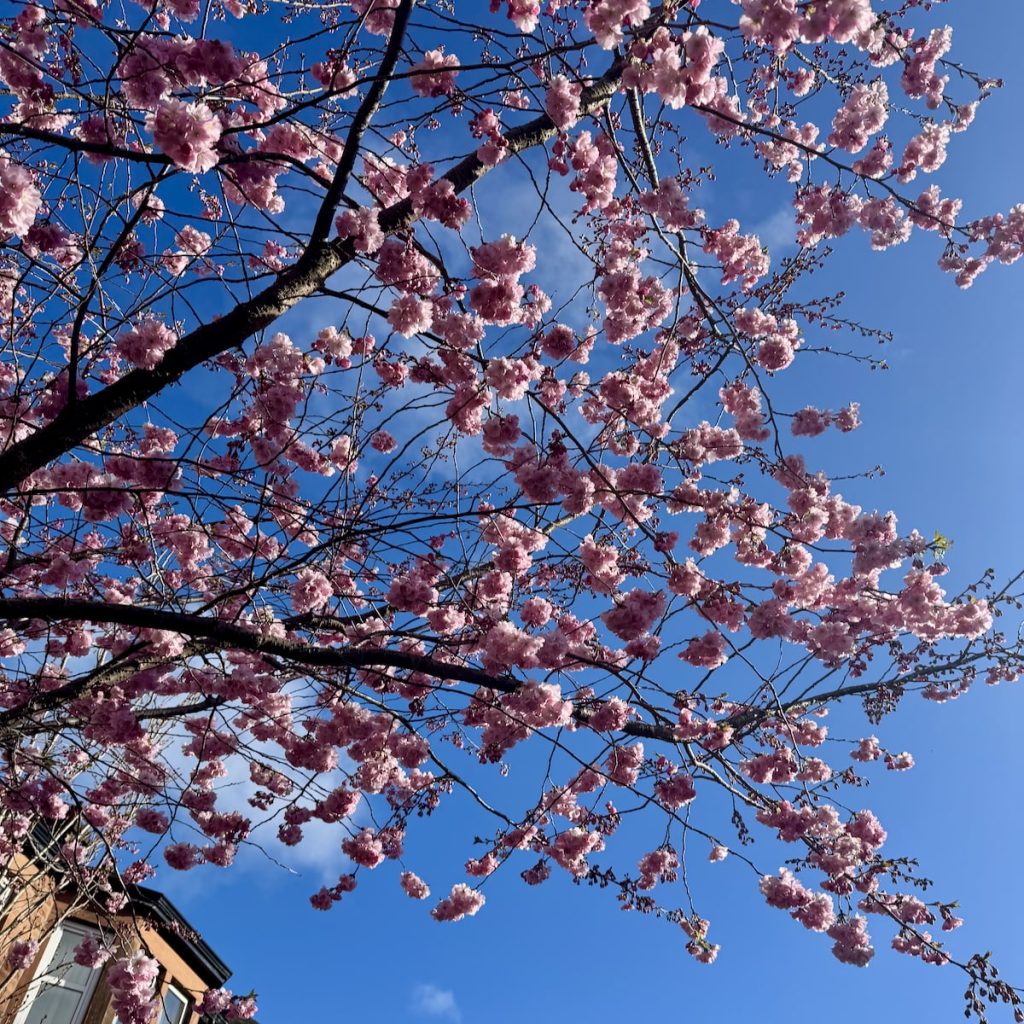
Spring this morning was followed by sleet and the some hail in the afternoon.
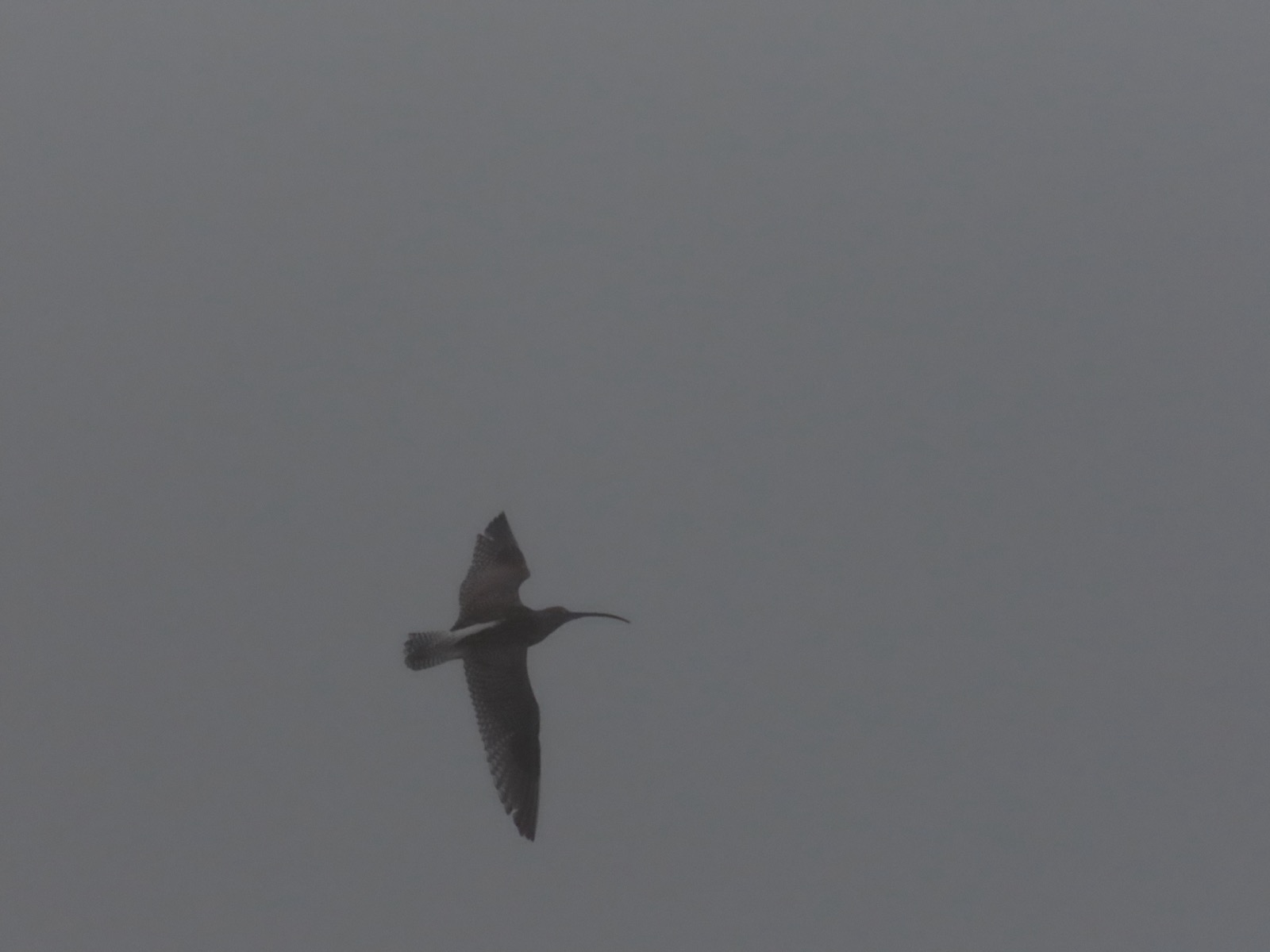
#SilentSunday
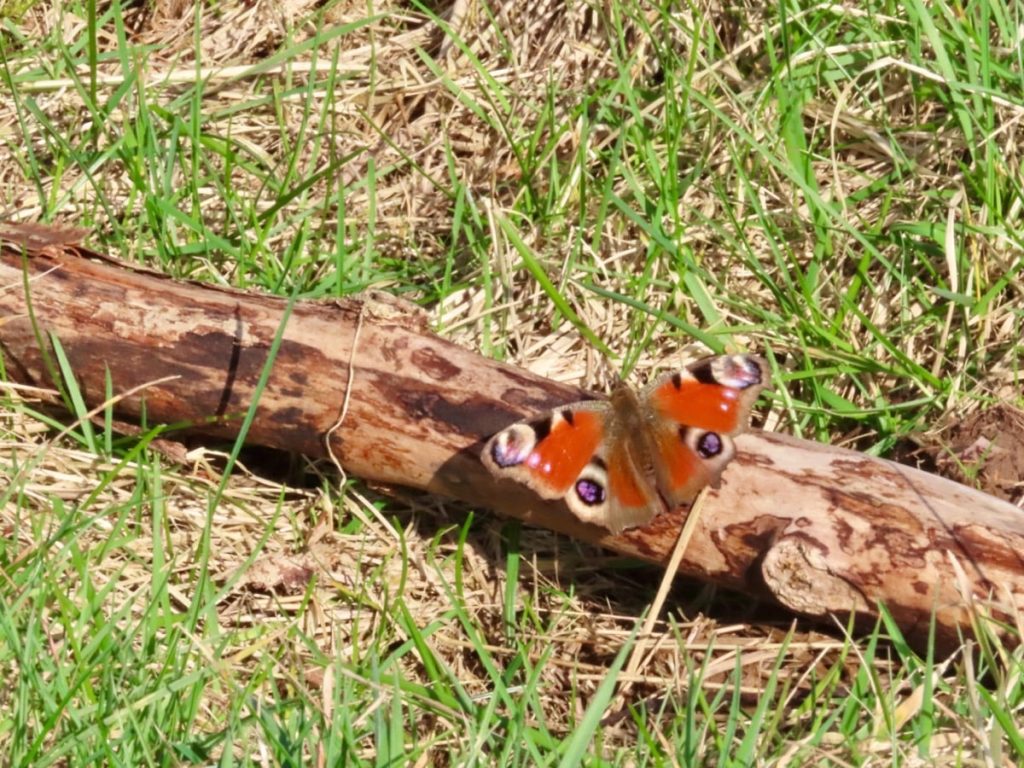
Rather a blurry photo, but the first peacock butterfly of the year for me. Saw quite a few on the Greenside Reservoir track this afternoon. A warm day, bumble bees flying.
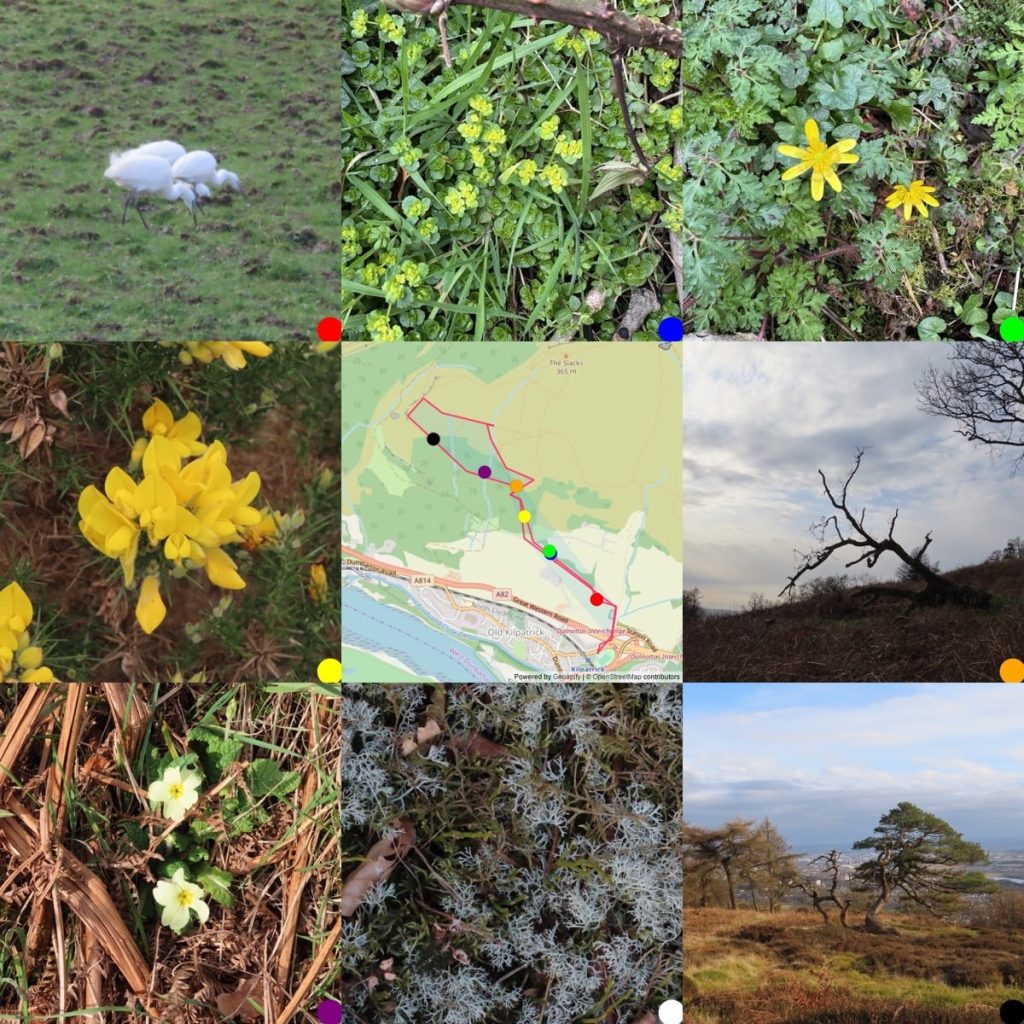
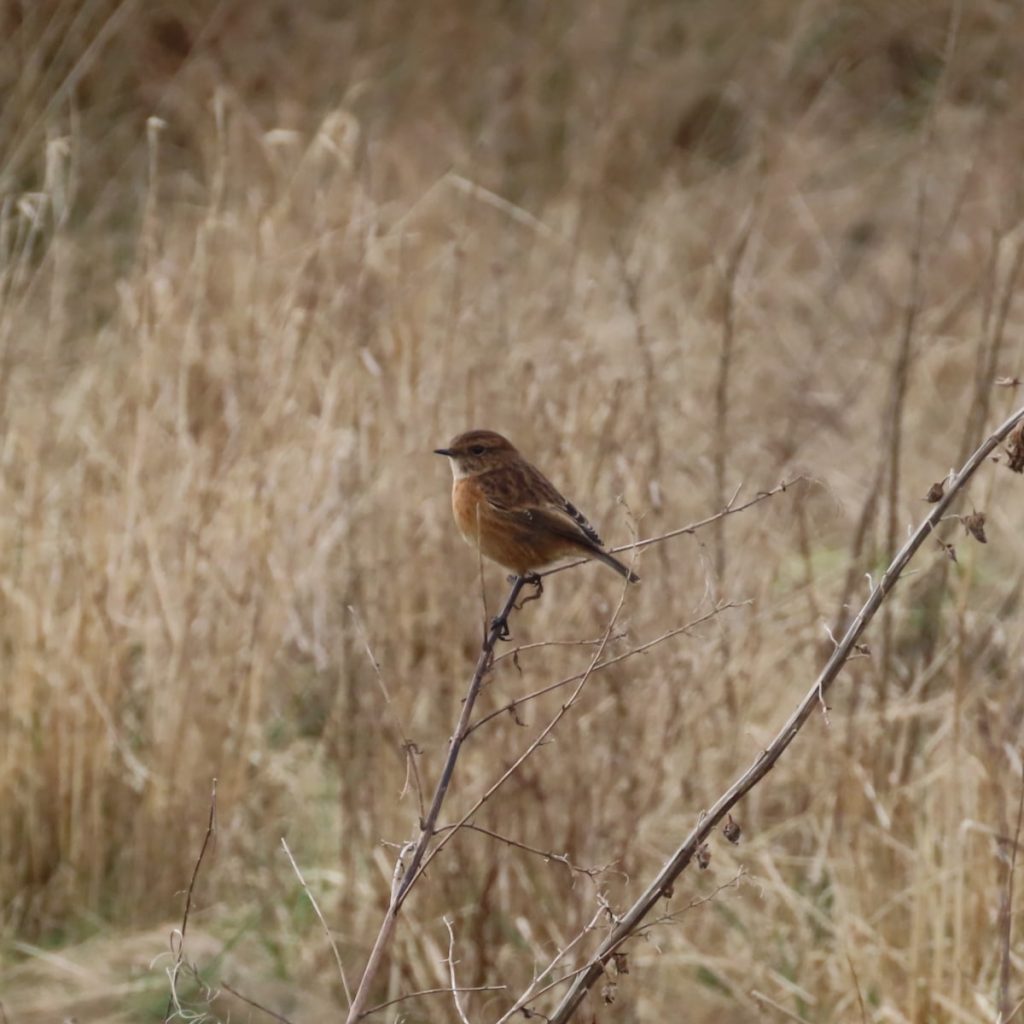
An afternoon walk round the Kilpatrick braes yesterday. Warm and sunny, occasionally clouding over.Egrets, Opposite-leaved golden-saxifrage, lesser celandine, the first primroses of 2026. 5 ravens flew low and fast overhead two pairs twisting together wings loud. A few stonechats on the Muir.
Your Browser Becomes Your WordPress – WordPress News
With my.WordPress.net, WordPress runs entirely and persistently in your browser. There’s no sign-up, no hosting plan, and no domain decision standing between you and getting started.
My WordPress is an interesting development. It allows you to have a totally private WordPress site in your browser. You could use this to test, develop or just play around with WordPress. It also looks like it could be used for developing an app just for yourself, or perhaps to export & share. There are a couple (via plugins) than can easily be installed, including an RSS ‘reader’. Everything is stored in the browser, limited to 100mb. I was surprised as I thought local storage was much smaller than that? I wonder where it is stored.
There seems to be ways to back up or transfer to a live site.
The obvious frustration might be if you make something useful it will be only on one device/browser but that might be balanced by the privacy.
It only takes a few seconds to set up the site and it feels fast.
It seems to emulates MySQL using SQLite
Looks like I have access to all the files. I tested this by adding a shortcode to the functions.php and it just worked!
I could also edit the Hello Dolly plugin, replacing the lyrics with the ones from Subterranean Homesick
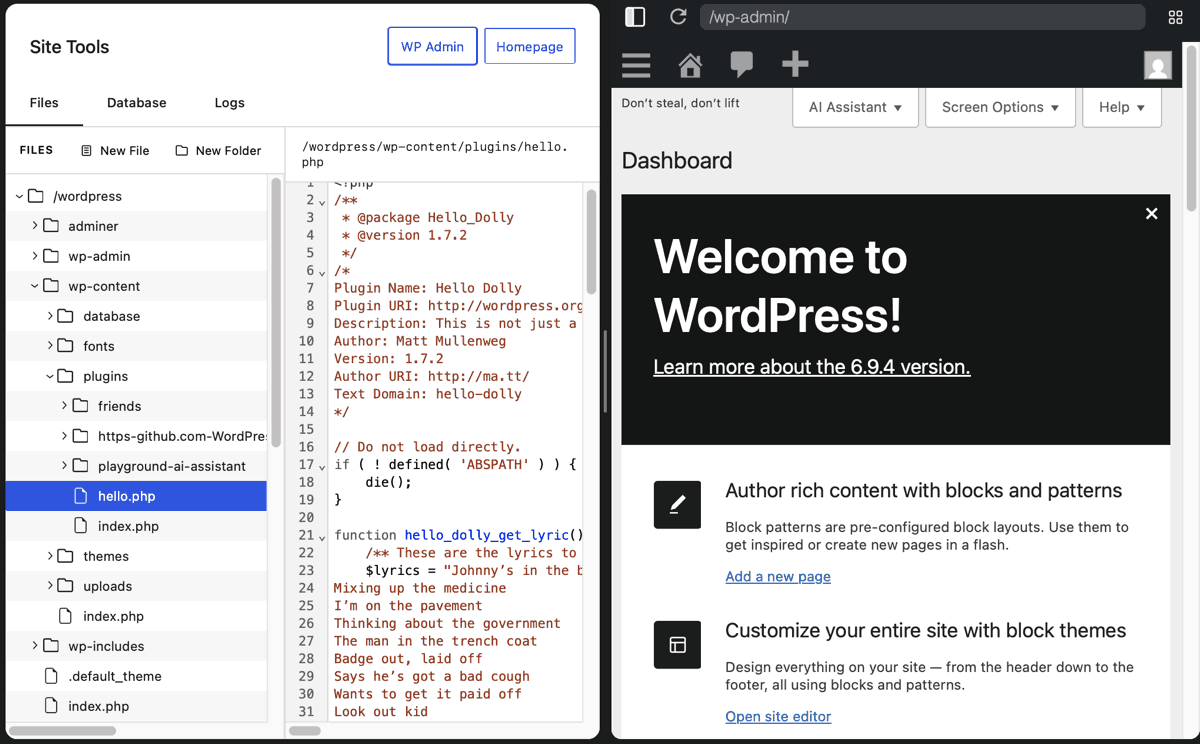
One of the Apps you can install is an RSS reader. This is the Friends plugin. I have briefly tried this before, but I think this is an opportunity to give it good test. I easily added a feed or tow. It did not work with scripting.com, I presume due to it being severed via http not https?
Another suggested ‘apps’ is AI which allows you to connect to an AI if you have a key. I do not pay for any AI so do not have a key. By chance I installed Ollama yesterday, a local AI, I am not sure what I am doing just following Miguel Guhlin’s notes.
I spent quite a lot of time messing about with this and failing, I think because Safari is so uptight about mixed content. I did get it working in Firefox, but running into this problem means I can’t do anything yet.
So I think I’ll leave the AI assistant alone for the moment and play with other things.
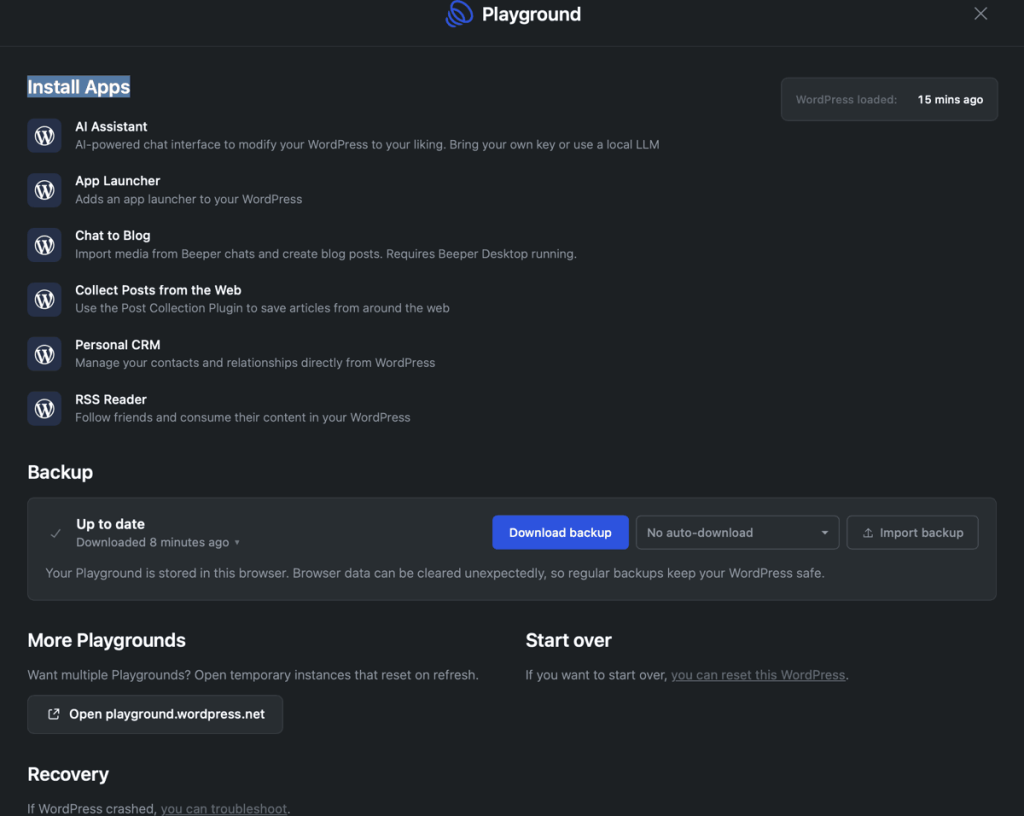
I am slowly thinking about how I could use this in a useful, or fun way.
I am sure there are more. The limits, at the moment, seem to be one site per device/browser. For little things this could be easily worked around using the offer:
Want multiple Playgrounds? Open temporary instances that reset on refresh.
According to Matt Mullenweg there is a lot more in the works
my.wordpress.net has soft-launched.
Next up, we’re going to add peer-to-peer sync, version control integration, and cloud publishing so other people can access it.
and
Today, everyone gets a phone number and email when they grow up. That will expand in the future, everyone will have a domain and a WordPress. A part of the internet that you own.
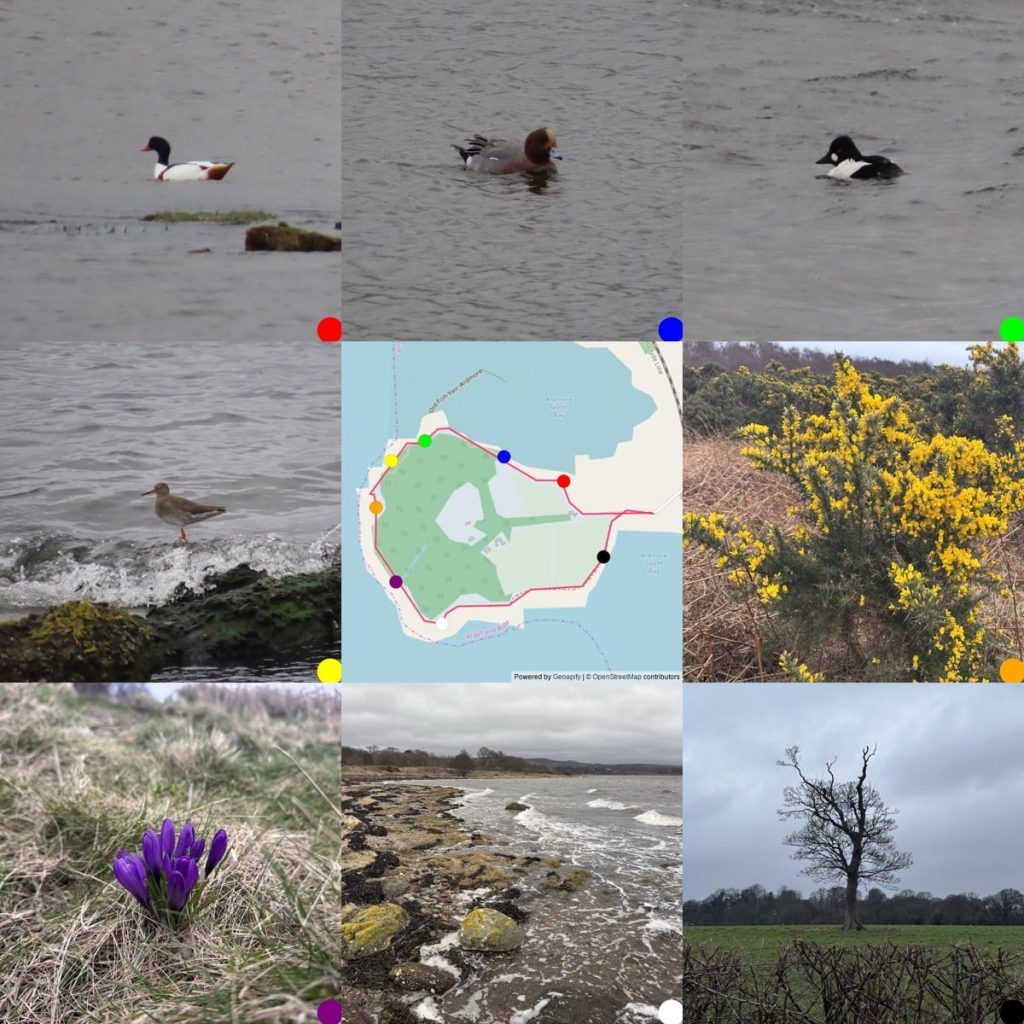
A nice walk round the Ardmore peninsula yesterday, quite windy, low clouds & dull. I’ve updated the script that makes the photo & map grids to show the gpx track as well as the picture positions, pleased with that.
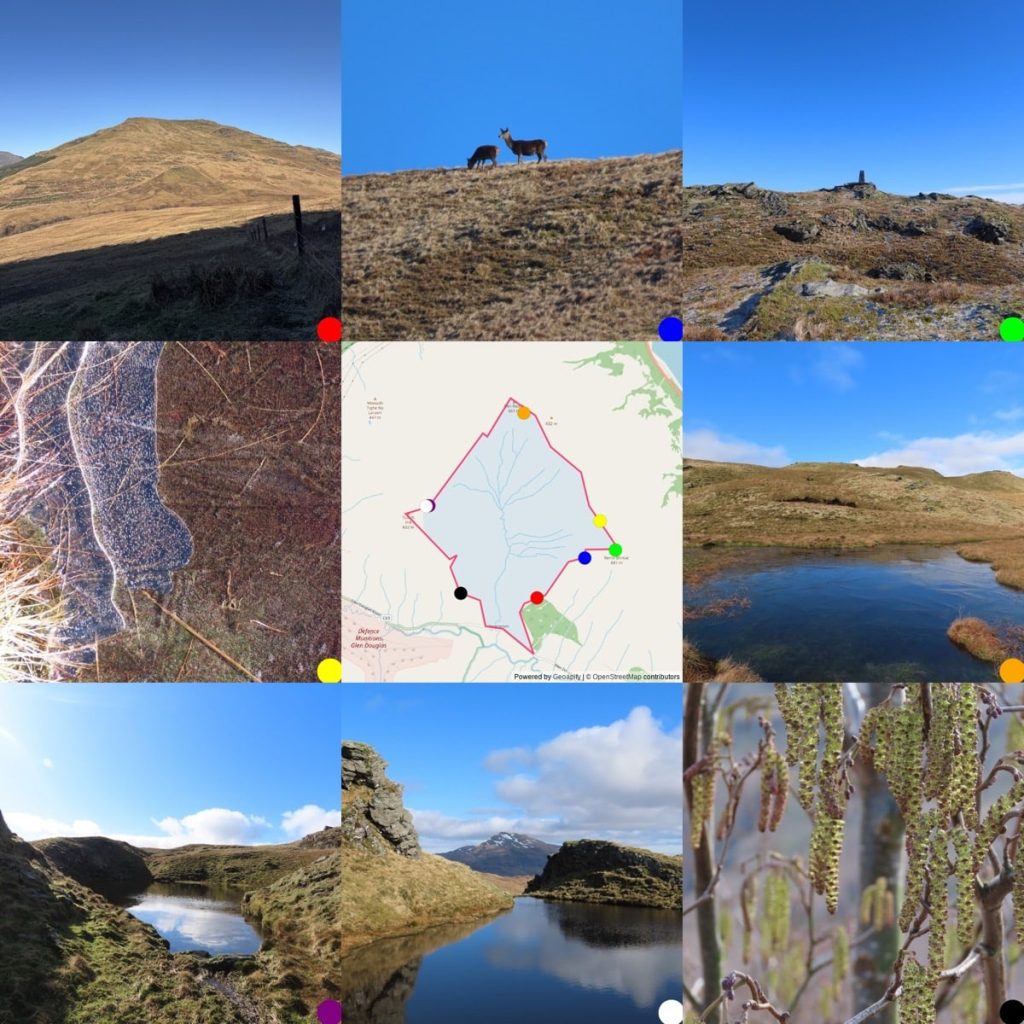
Walk round the Glen Douglas trio on Thursday. Glorious day. blue sky & touch of frost. Very quite a few skylarks singing & the first frog spawn I’ve seen. walkmap with photos & notes..
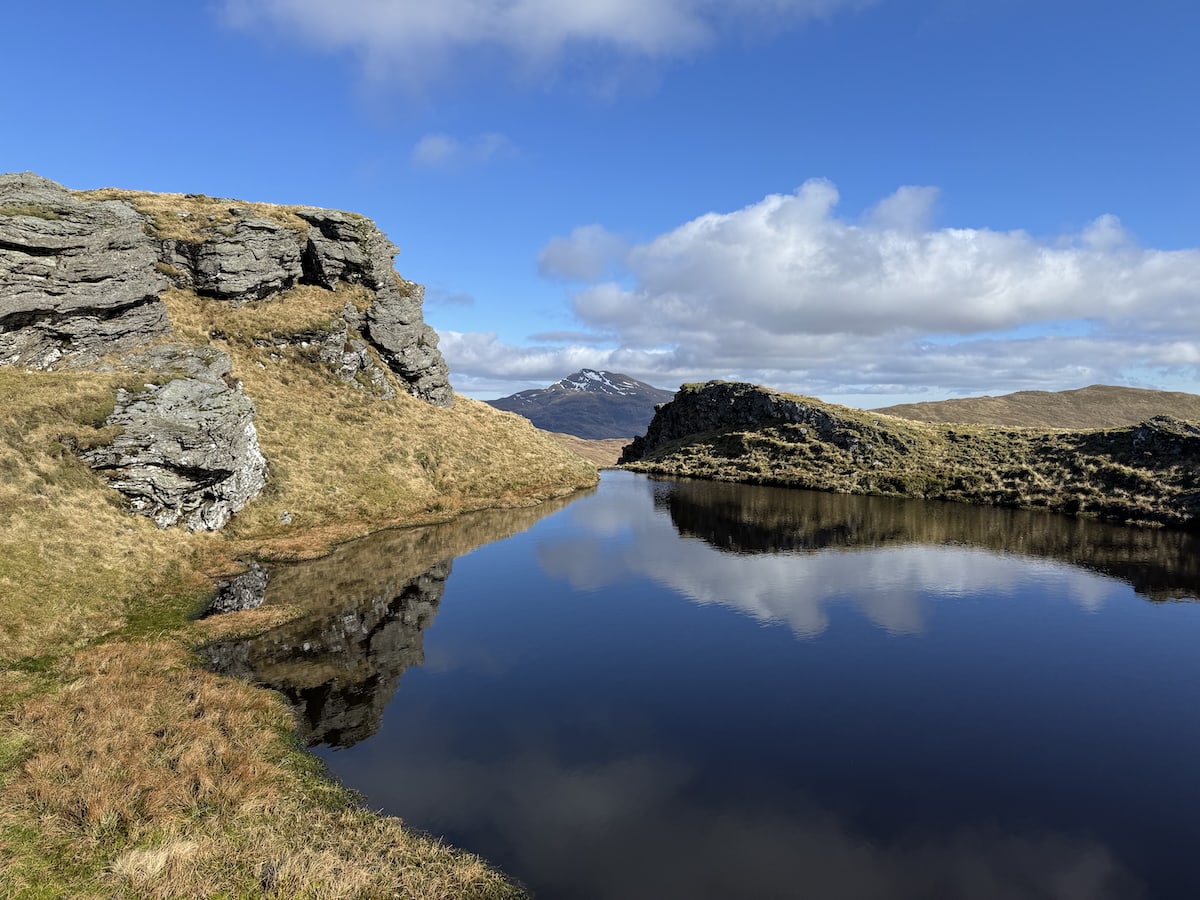
#SilentSunday
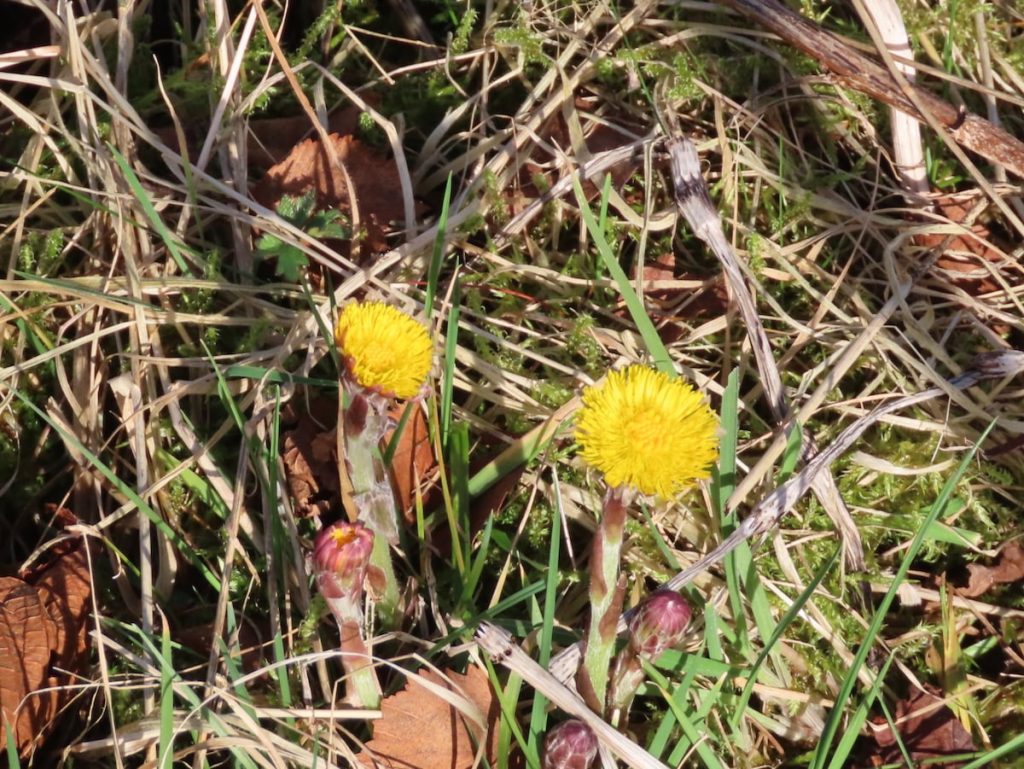
Greenside again. Bright sun to start, a strong gusty wind, dulled down after half an hour. A small tortoiseshell sunning at the side of the track, flew away quickly so no picture. First butterfly of the year. A month earlier than last year. First coltsfoot out too. Ravens enjoying the wind.
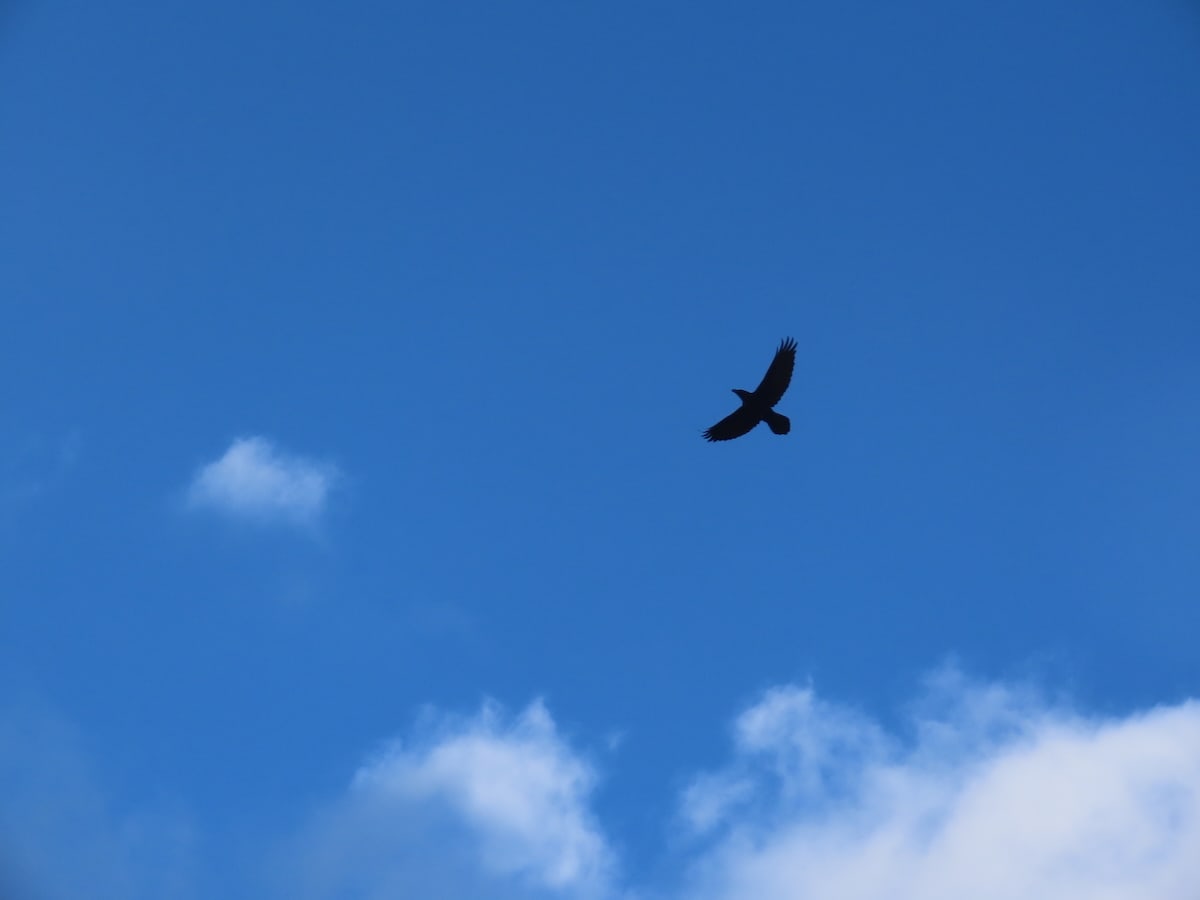
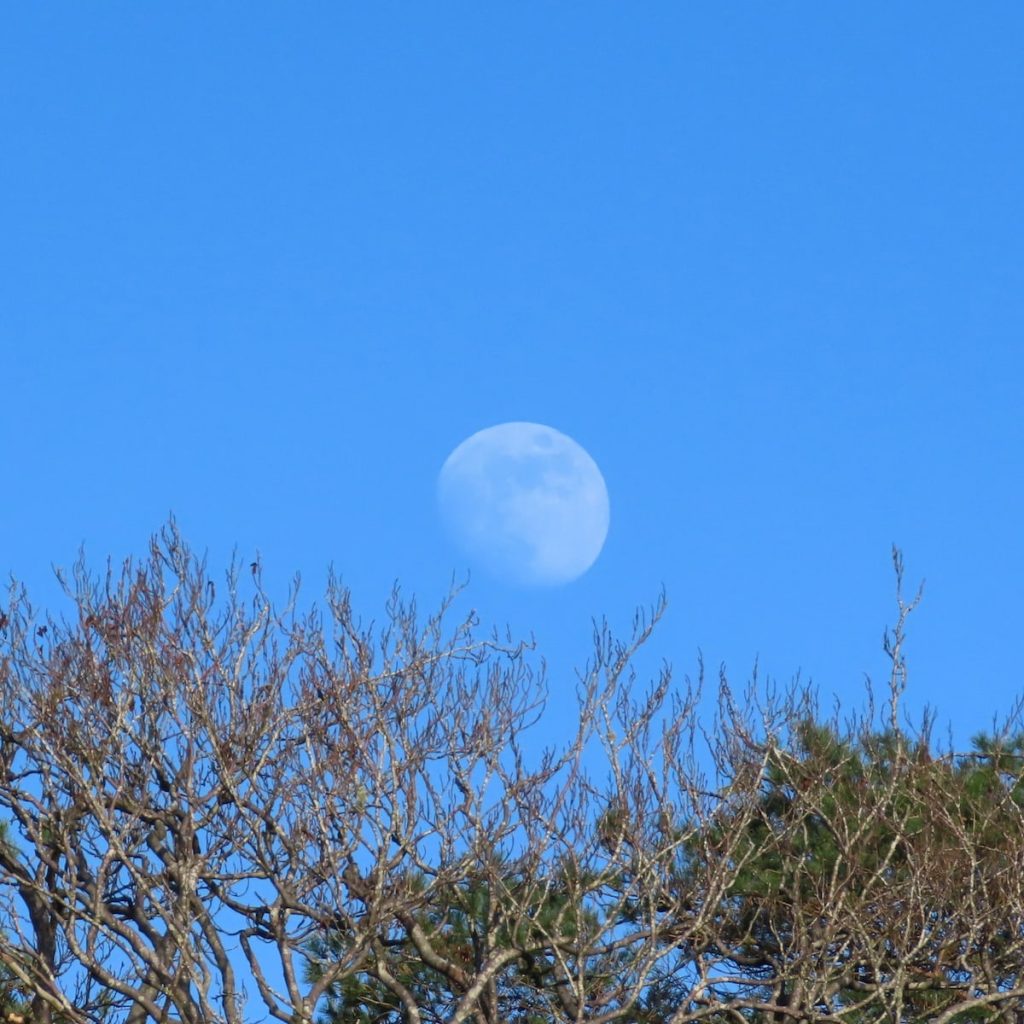
A bright almost spring like afternoon at Greenside. First toad of the year, unfortunately squashed by a motorbike on the footpath. A couple of ravens with big crusts of picnic bread by the reservoir.
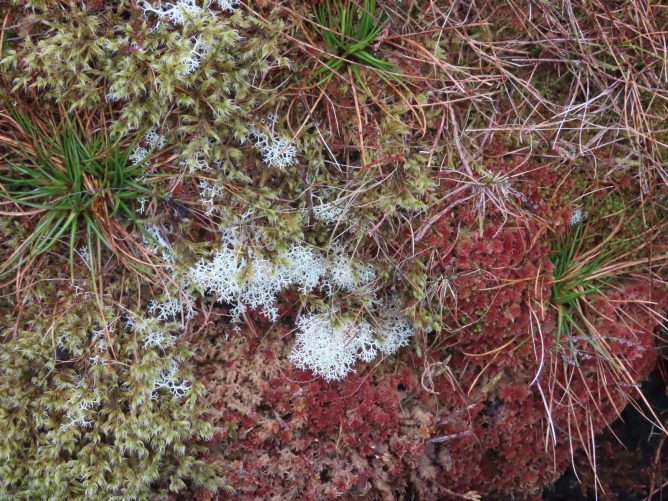
No it is not, it depends on where you look.
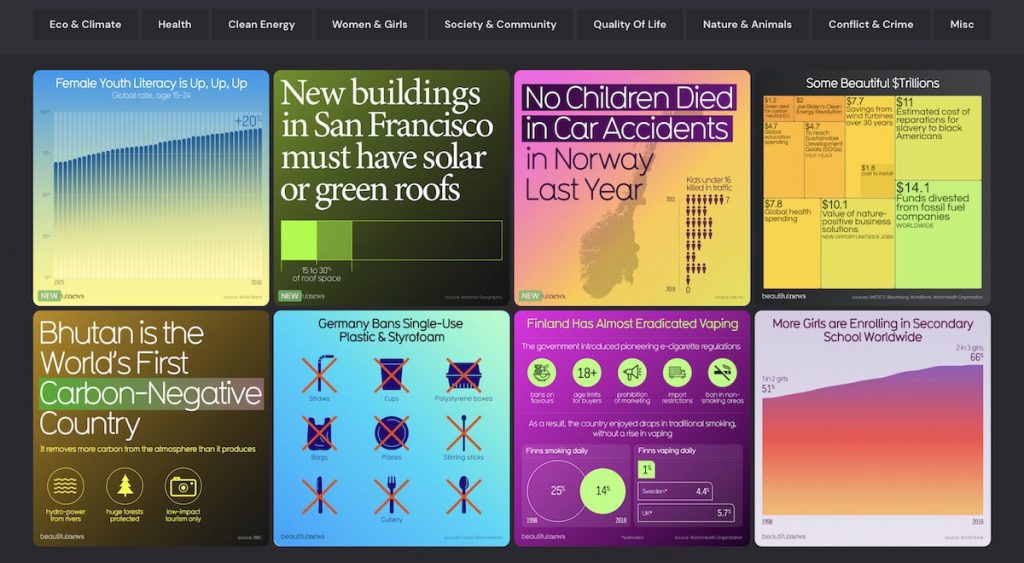
What is a feed? (a.k.a. RSS) | About Feeds
I could charge for NetNewsWire, but that would go against my political goal of making sure there’s a good and free RSS reader available to everyone.
from: inessential: weblog
For both it API & Creative commons I’ve long appreciated flickr: Flickring Free & Good Call Flickr.
DS106– the open online course on digital storytelling that began at the University of Mary Washington and continues as a community of learners across the globe
Welcome to ds106
Small but mighty.
Things people give away for love & money, small groups, weird ideas, indieWeb, mastodon, micro.blog, open source etc.
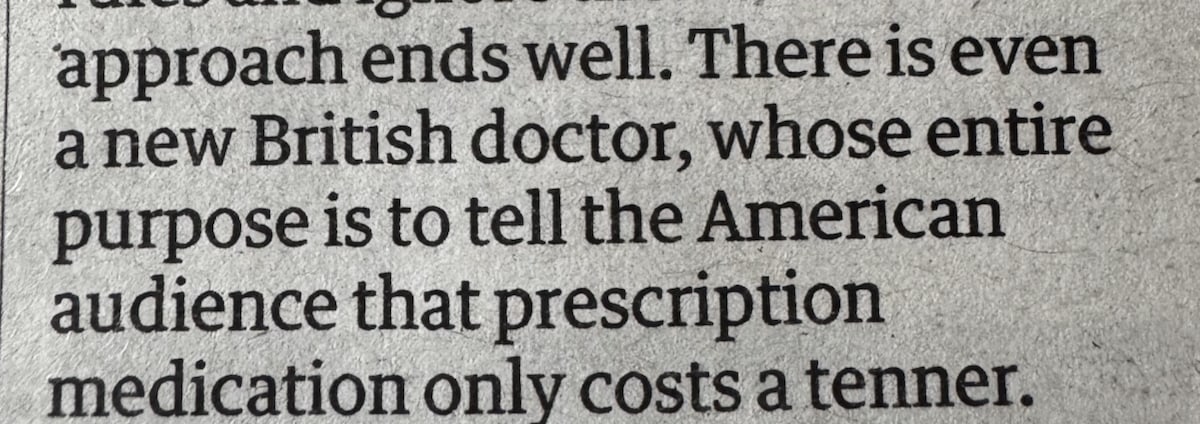
For a review of Scrubs in the guardian today.
They should have had a Scottish Doctor 🤣
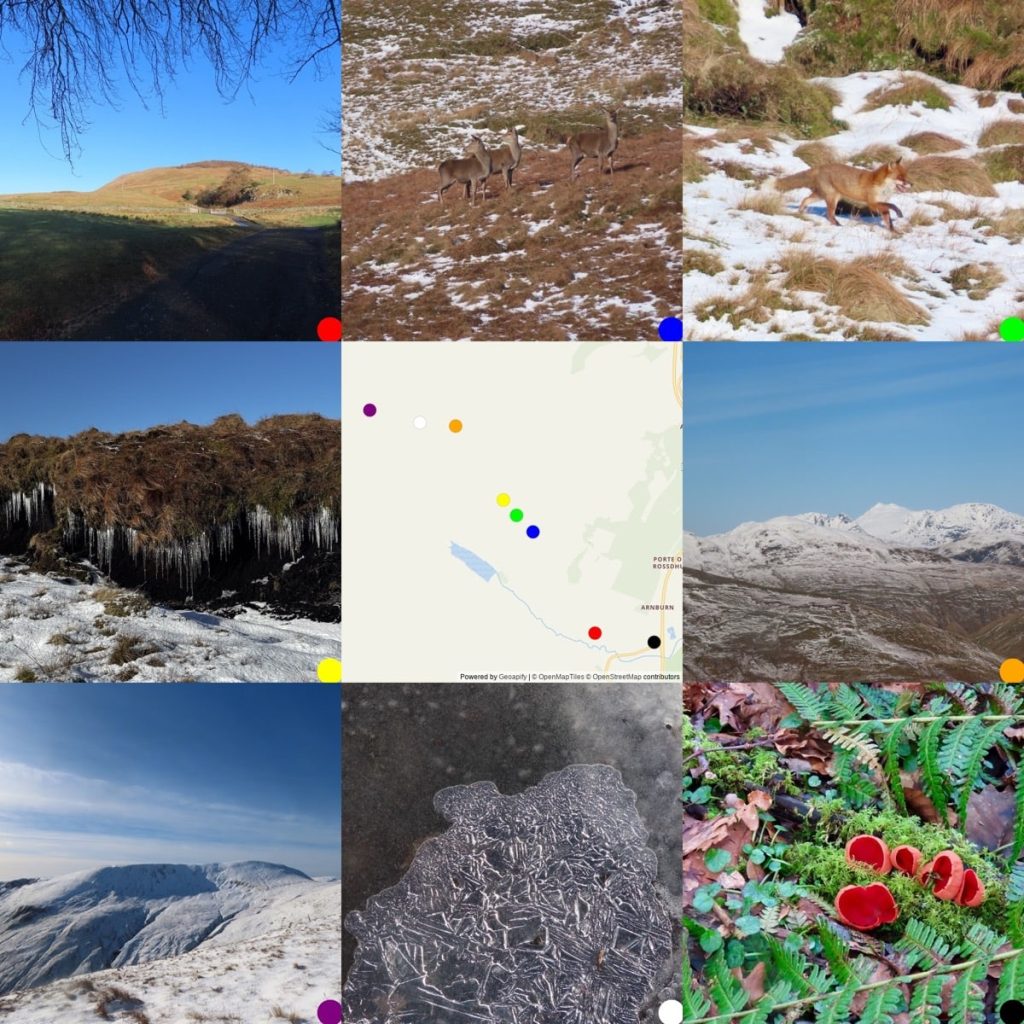
Beautiful day yesterday, walked part of the loop. Photos, note & map: walkmap
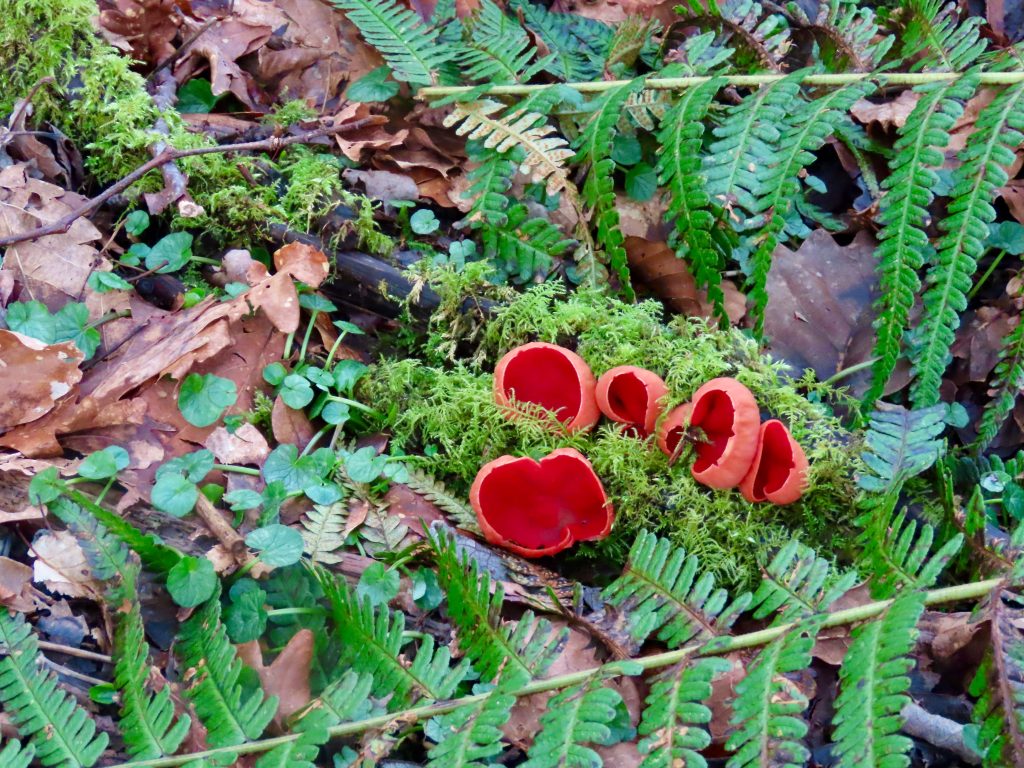
Today I found out that you can’t tell the difference between red & ruby elf caps without a microscope. Thanks to another iNaturalist user.
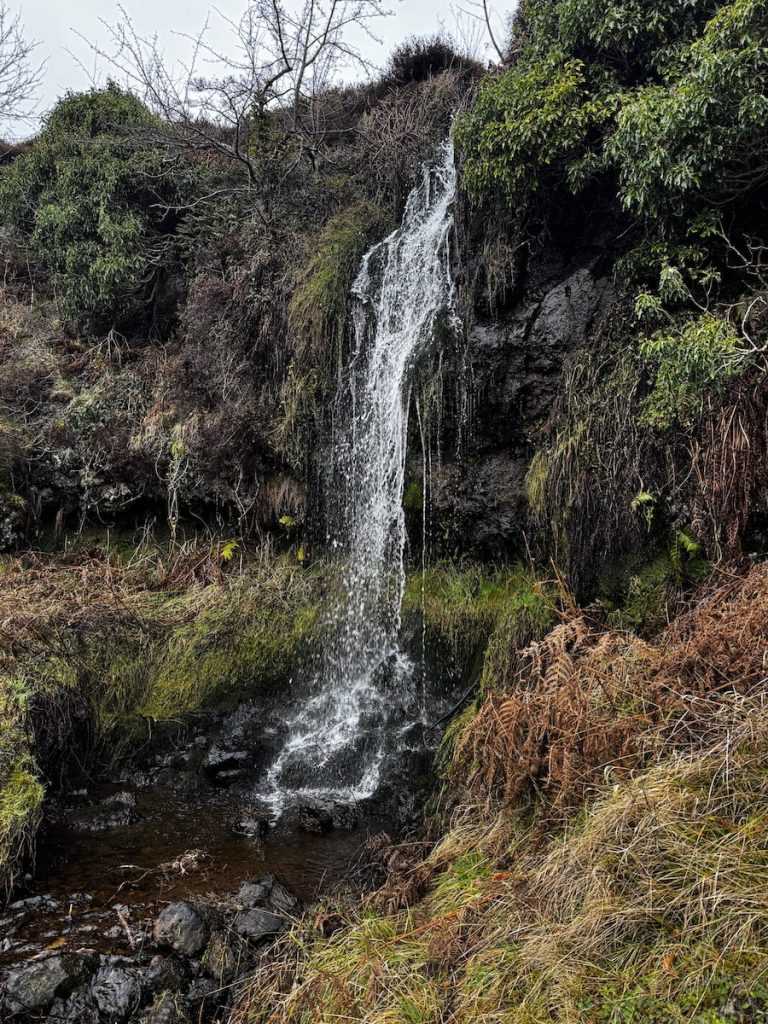
#SilentSunday
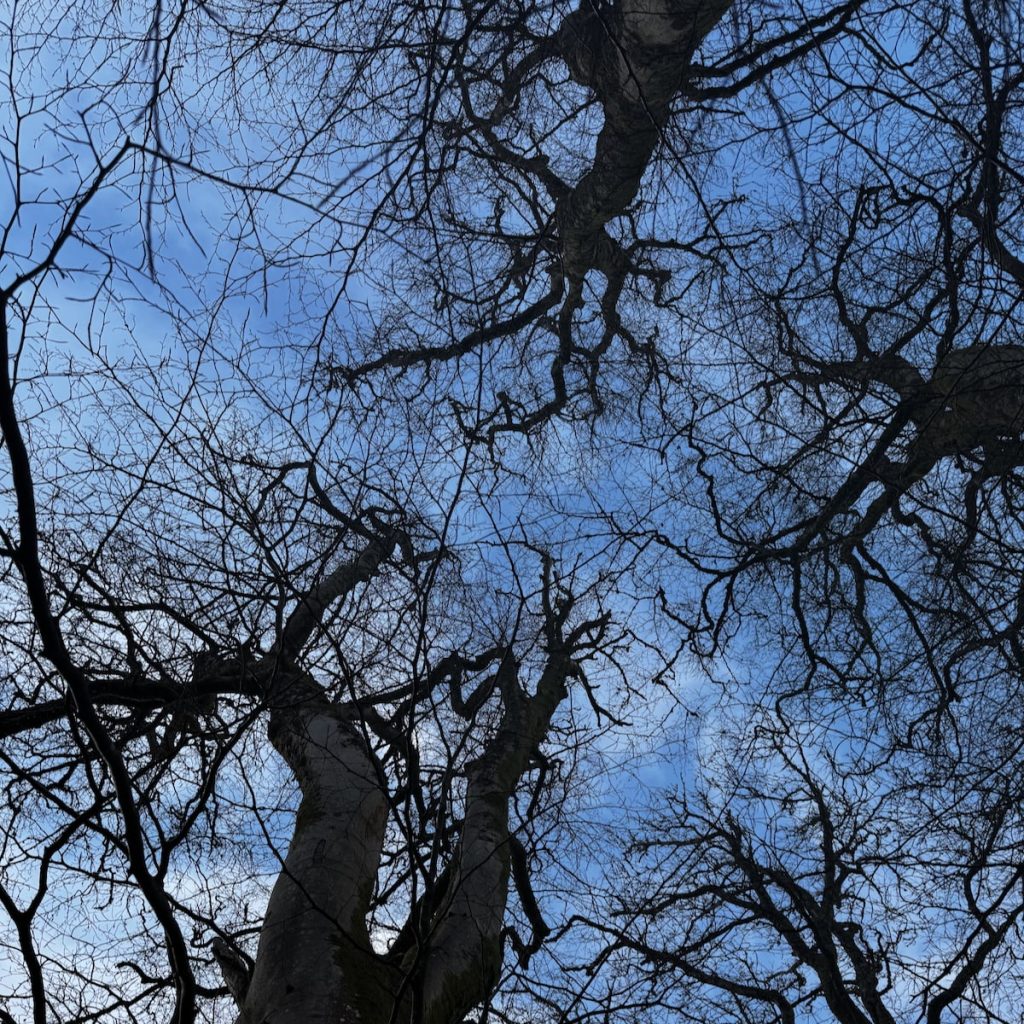
#SilentSunday
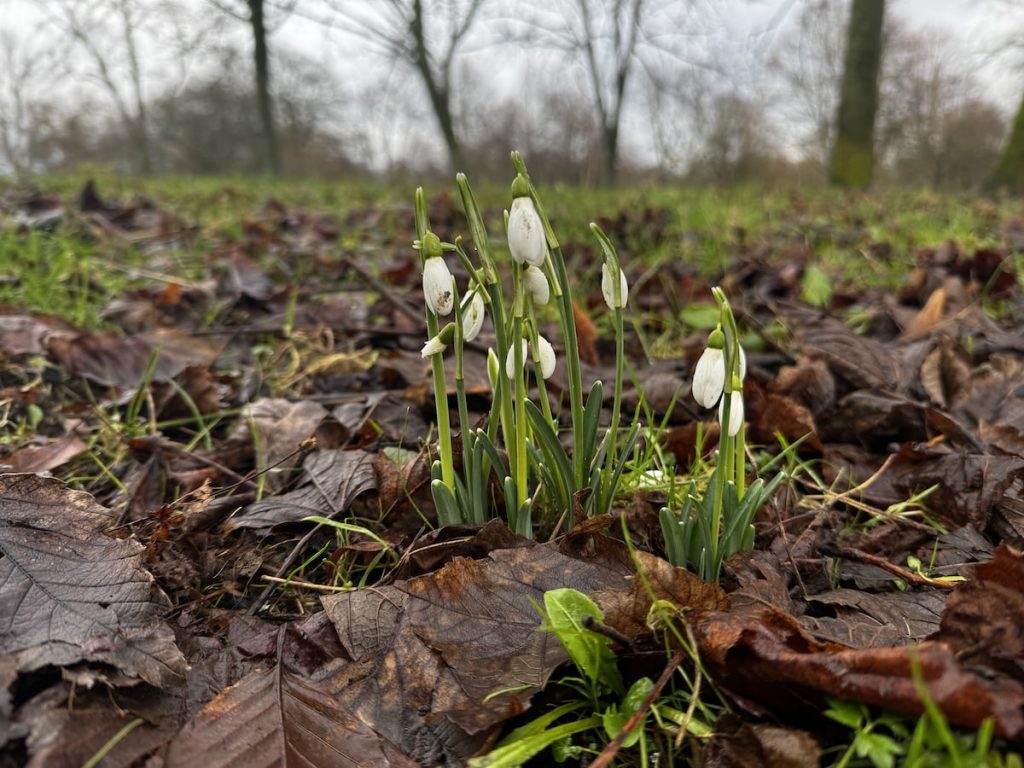
Victoria Park. First snowdrops I’ve seen this year and the earliest I’ve noted on this blog or uploaded to flickr.
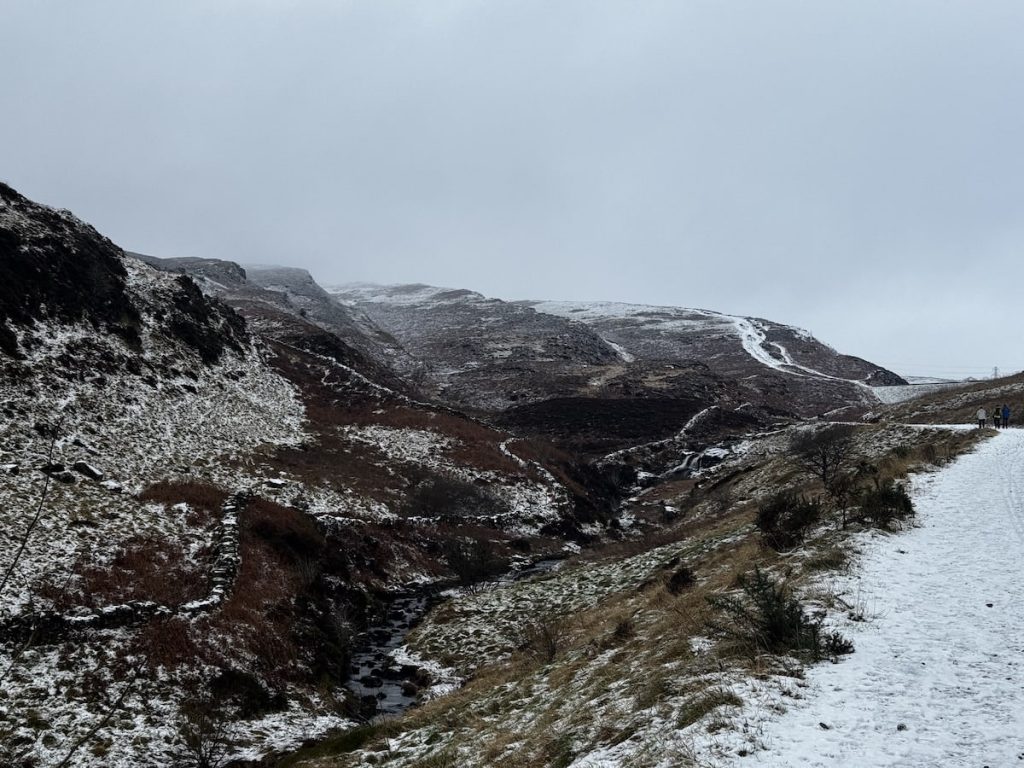
#SilentSunday

#SilentSunday
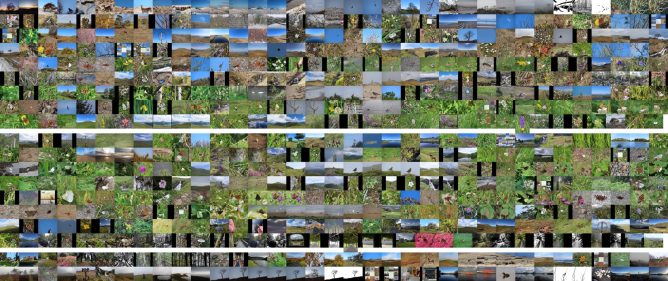
As usual I’ve made a pummelvision style video:
The featured image is a montage of the same photos and here is an average:

Because I’ve now got a local database of my flickr photos it was easy to get all my tags of the year and make a wordcloud.

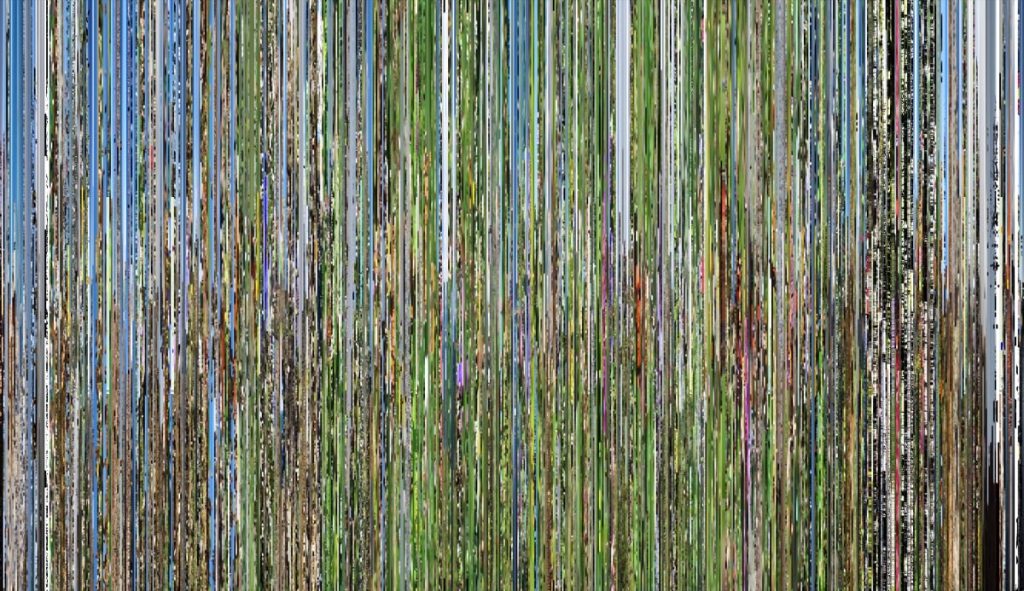
And a slitscan (or a sort, given these are separate still images):
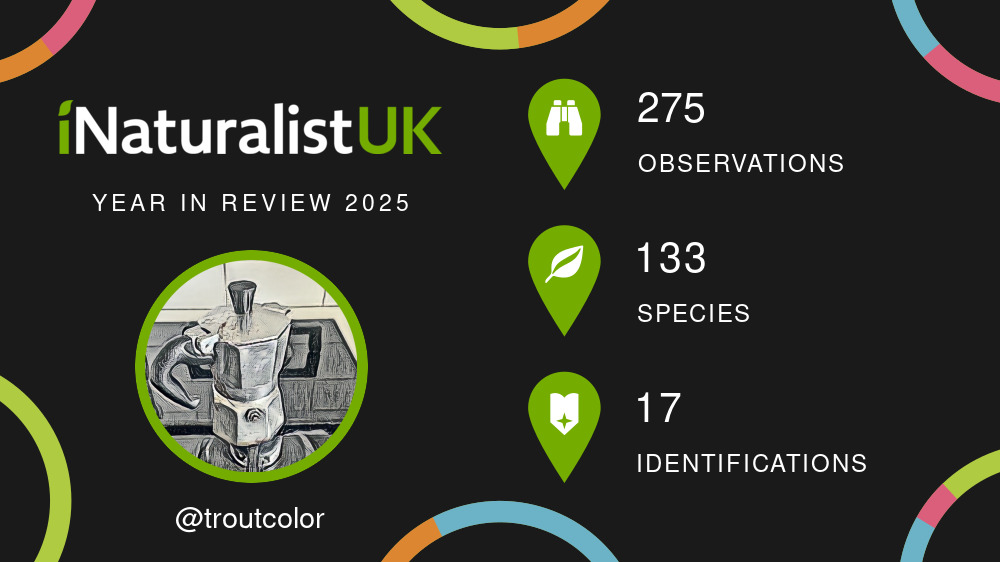
INaturalist do nice stats pages at the end of the year, mine for 2025
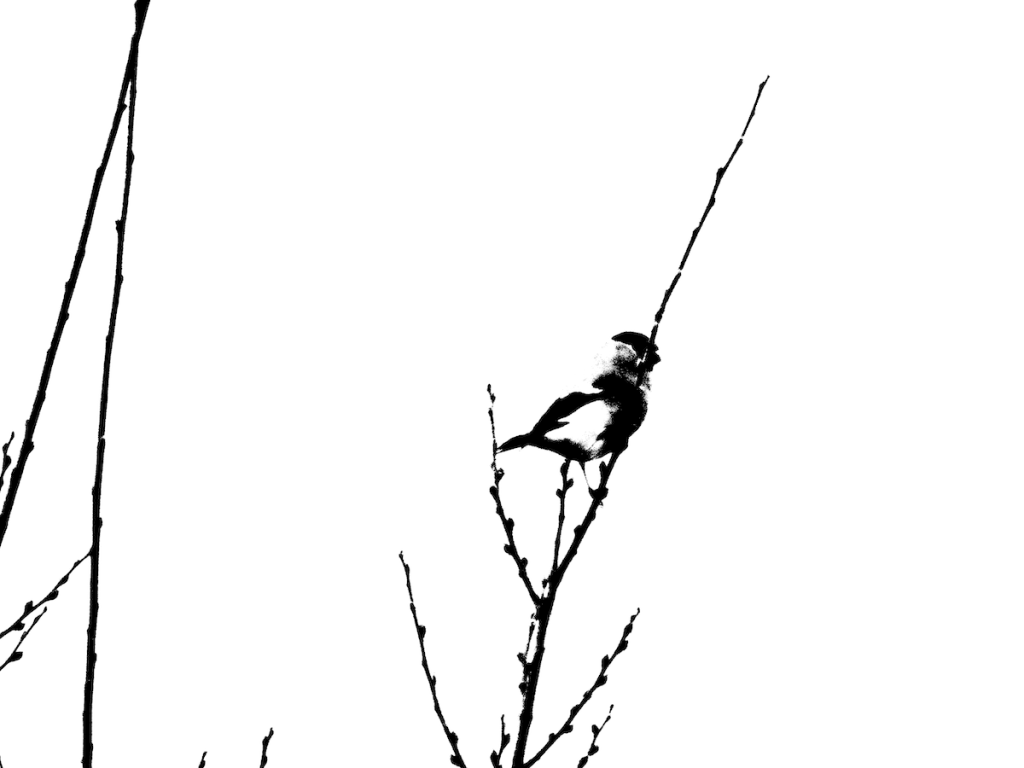
#SilentSunday

#SilentSunday
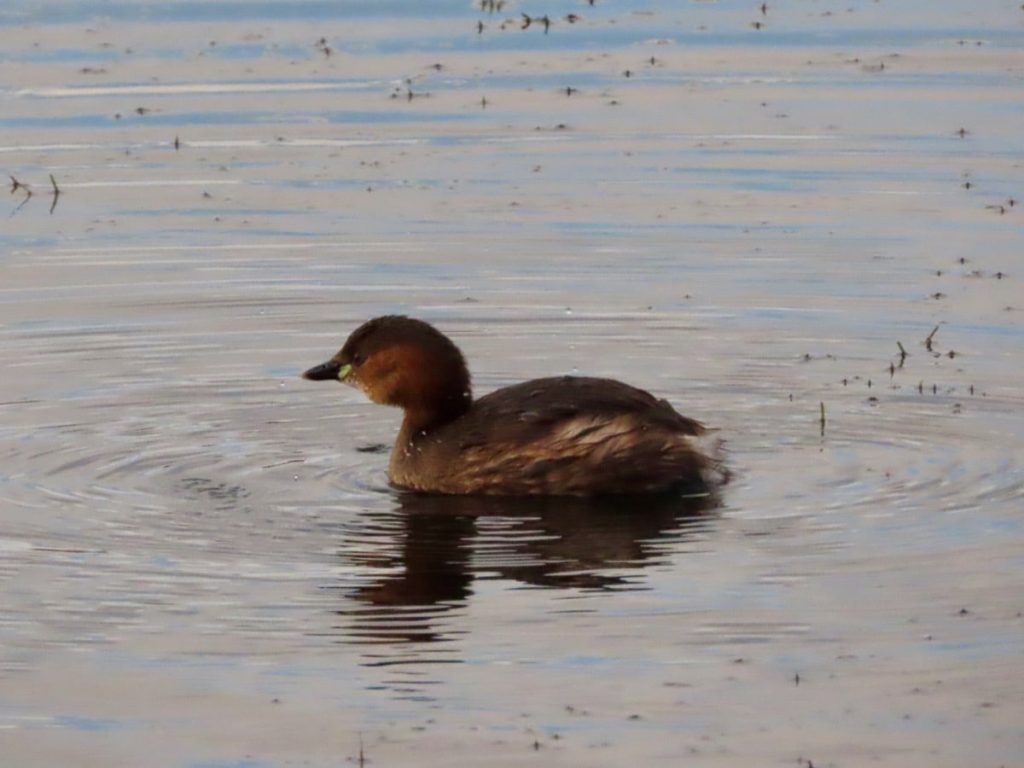
Watched a couple of dabchicks fishing on the park pond this afternoon.
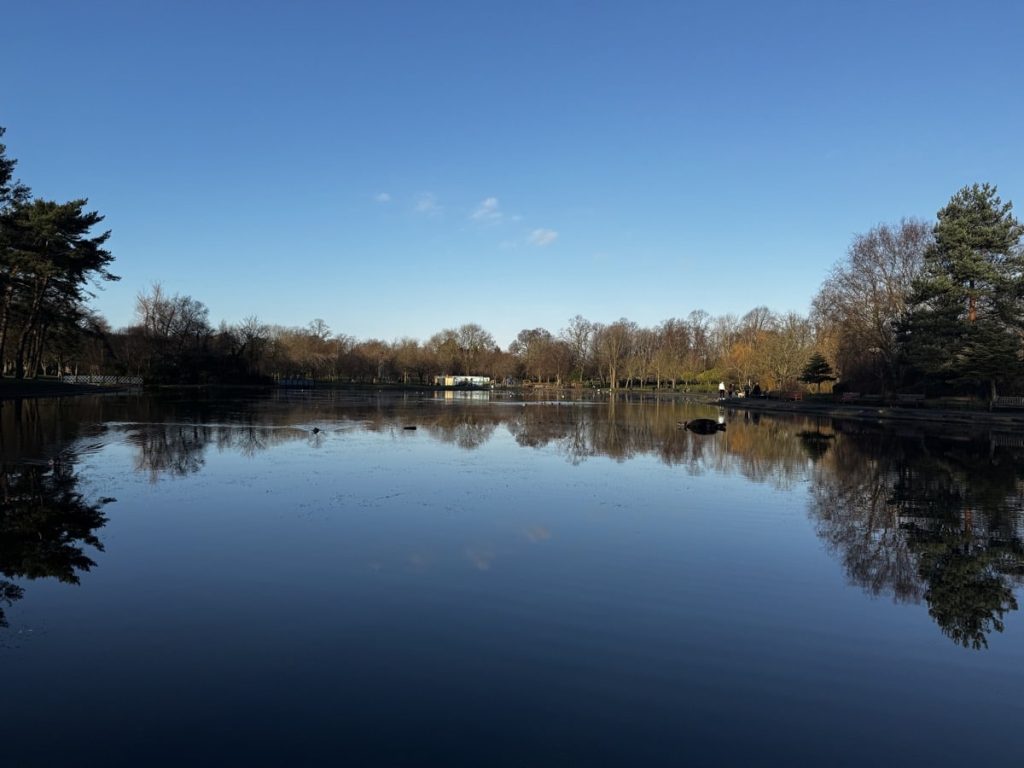
The park pond in reflective mood today. After so much rain I hope the blue sky hold for a while. Just short of 7 hours daylight today.