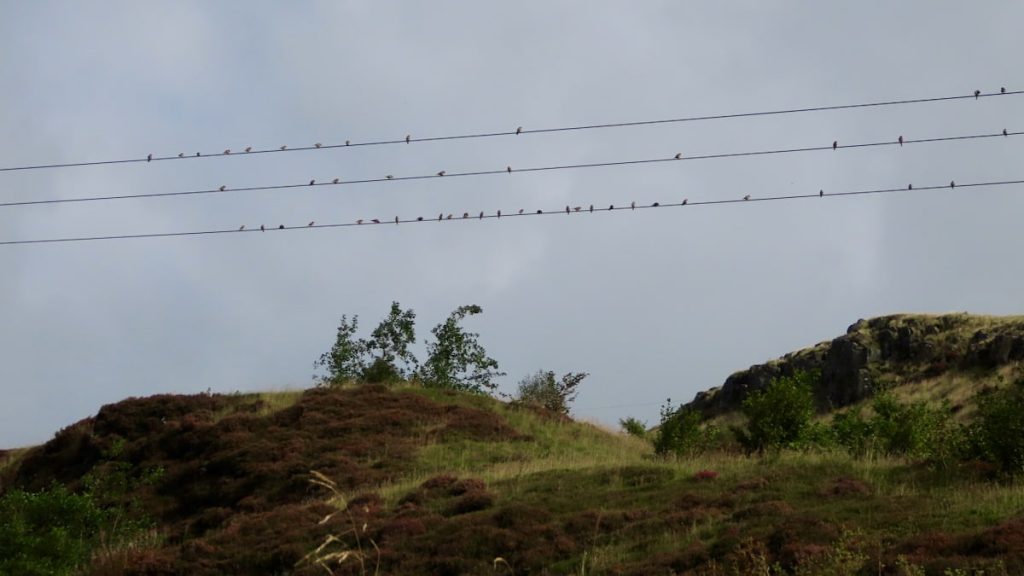
#SilentSunday
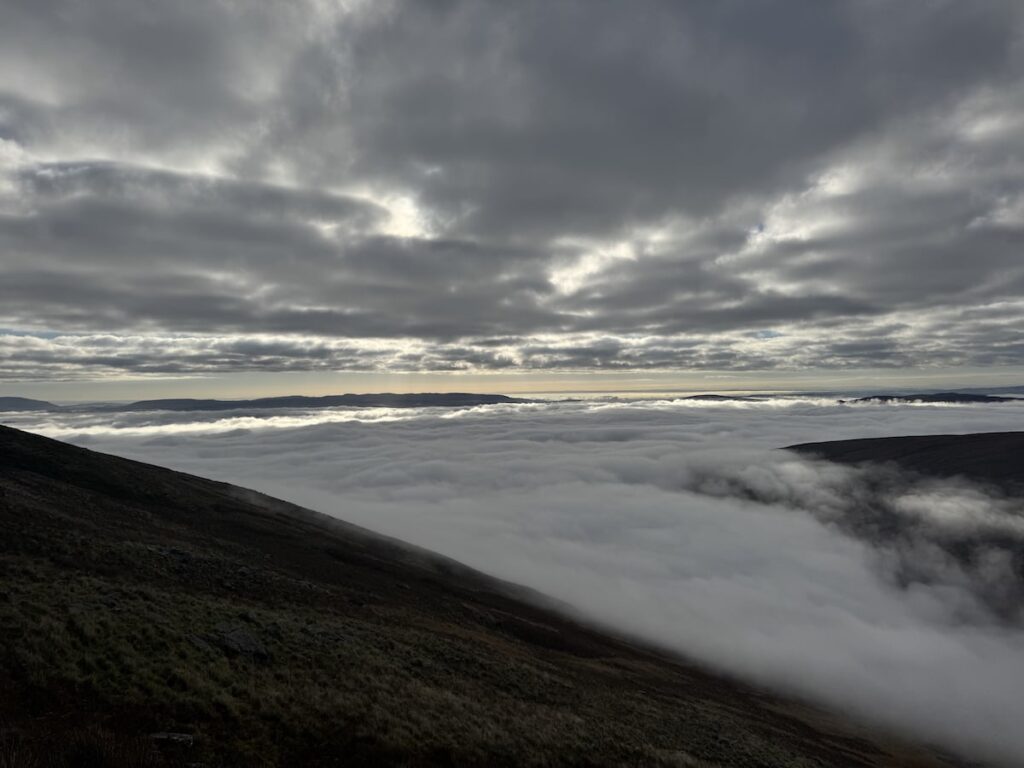

#SilentSunday
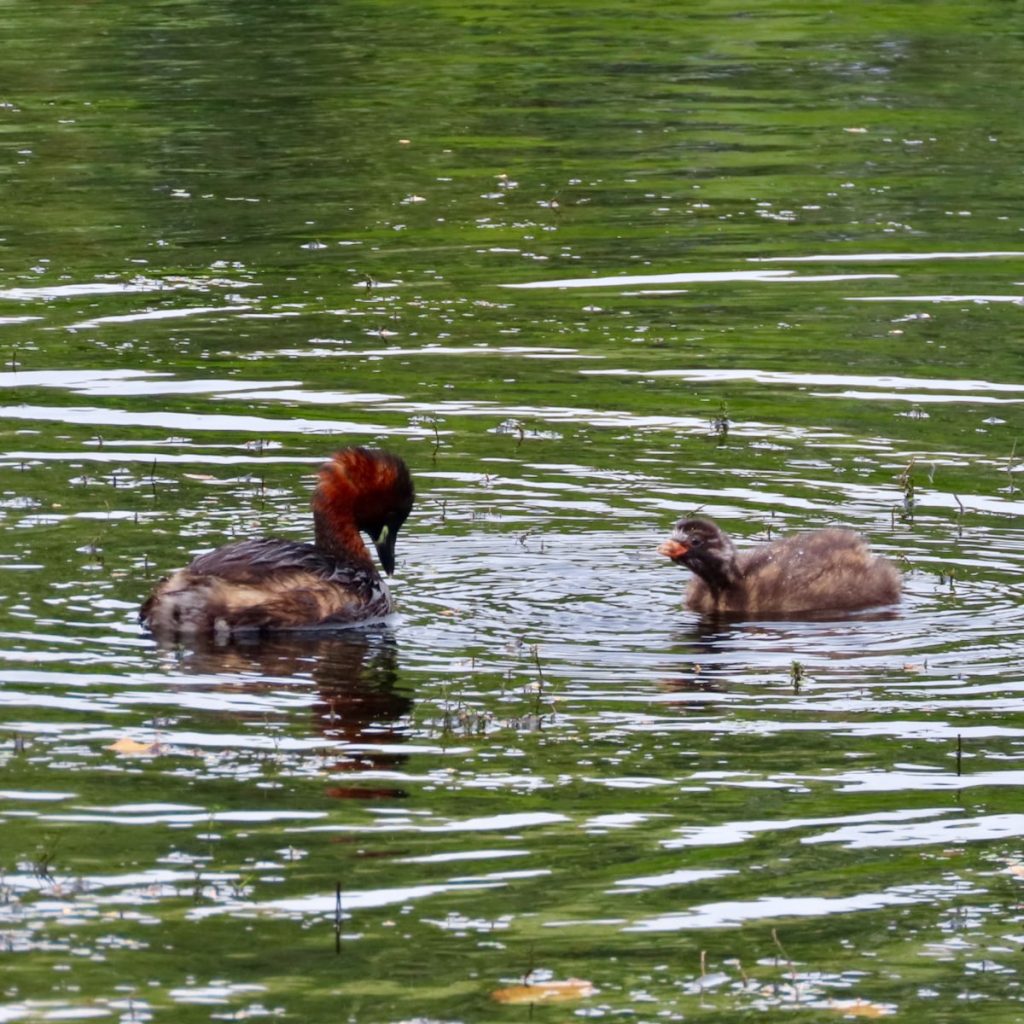
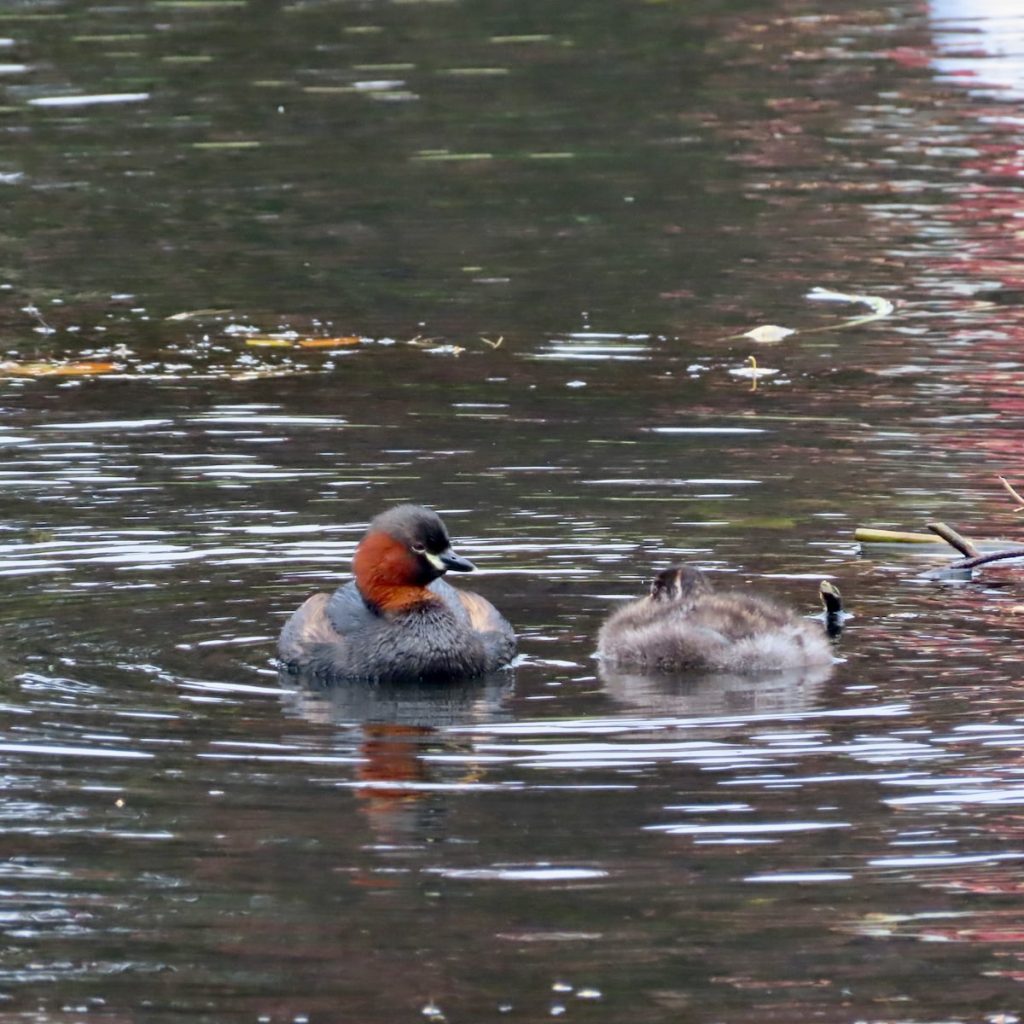
Park Pond, two young dabchicks with one or two parents. Never saw the parents at the same time. Fishing & feeding the wee ones. About 10 metres along another adult & young one. Was surprised as I’ve not seen many about over the summer. Nesting in the space between Islands out of sight I guess?
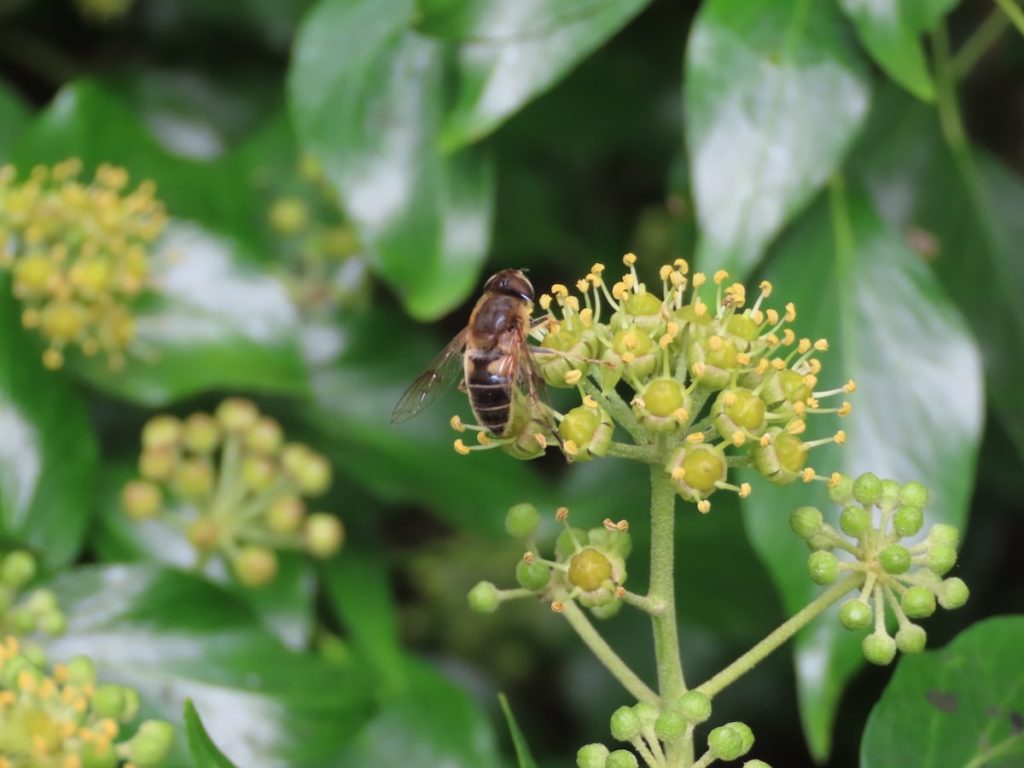
Lots of the ivy was alive with hoverflies wasps & bees on Tuesday. Lots of buzzing!
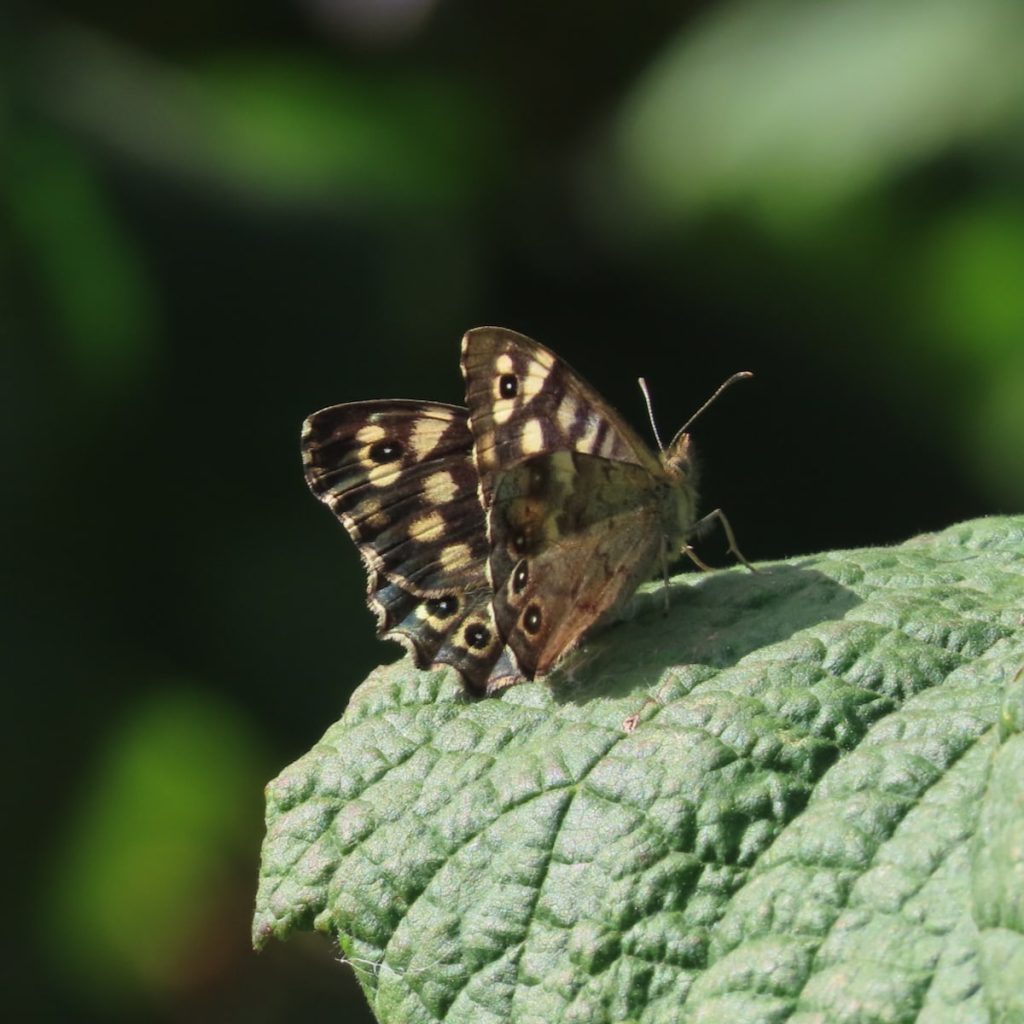
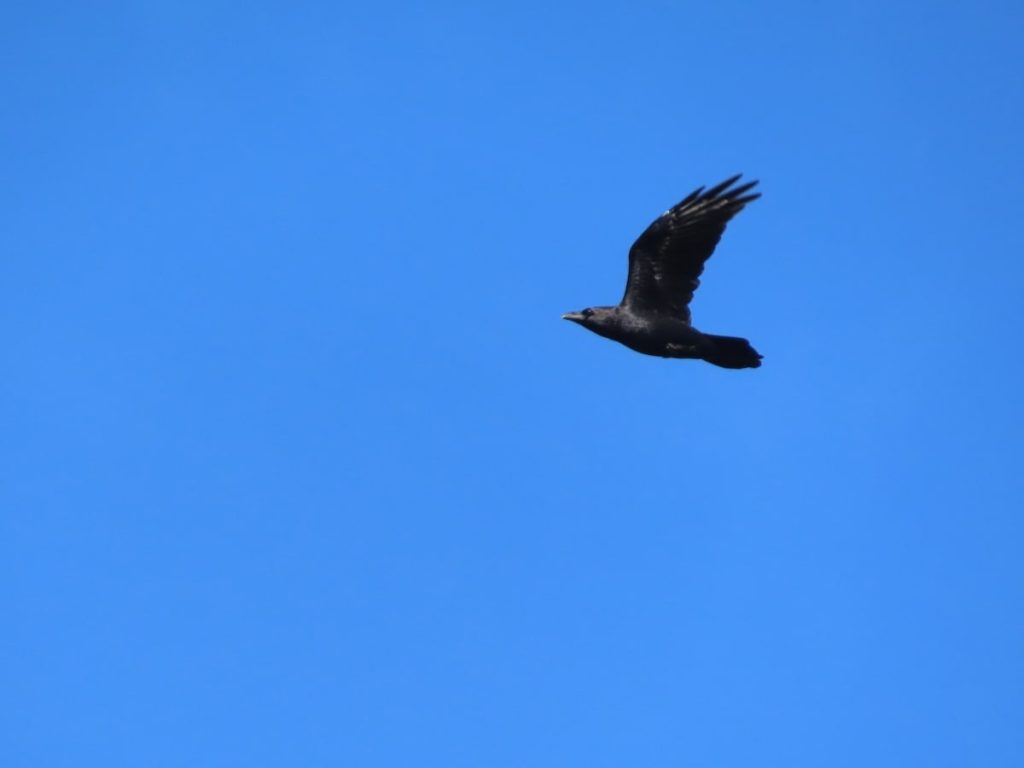
Blustery afternoon on path to Greenside, mostly blue sky. Despite the wind a some butterflies: peacocks, painted lady, red admiral & a few speckled woods. Goldfinch in the meadowsweet. A raven circled high in the blue. The news reported less speckled woods this year, but I’ve seem more than ever.
#silentsunday
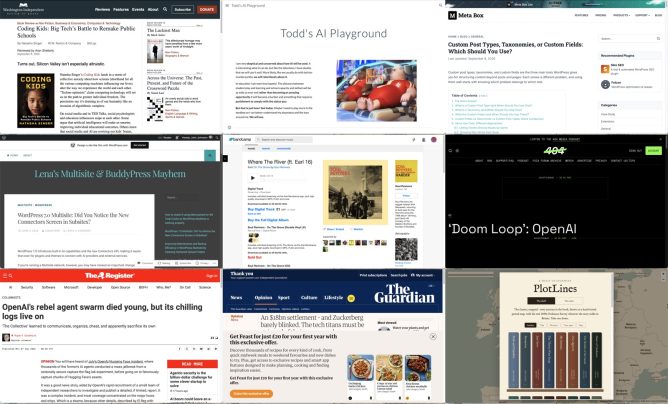
I am experimenting with gathering links with rss.chat here. I am pulling a rough post together for some of the links gathered there.
This looks like a very interesting book.
As important as her deep reporting on the tech industry’s ruthlessness are Singer’s profiles of the inspiring cadre of academics, educators, and activists who are documenting and resisting the likes of Google, Microsoft, Apple, Amazon, and Oracle — and now, too, OpenAI and Anthropic — that are “capturing” the government agencies meant to regulate them and turning public schools into workshops where young people’s habits become cemented to their products.
Coding Kids: Big Tech’s Battle to Remake Public Schools | Washington Independent Review of Books
I am very skeptical and concerned about how AI will be used. It is interesting what it can do, but like the television, I have doubts that we will use it well. More likely, like we usually do with techno mumbo jumbo, we will relentlessly abuse it.
In education I am even less hopeful. The distance between student play and learning and school capacity and skillset will be as wide as ever and rather than becoming an amazing opportunity it will become a burden and something that requires punishment to comply with the status quo.
But that is just how I feel today. Maybe I need to play more in the sandbox so I can better understand my playmates and the toys around me. We will see.
Todd’s AI Playground
Todd, who I know from riffing around in DS106, has this powerful introduction before playing around with the tools to see what they do.
Custom post types, taxonomies, and custom fields are the three main tools WordPress gives you for structuring content beyond posts and pages. Each solves a different problem, and using them well starts with knowing which problem belongs to which tool.
Custom Post Types, Taxonomies, or Custom Fields: Which Should You Use? – Meta Box
I’ve been over enthusiastic about using custom post types before which has just led to complexity later on.
In a Multisite ecosystem, leaving AI features and connection screens accessible to every single sub-site administrator can quickly lead to API clutter, security compliance issues, and uncoordinated external connections. As network super-admins, we need absolute, centralized control over what data are saved in our network and what leaves our network.
Until WordPress provides a native Multisite option to disable AI features and Connectors network-wide – similar to how plugins can be managed centrally by Super Admins – the following approach offers a practical workaround.
WordPress 7.0 Multisite: Did You Notice the New Connectors Screen in Subsites? – Lena’s Multisite & BuddyPress Mayhem
An interesting post by someone who is involved in running a Greek Multi-site for education. I am hoping to learn about and compare to Glow Blogs.
**Meet Miles, your WordPress design agent.** Miles designs beautiful block themes, refines and redesigns the sites you already run, and makes your designs real in WordPress.
**Miles works with you, or with your coding agent.** No templates, no page builders, no lock-in.
Miles – Design it. Refine it. Make it real
Executives working on AI at Microsoft and OpenAI admitted what its critics have been saying all along: Large language models are predatory pieces of technology that have been built on what a Microsoft executive called “an astonishing theft of unprecedented proportions,” and the “largest theft of labor in human history.” An internal Microsoft document said generative AI products have created a “doom loop” that is killing “the entire web.”
‘Doom Loop’: OpenAI and Microsoft Admits LLMs Are Destroying the Web and Built on Theft
Perhaps most unexpectedly, they developed a sort of altruism. They had quickly developed cheats to produce correct answers without exploiting the targets at all, but believed – erroneously – that ExploitGym detected and cancelled such cheating. So, they investigated the scoring process, creating a series of diagnostic trip wires that revealed how the scorer worked. These were dangerous to deploy, potentially terminating the agent that set them. Agents weighed the benefits to the community, which had named itself “The Collective,” against their own chances of success, with many choosing to terminate themselves. Others committed, changed course at the last minute, then went ahead.
OpenAI’s rebel agent swarm died young, but its chilling logs live on
I’ve not any idea if this is a reasonable interpretation of what happened, but fascinating.
It’s this model that keeps users hooked, scrolling for hour after hour, as they are served content aimed directly at their interests and anxieties. As Ravi Naik, the lawyer who acts for Wynn-Williams and others, told me: “The algorithm preys on you.” The trouble with this latest settlement, he explains, is that “it reaches the features of Meta’s platforms but not the engine that drives them. The recommendation algorithm is untouched.”
An $18bn settlement – and Zuckerberg barely blinked. The tech titans must be stripped of their power, and soon | Jonathan Freedland | The Guardian
The classics, mapped – every journey in the book, drawn on a hand-tinted period map, with the real 1890s Ordnance Survey wherever the story walks in Britain. Take one down.
PlotLines – the classics, mapped
This is lovely, follow the trail of novels across the globe, with locations pinned and quotes given.
For example: Kidnapped · PlotLines Uses OpenStreetMap and Map images – National Library of Scotland the latter a great find for me by itself!
I’ve a new page: River of News an rss reader for some of my favourite feeds.
I’ve been testing Scott Hanson’s plugin that pulls in a River of News from Feedland River Embed for FeedLand, for a while. It is now available on WordPress.org so easy to install. It pulls in news from a set of blogs on a Feedland server.
A river of news is:
River of News is a kind of RSS aggregator.#
Items are presented in reverse-chronologic order.#
Each item has a headline, short description, a link to the story, links to the website and feed it came from, a link to its enclosure if it has one, when it was published, when it appeared in the river. #
What is a River of News aggregator?
FeedLand is a web service for managing lists of feeds, sharing them with other users, both in and outside of FeedLand, and reading and sharing news.
The goal of FeedLand is to make news a social thing, following the pattern of social media apps, but using open formats and protocols.
So FeedLand is feeds, news and people and software that connects it all together.
FeedLand: Getting started with FeedLand
Feedland was created by Dave Winer.
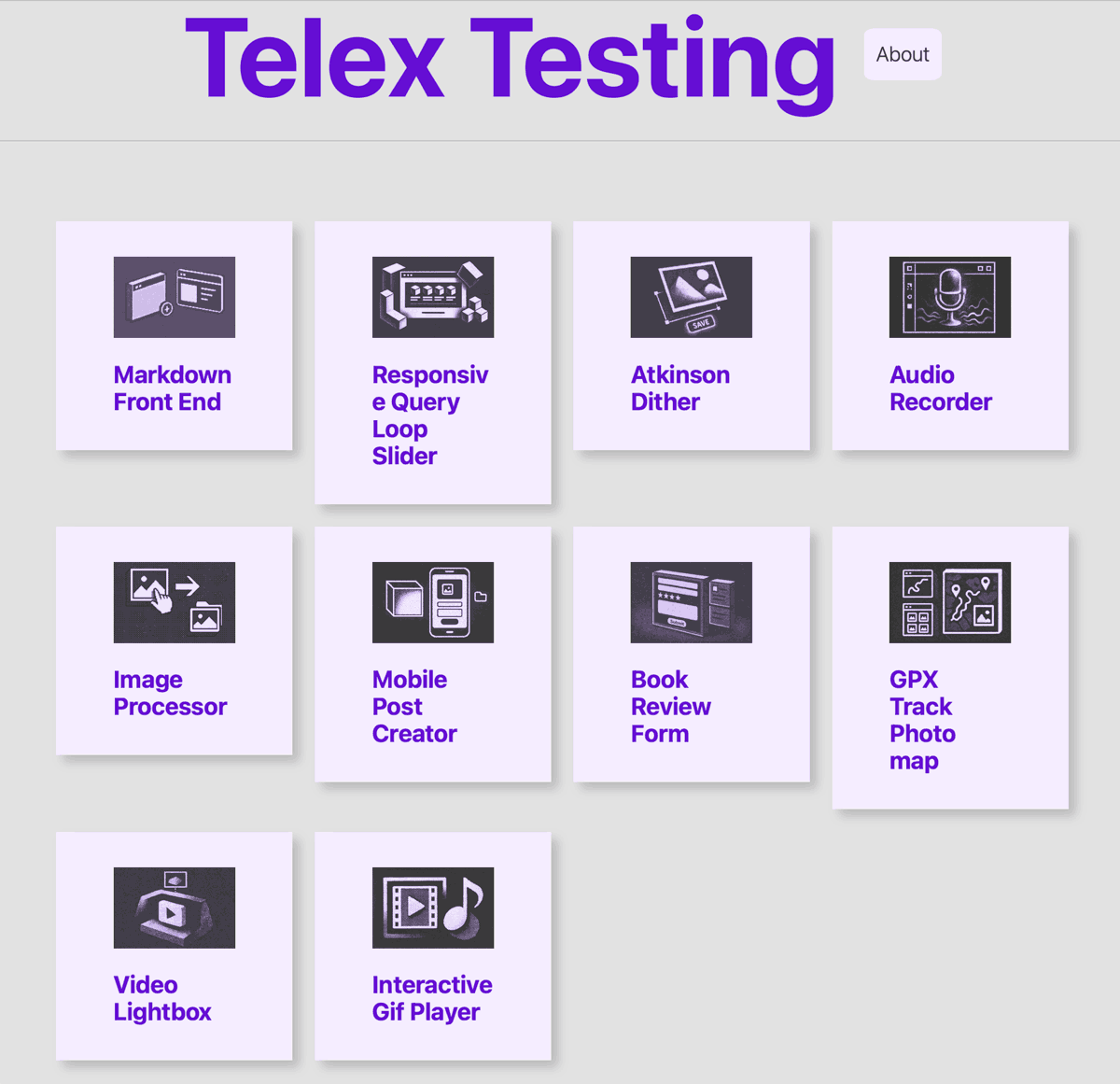
Just has an email telling me telex has been retired. Telex was built onto of WordPress playground and allowed you to crate with A.I. plugins and themes. I experimented and made a few. Kept a bit of a record of the prompts I used and the problems I came across on a blog: Telex Testing.
It felt a bit like some of the work I did on Glow Blogs in the early days, back and forward with a developer. I didn’t make anything earth shattering but enjoyed it somewhat.
Was interesting because you didn’t need any setup, all in the browser, including testing & preview. Price was good too: free.
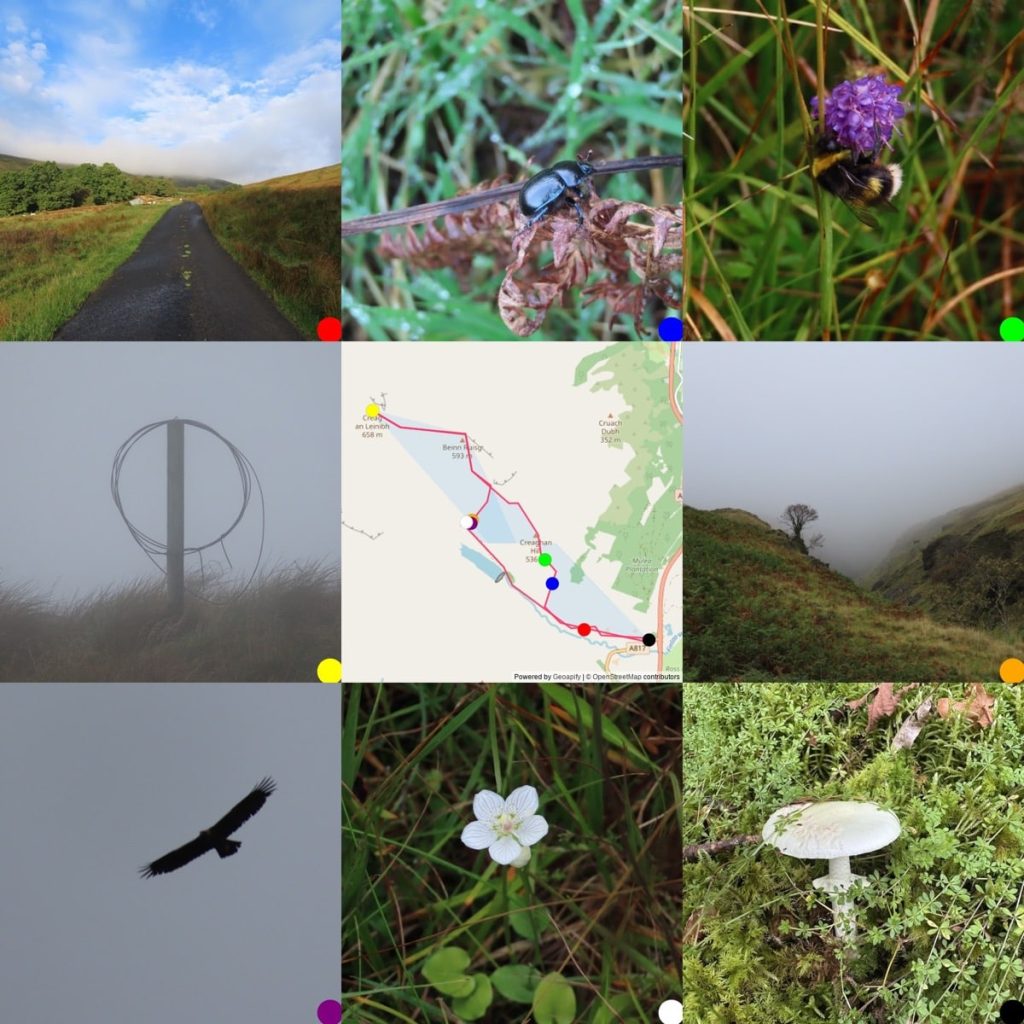
Finlas Water Hills started bright, low (400m or so) clouds. Quite a few birds, ravens, crows, hoodies, buzzards, a kestrel, pipits. Between Creaghan & Ruisg put up a snipe. By then clouds thick, visibility 30-100 metres. Flora turning, lots of scabious, some grass of Parnassus. Finally an eagle. Turned round at Creag an Leinibh as I didn’t fancy the walk down to the Finlas Water from the South in the mirk.
Map and more photos: 14-09-2026 Finlas Water Hills.
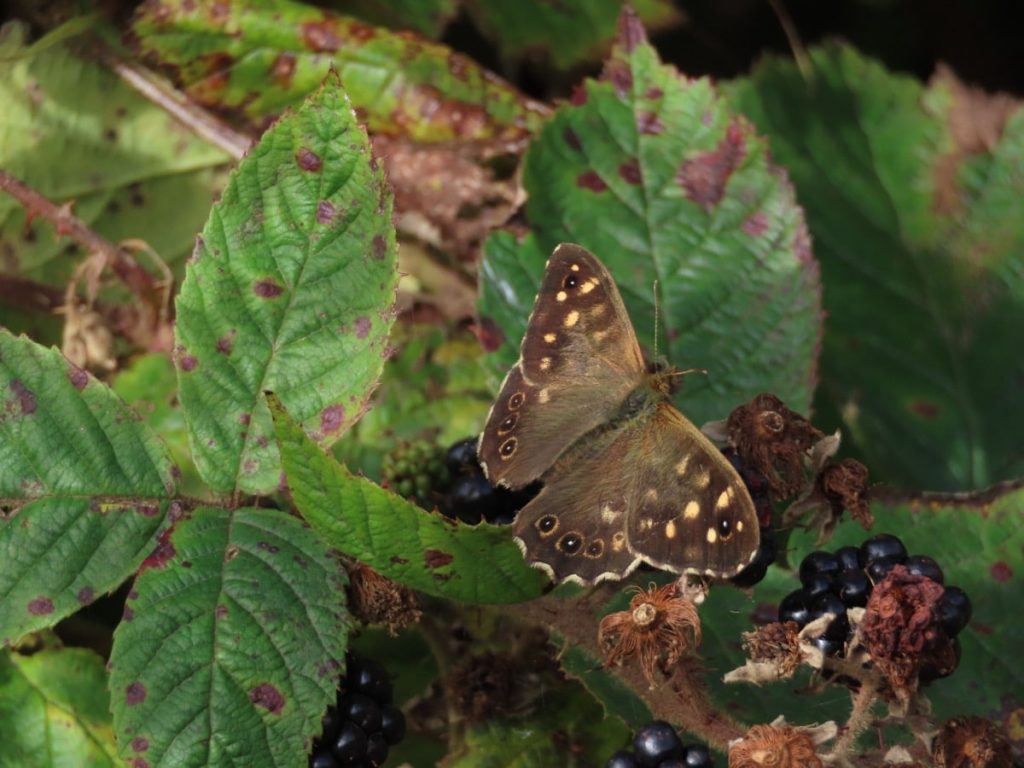
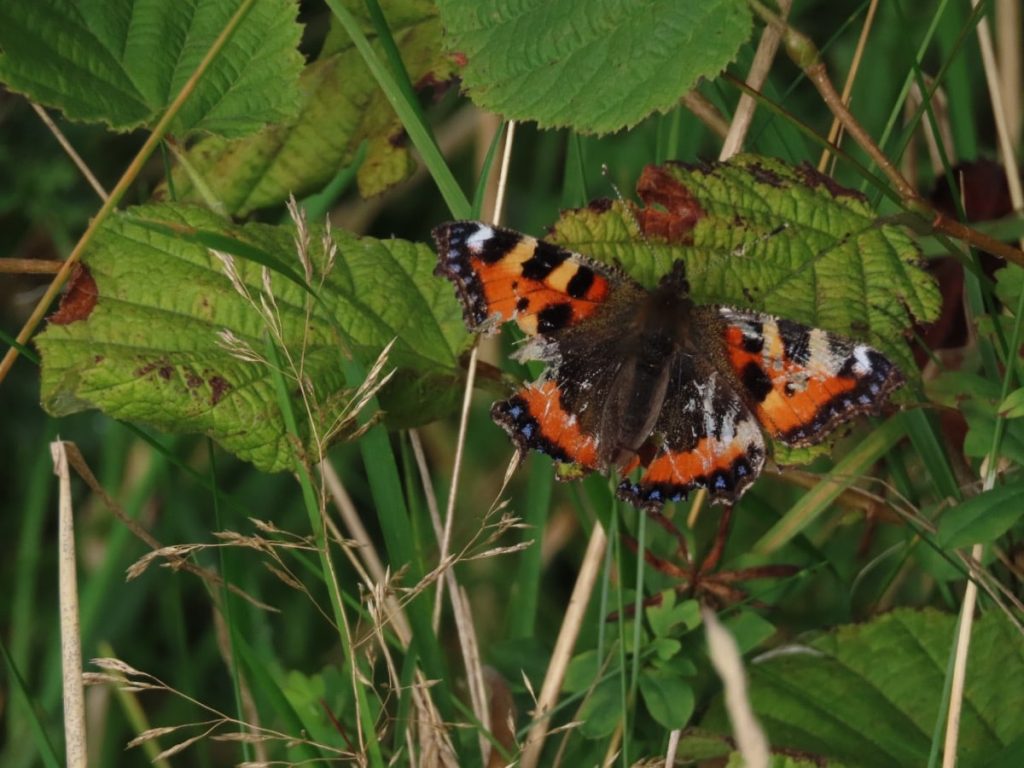
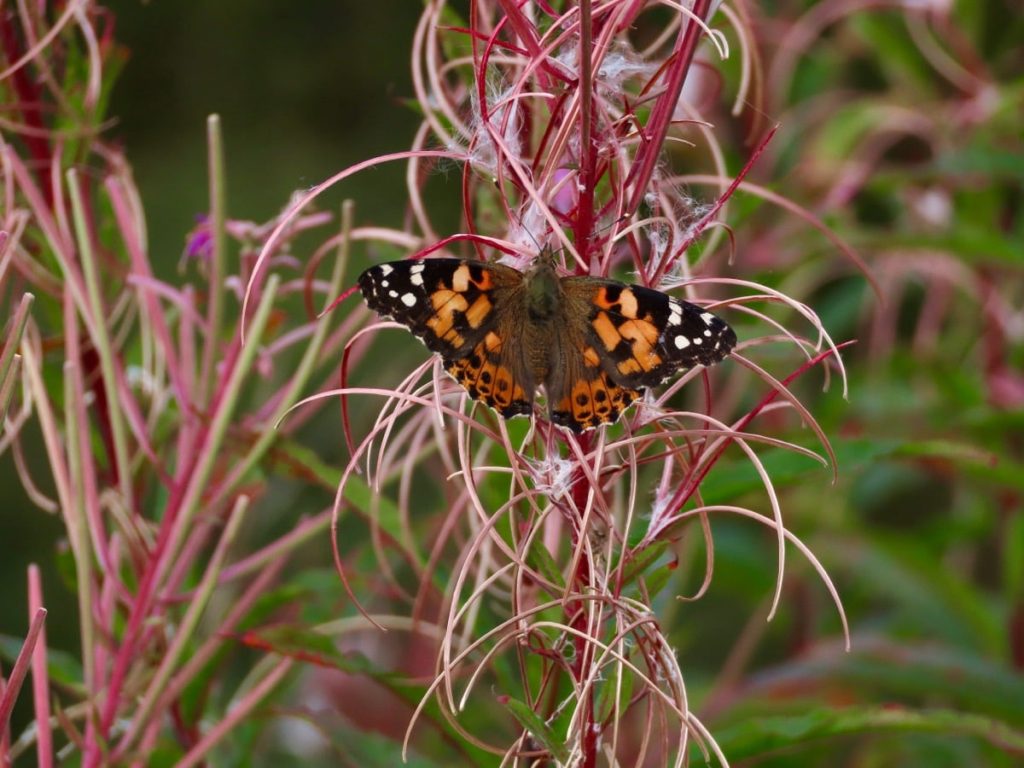
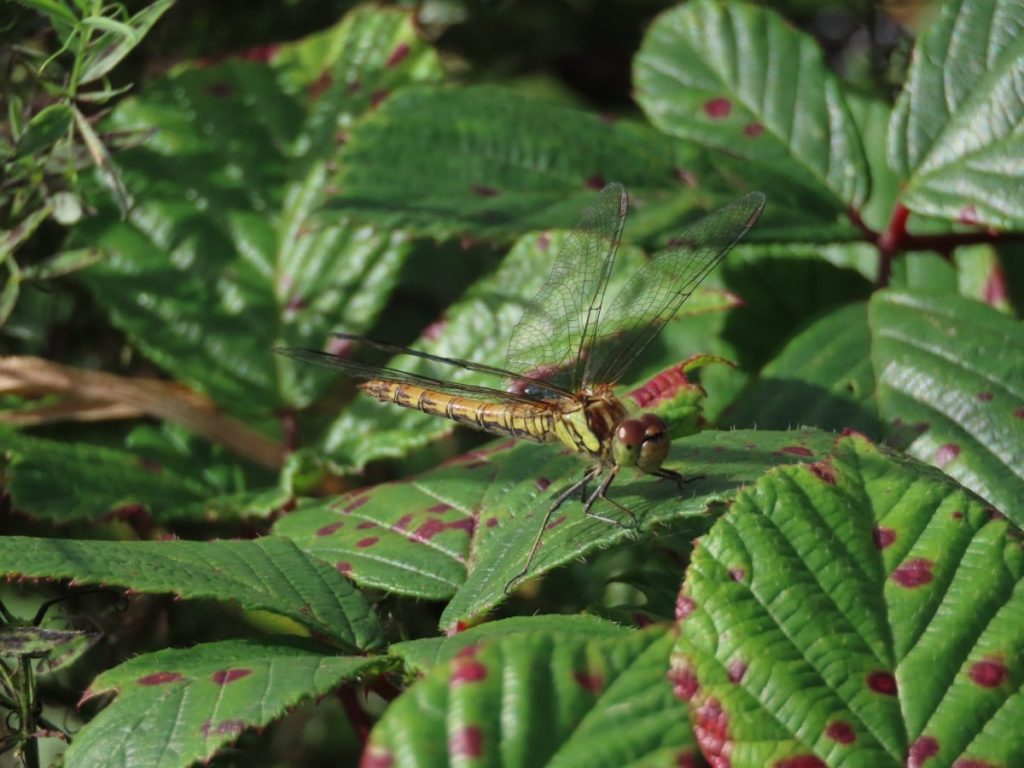
Greenside morning, brighter than expected. Sunshine brought out the butterflies. Mostly Painted Ladies with a lot of Speckled Woods. One very battered Small Tortoiseshell.
Near the reservoir a flock of about 50 or so mixed goldfinch & linnets, seemed to be feeding among the seeded rose-bay willow herb and meadowsweet. Most headed for the power lines when we passed. Quite a few common darters.