Basically because they were the first computers I use. In addition I’ve years worth of shortcuts, kludge and scripts that help my workflow.

But I’ve often discussed this with other educators and often suggested that macs are cheaper. This is usually scoffed at, not too surprising given the shelf price. They do last a long time though.

I was pretty disappointed when North Lanarkshire decided to mostly switch away from macs a couple of years ago.

I saw this in my feed reader today:

IBM found that not only do PCs drive twice the amount of support calls, they’re also three times more expensive. That’s right, depending on the model, IBM is saving anywhere from $273 – $543 per Mac compared to a PC, over a four-year lifespan
Debate over: IBM confirms that Macs are $535 less expensive than PCs | Jamf

The range is a little less impressive than the headline but enough to keep me on the mac track for my next purchase.

featured image: my own. Color Classic, run through some filtering app long enough ago so that I’ve forgotten. 

Although I’ve not been blogging about all of the 23 things, I’ve though a little about most of them. This item from my feed reader:

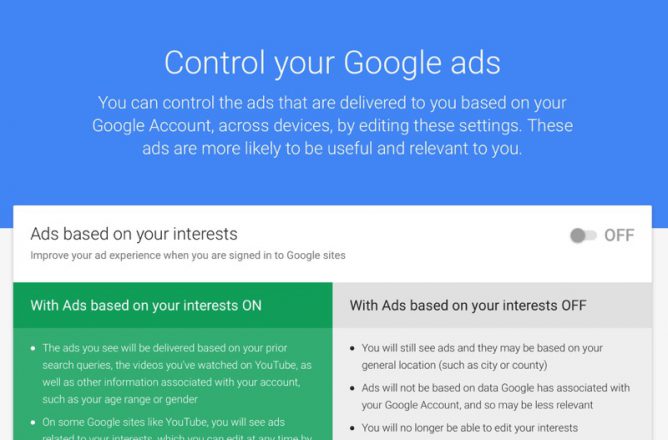
Google Has Quietly Dropped Ban on Personally Identifiable Web Tracking – ProPublica got me thinking more about thing 4 digital security

To opt-out of Google’s identified tracking, visit the Activity controls on Google’s My Account page, and uncheck the box next to “Include Chrome browsing history and activity from websites and apps that use Google services.” You can also delete past activity from your account.

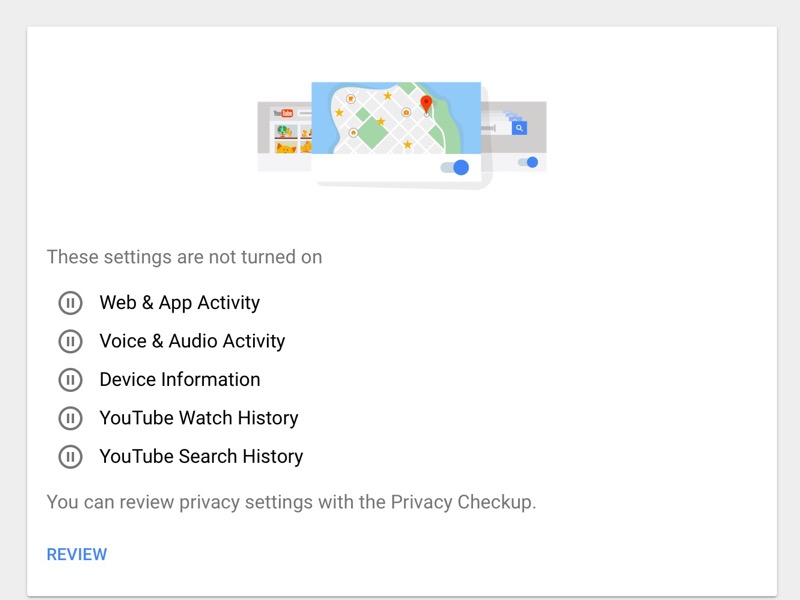
After that I headed over to the Google My Account page and turned off as much as I could.

Over the years I’ve used dropbox as a quick way to publish webpages. many of which I’ve linked to from post here.

I’ve got plenty of other places to post to the web but for some things and some wee projects it has been very convenient to drop html files into my dropbox’s public folder they are published.

Dropbox Basic (free) users: Beginning October 3, 2016, you can no longer use shared links to render HTML content in a web browser. If you created a website that directly displays HTML content from your Dropbox, it will no longer render in the browser. The HTML content itself will still remain in your Dropbox and can be shared.

from: The public folder – Dropbox Help – Dropbox

Google Drive did something similar at the end of August this year.

I believe that both services removed this feature because of abuse. A great pity. It will have broken quite a few links I’ve posted.

The most frequent use I made of this was a simple mashup of gpx files, google maps and flickr photo sets. It was on adding to this today I notice the breakage.

I suppose I could try one of the services that publish your files in dropbox else where or set up some sort of script to upload things but any alternatives, ftp, surge, github etc that I’ve tried lack the simplicity.

Featured image Beat-Up Box 3 | Bill Bradford | Flickr CC-BY.

The weeks are flying by. I was hoping to backtrack on a few things this week but Week Six. Copyright, OERs and Creative Commons – 23 Things popped into my inbox and thing 11 is quite timely.

Here and there

I’ve blogged here about copyright quite a bit, but it is a constantly interesting subject.

I am in general a respecter of copyright. I use other people’s images her on the blog and always attribute and respect copyright.

Occasionally for more creative purposes I sidestep the rules to use of old movie or tv footage on my DS106 blog for more fun stuff (example: characters). I don’t think any corporate dollars have been harmed;-)

I’ve had a licence on this blog for a while, originally a BY, Share Alike-Non Commercial one. Currently a Creative Commons Attribution-ShareAlike 4.0 International License.

A couple of days ago I read [Trying] Going to Flickr Zero, CC0 where Alan has changed all of his Flickr licenses to CC0. I can see the point.

My flickr photos are CC-BY-SA in the same way as this blog. This got me thinking. I am, unlike Alan, no photographer. It is unlikely anyone is going to make loads of cash from any of my images (or my deathless prose here). Over the years I’ve had a couple (2) of folk contact me to use a picture of mine for “commercial” purposes, and been delighted to do so. CC0 would change little except make reuse easier.

But I do like the idea of attribution and getting attributed. The attention feels nice. It also might encourage others…

The Share Alike idea seems nice too, but I guess might occasionally make things more difficult to use. I may lose that soon.

Another recent post that looks at the issue with some subtly: On Attribution vs Privilege of CC0Reflecting Allowed | Reflecting Allowed.

But not everything I create can be CC0. Not yet. And in my local context these things can really really matter. It can make the difference between who gets a job or tenure or promotion and who doesn’t.

and in the comments:

Audrey Alan and Doug are examples of intersectionality here – no stable academic job but famous and with lots of social capital.

I’ve not really got any problems in this regard, being an amateur sharer rather than a pro.

In Primary School

This is hard. Over the past few years I’ve had to explain copyright to teachers. Now I am back in class working with 8-11 year olds. Since I was last in the classroom full time pupils spend a lot more time on line, they are very familiar with finding images via google searches but digging out the license is hard. Lots of tools now make it very easy to ignore copyright.

I fall back on providing my class with some  public domain sites to search and my FlickrCC Stampr.

Resources

Some things I’ve found useful:

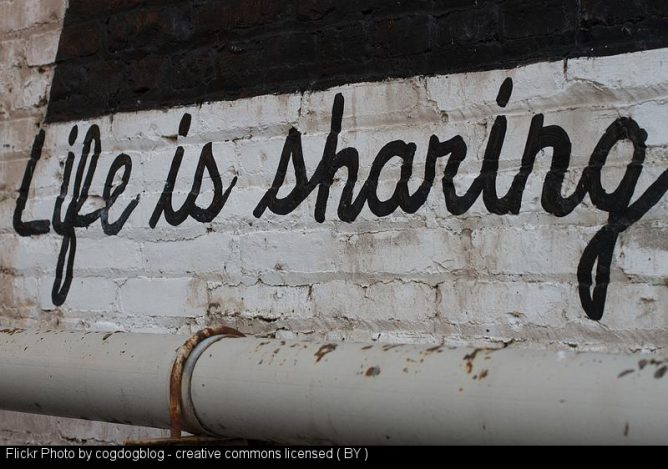
Featured image: Life is Sharing | Part of a Cleveland mural, the full saying… | Flickr CC-BY Alan Levine. Stamped my module for Alan’s’flickr cc attribution bookmarklet maker.

At the weekend during pedagoo muckle there was a mini TeachMeet. Everyones name was in a bowel and there was a series of random 2 minute talks. I though I was prepared with this tip. In the event I was quite glad I didn’t get picked all the people who got picked had two minutes of great ideas, as opposed to a wee tip.

I did mention it to one or two folk at my conversation and it was well received so I though it would be work posting.

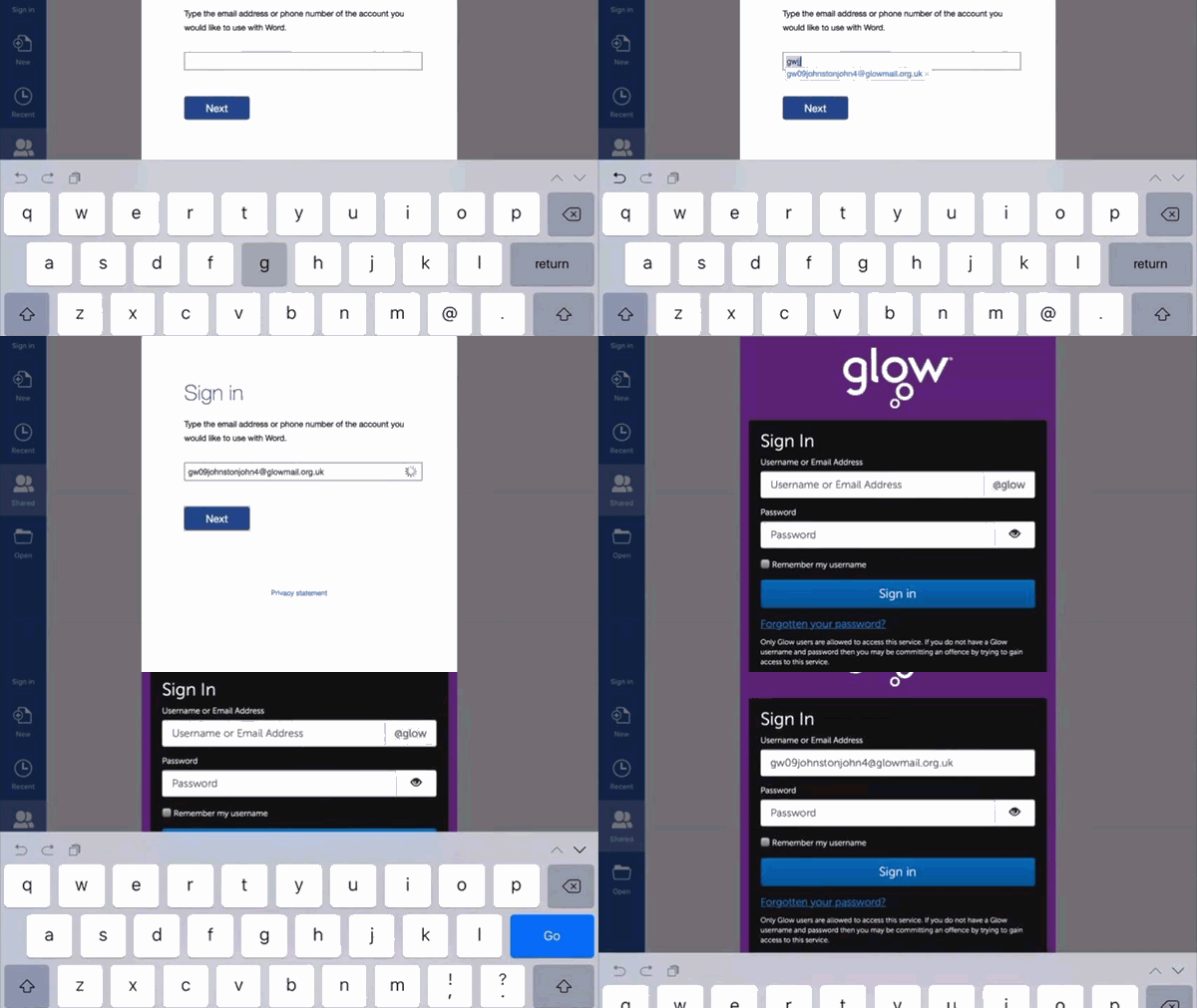
One of the minor hassles I’ve been having with Glow and iPads is multiple logons. Some of the MS apps seem to get themselves in a state of confusion, requiring pupils to log on frequently, and more than once. This is a particular pain if you work in Word, save to Onedrive and then upload that file through the browser. I’d like this to be a thoughtless and painless process for my class but it is not. This is compounded by the fact you need to put a glow email address into an MicroSoft iPad app, this them loads the RM Unify logon where you need to use your glow username and password. Given you can use your glow email in place of your username this make the tip even more useful.

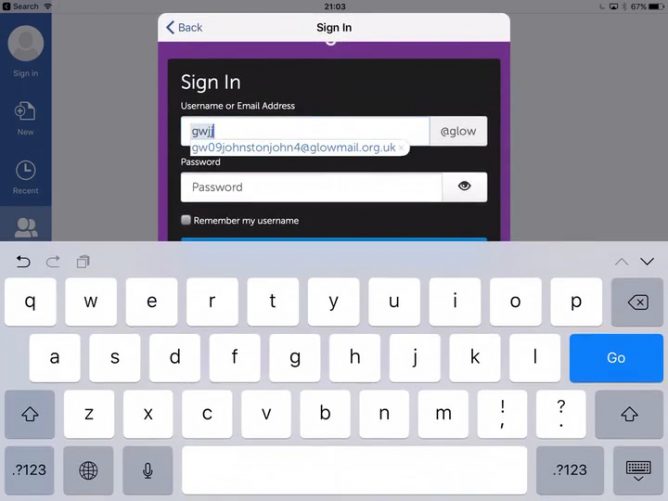
iOS has a text replacement function. You can type a shortcut and the predictive text will offer the expansion to insert.

You set these up in the Setting App, General-> Keyboard- Text Replacement, the phrase would be your glow email, the shortcut something memorable, not part of a real word. We used gw and initials, so mine is gwjj.

Here is a gif showing how much easier it it to log on with a shortcut.

shortcut-gwjj

As a bonus, some of the pupils in my class added other shortcuts, for example d: for define: which hlps find the meaning of words in google.

Week Four: Twitter and Facebook – 23 Things

I’ve been on twitter for a while so I guess I would be an intermediate user. I’ve blogged enough about twitter for it to be fairly prominent on my tag cloud.

In response to the various questions I do use lists. My follow policy is if someone follows me, they look as if their interests are in the same ball park as mine, I follow back. Lists help keep up with specific topics or groups that might get lost in the flow.

I occasionally look at the analytics. But not too much. I enjoyed having a quick look at the links provided in this thing about using twitter to get a job or for professional advancement. I don’t think I’ll ever get a job through twitter, apart from a lack of discipline the gif that punctuate my stream are possible not the best professional face. I do try to be inoffensive, as a primary teacher I know. Pupils will have a look.

I’ve not used tweetdeck for a while but have recently signed up for tweepsmap. This provides a weekly list of new followers and unfollowers. I tend to unfollow folk who unfollow me, as I’d like to be in the position of having a conversation. I do of course follow various bots and interesting folk who don’t follow back and have a few accounts that I don’t follow in lists.

Some useful twitter stuff I’ve blogged about include:

There is a pile more posts here on my blog that I’ve found interesting to skim through tagged twitter. Twitter brings up a lot of interesting questions, around privacy, algorithms, software design and more. This think has been useful in helping me revisit a lot ideas about twitter that need a bit more thought.

I am looking forward to this weeks edutalk where I’ll be talking to Charlie Farley about 23 thinks. It will be broadcast live at 8pm.  Radio Edutalk 12-10-2016 Charlie Farley 23 Things for Digital Knowledge | EDUtalk

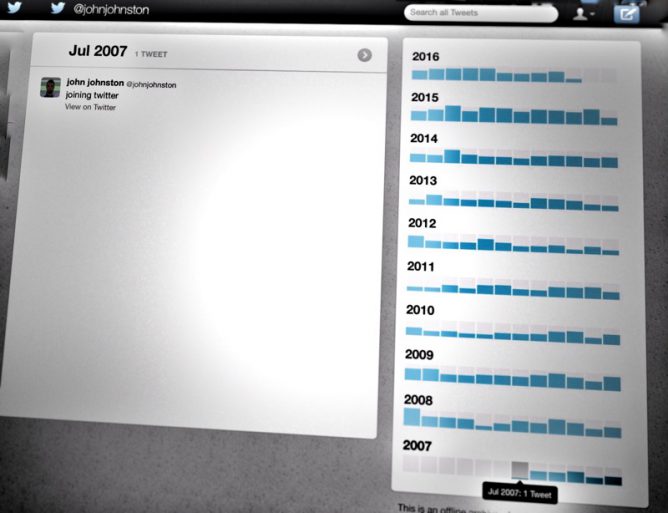
the feature images is a screen shot of my twitter archive showing my most interesting tweet.

Yesterday Derek Robertson tweeted out a screenshot of the 1000th post syndicated into the UoDEdushare | The central sharing hub for #UoDedu teacher education students at the University of Dundee.

One of the features of blogging I was passionate (or a pin in the neck) about getting into Glow Blogs was some sort of syndication. This allows posts from a set of site top be pulled into a central site while respecting the original post and it owner (by linking back and pointing to the original as the source).

Derek has been tireless in pursuing his vision of the students working in this way, publicly sharing their learning. It is a marvel to see in action.

I used the same idea for a couple of small projects last year but am thrilled to see this in a much bigger scale.

It is also wonderful that so many student teachers are not just exposed to technology in a fly-by way but it is incorporated into their learning. I’ll be interested to see the effect this has of using tech, and in particular blogs, in schools across Scotland in the next few years.