
chancery knocker

This was the first of the EDUtalk Conversations which are part of EDUtalk. You can read about the plan on the EDUtalk Conversations page. There were half a dozen or so folk signed up to come along but it ended up with just 3 of us: David @parslad, Olivia @owexelstein and myself.

Although we were initially surprised at the low turnout we ended up EDUtalking for four hours. I, for one, had a great time. learnt a lot and came away with some food for thought.

The event was held at the Chaplaincy of Strathclyde University which was a great space. There were sets of couches and easy chairs and given a bigger number it would have been easy to split into sub groups an d use the space flexibly.

I felt there were subtle differences meeting in a neutral space: not some ones school and early in the day: not a pub. I felt that this, and the fact the event was due t run for a couple of hours with expansion time available, made the conversation open ended and relaxed.

This conversation ranged over a lot of topics, circling, ict, glow and challenging behaviour a few times. We were each invited to bring some topic to the table, I am not too sure if we covered Olivia’s or David’s but mine was talked about and I saw linked ideas pop up in other discussions.
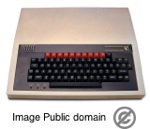
Bbc Micro

I was thinking about the way good teaching or classroom ideas bubble up, spread a little and go away again. My example was blogging which I think we are now on the third or fourth wave or bubble. I wonder why something that seems to be a great idea fades and then is rediscovered. Olivia delighted me by recounting using a BBC computer game embedded in her topic work back in 1992 (I was surprised she was old enough to be teaching way back then). I got the picture of the BBC being used as one part of a rich topic. Obviously Olivia’s practice continues to be enriched by here experience (check out here blog) but the question remains why this is not now standard practice? It can’t be lack of hardware as Olivia (I presume) would only have had one BBC for her class.

We also talked about the possibility of other EDUtalk Conversations and wondered if it might be better badging these TeachMeet 365 as well. THe idea share a lot of common ground, especially the idea of avoiding sponsorship. David has collected a few free locations that could be used and we could see all sorts of possibilities.

I certainly hope to see more of these events and am kean the idea spreads.
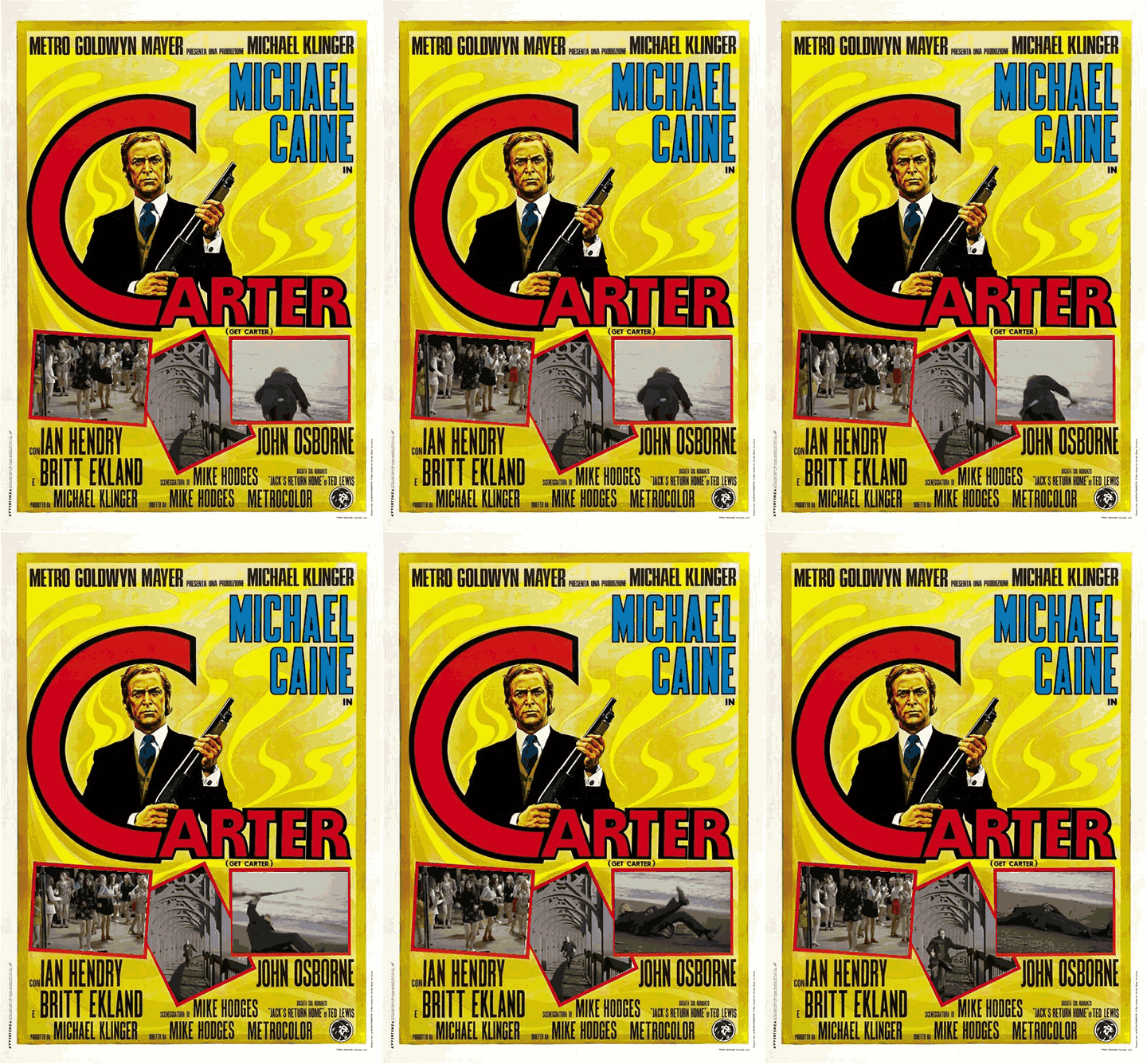
Get Carter 480

Another DS106 assignment

Animated Movie Posters Pick a movie poster and animate it.

I am still trying to play along with the spring DS106 course. for the first couple of weeks I was keeping up this week I’ve let it slip, I don’t think I posted a Daily Create once. It seems much easier to do them all than to pick and choose, once you miss a couple it is easy to keep on missing them. The previous week I had managed to do a wee bit of commenting but this week I’ve only made a couple. Lots of other things kept getting in the way. The fact I am involved in Ed Tech Creative Collective and trying to keep up with Code Year(only 2 or 3 weeks behind) is a fair excuse.

The other thing is that this poster took a lot longer than I expected. If I had figured out the layer logic first it would have been a lot quicker.

I’ve also noticed that my feed, as this is not a wordpress blog, has not being playing nicely with ds106, the posts show up on the home page but assignments and tutorials are not being pulled to the assignment pages. @mburtisis going to try my feedburner feed instead, so hopefully this post will show up in the right place.

I’ve been thinking a fair bit of about the similarities and differences of ds106 edtechcc & codeyear but I think I’ll podcast those later this week.

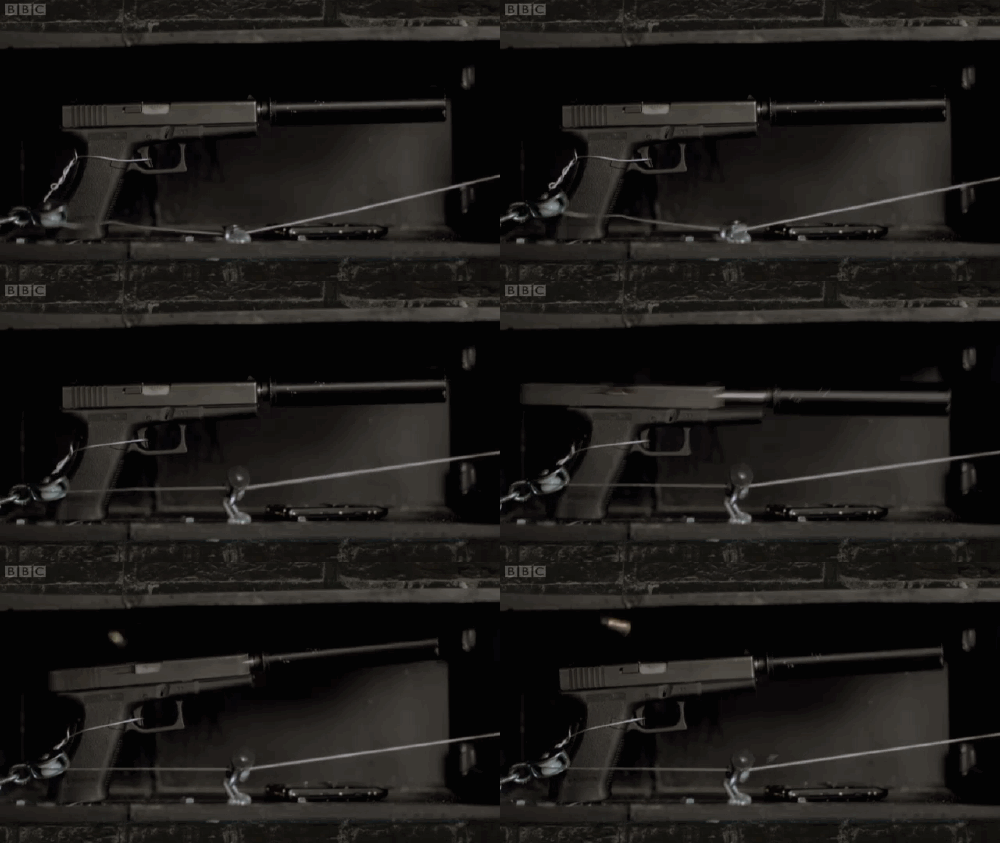
Sherlock gun

I am reusing an old post as I though it might do for a DS106 Tutorial.

I’ve used this application for both creating gifs from short sections of movies and form video footage shot on my phone.

Last year I was following some of the DS106 fun and playing with animation gifs. Instead of using photoshop or the like I fell upon the command line application
Gifsicle which works very well indeed on OSX (and is available for lots of other platforms) Gifsicle is © Eddie Kohler.

I wanted to speed up my workflow playflow for messing about in this way and though of SuperCard, my favourite mac application. I’ve used SuperCard to create a simple application (mac only) that will, load a Quicktime compatible movie, grab a short selection of frames, and create an animated gif with a few mouse clicks. The SuperCard bit grabs the frames and then used the gifsicle app (which it contains) to create animated gifs.

I’ve tested the application only briefly on a few different macs (10.4, 10.5 & 10.6 or tiger, Leopard and mostly Snow Leopard) and it seem to work. On the old G4 10.4 machine there is a wee bit of lag grabbing the frames, but it works out ok. Update I’ve made a new build that works on Lion (2012-02-14).

There are very few features, the application will grab 10 frames and you can choose to grab them every 1-20 frames. It will export a selection of these 10 frames and allows you to do some simple colour reduction.

Here is a screencast:

You can download Movie2Gif from my dropbox, it is a rainy afternoon project miles away from a polished bit of software but might be useful/fun for someone.

I’ve found the odd .mov file that will not play in my application, opening it in QuickTime and exporting to iphone format seems to fix these.

If you Movie2Gif and give it a try, let me know how you get on, if it gets any positive feedback I’ll do a bit to improve it. Please send any suggestions, bugs etc to me.

Another quick DS106

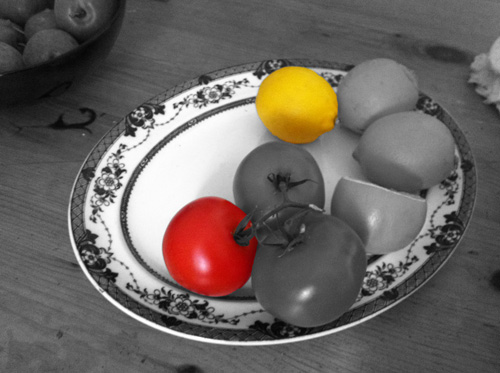
Color splash is a technique to emphasize details- you remove all color from a photo, and then restore original color to a single object, e.g. a green apple on a table. Think of the Girl in the red dress from Schindler’s List.

After watching Video Tutorial: Splash the Color : neverthesameriver I had another wee play with photoshop. A little of which is beginning to make sense.

Color Splash

Photo It Like Peanut Butter — MISSION: DS106

Rather than making animated GIFs from movie scenes, for this assignment, generate one a real world object/place by using your own series of photographs as the source material. Bonus points for minimal amounts of movement, the subtle stuff.

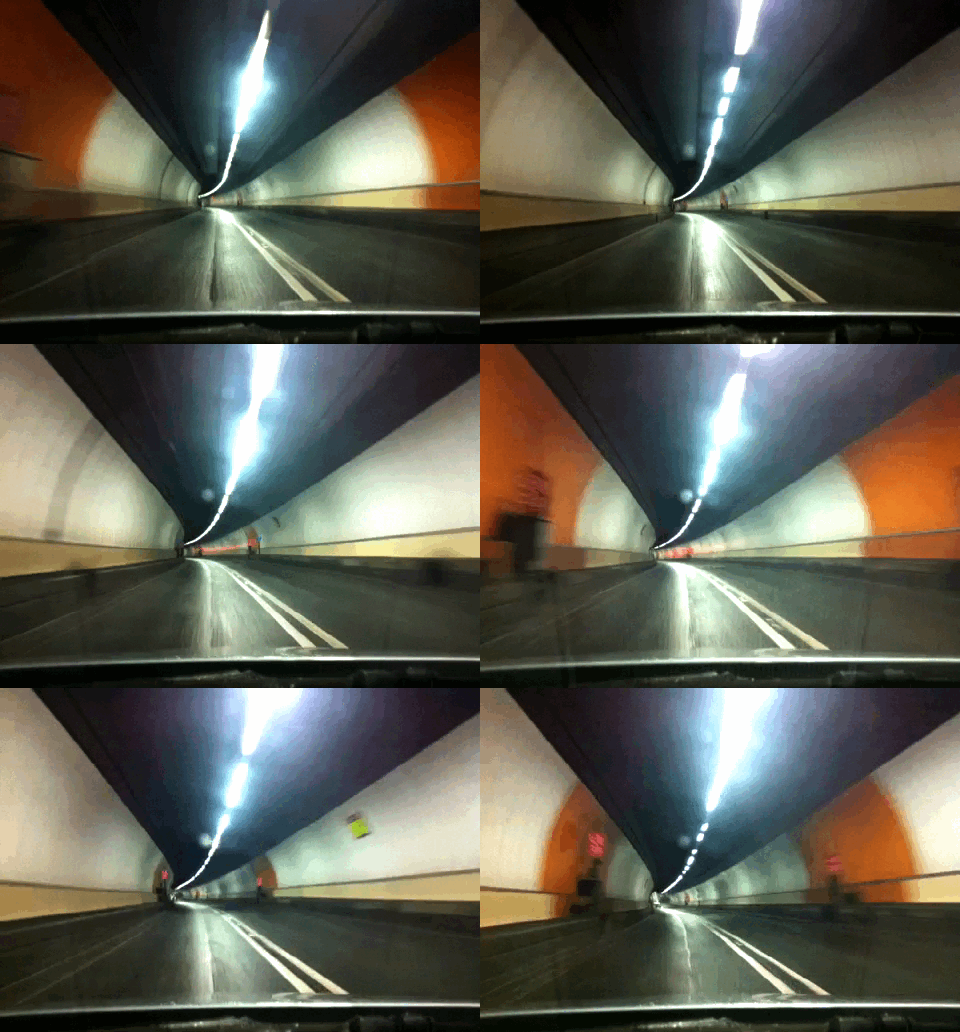
Yesterday I saw My Animated GIF Day by Ben and thought a wee bit about his driving gif. His method seemed a wee bit dangerous so I decided to you the iPhone iTimeLapse app to grab my journey home last night. I could then get stills to make an animated gif. I’ve made a few but was not delighted with them. Today I took some more footage including some going through the clyde tunnel. This was hampered by the fact my phone holder dropped off the windscreen so I only got a wee bit. It makes quite a nice gif.

tunnel gif

I created the gif using the wee app I made as a front end to the Gifsicle commandline tool, Movie2Gif while watching a previous episode of DS106. I found that it did not properly play the movies from iTimeLapse so I had to re save then using QuickTime first.

We have now had several episodes of Radio EDUtalk since Christmas. I’ve not blogged about it here due to lack of time rather than will. The guests have been lined up from now until the summer holidays by David, @parslad, and he has put together an amazing set of folk from all sorts of educational backgrounds with a very diverse set of interests and focus.

The technology has been behaving itself and the audio quality has not been too bad. We are beginning to build up a wee bit of live chat steam on twitter. Hopefully the podcast recordings will spread the audio even further.

You can see the list of show and listen to the ones that have already taken place on the Radio Edutalk page

Edutalk Conversations

We, and when I say we I mean David, have also organised the first Edutalk Conversation.

At this Edutalk event will be teachers and other educationists who are involved in the education of young people. The event is built around a facilitated conversation between participants, who themselves suggest items for sharing and topics for discussion. This ticket is for one person to take part in Edutalk Glasgow on Saturday, 18th February 2012.

You can sign up for this conversation on Eventbright. We hope to extend the open and friendly feel of Radio EDUtalk to the ‘real’ world.

Broadcast Opportunity

Radio EDUtalk broadcasts from the EDUtalk archive of podcasts the rest of the week. We would be interested in offering the chance to broadcast to other folk involved in education if you would be interested in broadcasting regularly, occasionally or just eonce please get in touch.

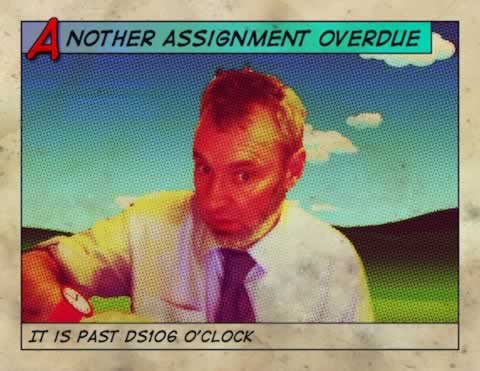
Past ds106 0clock

Ad DS106 get underway I’ve found my Daily Create rate has dropped right off. I was doing ok before the course got underway and then it went a bit pear-shaped. I managed 10 DS106 photos and a few dailycreate sounds. I managed to do the odd full assignment but was quite pleased that I already had a blog. This week I’ve really dropped out of the game. I don’t feel bad about not doing any creates but I feel a bit guilty for not paying much attention to other folks work/play. Only managed one comment his week.

Anyway according to Week 4: Photography and Visual Assignments the next bit is to try and do some Visual Assignments so this is my first the Comic Book Effect.

Method:

  1. iSight Photo at lunchtime in the office.
  2. Added clock and watchstrap in Fireworks, saved as jpg.
  3. Cut trace round in photoshop with magnetic lasso and delete office.
  4. Add background from Mr. Blue Sky – bevevans22’s posterous.
  5. Save jpg to dropbox
  6. on iPad move to photo library via dropbox app
  7. Use Halftone to make halftone effect.

I was hoping something of the rabbit from Alice would come through.

I would like to be make a much better watch, (need a bit of time;-)) and be able to do the halftone in photoshop.
I did manage a couple of photoshop tutorials this week, nice short ones from Matt Gemmell,
Etched effects and Subtle UI texture which I found useful. I found another tip here: Splash The Color from a DS106r.

The assignment was in two parts:

  1. read: “What is Web 2.0?”, Web 2.0 Storytelling and Seven Things You Should Know about Creative Commons
  2. distill a few key points use one of the “50 Web 2.0 Ways to Tell a Digital Story” to distill a few key points from you reading.

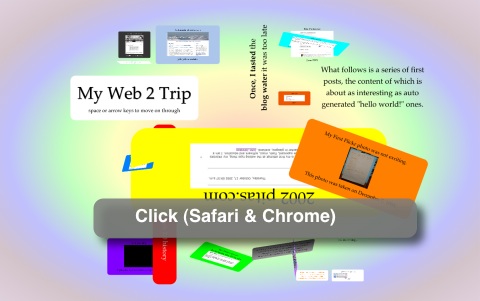
I notice that prezi is one of the 50+Ways – Presentation Tools listed on the wiki. As I started thinking about Web 2.0 I got caught up in browsing through my own short history of using ‘this sort of stuff’. Recently impress.js had caught my notice, it is a prezi like tool that uses javascript. It is new and only works in Safari and Chrome at the moment. I think that Firefox 10 should do the trick too.

I am not overly fond of prezi although I’ve seen it used to very good effect, but I though it might be interesting to try out impress. impress in which you create the ‘slides’ by adding attributes to divs in HTML seemed a bit simpler to use than prezi. I found a great post that explains how it works: How To Use Impress.Js | Cube Websites Blog.

So rather than think deeply about Web 2.0 I played with impress. The results are not tasteful but I had a lot of fun.

Web 2triptn

Assignment 3 – Comic Timing – #edtechcca3 « Ed Tech Creative Collective

Make a comic-strip style set of instructions for a practical task. The task you choose is entirely up to you. It could be something that relates to your subject area, or alternatively you can do something more generic like starting up and shutting down a computer, how to set an alarm clock, or how to use the office photocopier.

I’ve always liked making comics both with with pupils and for myself, a few years ago I made this set for my daughter when she went to university: Recipe Comics – a set on Flickr.

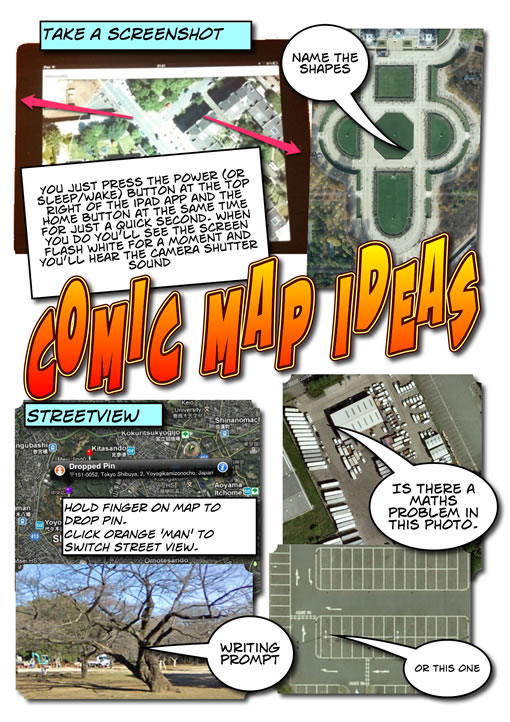
For this assignment I decided to use ComicLife on the iPad, I’ve used ComicLife on the desktop a fair bit but not done much more with the iPad app than quickly demo it. This looked like a good opportunity. I’ve been doing a fair bit of iPad workshopping this week, and one of the things I’ve been showing teachers is some map activities. These are based on ones I’ve carried out a few times with pupils on an iPod touch. Basically taking screenshots of the maps app and using them for Maths or literacy. So the comic was made with the techniques shown by the comic.

Comic map Ideas

Software Thoughts

Although there has been suggested web apps for each of the edtechcc assignments I’ve used desktop applications for the first two (Fireworks, audacity) and now an iPad app. I have used web image and audio editors in the past but never found a compelling reason to use them before a desktop app other than price. I am editing this post in TextMate and will post to my blog via the MetaWeblogAPI rather than by using a browser. The problem with browser applications is with, imo, workflow and integration with other application which is not as mature as desktop or as simple as iOS. ComicLife on a mac is a good example of this, easily showing your images to ad to your comic without having to upload them. Or TextMate, here to add an image to a post I drag the image from the desktop onto the document I am typing in, it uploads it to my blog and inserts the code.

Design Thoughts

I had planned to try planning a bit with pencil and paper for this assignment after watch other folk go through the notes/mind-mapping/sketching process. But again I just got started and played about as I went along. I’ve noticed my ‘planning’, if you call it that, occurs when walking, driving or doing some other activity so I have some idea of what I am hoping for when I sit down. No excuse really and I will try a bit harder on a future assignment.

There was not much thought in this one anyway, I’ve stuck to ComicLife defaults, perhaps over familiar but they do the job I think.