
🗓️ ♥︎
- Facebook’s Ownership
- tea bags.
- song.link
- the Antichrist
- slow I wish I could.
- radicchio is a chicory
- @ tip
- wiki notes I’ve been enjoying @franksm’s & @jack’s wikis.
- Castro vs Overcast
- help!
🗓️ ♥︎
 Chris Aldrich (BoffoSocko)
Replied to More thoughts about Micro.blog as an indie social network by Paul Jacobson (Paul Jacobson) Brad Enslen is doing some great work over at Micro.blog, spreading the word about this innovative service. He published a post titled “The Case for Moving Your Social Network to Micro.blog"
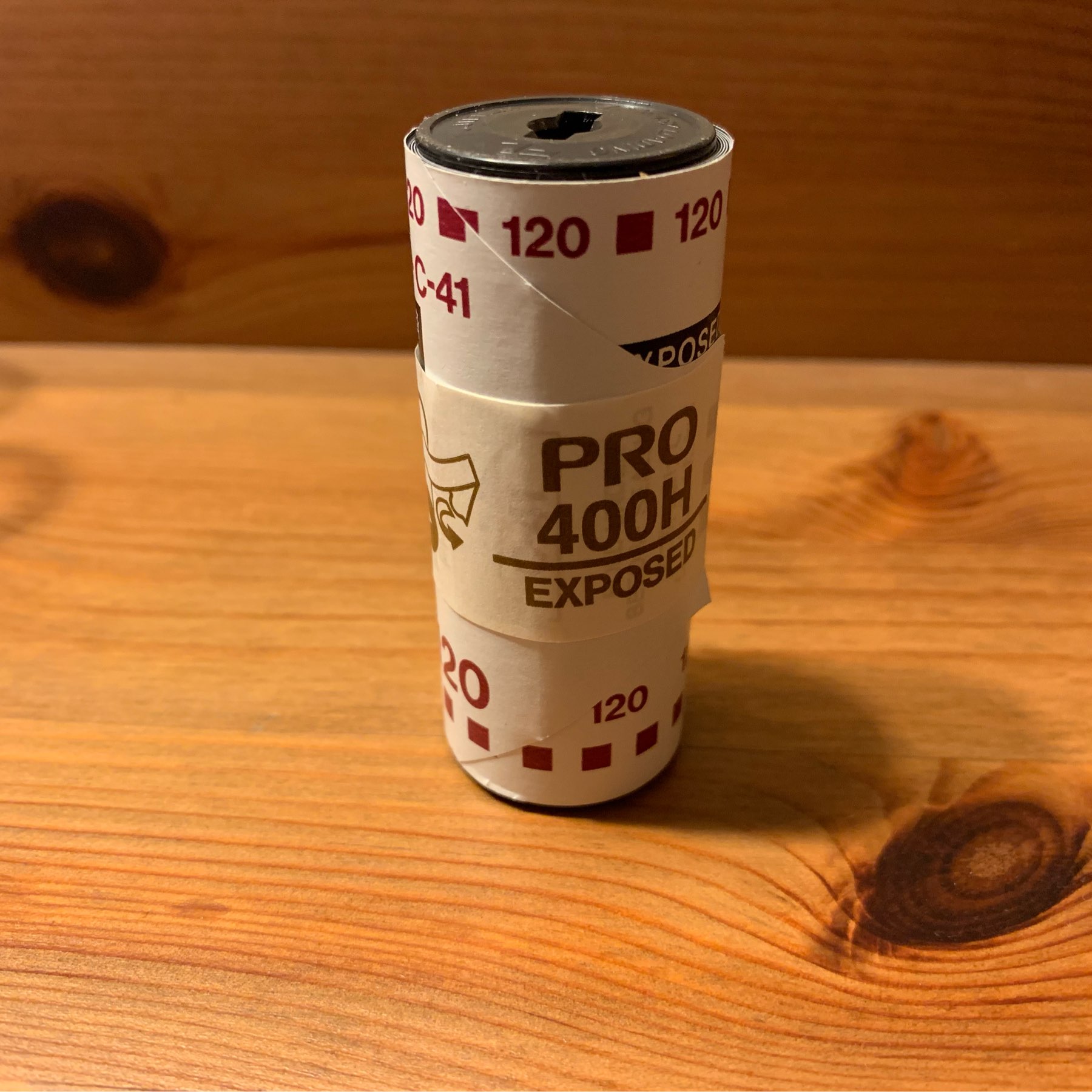
Took my toy camera to school today and the kids took some pictures. Quite a lot of confusion. Hopefully somewhat dispersed.
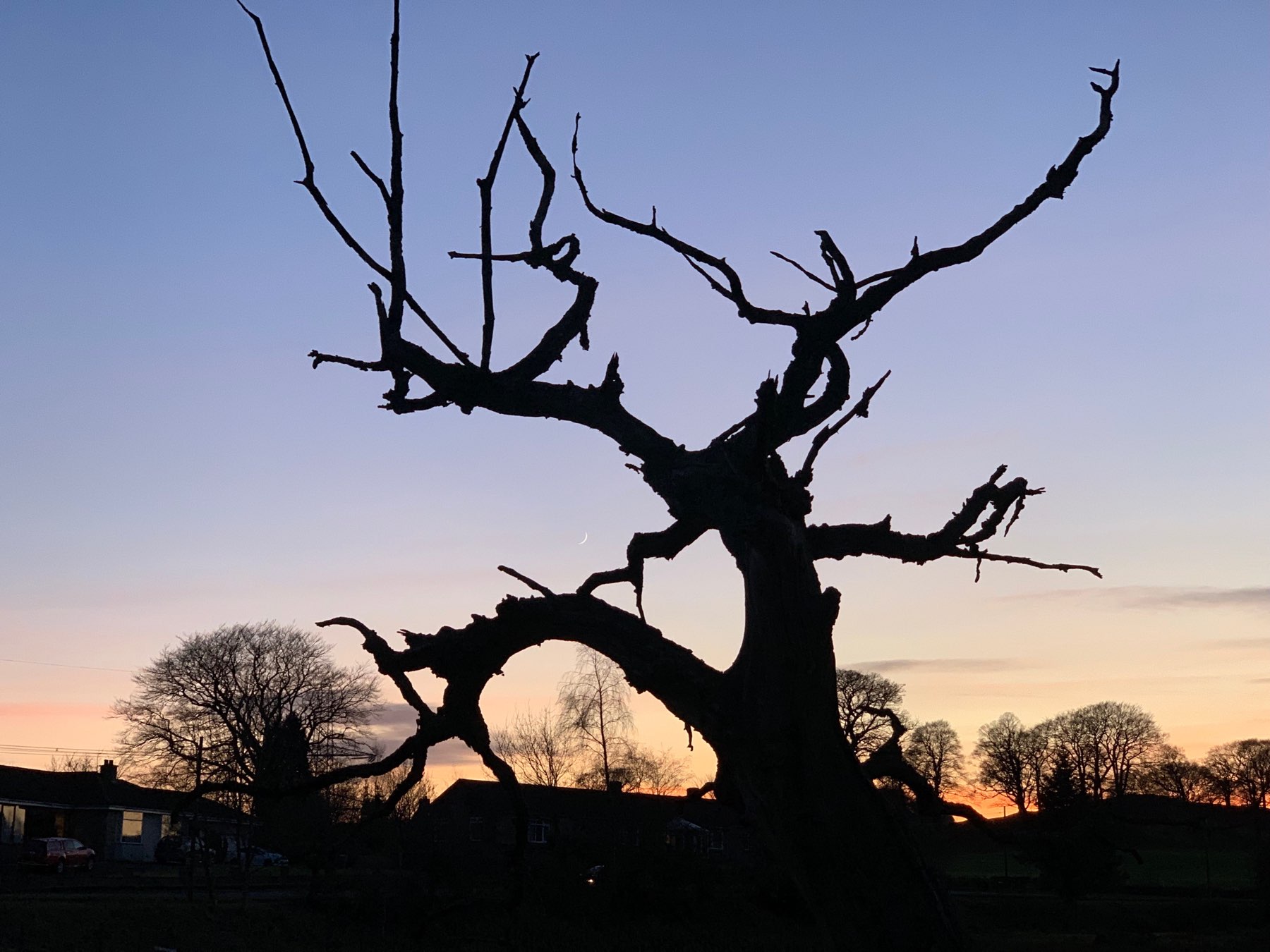
Sunset tree
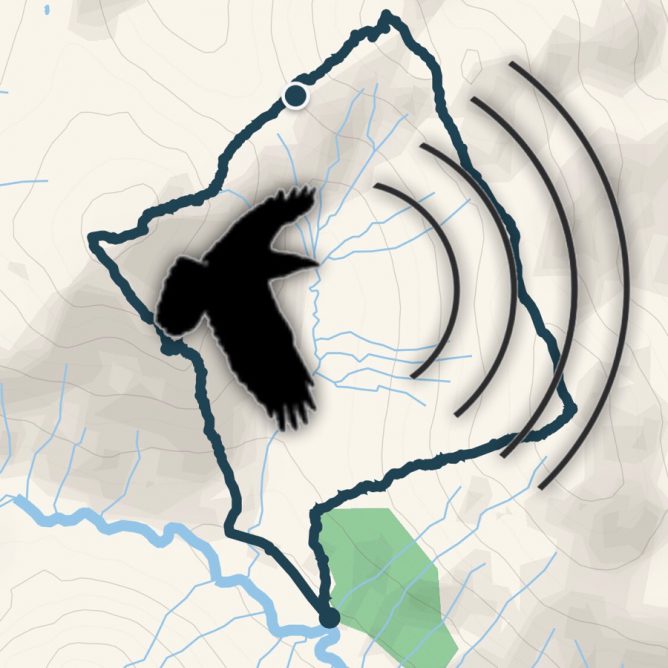
The other day I took the opportunity to test out my new Shure MV88 mic (Christmas present) with it’s dead cat. It was not a particularly windy day but there was a stiff breeze higher up the hill where I recorded this.
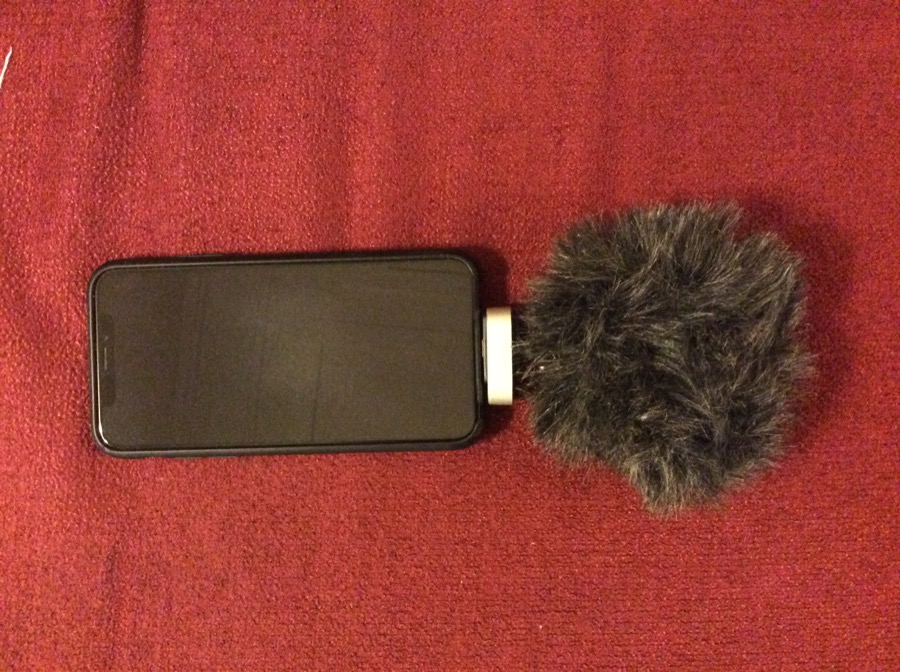
I think the mic worked very well I would have expected it to be too windy without it. I am not sure how much is down to the Shure and how much to the dead cat.
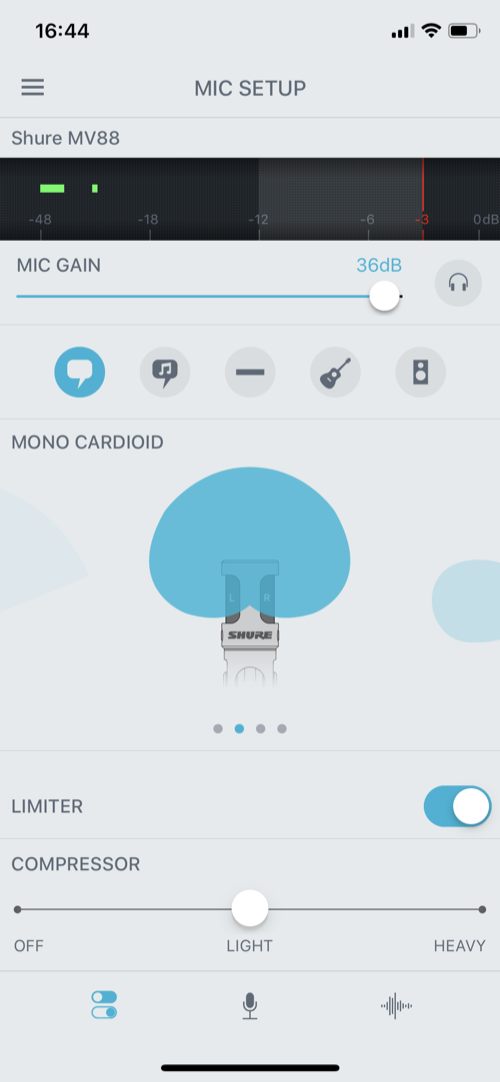
Using the mic you need to use the Motiv Audio app if you want to set the mic. I used the Mono Cardioid pattern with the gain turned up. I left the wind reduction off.
I I had 5 pieces of audio to edit together. After a brief fling with ferrite 1 I switched to GarageBand which did the job. Exported to a shortcut that uploaded to my blog.
I think that microcasts should really be one take rather than multitrack, but keep getting tempted to edit. The Motiv app allows you to pause audio and then record more, but I wonder if that would be lost if there was a large time lapse, other apps switched to etc.
Map and a few photos: Glen Douglas Trio 4-1-2018
fn1. Ferrite only supports 3 tracks in basic version. ↩
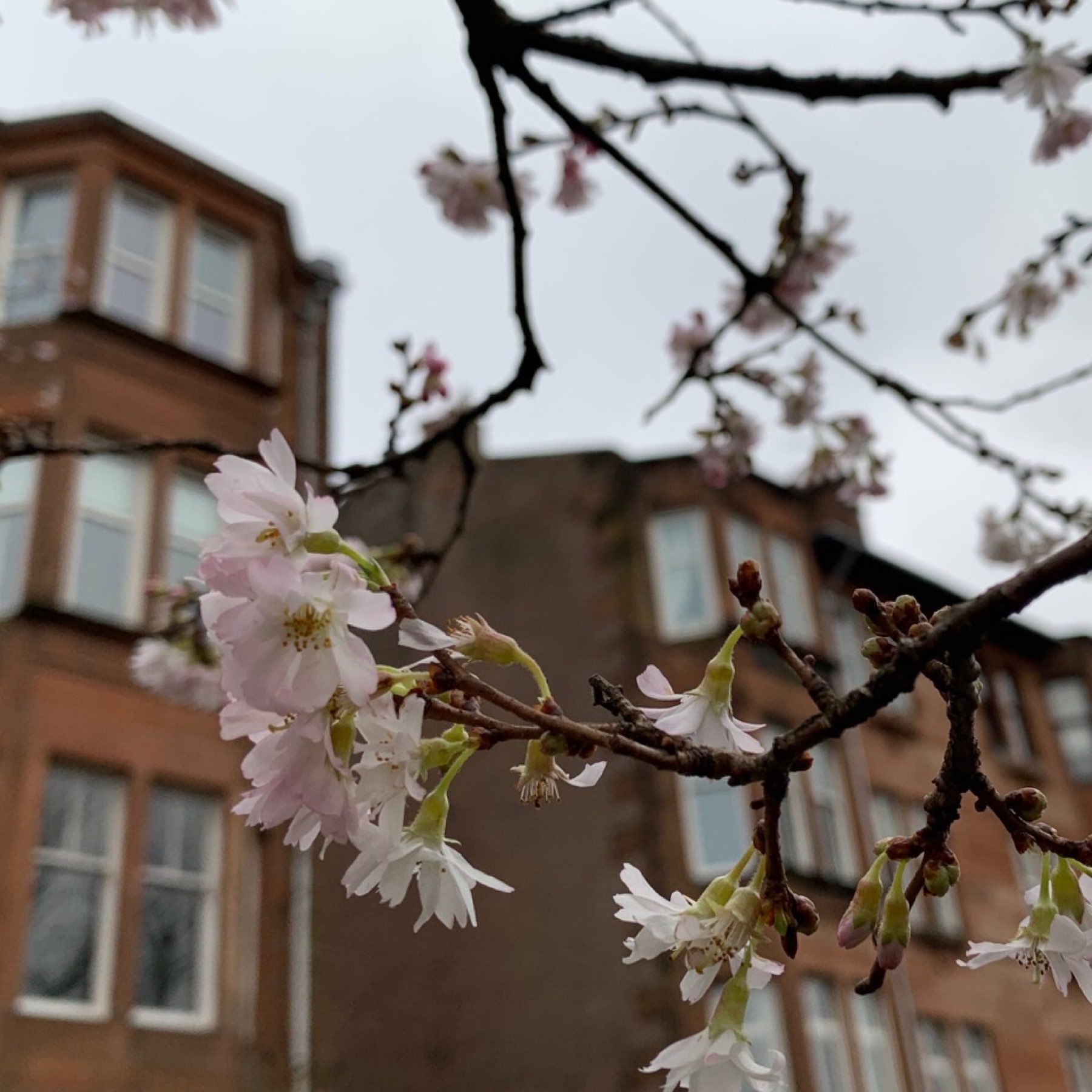
Winter Blossom.
Glen Douglas trio 2019-01-04
walkmap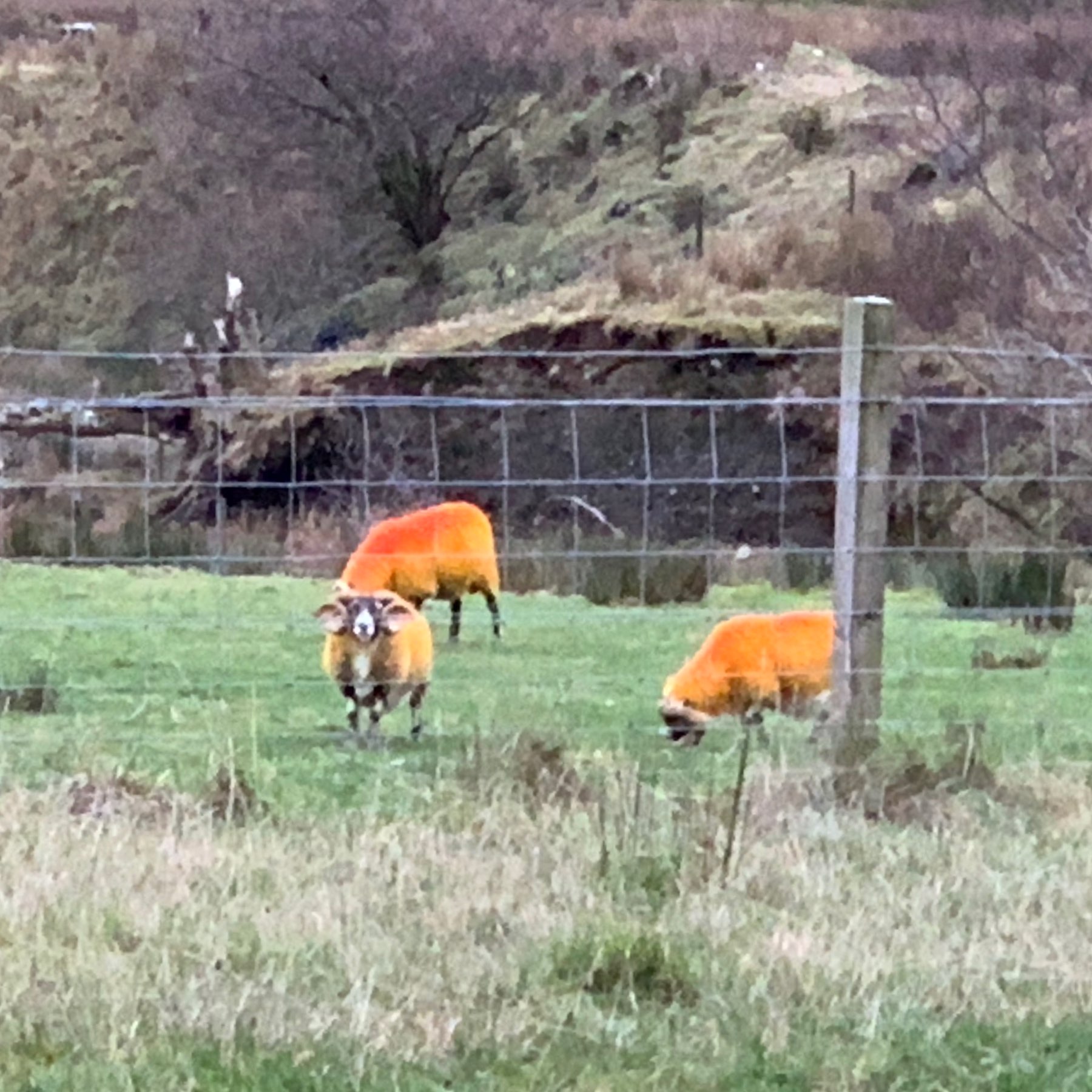
I think there is an orange is the new black joke here somewhere.
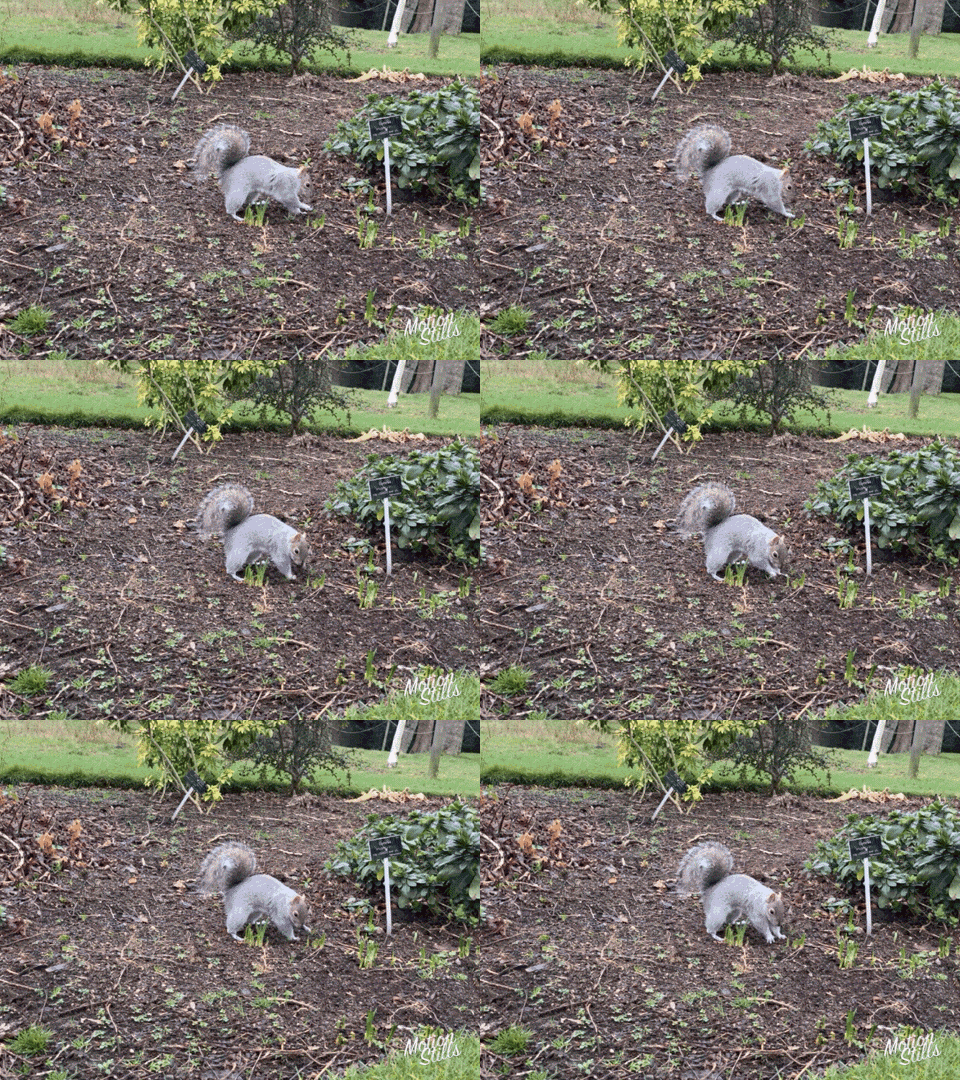
I do like a gif. I like to make them in all sorts of ways. Recently I’ve been messing about with Live Photos. The mac Photos app will export gifs from these but they are huge. To my mind a gif should be as small as possible. The other problem wit Live photos is my hands tend to move. Today I tried the iOS app Motion Stills:
Motion Stills is an app from Google Research that uses advanced stabilization and rendering to turn your Live Photos and videos into GIFs
The only problem is that the files are pretty big. I took a photo of a squirrel in the botanic gardens this morning and ran it through the app. The stabilisation was great but the file size for the image was 8.7MB for a 480 × 360 image!
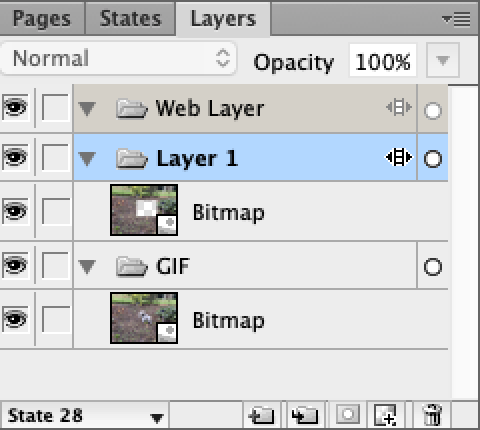
I decided to see if I could shrink it a little and got it down to 331kb. This is how:
The featured image of this post is the shrunken gif.