🗓️ ♥︎
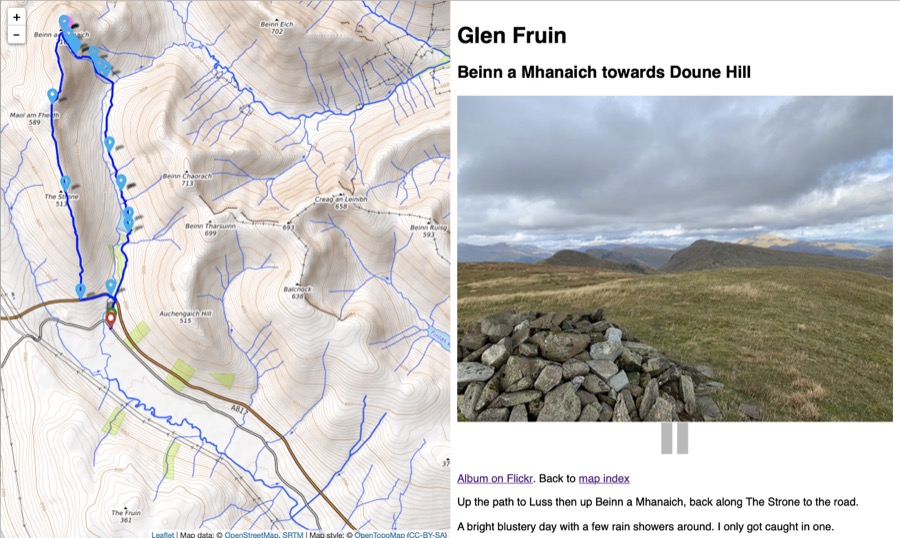
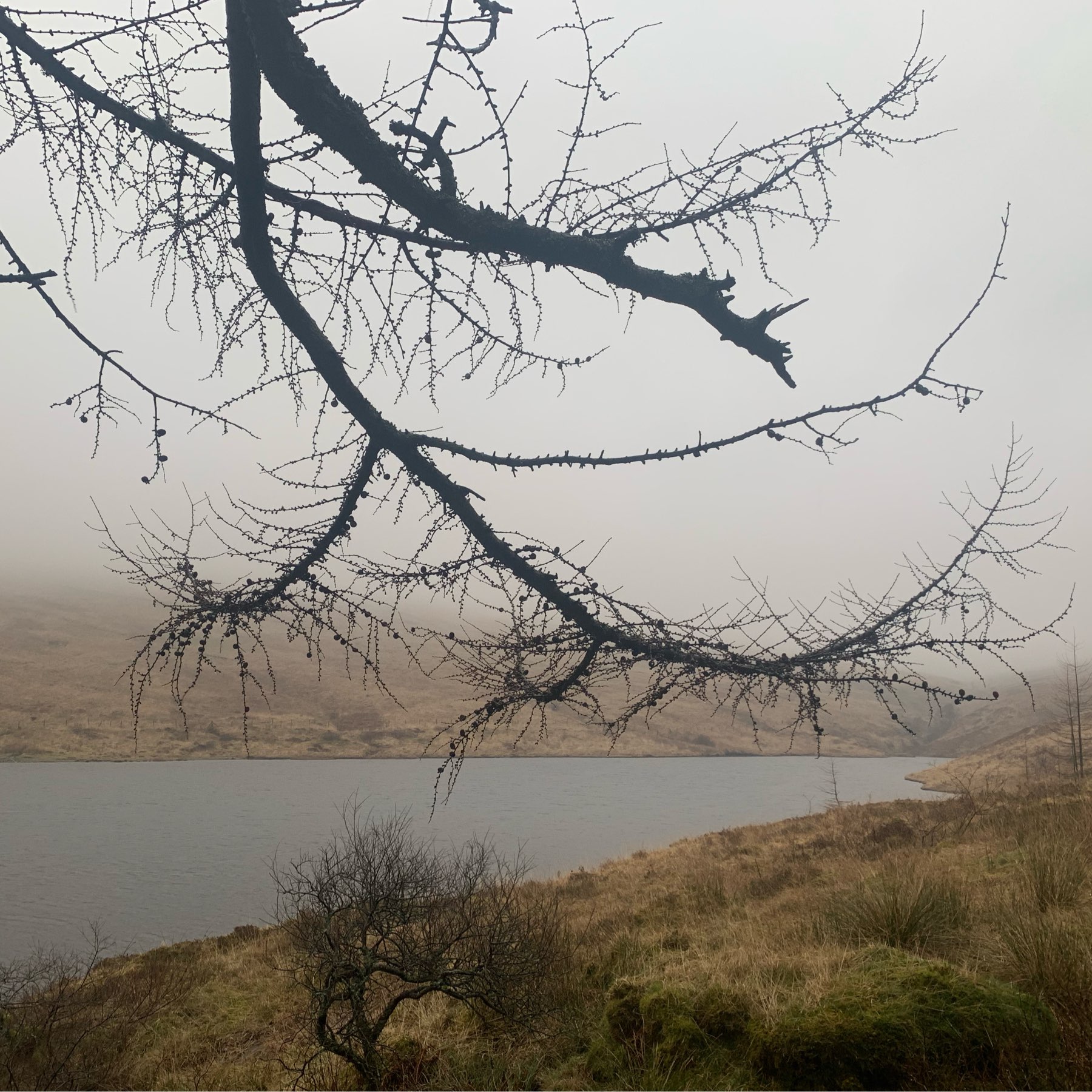
Glen Douglas trio 2019-01-04
walkmapI think there is an orange is the new black joke here somewhere.

Shrinking Squirrels

I do like a gif. I like to make them in all sorts of ways. Recently I’ve been messing about with Live Photos. The mac Photos app will export gifs from these but they are huge. To my mind a gif should be as small as possible. The other problem wit Live photos is my hands tend to move. Today I tried the iOS app Motion Stills:
Motion Stills is an app from Google Research that uses advanced stabilization and rendering to turn your Live Photos and videos into GIFs
The only problem is that the files are pretty big. I took a photo of a squirrel in the botanic gardens this morning and ran it through the app. The stabilisation was great but the file size for the image was 8.7MB for a 480 × 360 image!
I decided to see if I could shrink it a little and got it down to 331kb. This is how:
- I opened in the Gif in FireWorks
- The gif had 54 frames at 3/100 of a second and one at 6/100 of a second. I deleted every second frame and doubled the length of each.
- The gif was set to have an exact pallet with 256 colours, i changed that to Adaptive and 128 colours.
- I set the loss to 20%
- I made a new layer which was shared across the frames. copied the first frame to that layer and cut out a space for the squirrel in the top layer. This froze most of the image except for the squirrel.
The featured image of this post is the shrunken gif.
Scratch 3.0 out works on iPad

Scratch is now at version 3.0. I’ve been looking forward to this as it will now support the iPads my class uses.
I gave it half an hour or so on my iPad and am delighted to say that it does what is says on the tin. The iPad I am using is an Air 1 so a good few years old. It was a little laggy now and again but nothing that I worried about.
I was especially delighted to see that old scratch embeds still word and now work on iOS too the Scratch Embed example on Glow Blog Help just worked.
I also tried exporting a Pyonkee project and then importing it into scratch 3 on the iPad that worked too. Pyonkee is an iOS app that is based on scratch 1.4 that my class have been using.
I look forward to introducing the class to scratch on iOS in the new term.
Here are a couple of useful links:
Blogging Highlights 2006
Since I have an on this day page on my blog I’ve been finding old me interesting.
Yesterday I notice quite a few end of year reviews published on the last day of the year1.
Blogging highlights 3, followed 1 & 2 in 2006 but focused on the blogging my pupils (primary 6 ~10yr olds) carried out that year.
The links go to the internet archive now. Images and some links were broken but I enjoyed reading them.
I was surprised at the comments on the posts, from adults, pupils at other schools and classmates. At the time the idea of an audience and conversation was one of the main reasons I had pupils in my class blogging. We were posting photos, video, microcasting and writing poems.
It seems harder to get comments on pupils blog now. I admit I’ve not commented outside my own class lately.
This was the year before I was on twitter. A lot of the online conversation about what happens in classrooms has moved to there. While a lot of this is interesting and valuable it has mostly removed pupils from the publishing process 2. This is I believe a loss.
- I was thinking of writing one for 2018 but got lost in following these old posts. ↩
- see also ‘School social media has been terrible at engaging parents’ | Tes News by Susan Ward ↩
Wood Wave

Sea Painted