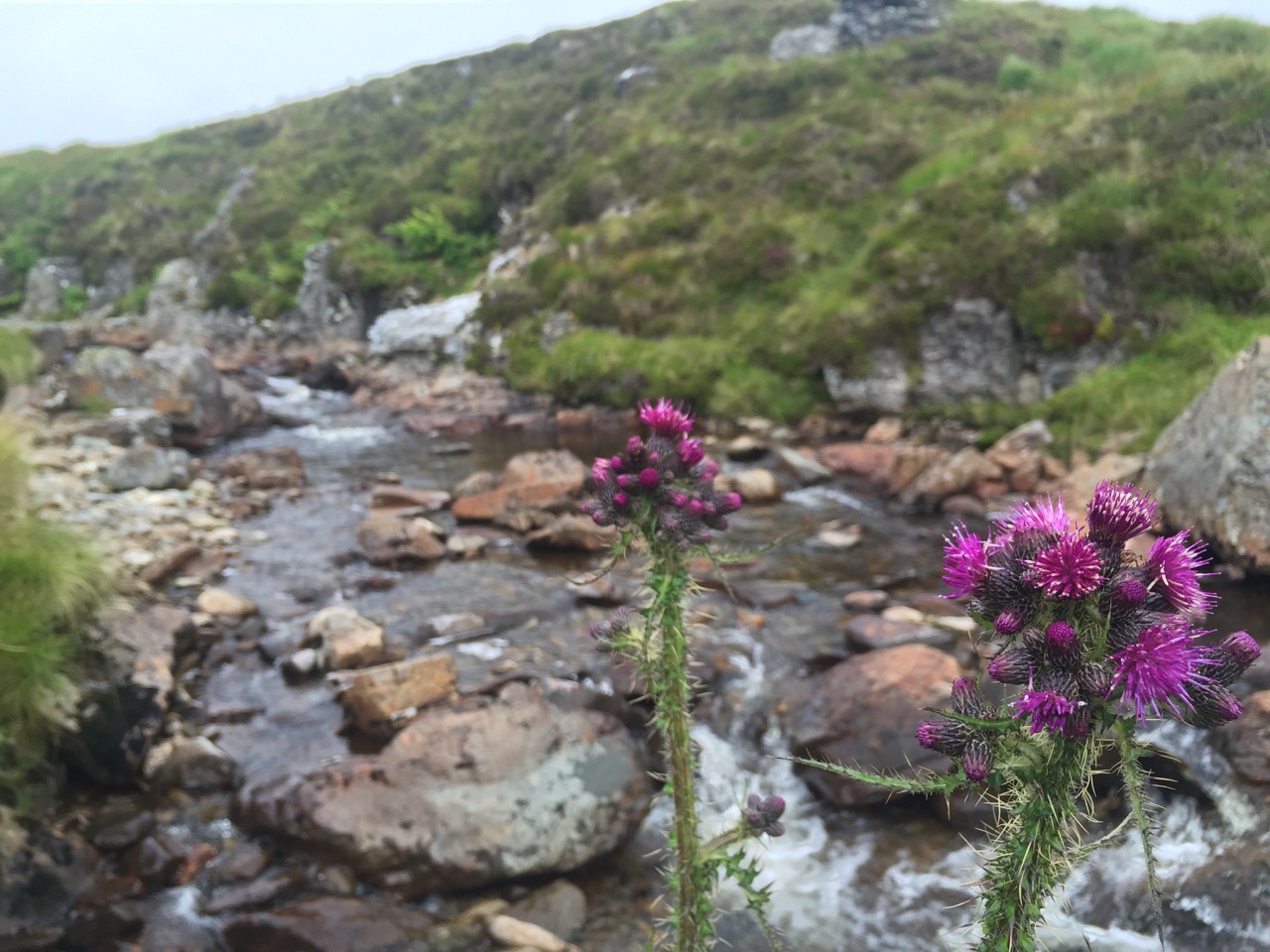
I am testing the WP-OSM-Plugin I was hoping that the map would show the photos on markers as well as the GPX track I’ve uploaded. There is an example: EXIF-Test-page | WordPress OpenStreetMap Plugin

The shortcode I am using looks ok to me and the photos are geotagged. I added a fullsized one because the thumbnails are stripped of geo-tags. So I expected the one big photo to show up at least….

[osm_map_v3 map_center="56.379,-4.727" zoom="12" width="100%" height="450" file_list="/blog/wp-content/uploads/2015/08/been-oss-loch-oss.gpx" import="exif_m" marker_name="mic_black_camera_01.png"]


IMG_2690

The blog I’ve enjoyed reading most this summer has been Clarence Fisher’s.

I’m still a believer that my default classroom tech set up: classroom blog, discussion boards, individual blogs, wikis, google docs and hangouts, flickr, skype, and a few random pieces of production software (audacity, etc) does more to give kids a voice, to connect them with people on the other side of the globe who have new ideas for them to evaluate, than 90% of the VC dollars out there have done with the latest apps.

The First 100 Years of Web Design 1

Is just one quote but I think anyone interested in using ICT in learning and teaching would get a lot from reading over his recent posts.

A Challenging Tweet is a great way of looking at and thinking about tech in schools overall.

This fitted with Second Life college campuses: A tour of abandoned worlds which I found via Stephen Downes

Clarence’s choices of tech to use parallels my own although I never could use some of these in the class due to blockages. The thing that strikes me about these choices: blogs, wikis, communications in general, is that they need some sort of long term care. One blog post will not a lot for your class or a learner. A series where they connect with another school across the world just might. This make this harder than grabbing an iPad and using a drill and practise app (I know easy target).

I am saying care rather than planning because a lot of goodness my classes got from blogs was serendipitous it could not be planned for. This takes me to:

The same sort of blind process happened in another series of experiments where Stanley and Joel Lehman instructed robots to work toward defined objectives. In one experiment a bipedal robot programmed to walk farther and farther actually ended up walking less far than one that simply was programmed to do something novel again and again, Stanley writes. Falling on the ground and flailing your legs doesn’t look much like walking, but it’s a good way to learn to oscillate, and oscillation is the most effective motion for walking. If you lock your objectives strictly on walking, you won’t hit that oscillation stepping stone. Stanley calls this the “objective paradox” — as soon as you create an objective, you ruin your ability to reach it.

from Stop Trying To Be Creative | FiveThirtyEight

Which sort of relate to my conversation with Charlie Love yesterday evening on Radio EDUtalk 2, where he talked about following learning interest in teaching coding in a creative way.

Charlie’s post Minecraft: A celebration of learning at #Minecon2015 about Minecraft if my final piece of envy for this post.

 

1.
the linked post Web Design – The First 100 Years is great too.

2. Radio #EDUtalk 19-08-2015 Charlie Love

Featured Image giotto-envy on Flickr Public Domain.

Draftback is a Chrome extension that lets you play back any Google Doc’s revision history (for docs you can edit). It’s like going back in time to look over your own shoulder as you write.

from: Get Draftback to Play Back Google Docs

The above is not a video but an embed from Draftback!

Quite amazing, in the short playback above you can see how horrible a typist I am and also see Ian Stuart adding text to the document at the same time as me!

After I posted on G+ this Martian Hawksey commented with a link How I reverse-engineered Google Docs to play back any document’s keystrokes « James Somers (jsomers.net). Which give detail of the creation, a fascinating read.

The data that Google stores is, as you might expect, kind of incredible. What we actually have is not just a coarse “video” of a document — we have the complete history of every single character. Draftback is aware of this history, and assigns each character a persistent unique ID, which makes it possible to do stuff that I don’t think folks have really done to a piece of writing before.

And among explanations that go over my head things like this:

When you’re using Google Docs, you’re not actually typing into where you think you’re typing. You’re typing into a textarea in an iFrame off-screen, and through the postMessage API, those events are being sent to the “edit surface” that you see, which does stuff like draw your cursor. (Your cursor on Docs isn’t actually a cursor, it’s a 2px-wide div!)

from: How I reverse-engineered Google Docs to play back any document’s keystrokes « James Somers (jsomers.net)

Would this be a useful tool in the classroom? For discussing pupil work or demonstrating writing?

Top 10 Reasons for Students to Blog by sylviaduckworth CC-BY

I tweeted this lovely image the other day when I saw it on Classroom Blogging Options. The Glow Blogs option was not discussed 😉 but I’d hope that it would be under consideration for Scottish learners and teachers.

Saw the graphic again today along with this advice from Stephen Downes:

It has been a while since I ran a good ‘blogging in schools’ post, but the activity – and the advice – still makes as much sense today as it did in the heyday of blogging. Maybe even more sense, because unlike the early 2000s, there are many other shorter and less-structured ways students can communicate online, and blogging pulls them back into the realm of extended descriptions, arguments, explanations, and actual efforts to communicate thoughts and feelings rather than quips and reactions (or should I say, reax). Theere are many reasons to write; conveying information is just one of them. Wes Fryer also summarizes a number of the tools available as we start the 2015 fall session. Nice graphic, too.

Classroom Blogging Options (August 2015) ~ Stephen’s Web

Some great advice.

Just in time for Blogging Bootcamp #2 | Get your blogs up and running Autumn 2015 which we are starting to organise. If you want to learn a bit about classroom blogging over 5 weeks you can sign up

Read Stop Trying To Be Creative by Christie Aschwanden
I recently finished a story I’d spent several months obsessing over. When I pitched the piece to my editor, I knew that I’d found a worthy subject, but I couldn’t quite articulate what the story was about. It wasn’t that I didn’t have the words — it’s that I didn’t have an answer yet...

Interesting read on where good ideas come from

I’m not on holiday at the moment but taking the odd day off over the summer. Yesterday was one. I found a good set of amusing links, here are a few.

The New Devil’s Dictionary From The Verge updates Ambrose Bierce’s The Devil’s Dictionary.

Examples:

blogger (n.): An invasive species with no natural predators.

GIF (n.): Many prefer to pronounce this word “GIF,” instead of the more controversial-sounding “GIF.”

music (n.): An art form whose medium is copyright law.

And so on.

This reminded me to google for an english translation of Flaubert’s Dictionary of Received Ideas, hoping as usual for a creative commons version that could be played with. As usual I didn’t find that but got In Place of Thought – The New Yorker by Teju Cole which adapts the idea for modern times:

COFFEE. Declare that it is intolerable at Starbucks. Buy it at Starbucks. EVOLUTION. Only a theory. FASCISM. Always preceded by “creeping.” FEMINISTS. Wonderful, in theory. FISH. A vegetable.

Ouch, that last one stung!

Bonus Twitter mashup

Checking Teju Cole (@tejucole) on Twitter as his ideas started as tweets, I found:

  1. He seems to have abandoned twitter and
  2. The Time of the Game, a synchronized global view of the World Cup final. Just the sort of thing I like on the web, except for the football element.