

lt must not be forgotten that the basic law of children's creativitg is that its value lies not in its results, not in the product of creation, but in the process itself. It is not important what children create, but that they do create, that theg exercise and implement their creative imagination. - Vygotsky
 Chris Aldrich
I’ve done this, think I might have to read the ‘wp tag cloud’ in the WordPress Codex to make it look a bit nicer.
Please think about stuff like this every time you hear a supposed web developer/ed tech person say “WordPress can’t . . . ” I’m not a skilled web developer and if I can figure out these things many others could do far better. Most supposed limitations are a failure of imagination rather than the technology or the skill. Also take note of how many times I tried things here. Not every one was a complete failure but there were plenty of those and a number that didn’t generate events at all. This stuff doesn’t necessarily come easy to me. Try not to get discouraged. In the future you can fail at entirely new and more complicated things!
👍 Enjoyed @twoodwar’s WordPress workings.
Giving Edutalk a fresh coat of paint

We have started refreshing the EDUtalk Site. Updating the theme and how the live audio plays. We have started updating the information pages too over the break. If you be interested in appearing on a show next session please get in touch.
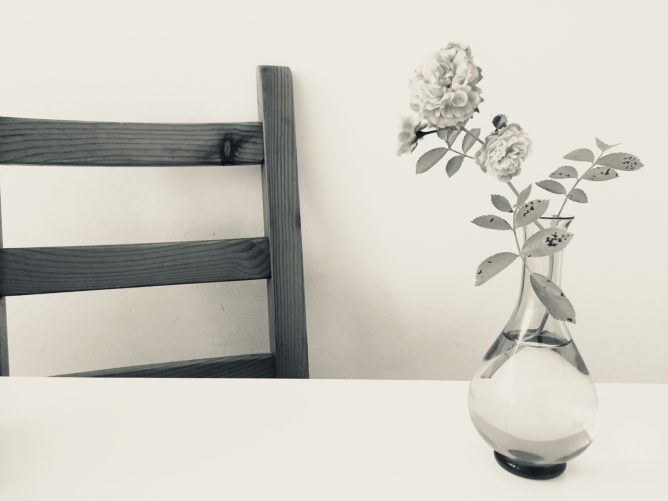
7 black and white photos of your life
A bit over a week ago I got a tweet from Athole
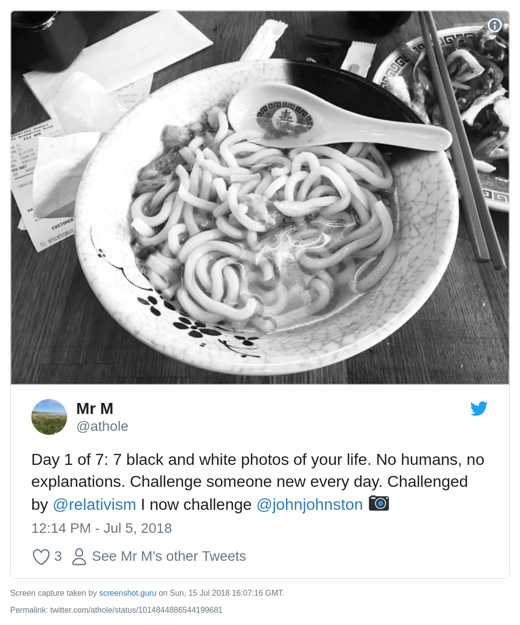
The premise is simple enough, for 7 days you take a B&W image, tweet it and ask someone else to join in.
I did:
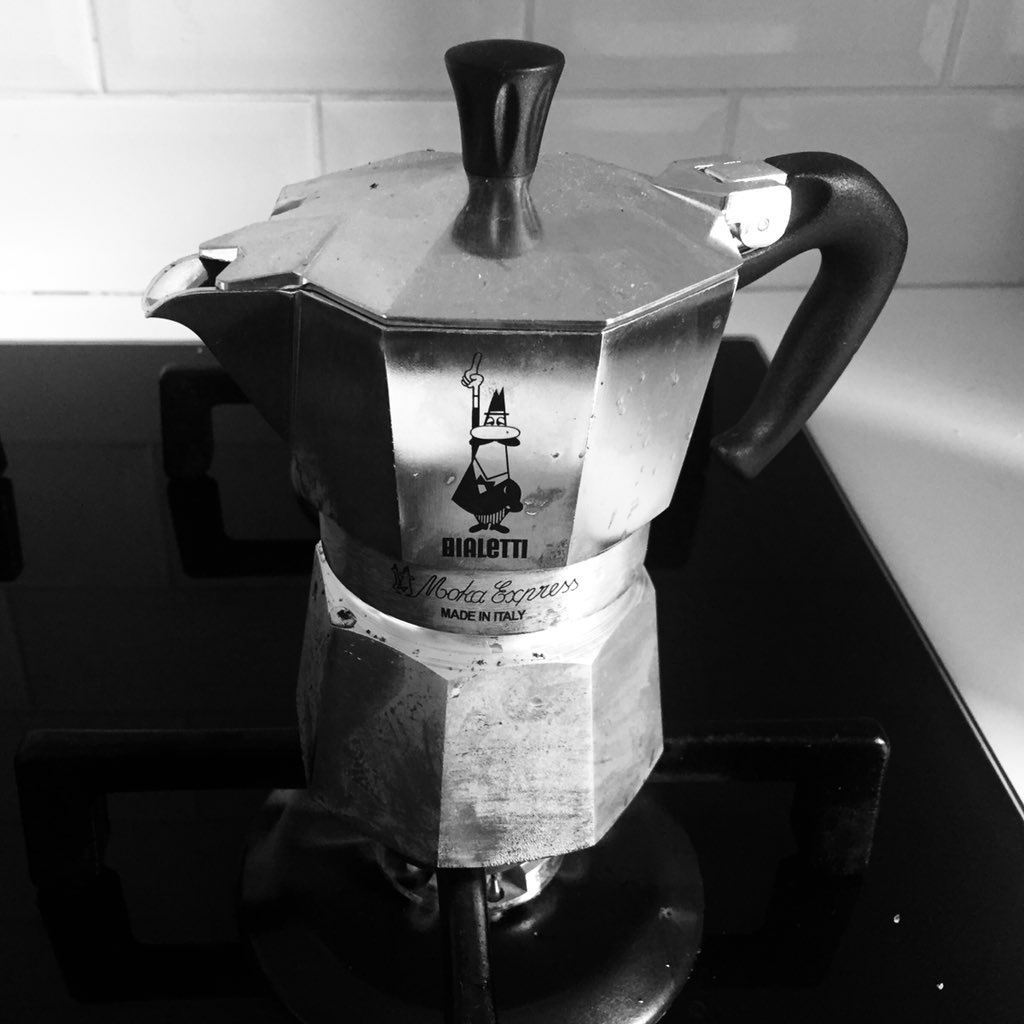



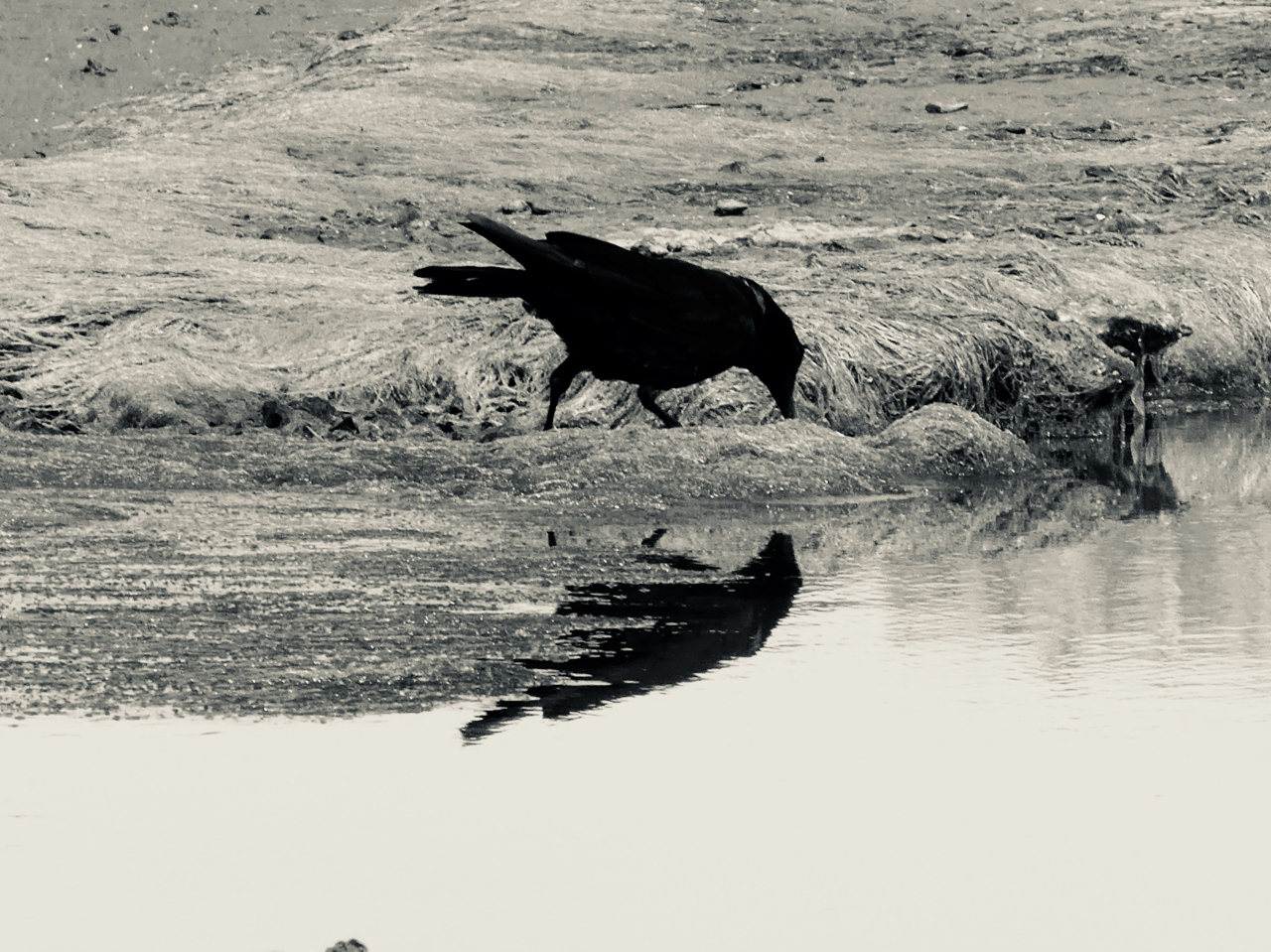

Day 7 is the featured image of this post.
What is interesting about this project is that there is no hashtag. You get mentions from the folk you invite, if they take the invite up and perhaps from some of their invitees.
An enjoyable experience, I though a bit about photography (or at least my phone snapping) and enjoyed seeing other folks images. It felt a little more relaxed than hashtag type collaborations. More meandering perhaps…
Thanks to Athole and the folk who I pestered to join in.
Online (educational) community, micro.blog and #DS106 thoughts
I am finding micro.blog a really interesting community.
From an educational POV the most positive experience and the one that I would like to see replicated (in Glow and elsewhere) is #DS106.
DS106 influences the way I think about ScotEduBlogs and the way I built two Glow Blogging Bootcamps 1.
In particular these sites aggregate participants content but encourage any comments and feedback to go on the originators site.
Micro.blog is making me rethink this a little, there you can comment on micro.blog (the same as the blog hub in DS106) and that comment gets sent as a webmention to the originators site. This makes thinks a lot easier to carry through.
Micro.blog also provides the equivalent of the #ds106 twitter hashtag but keeps that in the same space as the hub/rss reader.
Manton recently wrote:
Micro.blog will never be that big. What we need instead of another huge social network is a bunch of smaller platforms that are built on blogs and the open web.
from: Manton Reece – Replacing 1 billion-user platforms
Which made me think.
Firstly it reinforces how Manton really thinks hard about making micro.blog a brilliant place, avoiding the pitfalls of huge silos.
Secondly it speaks to idea of multiple social networks. Imagine if DS106 and ScotEdublogs where both platforms in this sense, I could join in either or both along with others using my blog to publish. I could decide which posts of mine to send to which community, and so on.
It is the same idea I’ve had for Glow blogs since I started working with them 2.
Class blogs could join in and participate in different projects.
It would be easy to start a local or national project and pull together content and conversation from across the web into one learning space. Although I’ve spoken and blogged a lot about this idea I don’t think I’ve made it stick in the minds of many Scottish educators. I wish I could.
- Blogging Bootcamp spring 2015 & Blogging Bootcamp #2 Autumn 2015 ↩. I believe the potential for these sorts of educational activity is much underused in primary and secondary education. I wish I was in the position to organise and design more of these…
- For example:
Doune Hill and Beinn Eich a walk in rather claggy weather.
Doune hill and Beinn Eich by Luss 2018-07-13
walkmap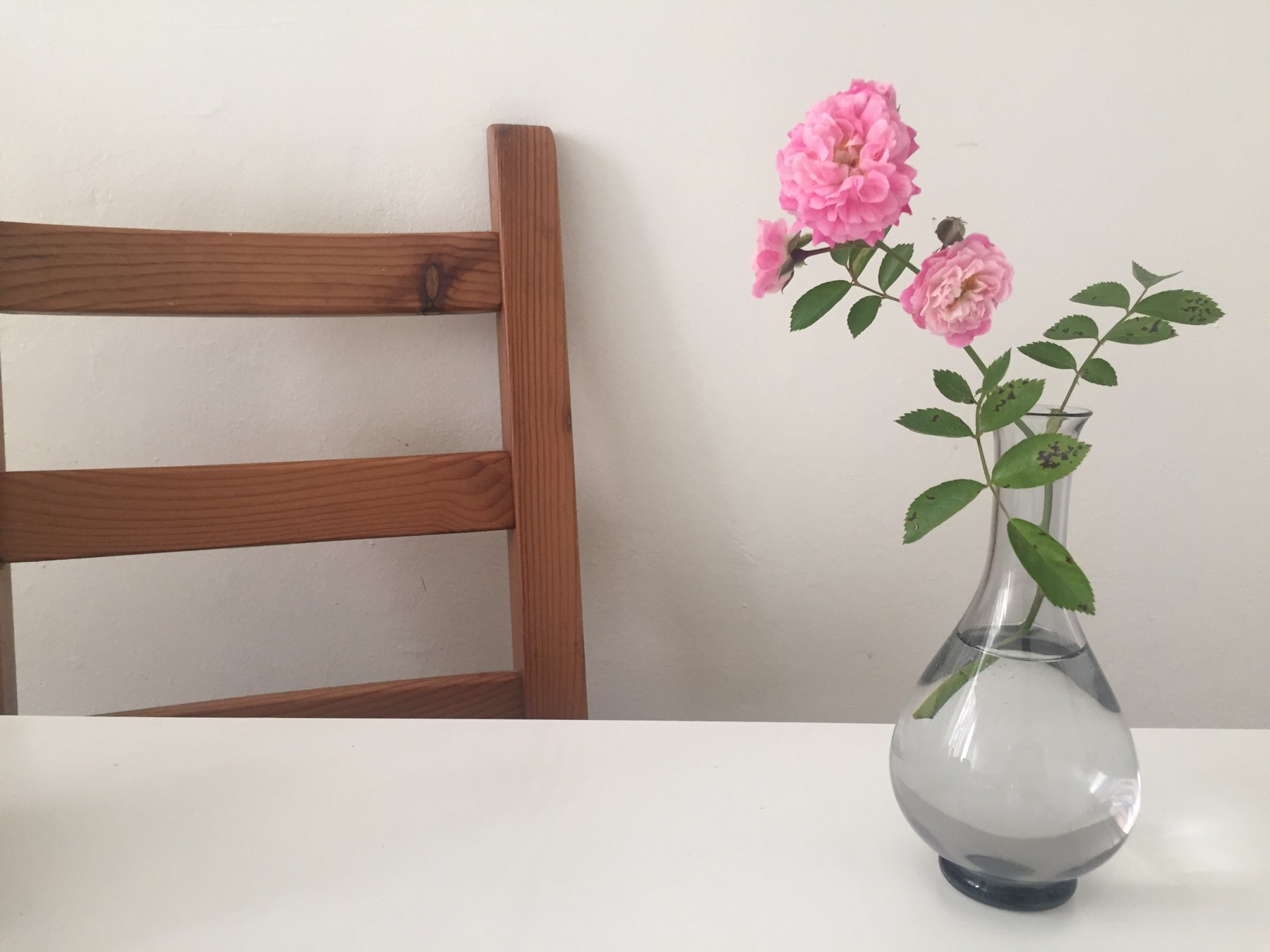
Kitchen Roses.