
Thus measures implemented to protect pedestrians work very effectively with the cars that do least damage, but are next to useless with the cars that cause most harm.
There doesn’t seem to be any advantages to SUVs. Powerful list of downsides.
Thus measures implemented to protect pedestrians work very effectively with the cars that do least damage, but are next to useless with the cars that cause most harm.
There doesn’t seem to be any advantages to SUVs. Powerful list of downsides.

MagicSchool is your AI assistant for all things teaching. We think #TeachersAreMagic – and we are on a mission to fight teacher burnout with Artificial Intelligence.
Limitations
May occasionally produce biased or inaccurate information
Only has knowledge up to the year 2021
Cannot search the internet or produce images (yet)
A large set of AI tools for teachers, I’ve only tried one so far. I wonder how they will make money. Sign up for fee is the only thing I can see. I’ve used ChatGPT is a fairly casual way, making crosswords questions and cloze procedures for H2P.
Kevin’s Meandering Mind | Generative AI and the Writing Classroom: WMWP Workshop
Overall, our intentional message was not “the world is ending so ban AI” but more, “this is our new reality, so how can we start to think of AI as a partner to help us as teachers and maybe help our students as writers?” and I think that theme really resonated with the educators who joined us last night.
Also from Kevin, Write Out: Gathering Sensory Details for Haiku which if the weather permits and we can get to the woods I’ll try next week.
This
from Tom Woodward
lead to a collection of links including: Dan Coe Carto – The Community Library 2023—Rivers Revealed
Lidar (light detection and ranging) is a technology that uses laser light pulses to create intricate three-dimensional models of the earth’s surface. These models can be used to create stunningly detailed images of rivers and floodplains. These depictions often reveal previously unseen channels where rivers have flowed in the past and invite viewers to visually meander along these pathways through both space and time.
And some local data Scottish Remote Sensing Portal makes me wonder how difficult this would be, it would be nice to do from places I know.
I also spent a fair bit of time in the wet weather on Glow Blogs help. Although the classic editor is default on Glow Blogs, we are getting ready for using Blocks. I’ve been updating information and using the blocks editor to do so. I’ve tried all the blocks and am now a lot happier using it.
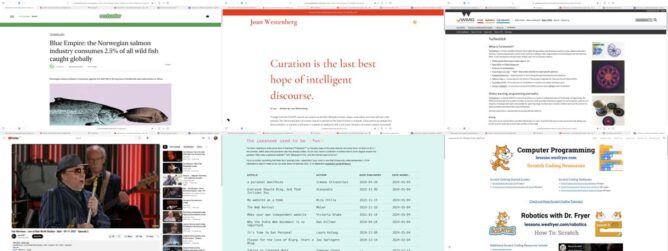
Featured image: a montage of screenshots of some of the lined pages, my previous script had a few problems with cookie banners, so this one used Safari & takes screenshots. Not as elegant and I think there are a few daft decisions, but it works.
The other day I made a test post from Drummer.
I am now trying from BlogBrower. Since this self hosted WordPress blog is hooked up to myWordPress.com account I can post here too.
This is a simple test.

Some links and interesting things I’ve noticed over the last couple of weeks
I like using cardboard in school, some inspiration.
2023 C.A.M.P.The Cardboard CollectiveThe Warehouse
As a working artist, I engage with kids as co-creators, seeking to share knowledge and expertise in context as ideas unfold and discoveries are made. I also share the art research processes and methods I use in my own art practice, as we take on projects big and small.
Amber Dohrenwend, Artist – Cool Tools
Amber Dohrenwend is an American artist based in Marquette, Michigan. She constructs post-consumer cardboard sculptures, costuming and installations.
Amber Dohrenwend build an art installation out of locally recycled cardboard strips.
A tool to help you explore FFmpeg filters.
My use of ffmpeg is very basic indeed, mostly taking images and making video from them. This is much more advanced. I remember trying to make a video grid. Altough that post claims a quick try it took me a while and gave me a real headach trying to expand the grid. FFmpeg Explorer has an example that shows you how with a click. (can’t recall where I got this one, but thanks)
TiddlyPWA — TiddlyWiki Storage & Sync Solution
Have you ever wanted to combine the power and customizability of TiddlyWiki and the convenience of a modern offline-friendly, encrypted, synced notes app? Now you can! With…
HT Joe I use TW a bit at a beginners level. This looks nice and the syncing is interesting.
My daughter sent me this, nice.
Rear Window Timelapse – Jeff Desom
Meticulously assembled using After Effects and Photoshop, Rear Window Loop is a large scale projection that shows Alfred Hitchcock’s 1954 masterpiece as a never before seen panorama.
We were watching a tv show about Hitchcock, reminded me of this video.
Daring Fireball: Twitter/X’s Descent Into an Antisemitic Cesspool
Antisemitism is more than just a form of bigotry and hatred, it’s a millennia-old conspiratorial crackpot worldview. And Elon Musk is seemingly sinking into it.
Still the social network of choice by schools in Scotland.
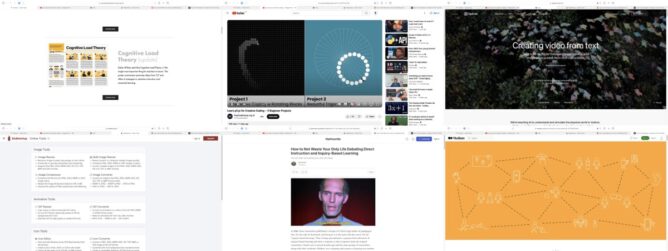
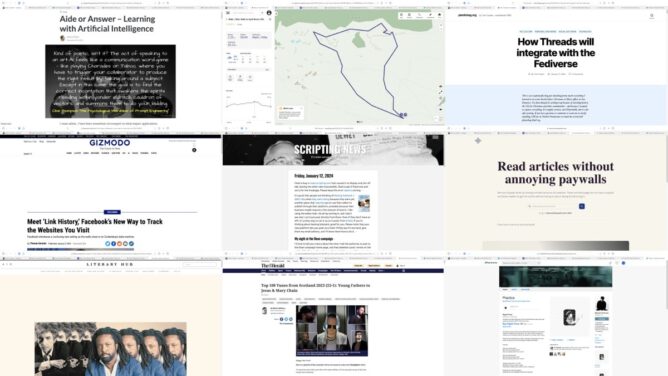
The featured images is a montage of screenshots of some of the links. I’ve done that twice, so made an AppleScript.
Is the Jetpack AI Assistant available for free?
Yes, the Jetpack AI Assistant block is currently available for free up to 20 requests. We encourage you to try it out and share your feedback. You can upgrade your plan to continue using the AI Assistant after the initial 20 requests.
I was quite interested in this, but not enough to pay £7.50 a month for it. The need for an account and payment also rules it out of Glow Blogs too.
I’ll continue to occasionally dabble with ChatGPT.
I’ve been lucky, imo, to have been using an old 27 inch iMac as my computer in school since I started 8 years ago. Despite its age it has been a wonderful machine for me. Returning to my classroom last week I found it will no longer start up at all. No response to the power button. This was my Mac when I worked at the Education Computer Centre before being redeployed to the classroom.
Apart from my familiarity with Macs (going back to system 7) a Mac fits really well with a class all using iPads. The ease of sharing via Airdrop is probably the biggest advantage. It’s simplicity and the way it doesn’t depend on the cloud make it useable even if our internet connection is slow or down. I can quickly collect the pupils work via AirDrop and manipulate (print, combine, resize, assess, organise etc) it on my Mac.
I also prefer using the Apple productivity apps on an iPad but like creating & editing them even more on a Mac.
Large screen computers are rare in primary schools but I have been spoiled. We mostly use quite small laptops. I find these quite difficult to work on. If I use a trackpad for more than a few minutes I get pain in my shoulder and a couple of fingers go numb.
As we now only buy Windows machines in my L.A., I have access to a Windows laptop. However, my old fingers are Apple-trained. I am currently using a rather old MacBook Pro. I have the keyboard from the iMac plugged in, along with the mouse. I think I might just buy a cheap screen and add that as well. I can bring it home and make my Mac mini a dual-screen setup when the laptop follows the iMac.
Having used the MacBook for 4 days I realise how many think I’d added to the iMac (and have at home) that make my life easier. I am going to have to spend some time adjusting the MacBook to my habits. The ones l’ve particularly missed so far are:
All small things that I use without thinking and make my life simpler.
This week has certainly made me appreciate the technology I’ve been taking for granted. I also need to remind myself that in my time of teaching, I’ve gone from a couple of computers in a whole school without a network, to 1-2-1 iPads in my class today. Can’t complain!

The hour approaches…
This is Which One Doesn’t Belong?, a website dedicated to providing thought-provoking puzzles for math teachers and students alike. There are no answers provided as there are many different, correct ways of choosing which one doesn’t belong. Enjoy!
Tape diagrams are especially useful for modeling addition, subtraction, multiplication, division, fractions, and ratios/proportions.might work in wel lwith Number Talks, or be a break from them.
You probably figured out pretty quickly that there’s usually more than one solution to which one doesn’t fit and why. These aren’t multiple choice questions with one objectively “correct” answer. It’s the process of examining each item in comparison with the others that forces us to review what we already know, reinforces the information we use to argue whatever point we choose to make as a result, stretches our understanding of each item a bit, and lays the groundwork for actual analysis and argument should we eventually go there.
“…a web-based data filtering tool for OpenStreetMap”
HT Joe. I really like Open Street Map, this makes me like it more.
Experience a WordPress that runs entirely in your browser.
…WordPress Playground makes WordPress instantly accessible for users, learners, extenders, and contributors.
And
Even more insane and amazing, Ella van Durpe used WordPress Playground as the basis for a new note-taking app for iOS and macOS. Blocknotes is a stripped down version of WordPress that lets you create notes like you would create posts in WordPress.
Town Square is a generative sculpture, animated with slow-paced movement. The work is code-based and runs live in the browser. A random seed was chosen by the artist, cementing the generative shape of the sculpture. A looping video file for exhibition purposes can be provided upon request. Made with html, css, javascript, and three.js. Creator Anna Lucia
I am often impressed with various html/css/javascript art ideas, this is a lovely one. I’ve occasionally taken baby steps, usually in response to the Daily Create.

Featured Image: Demon in chains | Cleveland Museum of Art CC0

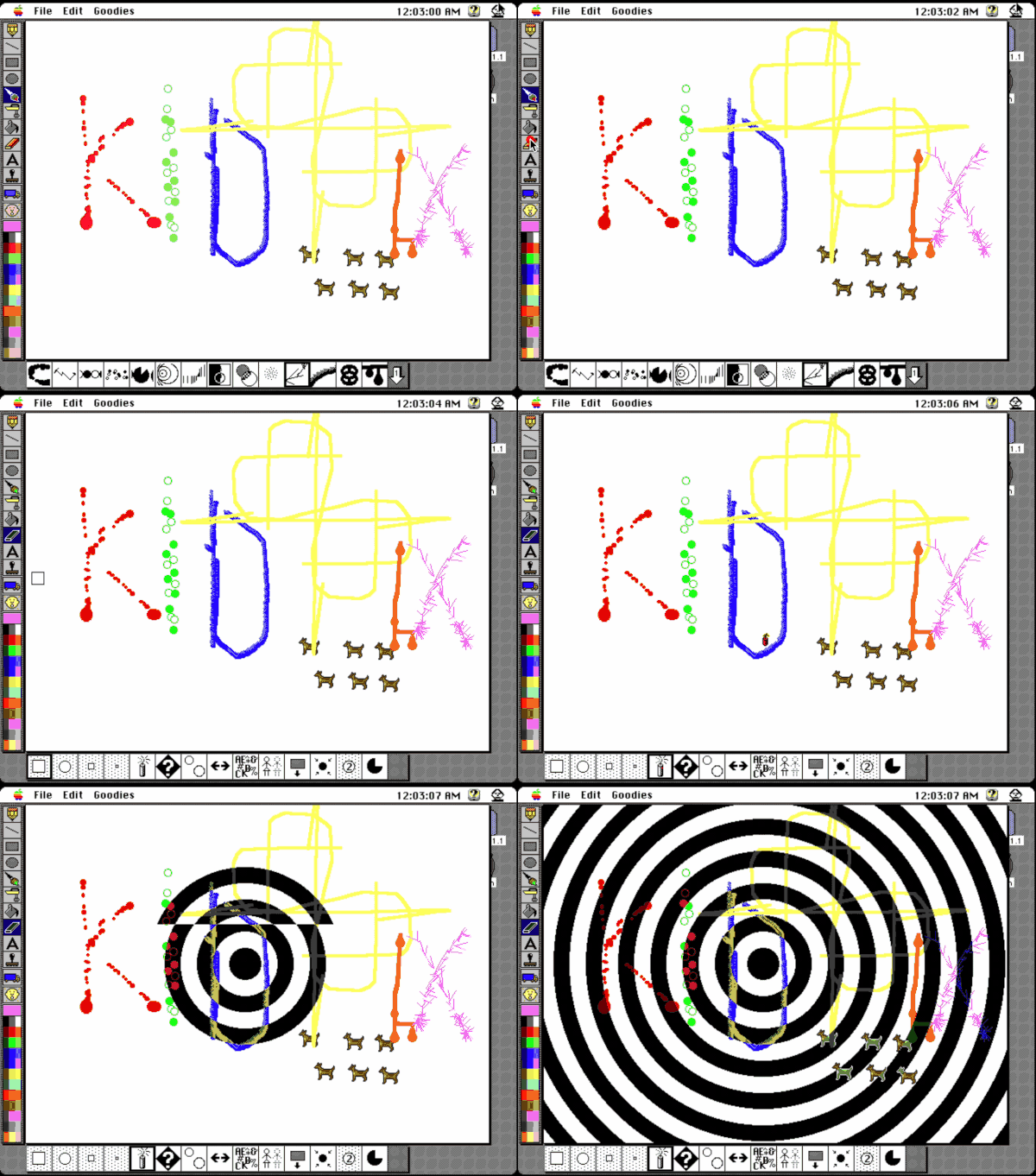
Nostalgia. Recently I’ve seen teacher’s “apps” created with PowerPoint or Keynote I wonder what we could do with HyperTalk in Keynote?