
The Shortest Night
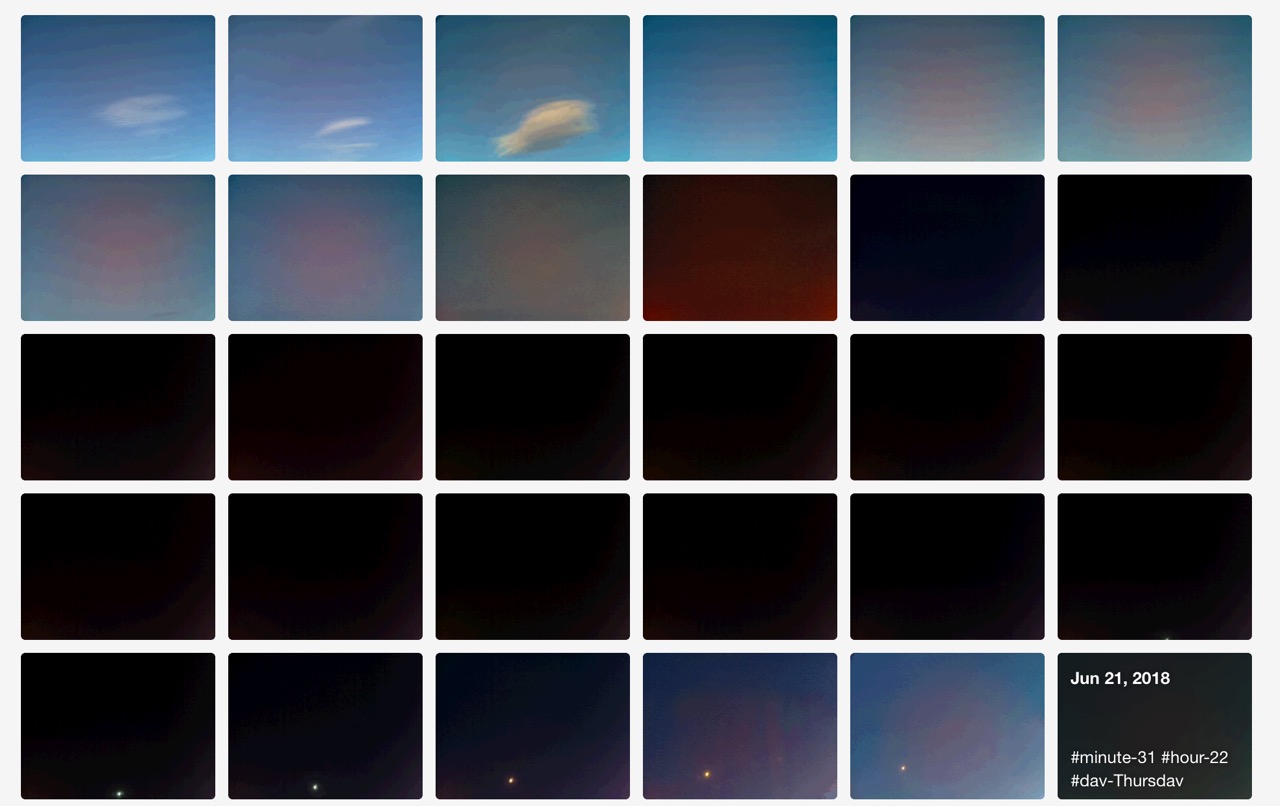
My Raspberry Pi post a gif to tumblr every 15 minutes. Sky Pi: Archive

The Shortest Night
My Raspberry Pi post a gif to tumblr every 15 minutes. Sky Pi: Archive
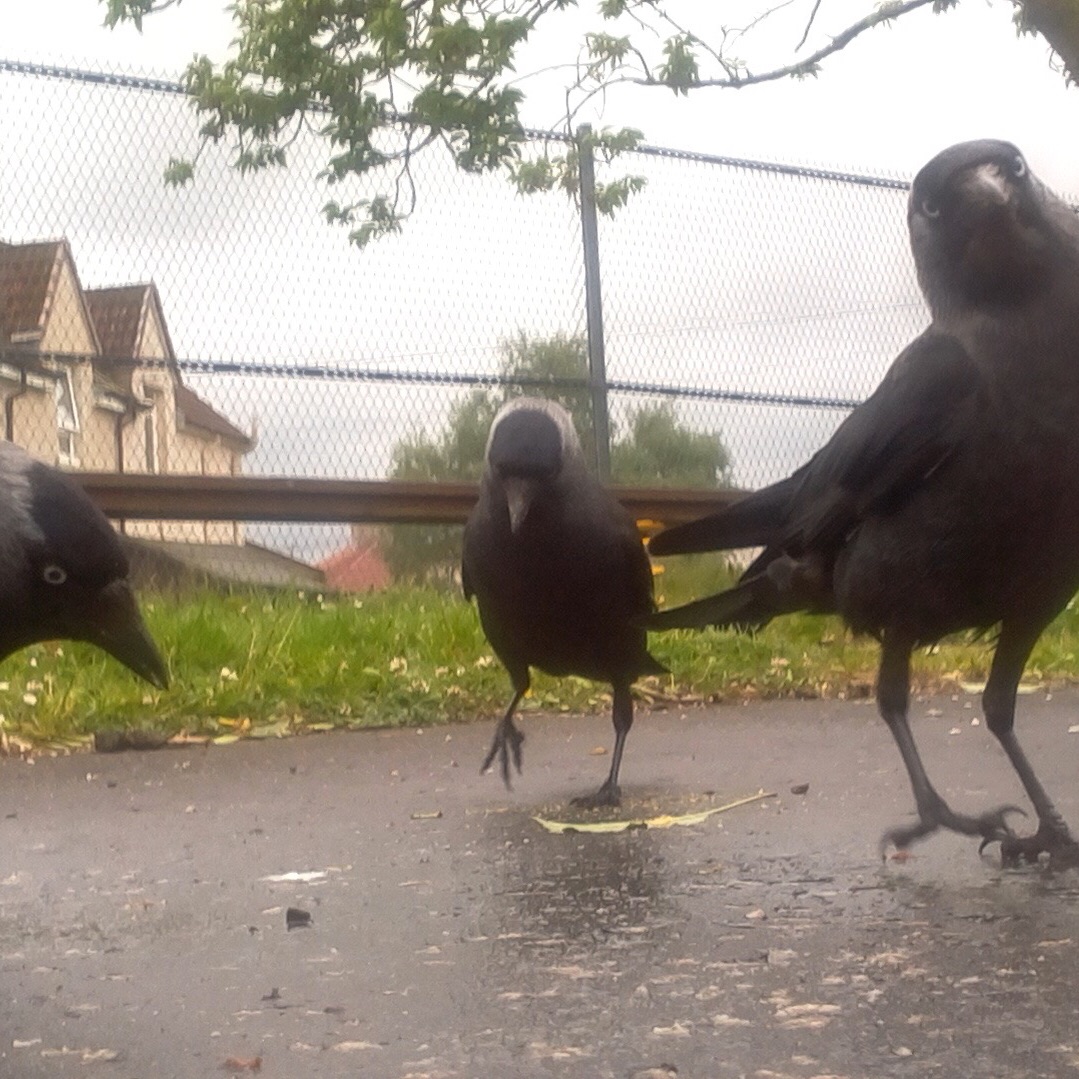
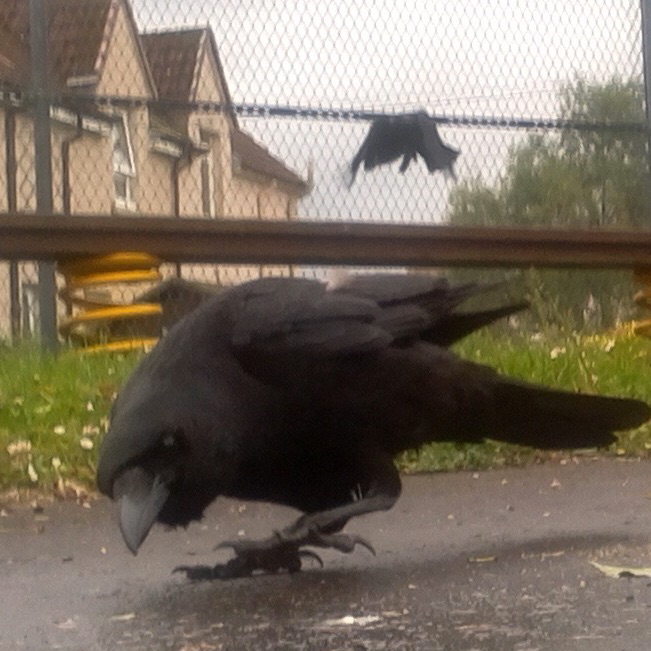
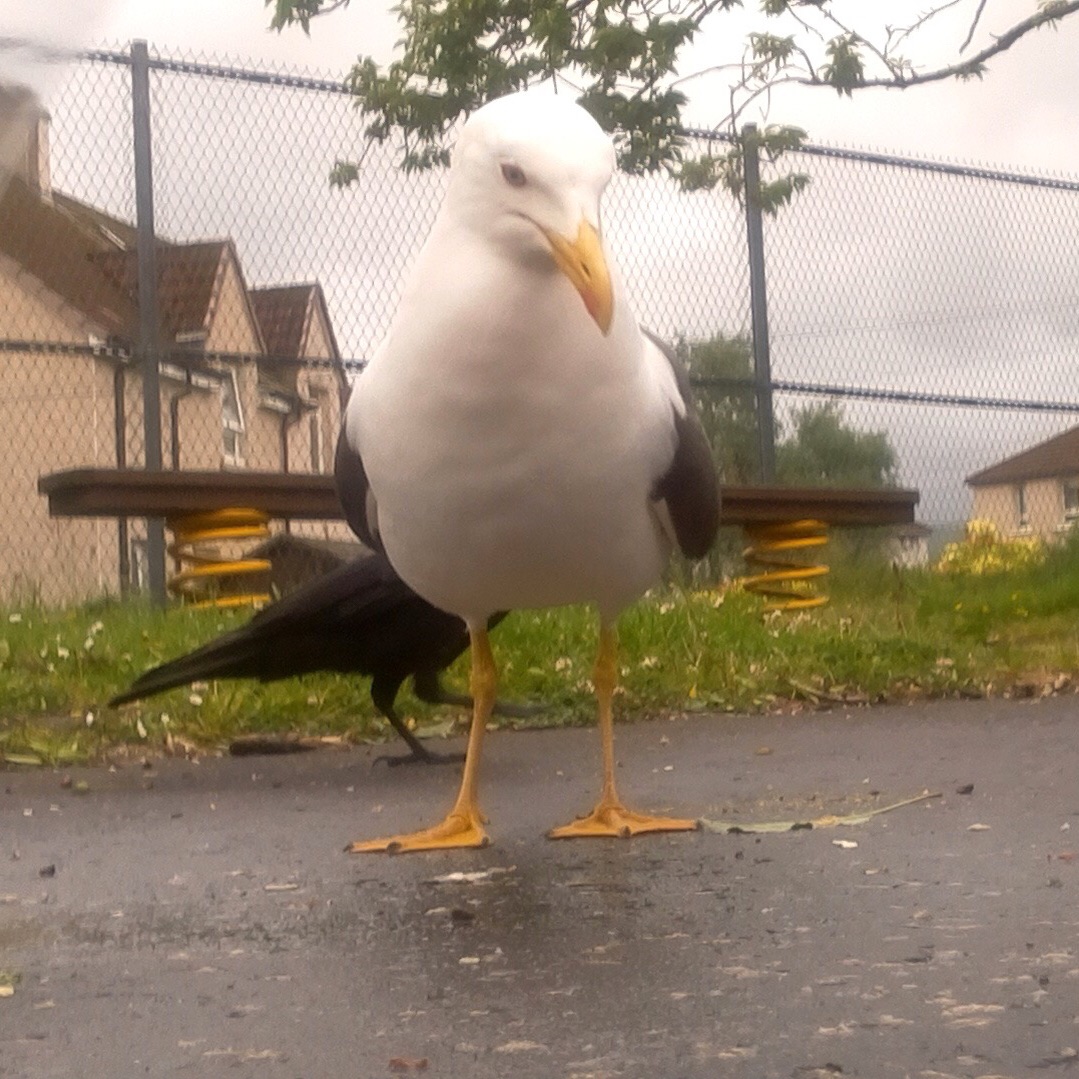
More from #mynaturewatch #raspberrypi camera in the playground
More jackdaws today using our #mynaturewatch #raspberrypi camera in the playground. We were trying to get some smaller birds. Also found the camera fired as feeder swung in the wind. 📷
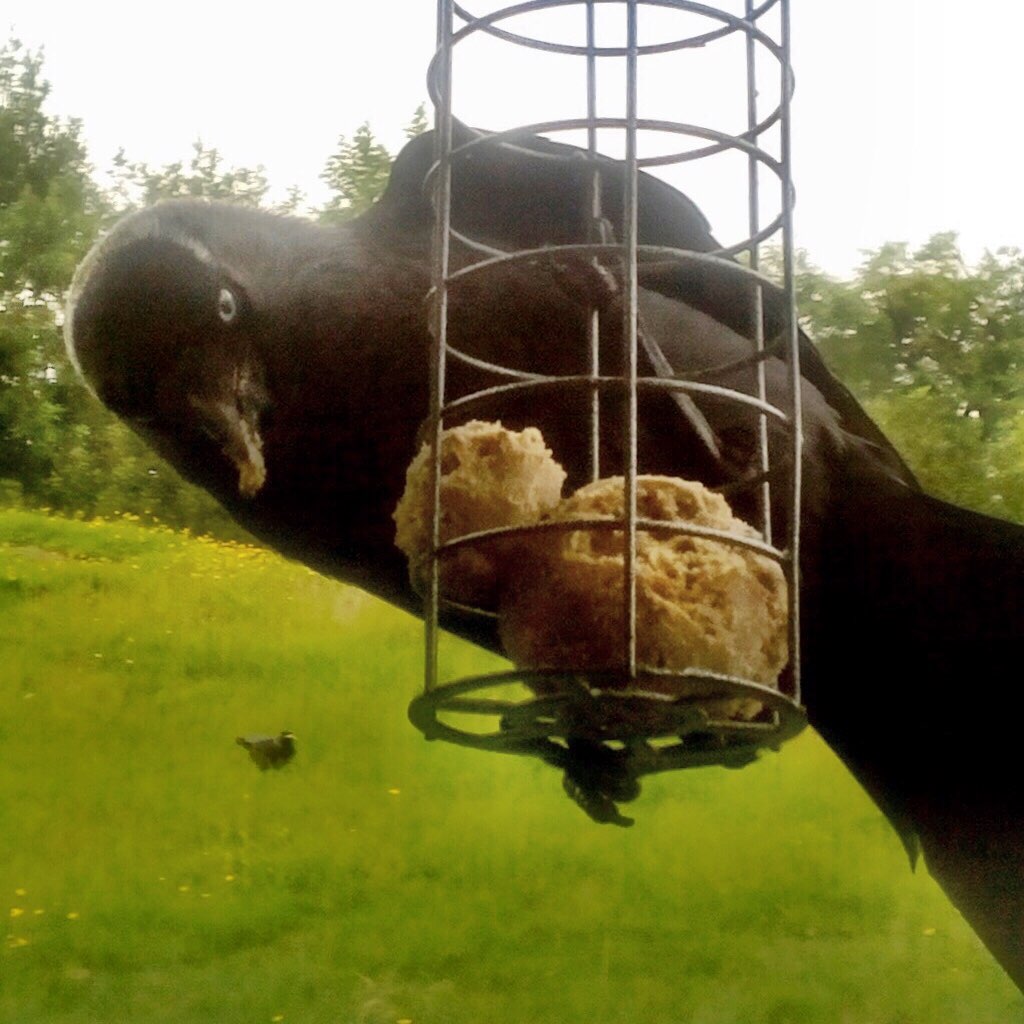
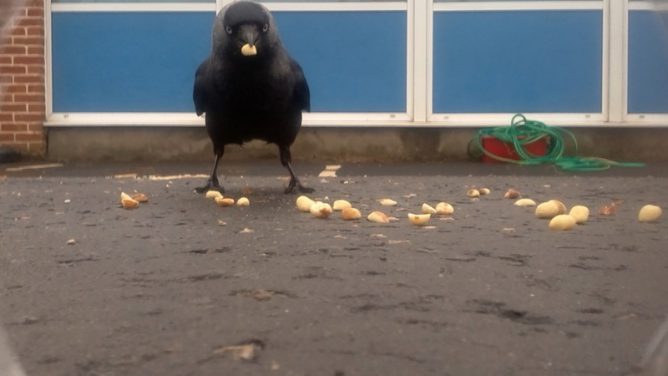
I was watching spring watch out of the corner of my eye as I did some prep last night. There was an article about making your own Wildlife cam. It looks a lot simpler than others I’ve seen and used a Raspberry Pi Zero. The BBC site had a link to My Naturewatch where you can get instructions.
This looked like something my class would enjoy using. My zero is busy taking gifs of the clouds (>70000 to date Gif Cam), so I decided to try to use a Raspberry PI 3 instead.
The instructions were really good, simple and worked first time! No soldering involved. You don’t need a monitor for the PI or any logging on through ssh in the terminal. All you need is a PI, a camera module for the PI and a power supply. I used a £2.99 phone charger. You need a plastic box and an old plastic bottle too. This is bargain basement stuff.
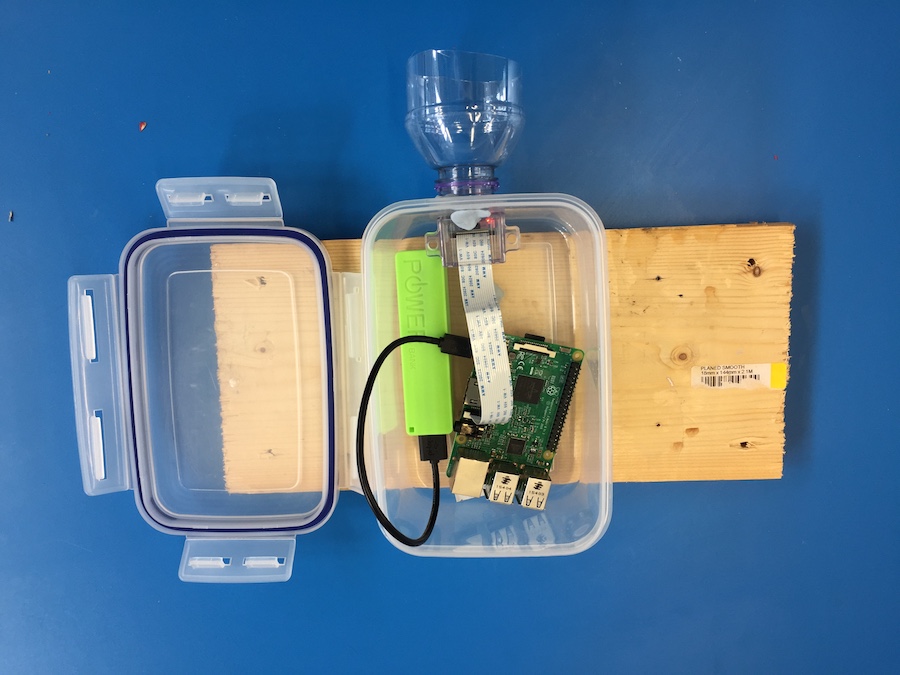
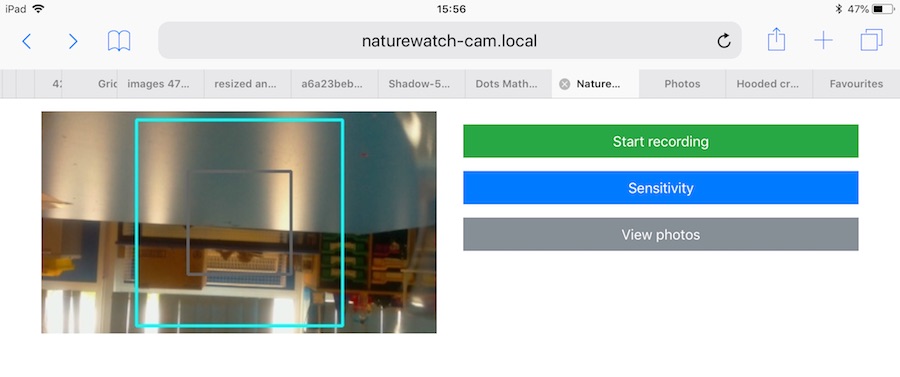
The way it works is the then the pi starts up it becomes a network. You connect to this with a computer or other device. You are then on that network and not the Internet. I forgot about this when showing the class and couldn’t project from an iPad;-) You then open a browser and connect to a local website on the PI. There you can start the camera and view or download the pictures.
Once the camera is started it takes a photo every time something moves in front of it.
It was raining fairly heavily this morning so we waited till about 10:15 before putting the camera out on the playground with a handful of peanuts in front of it. After 15 minutes we collected it and had a look at the photos. I am impressed. We need to think a bit about placing the camera, perhaps finding somewhere with smaller birds but the camera worked a treat.
I think this is a really useful tool for the classroom. I hope we can use it to catch some butterflies on sunnier days too. I have had a few failures with hardware Raspberry PI projects. I prefer software ones but this is certainly the most impressive for the least about of work I’ve tried. I’d recommend it highly.
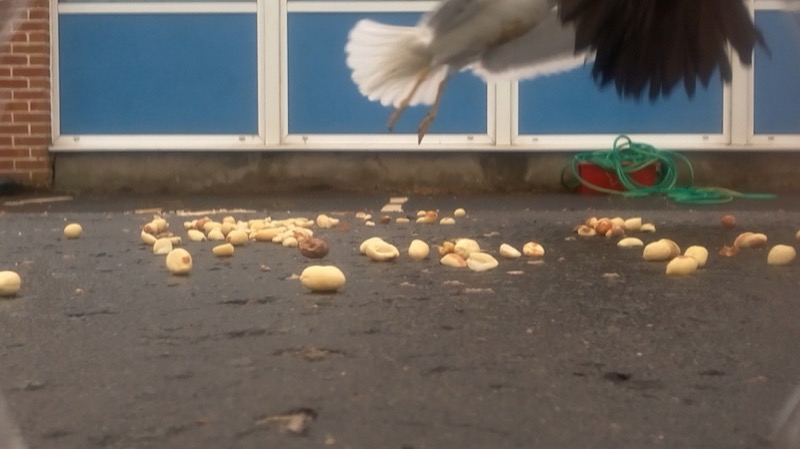
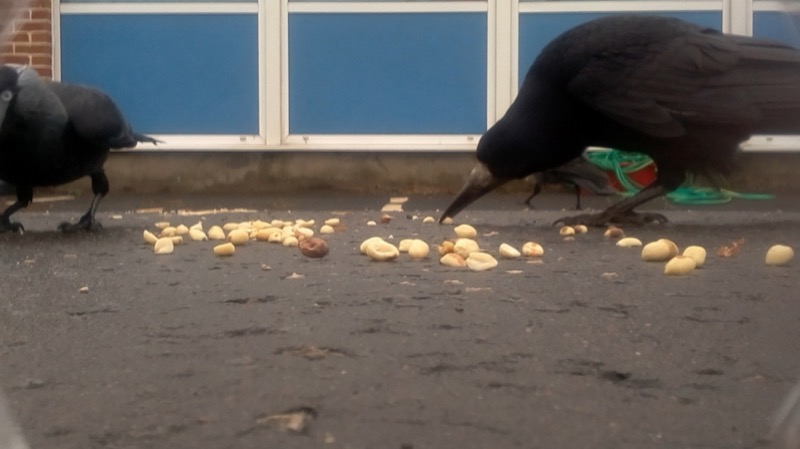
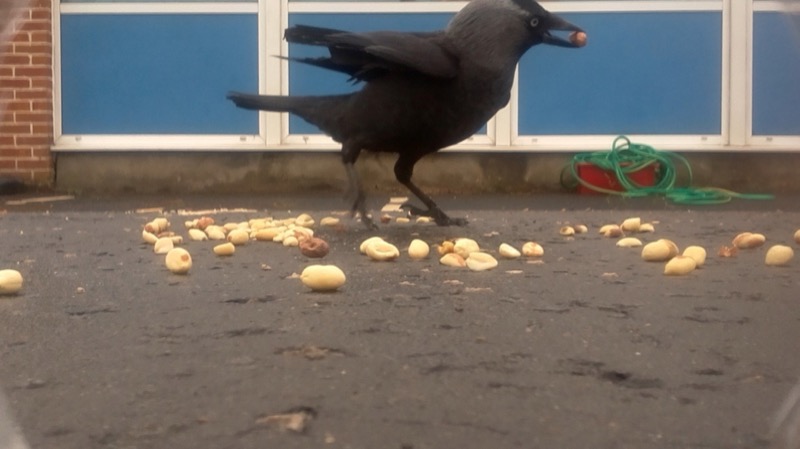
Just put together and tested Naturewatch Daylight Camera using a raspberry pi 3 to take into school, very straightforward. Hope pupils can make housing and get some bird pictures.
Alan ask:
And suppies some questions, just like blogs way back when!
What is your domain name and what is the story, meaning behind your choice of that as a name?
johnjohnston.info ’cause .com and .co.uk and others were not available. I waited too long to get my name.
What was your understanding, experience with domains before you got one? Where were you publishing online before having one of your own?
This takes me down memory lane.
I started publishing on the web on aol. At http://members.aol.com/weefishes, (Internet archive from 1998), I was trying to share and sell some HyperCard stacks and applications. My business was called LittleFish. This lead to my first domain http://littlefishsw.co.uk I guess I wanted to have a more professional URL and more control over the content.
I took the same route with my school website, http://members.aol.com/sandaig (Archive 2001), then http://sandaigprimary.co.uk, (archive for 2003)
I started this blog on the Sandaig domain in 2005 (2007 snapshot on the Archive).
At that point I though of domains are more memorable URLs that would allow me a wee bit more freedom than AOL hosting.
I had or was involved in other domains, some of which still are in use. One of my favourite was opensourcecpd.org.uk which was a plan to follow open source principals for CPD. It never took off but I love the idea.
What was a compelling feature, reason, motivation for you to get and use a domain? When you started what did you think you would put there?
When I left Sandaig I wanted to move my blog away from the school site, so I sorted out a site and this domain. I migrated all the content for the old blog and eventually changed platforms to WordPress. I consider the blog, as continuous despite the domain and platform changes.
The blog sits at /blog I wanted the site to be more than a blog, it is full of different simple and messy web experiments and tests.
What kinds of sites have you set up one your domain since then? How are you using them? Please share URLs
I’ve no subdomain on this domain, but lots of folders. My favourites include my ds106 blog at /106, Flickr CC Stamper at /fcc and my /walks.
I do have another domain johnj.info which has a few sub domains that point to a far number of sites:
What helped you or would have helped you more when you started using your domain? What do you still struggle with?
My domains grew in a messy and organic way. Previous choices affect future ones. Of course I’d like everything neat and tidy but…
I don’t handle or control the dns for this site. Hence the johnj.info domain and sub domains. My host does this. I stick with him because he is great and has indulged me a lot. Some other sites I host elsewhere for price and cause I like Jim too.
What kind of future plans to you have for your domain?
I am exploring the indieweb more, hopefully I’ll keep that going.
What would you say to other educators about the value, reason why to have a domain of your own? What will it take them to get going with their own domain?
I like the idea of my own space more than a domain. I like futzing. It is important, to me, to have one place. Sites in silos, or aol, or tilde spaces are fine playgrounds.but services go away. The domain is just an address pointing to my messy kingdom where I can do what I want, if I can.
I find great value in having my blog go back for years. I search it often. If I’d trusted a silo my content might have vanished by now.
Ideally everyone would get a domain automatically. Obviously this would make for a lot of domains.
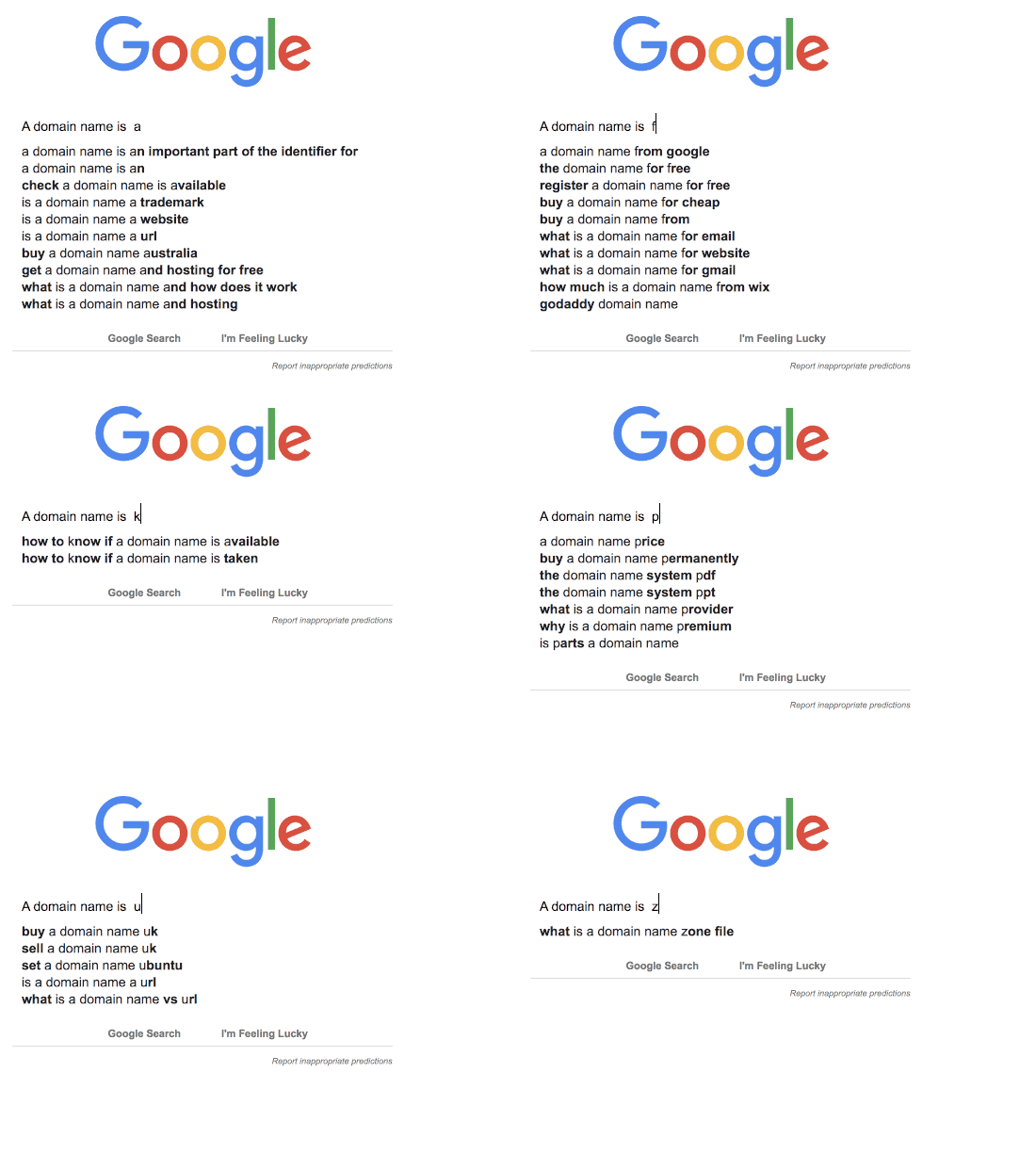
featured image created with AppleScript & Gifsicle autocomplete-gifs

I’ve been on holiday for the last two weeks, the second spent unwell with a sinus infection that made me uninterested in everything bar Lemsip and a bit of netflix.
Feeling a bit better and reviewing my pinboard links. Most seem to be around poetry, maths and micro:bits in the classroom ( I need to get out more).
tutoring by paraprofessionals (teaching assistants) was at least as effective as tutoring by teachers
Teaching assistants were more effective in reading with small groups than teachers. Due perhaps to being able concentrate on the job in hand without thinking too much about the rest of the class. And:
Tutoring does not work due to individualization alone. It works due to individualization plus nurturing and attention.
Also volunteers were not as effective as assistants (move on not committed in the same way). I’d say a big plus for classroom/pupil/teaching assistants.
The Lost Words is a beautiful book created by Robert MacFarlane and Jackie Morris. It contains not poems, but spells to conjure back certain words which have been ‘lost’.
The first thing worth noting about this spell book is how alluring it is. I felt enticed into immersing myself in the spells and illustrations immediately. You could quite easily lose yourself for days by: soaking in every inch of detail, finding the hidden meanings of the spells and decoding the kennings.
I decided this would be even neater if you could untether a microbit, so here’s a project where I send accelerometer data as a string wirelessly from one microbit to another plugged into a computer running Mu. It could be great for physics experiments.
Enter a complete sentence (no single words!) and click at “POS-tag!”. The tagging works better when grammar and orthography are correct.
Looks useful. I’ve seen a lot about the immersive reader in Word, but it is lacking in the iOS version of word (although present in OneNote). I like the simplicity of this and the warning:
Computers make mistakes too!
Hello! p5.js is a JavaScript library that starts with the original goal of Processing, to make coding accessible for artists, designers, educators, and beginners, and reinterprets this for today’s web.
We want to give teachers whatever tools they need to connect the joy, wonder, and fun in our videos to the underlying concepts that their students are learning.
— DAMIAN KULASH, OK GO
Or maybe we just wanted to have a ton of fun? Quite stunning videos. One Moment esp.
Header image created with above mentioned Sketch Machine.

Playing with gifsicle & imagemagick to combine gifs from Sky Pi.

Some things that have caught my interest over the last week:
One way of achieving this identify shift is to come unprepared to a lesson! For example, working on a poem in English that neither the pupils nor the teacher have read before. In doing so, pupils begin to see that their identities can fluctuate from learner to contributor, thus giving them the confidence to enact this discourse themselves in the classroom and beyond.
Which speaks to vocalising your process. I do that (I hope) in writing, but not so much in reading.
Get these slogans blown up and laminated and plaster your corridors and walls in them… Bingo! Go Growth Mindset
And
Live it. Don’t laminate it. Stick that on a poster
.
False Growth Mindset
After the recent pushback on Growth Mindset this post suggests that there can be real Growth Mindset and “Many of the best teachers are already there”
The version of Scratch included with the Raspberry Pi has a number of unique features; one of the most useful is its ability to communicate with the GPIO pins (General Purpose Input Output). These pins allow you to connect your Raspberry Pi to a range of devices, from lights and motors to buttons and sensors. The original Raspberry Pi had a 26-pin header and newer models (B+, Pi 2, Pi 3, etc) have a 40-pin header, but this workshop will work with any model.
I’ve generally failed with any raspberry pi stuff that involves extra hardware beyond a camera this might help.
uses any old Raspberry Pi with Raspbian and some parts you’d find in a CamJam EduKit or similar: an LED, a resistor, a push-button switch, a buzzer and a Passive Infra Red (PIR) movement sensor wired up
Looks like it might be a nice we project for school.
Featured image: Got Links? | On some large road machine from Gila County AZ | Alan Levine | Flickr CC-BY
Some projects just seem to stand above the rest, because of the complexity of the work, polish of the finished product, and unique premise tying it all together. Instagif, created by Abhishek Singh, is one of those projects where everything seems to have come together perfectly. It’s a mechatronics engineering marvel, and Singh is able to really showcase his interdisciplinary chops with it.
👍🔗 Amazing: I made a camera that prints a GIF instantly