

Shoplifters ★★★★☆ engrossing complex story, I think I missed a lot of the subtle points. Sweet, sad and though provoking. 📽
Social engineering
Private school woe over rise of state pupils at Oxbridge | News | The Times
The recruitment by Oxford and Cambridge of more state pupils has led to private-school parents claiming that their children are being edged out by “social engineering”, a leading head teacher has said.
My jaw dropped when I saw the front page of The Times in the paper shop this morning. Unfortunately, or fortunately, I can’t read the whole thing online as it is behind a pay wall.
It is the social engineering bit that got me. A whole class paying for their children to be schooled differently 1 may not fit the exact description of social engineering but it an huge effort of that class to shape society and keep itself on top.
- along with a huge network of connections, private tutors, being able to pay for internships… ↩
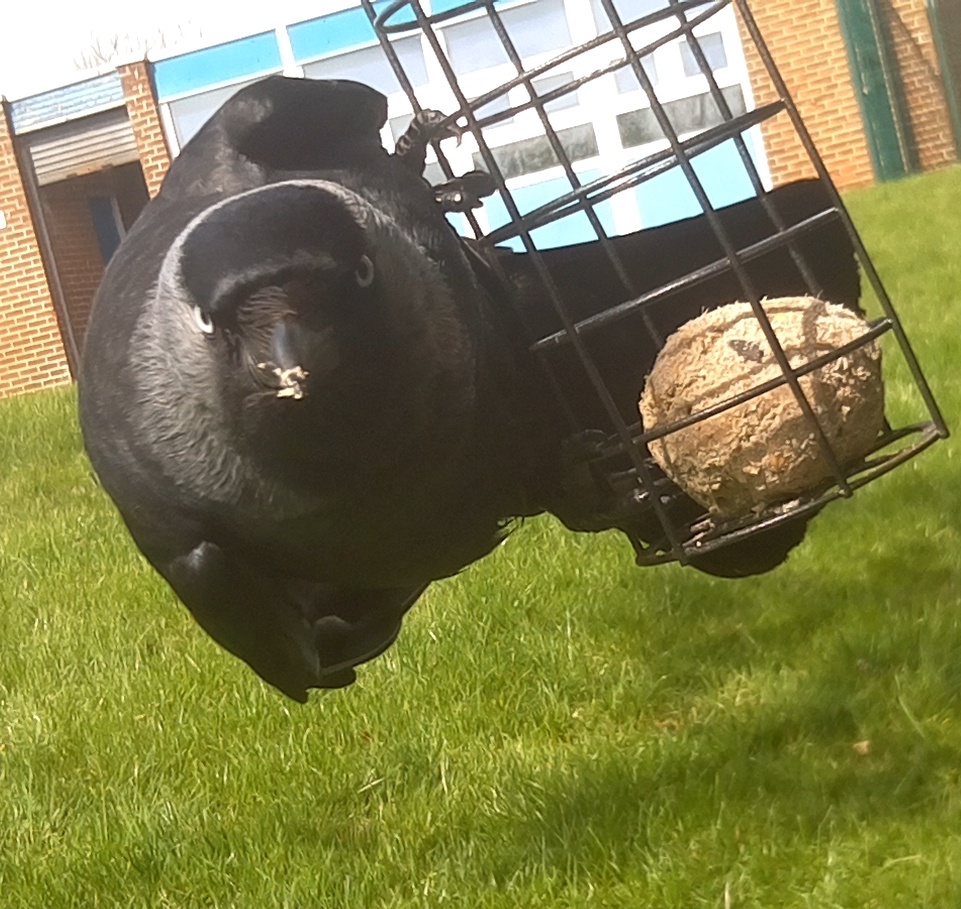
Watch the Birdie. Taken with @mynaturewatch Raspberry Pi camera
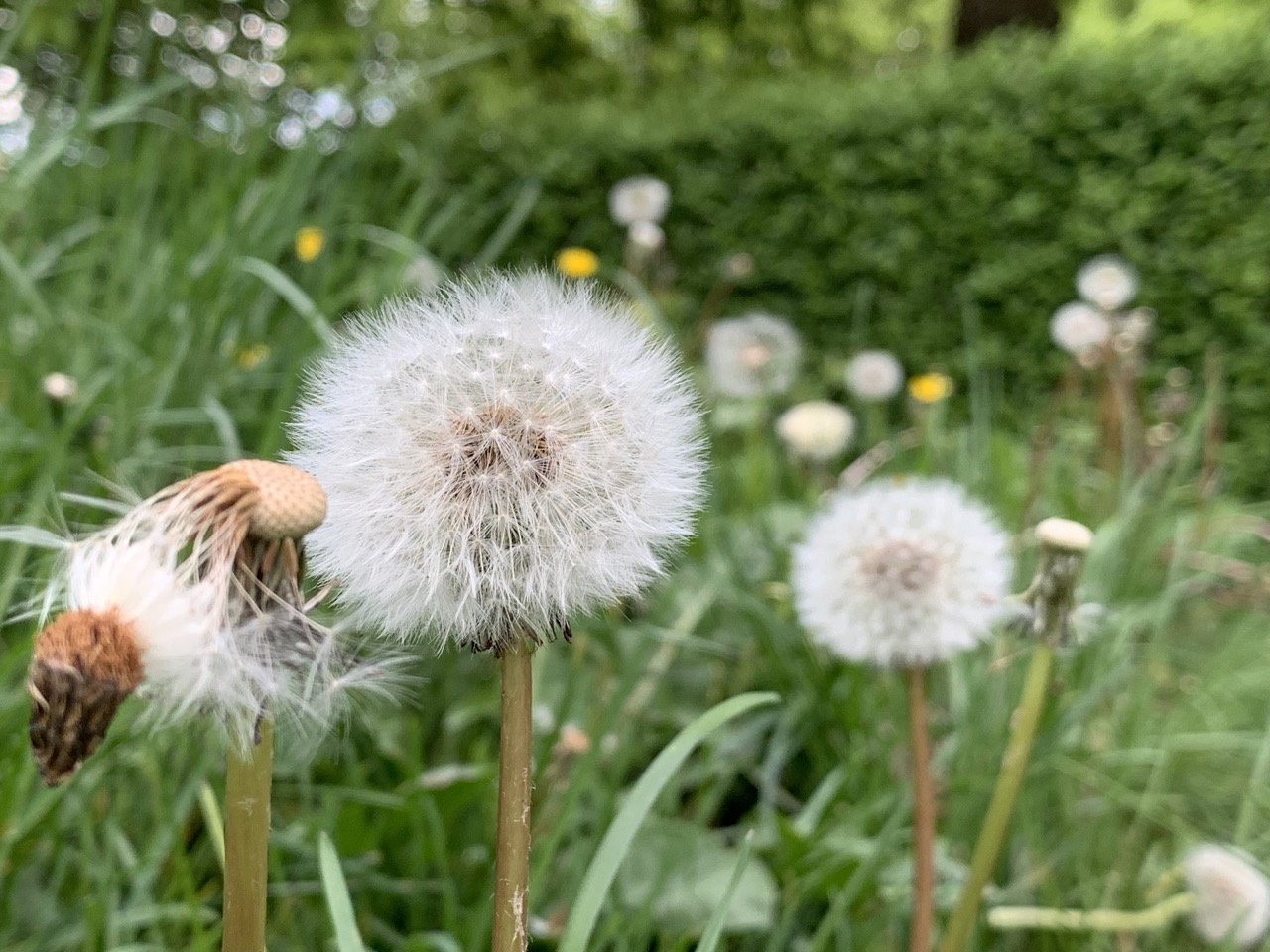
Watched Faces Places last weekend ★★★★☆
Watched Faces Places last weekend ★★★★☆ very much enjoyed the pace. A lot of film I’ve liked in the last year have be slower, meandering even.📽
Camera advice sought
I am looking for a bit of advice on getting a new camera.
I take quite a lot of photos. I’ve owned three digital cameras over the years. Since I’ve had an iPhone I am mostly happy with that. I do like to have a camera with a good zoom as well. I mostly take photos outdoors, plant, birds and animals, and a zoom helps.
I don’t really put much effort into the craft of taking photos and don’t have any real technical knowledge. I can’t see me learning any at this stage. I’ve occasionally started or some kind soul has tried to teach me but it doesn’t really stick.
I do really enjoy having a visual notebook of things I’ve seen, walks I’ve gone on and interesting flora and fauna.
For a while I had a PowerShot SX10 IS which I really liked, it stopped being reliable, failed to take photos often and slowly faded away. I then go a Panasonic DMC-TZ80. I liked the zoom on this, but the photos didn’t seem much clearer than my iPhone 6. It also didn’t take being stuffed in a rucksack or pocked very well, the wee dial on the back fell off and later it just stopped working altogether.
This year I’ve just had my iPhone. I do really like it but I’ve taken a few photos of distant dots where I can’t get close enough, typically of birds. I’d like a new camera with a zoom.
The problem is camera reviews don’t seem to help much. The TZ80 had good reviews but the pictures weren’t all that good and it was not robust enough. I bought it mainly because it has a view finder. I was going to replace the canon with anther canon, but at my price range they don’t have one.
Here is what I think I need:
- A ~50x zoom
- A view finder
- < £300 preferably nearer 200
- Not too flimsy
I don’t need the latest, there seems a lot of previous models on amazon that look ok. I probably want things that help automatic, stabilisation perhaps. Easy time lapse and long exposure would be nice.
I don’t really want to have to learn much, I’ll use auto 99% of the time, dip into to random settings and go back to auto. I don’t care about “creative” modes, filters etc.
There seems to be plenty of choice, I just don’t know what to pick.
The Panasonic DMC-FZ72 is the sort of thing I’ve been looking at, but the last one I had was a Panasonic and did not last. I’ve also though about giving up the viewfinder and getting the older Canon SX530
Any thoughts or opinions gratefully received.
Read: Greenbanks by Dorothy Whipple ★★★★☆ another lovely read. I like the way her stories don’t have an arc in the way a modern novel does. I am taking her books only occasionally as I am worried about running out. 📚
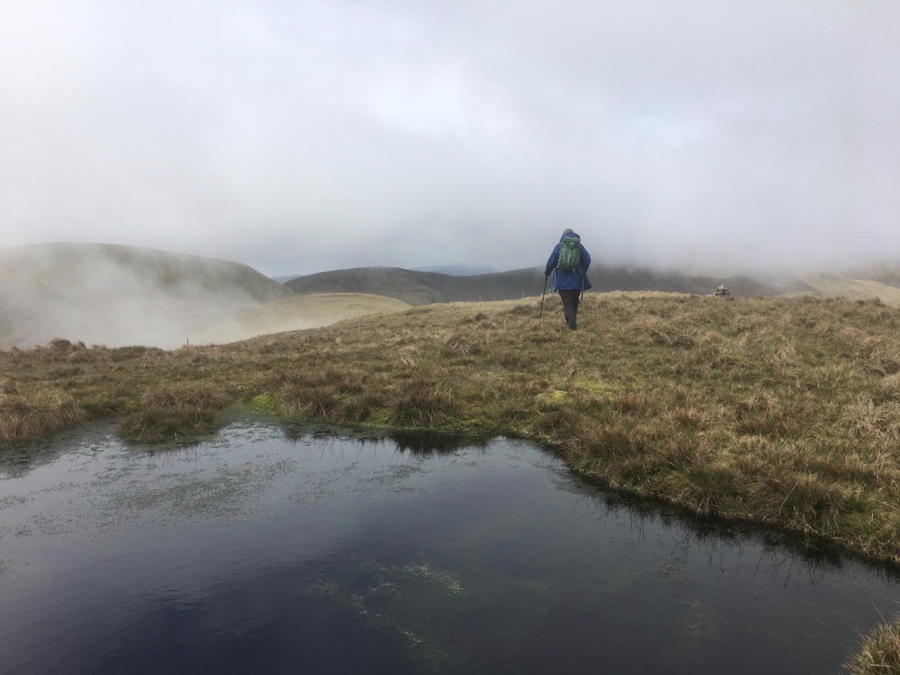
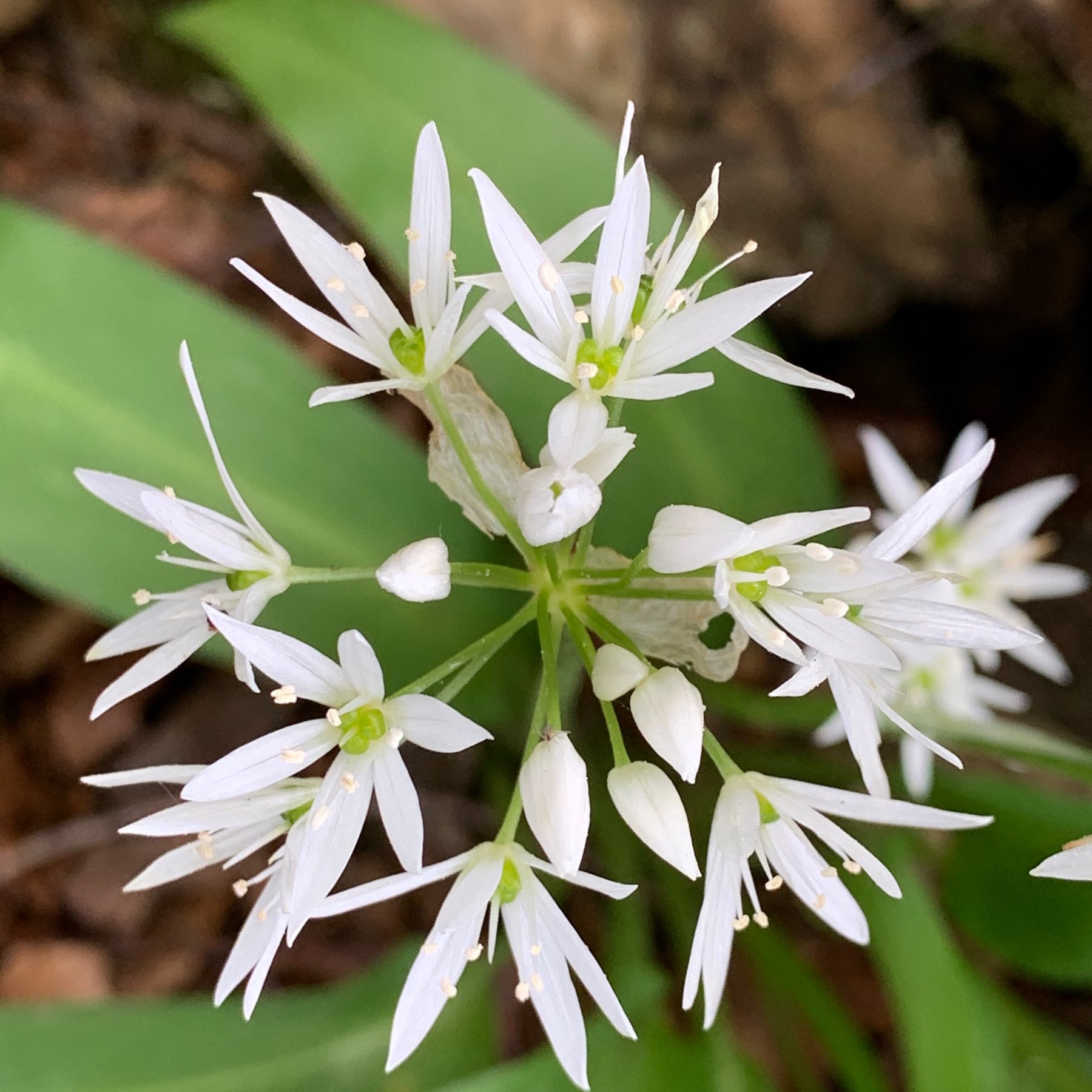
Walk with Christine.
A cuckoo kept ahead of us on the way up to the dam. A one point going down into the grass and then onto a rock with a large wooly bear in its beak.
A dozen Red deer on the way up from the dam.
At around 11 am, rain expected turned out to be snow, a cold half an hour. Brightened up a little after that.
A good day.
walkmapTotal distance: 12.46 miles
time moving: 5:33’31”
total time: 6:24’10”
moving speed: 2.24 mph
total speed: 1.95 mph
lowest point: 78 ft
highest point: 2299 ft
elevation gain: 4113 ft
elevation loss: 4137 ft
Walking up the metalled road to the Glen Finlas Reservoir a cuckoo went ahead perching on the telephone wires. At one point it went into the grass and then flew to a rock with a large wooly bear caterpillar in it’s beak.
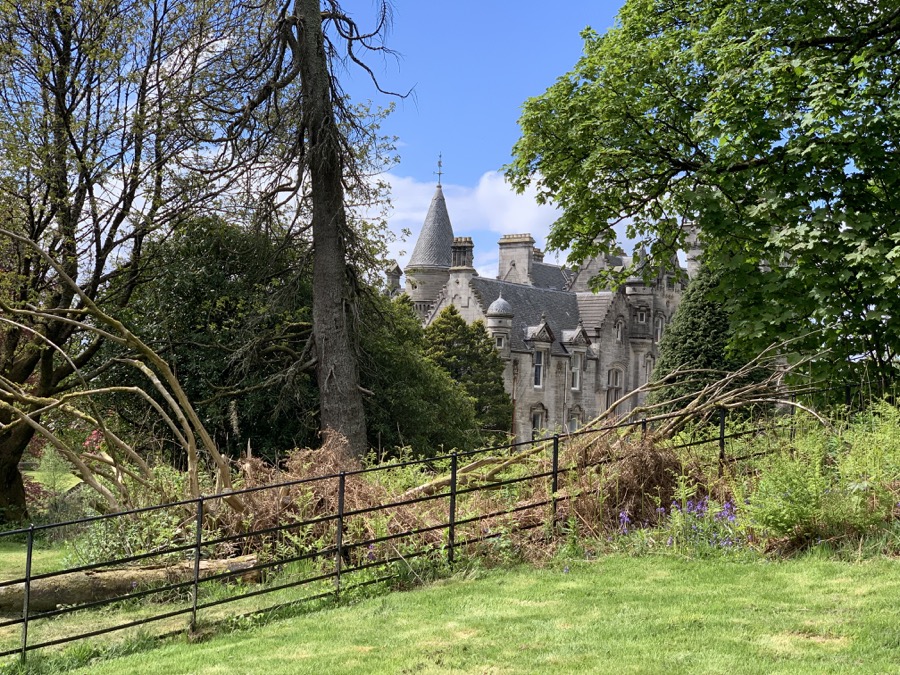
Overtoun and Lang Craigs. Walked up to Black Linn this afternoon with Dorothy.
photos on the walkmap