

Yes, I love it that our playground looks like a building site.
micro:bit classroom
This looks as if it might be a really neat idea, local storage, no sign-in for teacher or pupils. Download everything and resume session later.
I am wondering if it will, now or soon, work with the iOS micro:bit app?
Through the winter hedge,
Geese grazing the barley stubble;
Monday morning commute.
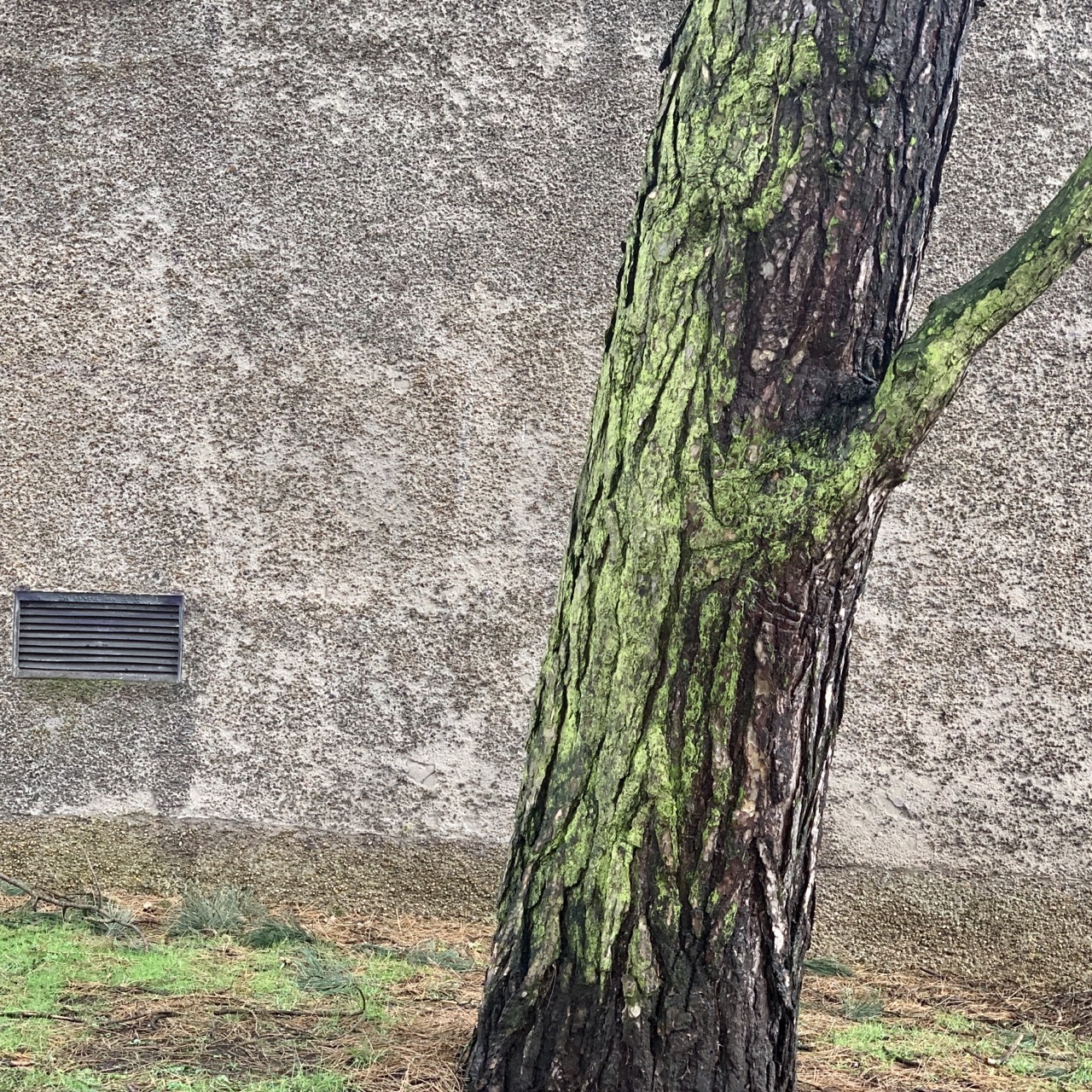
Interesting texture.
 Aaron Davis (collect.readwriterespond.com)
this introduction to the coronavirus a fantastic introduction for everyone.
Tarsia Puzzles
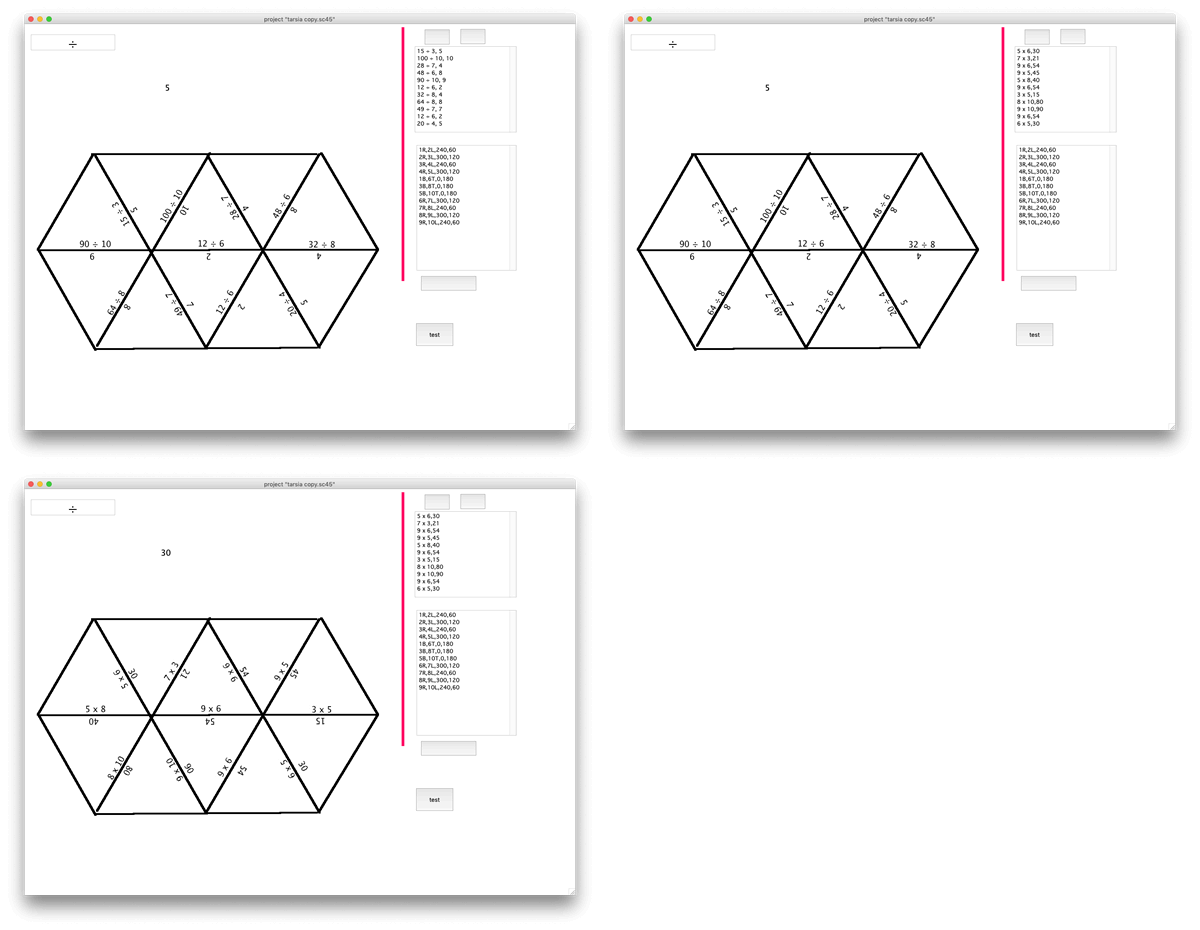
My class enjoyed trying a tarsia puzzle on Friday. I’ve started a wee SuperCard project to generate these. (There is a windows app but I could not find a mac one). A very simple start to break up a weekend of report writing.
Using Microsoft Office for iPhone a lot today to capture text. I like it much more than Office lens. Much easier & quicker to get text to edit without having to open up Word. Straight to Drafts app in my case.

There has been discussion of the difficulty of discovering UI features on modern Apple Devices vs Classic mac on apple-centric sites, to which I was nodding my head. Today I notice a pupil’s screen, split view and split undocked keyboard. Features I don’t use and didn’t teach.
Listened: Slow Teaching with Jamie Thom
I enjoyed listening to this episode on the way home tonight. I’m interested in other ‘slow places’ (food, The Daily Stillness for example) so this was a good listen.
I am not sure why I’ve not listened to this Scottish Educational Podcast before. Now subbed. Hope to listen to the episodes with David Cameron (the provocative education one) soon.
“The open access train keeps on rollin'... https://t.co/Q7pdAtPIn1”
The open access train keeps on rollin'… https://t.co/Q7pdAtPIn1
— Theo Kuechel (@TheoKL) February 25, 2020