image

Glow Cast is a new podcast. Just one episode so far.

As you would imagine it is a podcast about Glow. The idea is to keep the episodes short and fairly casual. The more important function is to demonstrate how easy it s to podcast and provide some resources for would be podcasters.

Glow Blogs now provide a very good podcasting platform. The increase upload file size will ensure that reasonable length podcasts can be published with ease.

I’ve long believed that podcasting is a very underused technology in the classroom. It can be a very motivating tool that can touch on any area of the curriculum as well as hitting multiple literacy experiences. Podcasting can provide great opportunities for projects and collaborative learning. In the past it was quite difficult technically but now it is very simple indeed.

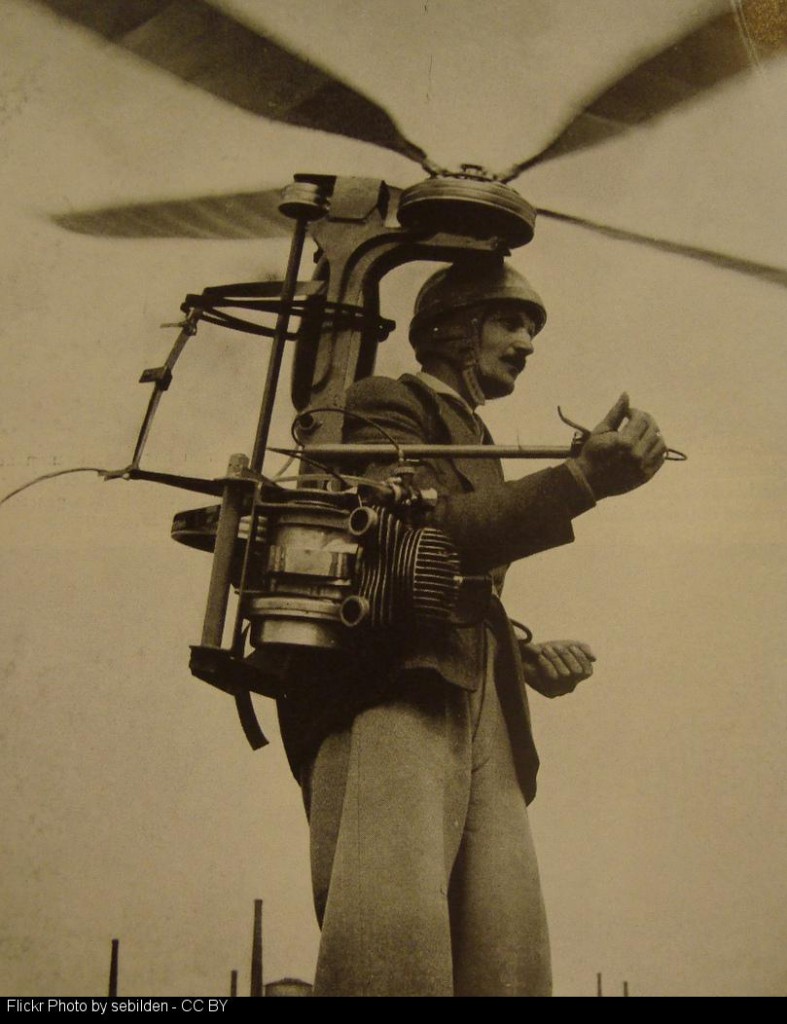
**If you are thinking of dipping your toes into podcasting but are unsure of the first steps check out Glow Cast the resources are only beginning to to build.

sebilden_-_C

I’ve not had much time to blog about the Blogs Update Phase 2.2 – WordPress 4.1.2 in Glow Blogs, but I spent a wee bit of time on a new blog showing the features the Blogs gain from jetpack. Imaginatively I called the blog Jetpack. There are lots on nice things for blogs and school websites in Jetpack.

There are a couple of nice new themes and other plugins too. More later.

Enokson_-_CC-2

From Pinboard: bookmarks for johnjohnston for the most part.

One of the things I love about open education in general, and open educational resources in particular, is the creative potential they offer to find, use, reuse, create and recreate such a wealth of diverse content and resources.

Lorna Campbell: Creativity, serendipity and open content | Open World

The post has some lovely examples of sources of surprising  stuff, great rabbit hole links to dive into. Most of the sources could easily be used to inspire some digital creativity, storytelling or practise using media tools. Or just for a little silliness!


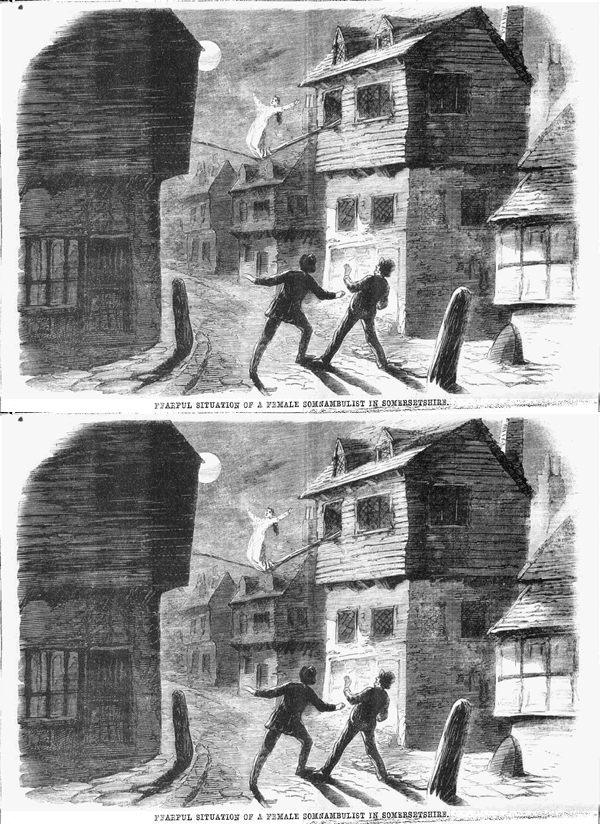
Tit-Bits – digitalvictorianist.com

I had a bit of a play with Adobe Slate this morning. It is an iOS app for publishing words and pictures.

The Devil's Pulpit
The Devil’s Pulpit

It is quite a very process which allows you to get good looking results quickly. Macworld points out some limitations that struck me immediately.

It’s dead-simple, but also quite limited. You can choose from a handful of themes to change the whole look of the story, but can’t adjust individual fonts or formats, or even add a link within a larger block of text. (You can, however, place links as standalone buttons.) You can change image formats so they appear full screen, inline, or as a scrolling “window,” but you can’t add borders or freely move images around. Video isn’t supported at all.

What we gain

I guess slate is part of the same move to allowing producers to concentrate on the content while the ‘professionals’ provide the design.
Like Medium you cannot argue with the results from a clean readable point of view.
We can publish text and pictures easily on a blog. I am sure we can find a theme or two with typography that is as good, but I suspect it might be hard to find such elegant handling of images.

What we lose

I am not a professional writer or photographer, neither am I a designer or coder (obviously;-)).
I publish ‘stuff’, sometime approaching stories, because it is fun and I want to explore the potential of these activities for learning. I have different degrees of interest in all aspects of the process, I think I can learn from each.
I’ve been thinking about the tension between ease of use and creativity for a while. For learners we will sometimes want them to concentrate on one particular aspect of the work. I can’t be the only teacher who sometimes asked pupils to leave font and style changes till the story was finished. At other times we will want them to get fully involved in messy learning.
We also lose some control of the data when we publish to silo sites. I am pretty sure that Medium and Adobe will be around a lot longer than Posterous, but I still like backups.

Alternatives

Just as I am writing this I remember an earlier experiment A Walk to Loch Oss using Odyssey.js

The odyssey.js library is being developed to help journalists, bloggers, and other people on the web publish stories that combine narratives with maps and map interactions. The library is open source and freely available to use in your projects. It is initially being built to work with most modern browsers

from: odyssey.js README on GitHub. Odyssey.js adds maps to the mix but might be an interesting alternative to Slate that allows you more control and ownership. I am sure there are others out there.

update

After I posted this I kept thinking about the ‘own your own’ argument and decided to have a wee go at replicating the story myself.
A bit of googling for CSS hints and a couple of JavaScript libraries and I have The Devil’s Pulpit 2, handcrafted.

It is nowhere near as slick as the Adobe version(surprise) and so far does not look good on mobile.

It was a lot of fun to play with but I noticed a lack of attention to the actual story in my process.

I guess the best thing about tools like slate is the way they get out of your way and let you focus on content. I just like some of the fussing and futzing that goes with more basic solutions sometimes.

siteIcon

Over in the day job, most of my energy is spent on Glow Blog. I am also acting as ‘product owner’ for Glow Wikiis too. The went live with little fanfare in January and have been ticking along ever since.

We are now about to offer some support in using the wikis to interested teachers and classes. This support will take two different tacks, one aimed at individual staff and the other at classes.
The support will be online, through Glow Meet, documentation and some wiki tasks.

The Staff support will consist of a Glow Meet going over the basic of wikis and some practise in wiki editing supported, if needed, by the meet.

The class support will be for classes with an idea of what they want to do. A wiki will be set up and the pupils initially introduced in the same way as the staff. Ongoing dialog with the class will be kept up in their wikis discussion.

You can read more on a page the main Glow Wiki: Wiki Warm Ups where there is a link to register interest, help decide dates etc.

I feel wikis are Glows secret weapon, their simplicity and ease of use offering an quick way into online collaboration, collective publishing and more.

We probably need to give more thought and discussion as to why you would use a wiki as opposed to a blog, OneNote or a SharePoint group and I hope to think aloud about that here soon.