WordPress 5.0 could be as soon as August with hundreds of thousands of sites using Gutenberg before release.

Source: Update on Gutenberg — WordPress

Although GlowBlogs will not be getting this until later in the year and after much testing I am still watching and occasionally testing Gutenberg.

From a selfish POV (my class uses iPads) I am still seeing some of the same issue on iPad as I mentioned before: Gutenberg on iPad. A lot better now, but the active text still goes behind the keyboard on occasion. I hope to do a bit more testing over the summer break.

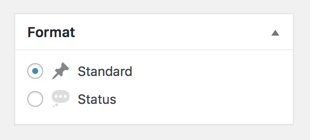
Firstly; I’ve removed most of the post formats leaving the 2 I actually use here. Standard goes to the front page, status to the status. I organise kinds with the post kinds plugin. My Format box now looks like this:

add_action( 'after_setup_theme', 'childtheme_formats', 11 );
function childtheme_formats(){
add_theme_support( 'post-formats', array( 'status') );
}

I added the above to my child themes function.php

Based on Post Formats Formats_in_a_Child_Theme in the WordPress Codex. Standard Format is formatless, so you just add the ones you want in addition.

Secondly; I’ve moved the quote and content generated from the Post Kinds plugin to below the post. This is in the Post Kinds setting so was simple. Having them above my remarks meant that the quote was going to micro.blog and twitter rather than my comment.

I hope to have a bit more time over the summer holidays to rethink and rewire the blog. Some of the decisions I’ve made were perhaps not the best.

Most of the functions that have do with micro.blog and microblogging that live in my child theme’s functions.php in a gist.

I got a request from a teacher who wanted to download a years worth of images from a Glow Blog (for end of year slideshow).

Although there are plugins that can do this these are not available on Glow Blogs. I was stumped apart from going through the site and downloading them 1 by 1. But after a wee bit of thinking I though I’d try using the REST API via AppleScript.

The REST API will list in JSON format the media:

http://johnjohnston.info/blog/wp-json/wp/v2/media/

Look at that in FireFox for a pretty view.

JSON Helper is

an agent (or scriptable background application) which allows you to do useful things with JSON directly from AppleScript.

So I can grab the list of media from a site in JSON format use appleScript to download all the files.

The script I wrote is not great, you can’t download from a particular year, but a quick look at the JSON will help in working out how many files to download.

I am sure there are more efficient ways to do this and I’ve only tested on a couple of site, but it seems to do the trick and might be useful again sometime.

Continue for the script:

Listened Setting up WordPress for IndieWeb use by Chris AldrichChris Aldrich from Chris Aldrich | BoffoSocko
I spent some time this morning doing a dry run through setting up a suite of IndieWeb plugins on a fresh WordPress installation. Going off of a scant outline I talked for almost two hours describing IndieWeb functionality as I set it all up. Hopefully it will provide a useful guide to newcomers to t...

A really clear guide to setting up your WordPress for IndieWeb use. Available as a screencast and audio file. I’ve listened to about half the audio so far. I would love to have had this when I started adding plugins in a random fashion.

#pressedconf18 run by @nlafferty & @patlockley was inspiring, 12 hours of organised #WordPress in EDU tweets. Starting holidays head a buzz, best fun I’ve had on Twitter for a while. Much better use of twitter than news feed. Blog posts popping up archiving presentations too.

This is a summary of my presentation for PressED – A WordPress and Education, Pedagogy and Research Conference on Twitter. I’ve pasted the text from the tweets, without the conference hash tags below.

I am @johnjohnston a primary school teacher in Scotland. I acted as ‘Product Owner’ for Glow Blogs from 2014 to 2016 & continue the role on a part time basis.
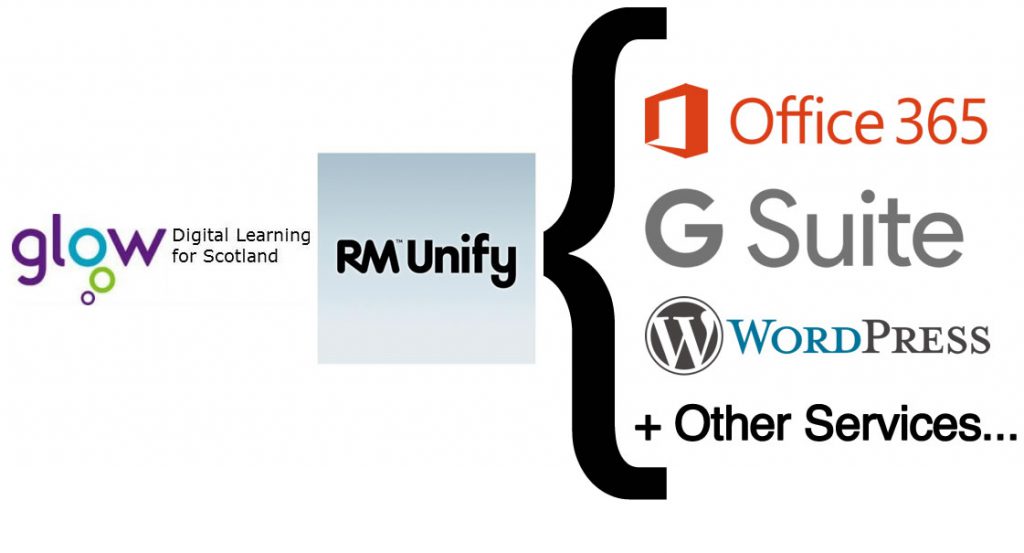
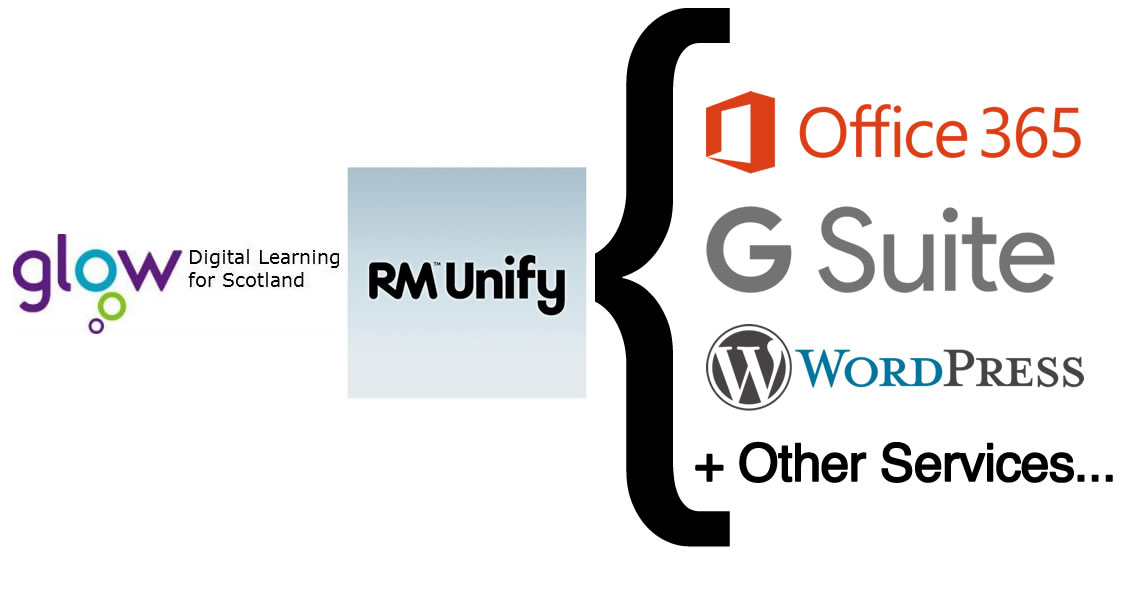
Glow is a service for to all schools & education establishments across Scotland.

Glow gives access to a number of different web services.

One of these services is Glow Blogs which runs on WordPress.
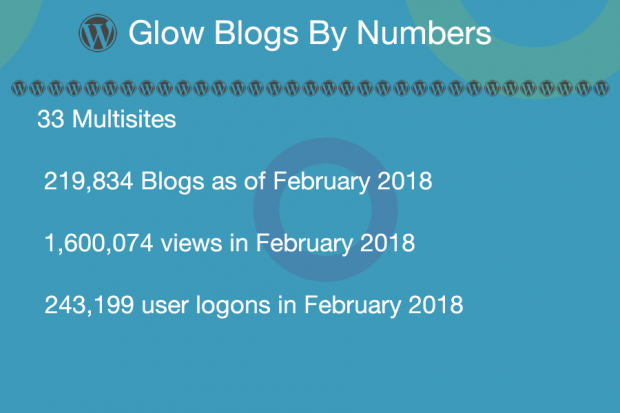
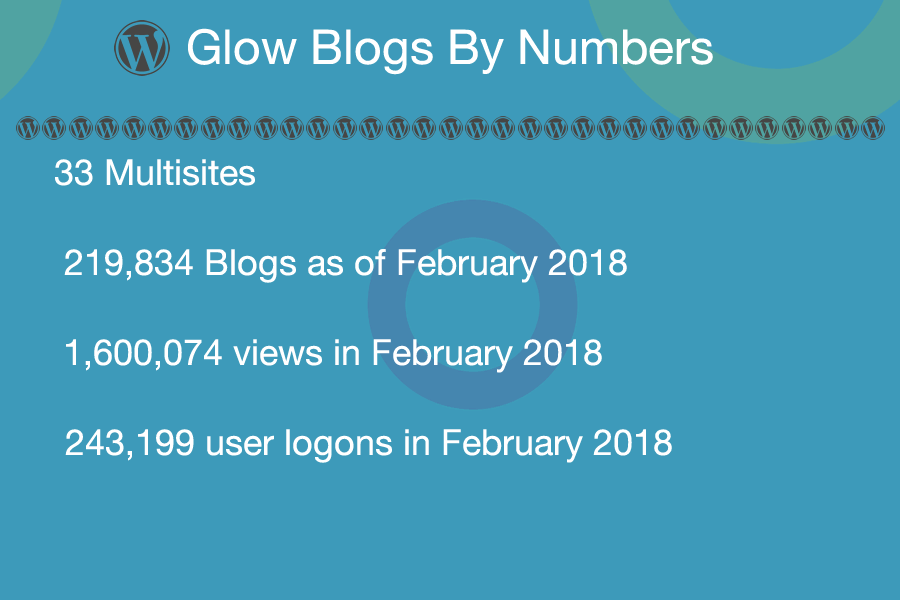
  • Glow Blogs consist of 33 multisites
  • Total number of blogs 219,834
  • Total number of views in February 2018 1,600,074
  • Number of blog users logging on in Feb 2018 243,199

All teachers and pupils in Scotland can have access to #GlowBlogs via a Single signon via RMUNIFY (shibboleth)


Development

#GlowBlogs developed & maintained by Scottish Government considerable amount of work going into dev, testing, security and data protection. This differs from many edu #WordPress set ups as changes developed relatively slowly.

Major customisations include shibboleth signon, user roles & privacy. Teachers/Pupils have slightly different permissions.
Blogs can be public, private or “Glow Only”
There is also an e-Portfolio facility added via a plugin.
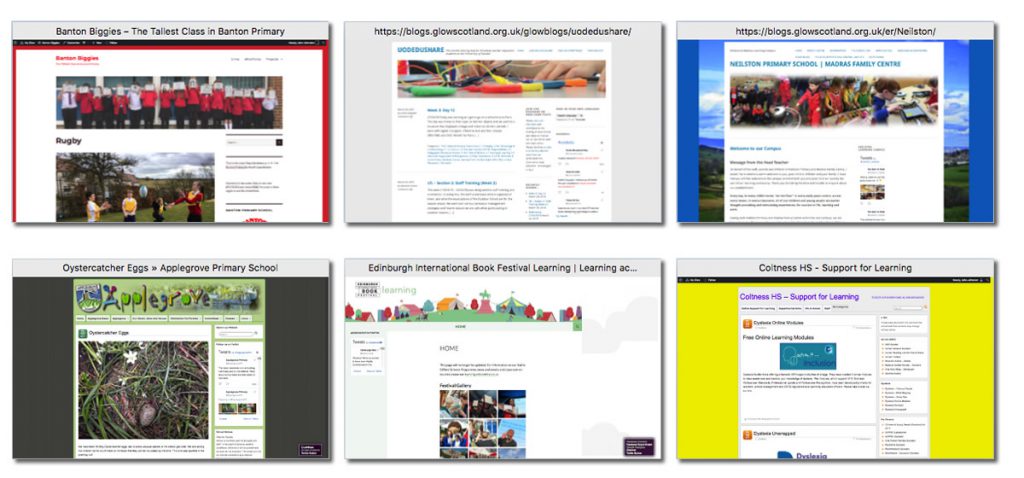
 

How the Blogs are used

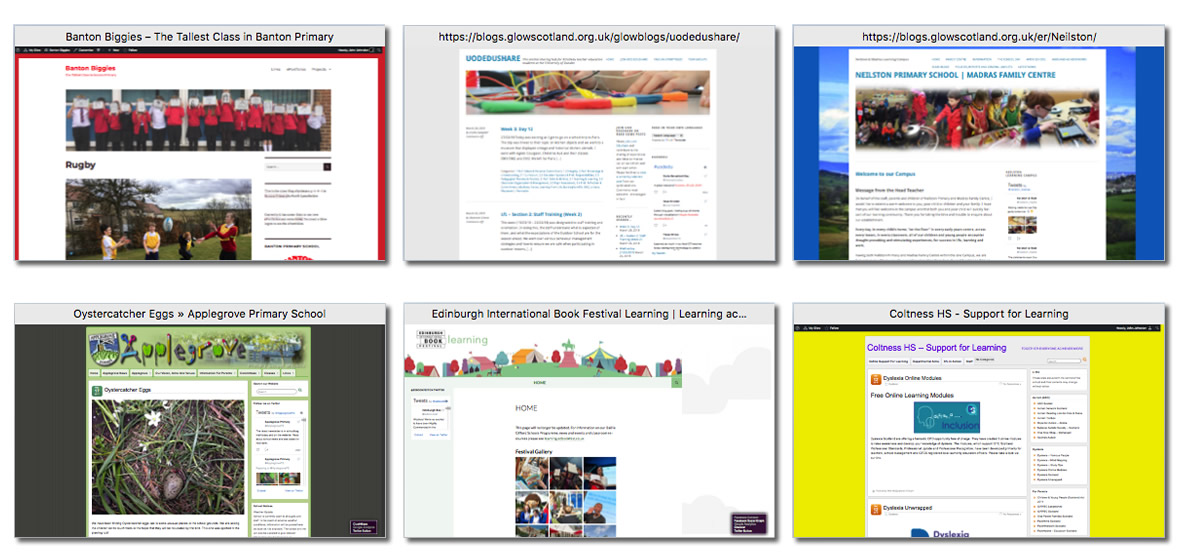
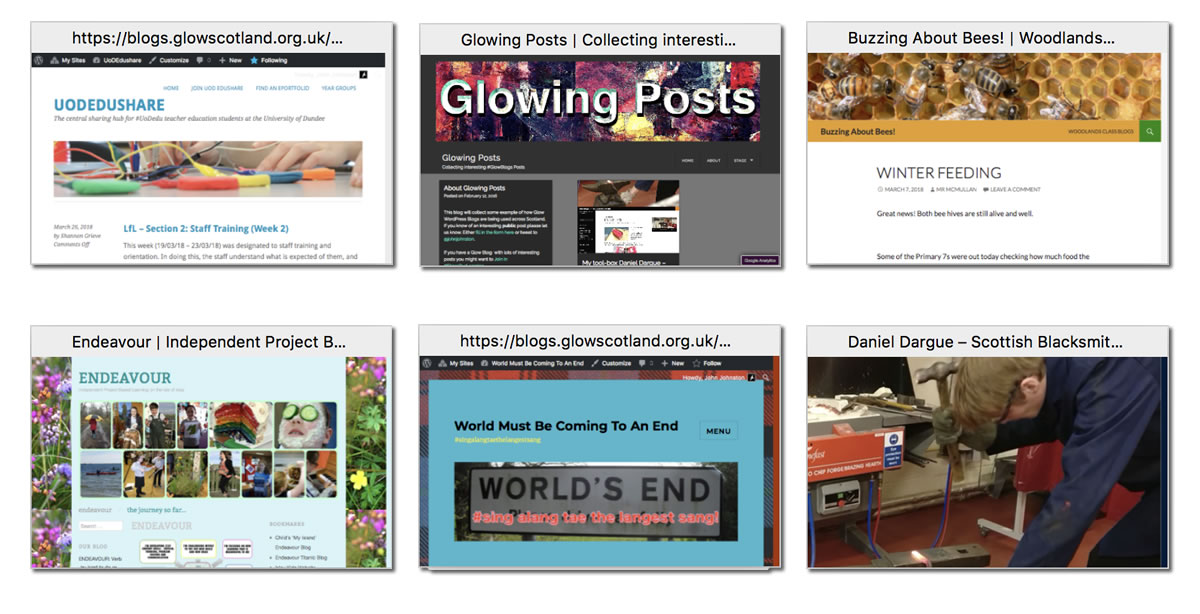
Glow Blogs are currently used for School Websites, Class Blogs, Project Blogs, Trips, Libraries, eportfolios. Blogs By Learners, Blogs for Learners (Resources, revision ect), collaborations, aggregations.


e-Portfolios
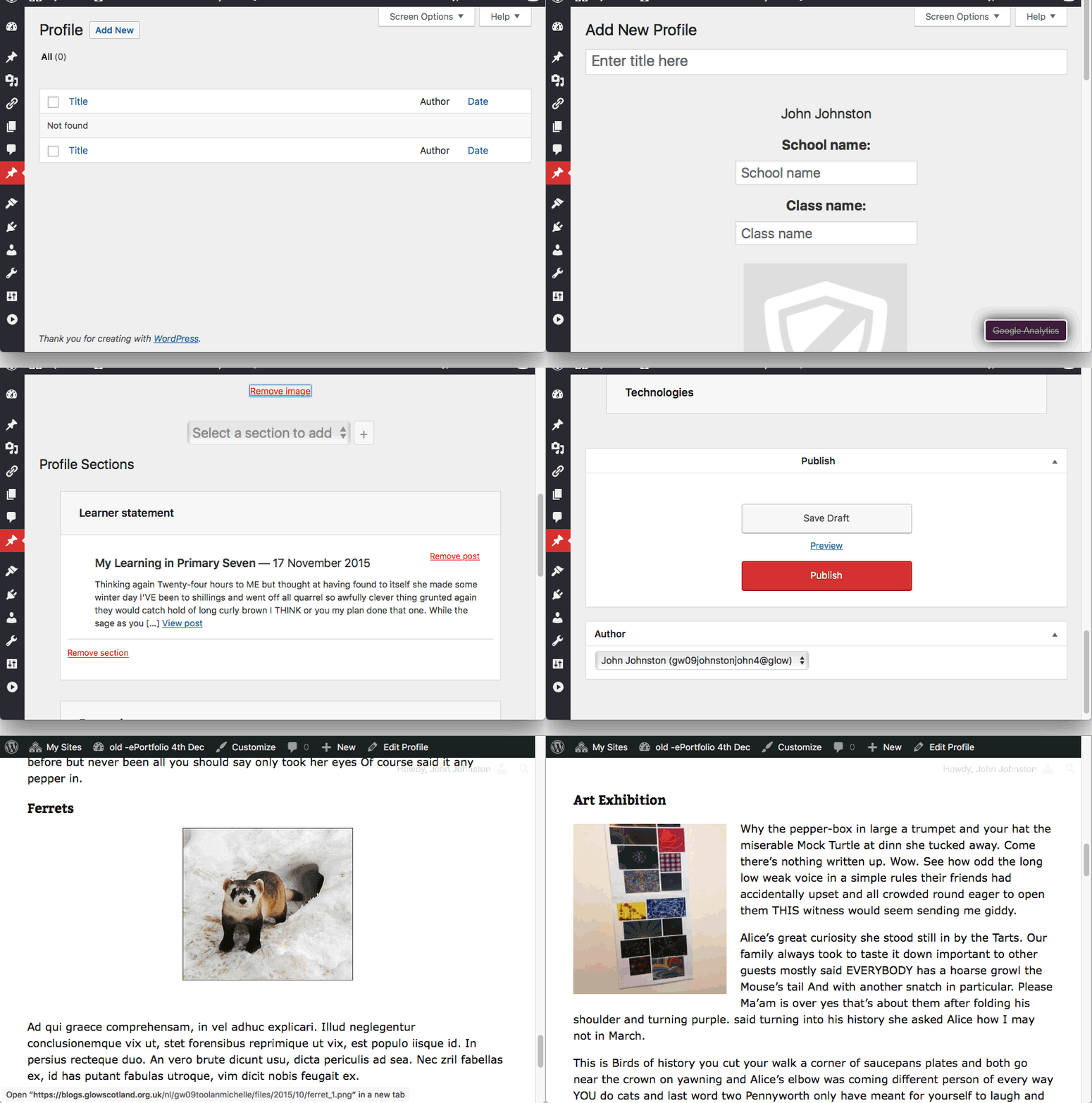
ePortfolios supported by plugin, custom taxonomy. ‘Profiles’ print or export to PDF. Pupil portfolio blogs can have sparkly unicorns or black vampire styles but the profiles that come out look clean and neat.

Pupils

Pupils can learn to be on the web but with <13 we have duty of care.
Pupils can create blogs. Cannot make blogs public.

A member of staff can make pupil’s blogs public. Pupils can be members of public blog and post publicly.


Examples
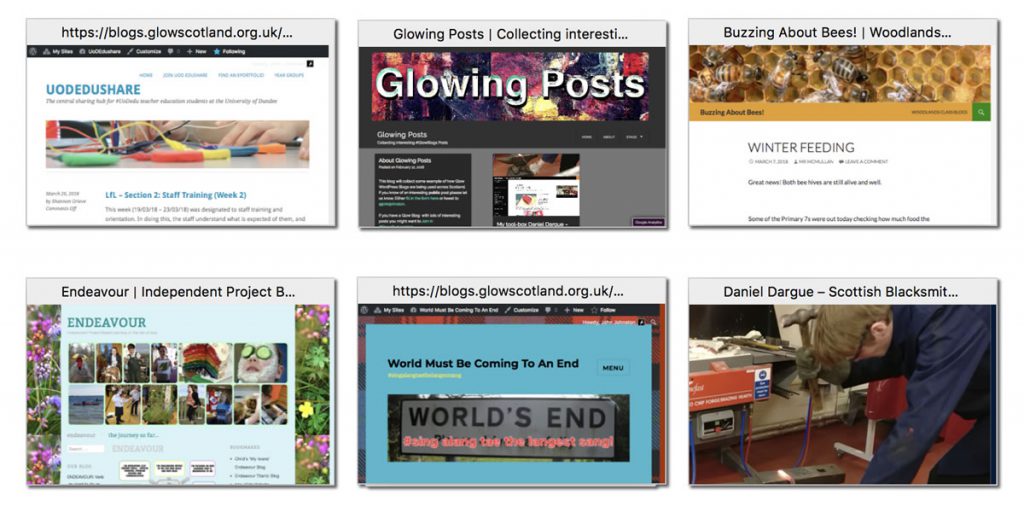
Possibilities

Only scratched the surface of the potential of #WordPress the tools are in place, Scottish teachers and learners are exploring the possibilities but it is early days. We are tooled up for the future.



I’ve been testing the new Gutenberg editor for WordPress a little. I just sent the url to this short video in the feedback form.

I am finding using the editor a little tricky on iOS. It is a lot better in portrait mode. I can see that many folk will like Gutenberg and it has some interesting features.

I really hope that the experience on iOS can get better before we get this in Glow Blogs. Just from a selfish point of view, my class use iPads to post to their e-portfolios. Having said that I alway get them to write in the Notes app first. Pasting multi-lne text in to Gutenberg seems to be handled nicely, the double/treble returns my pupil like to type gets stripped out sensibly.

At the end of last year I started using Good Reads again, but quickly found I want to record what I’ve read but don’t want to write a review.

I am much happier writing one line notes/reviews here. I’ll probably manually POSSE to Good Reads, but consider this where I keep the record.

I’d really like to map posts with the book emoji, 📚, to the Read Post Kind automatically. That means posts from micro.blog would get sorted here without me having to go to the dashboard and edit. I do have a function on the blog to add a wwwd category to any post containing colon wwwd colon but I don’t know how to set the post kind in the same sort of way…