
 Aaron Davis
Thanks for this link Aaron. The idea that creating by copying is not very creative has often weighed on my mind. Especially in activities like coding in my multi-stage classroom, some pupils are mostly copying instructions. This link made me realise/remember the value of copying. Personally in my own creative endeavours I often start there.
Tag: classroom
The OceanMaker
I used this video in class as a writing stimulus. I also watched a few time in preparation.
I’ve had got a lump in my throat every time I’ve watched. The class liked it too. HT @LiteracyShed.
Every time we watch we see more detail and things to talk about.
“I changed the way I teach new vocabulary. Fewer words, slower process, more effortful, but better understanding and use. #engchat #pypchat”
I changed the way I teach new vocabulary.
Fewer words, slower process, more effortful, but better understanding and use. #engchat #pypchat pic.twitter.com/JaXCExU1pY— Cristina Milos (@surreallyno) January 3, 2020
Just posted on my class blog.
micro:bit Christmas Tree
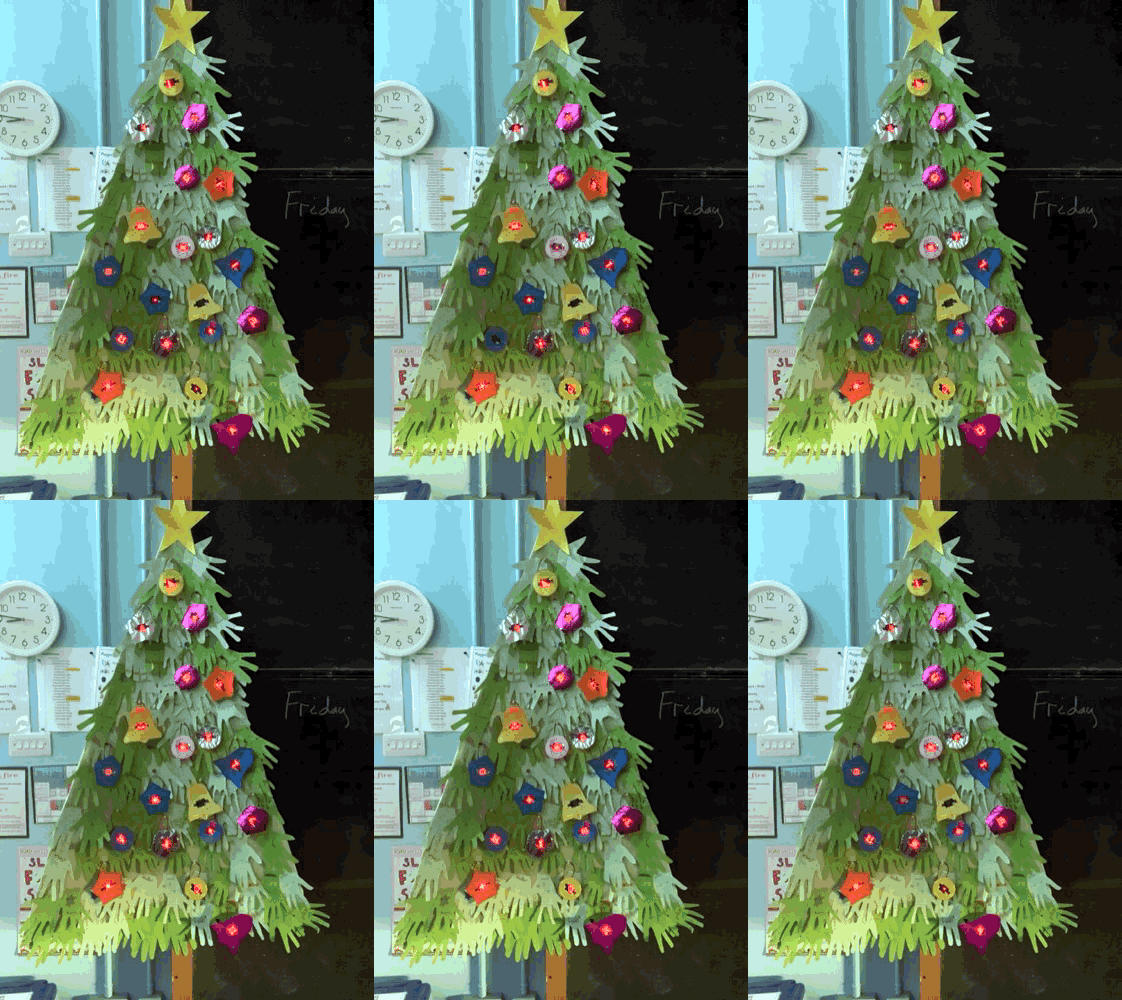
Our radio controlled micro:bit Christmas tree sparkled a bit better pre-dawn.
Reading Self Assessment Workflows Update
Nearly a year ago I posted Reading Self Assessment Workflows. I continued to have my pupils record themselves reading, self-assess and send to me. I think it is a valuable activity.
I’ve simplified the workflow slightly when Apple started including Voice Memos on iPads. It is not as interesting app as BossJock jr, but that is an advantage. It does one thing well. I think I prefer apps that do that and can connect to others as opposed to more complex apps.
This is the workflow for pupils:
- Record reading in Voice Memos. Change the title from the location to what is read and pupil’s name.
- Share to Notes, voice memo is embedded in a note.
- Listen to recording, write self assessment in Note. (I have prompt cards to help). I ask the pupils to name and date the note.
- Airdrop note to teacher iPad, choosing Classroom rather than user. This is auto accepted and waits in the Classroom app for me to pick up.
Thanks, a really clever idea. Going to try and fit this in before the break. Great examples of questions to adapt to other seasons, topics.
Until recently I’ve never been a fan of QR codes, preferring to AirDrop Notes with links. But I now appreciate that they do generate a wee bit of extra interest. (I like I can auto create them too, for example).
micro:bit decorations
We finished the micro:bit decorations as planned last week.
I put a quick video of the result on the Class Blog
and twitter
The Biggies #microbit lights switch on. One microbit to rule them all. @digitallearnNL @DigiLearnScot pic.twitter.com/gWtmouvMbX
— Banton Primary (@Banton_Pr) December 9, 2019
Snail Habitats For Mrs. Nations Class
Snail Habitats For Mrs. Nations Class
These are student created snail habitats. Each habitat has a Raspberry Pi computer with a mini camera attached to it, which is programmed to take a snapshot photo every hour. This will allow students to see where the snails are hanging out the most and improve their habitats over time.
This looks like a great project. I wish we has seen it when we had our mud snails in class.
I don’t think we could have used Raspberry PIs on the school network but I am sure this could have been adapted to see the photos locally in the way we use our @naturewatch camera.
It also reminds me of my Raspberry Pi Gif Cam