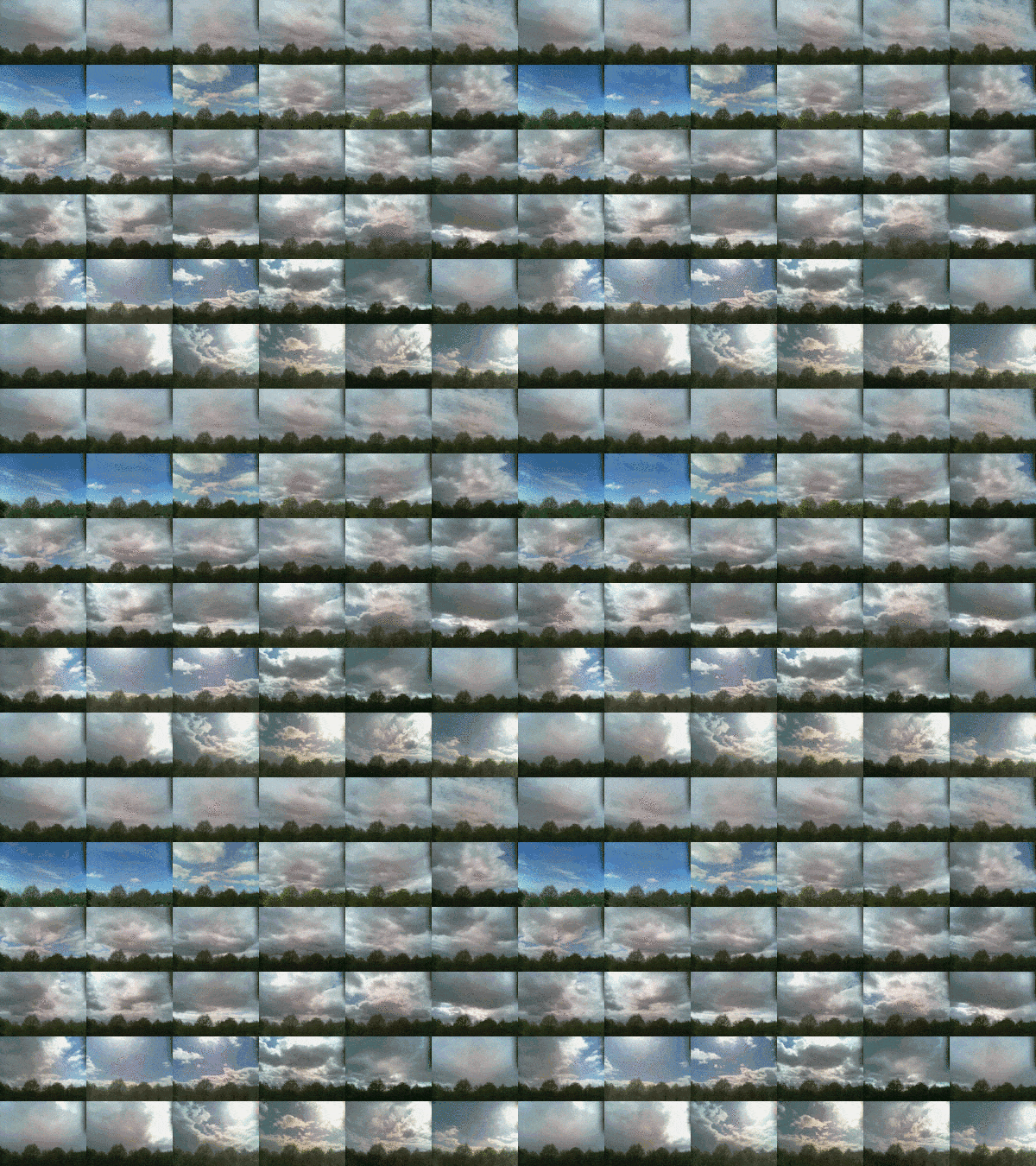
Gif showing the mixedd up sentence maker in action.

A few children in my class need a bit of extra support in literacy. On a course at the NLC literacy base I was shown the idea of scribing sentences and then cutting them up. The result could be given to pupils to sort out on a wee board with slots and then optionally copied into a jotter.

Given my poor handwriting (unless I really slow down), difficulty in keeping resources organised and liking for digital I had a go at making a virtual version.

The first iteration just presents a field, typing a sentence and hitting return produces mixed up words to drag around. I’ve been using that for a couple of months.

I’ve then improved things a little by making a system to create links to that page that will have a particular sentence already created. Example

I’ve been sending these links out via Airdrop either directly on a few together in a note. I though I might make the page creation a little easier and also add a QR code creator: Mix Up Maker – Make a Cutup sentence or story..

I can then add the QR Codes to my pupils programs. These pupils have daily task sheets put in their jotter.

I am depending on the QR code API and the TinyURL.com API.

As usual the code in there is a bit of a mess. I always think I’ll tidy these things up, but rarely do. I need more time than I seem to have to really learn JavaScript so I continue to type and test.

The gifs above are made with LICEcap which does a great job of creating short gif ‘screencasts’.

Audio from my conversation with Dr. Ian Guest, (@IaninSheffield), yesterday evening is now on Radio Edutalk:

Radio Edutalk 13-03-19 Ian Guest “Exploring teachers’ professional development with Twitter”.

Ian’s approach to research is really interesting and he makes you think more than once about things you take for granted. #EDUtalk.

Big Flickr Announcement: All CC-licensed images will be protected – Creative Commons

I’m happy to share Flickr’s announcement today that all CC-licensed and public domain images on the platform will be protected and exempted from upload limits. This includes images uploaded in the past, as well as those yet to be shared. In effect, this means that CC-licensed images and public domain works will always be free on Flickr for any users to upload and share.

Via @clhendricksbc

This is really great news. From a selfish point of view it means my Flickr Stampr will still make it easy for my class to attribute images in their school work.

From a wider perspective the Creative Commons post above expands on both the benefits and costs of Flickr taking this step. As explained the cost for this huge archive of photos will have to be covered by the pro accounts and Flickr’s income. Personally I am delighted to pay for this. I am not a pro photographer but I get a lot of goodness from Flickr. The least of these is probably the storage of my photos. Access to a goldmine of Creative Commons images and an API that is not to complicated for an amateur to play with are the major benefits for me.

This model of providing a free service is hopefully a much better than the free services that lead to shut down that we see so often.

Featured image a screenshot of Random Flickr Blendr using:
Puy Mary, Cantal, France | Pom’ | Flickr (CC_BY license) and
Vergului | youtu.be/rTnXnib2iEA George Enescu – Romanian Poe… | Flickr (attribution license)