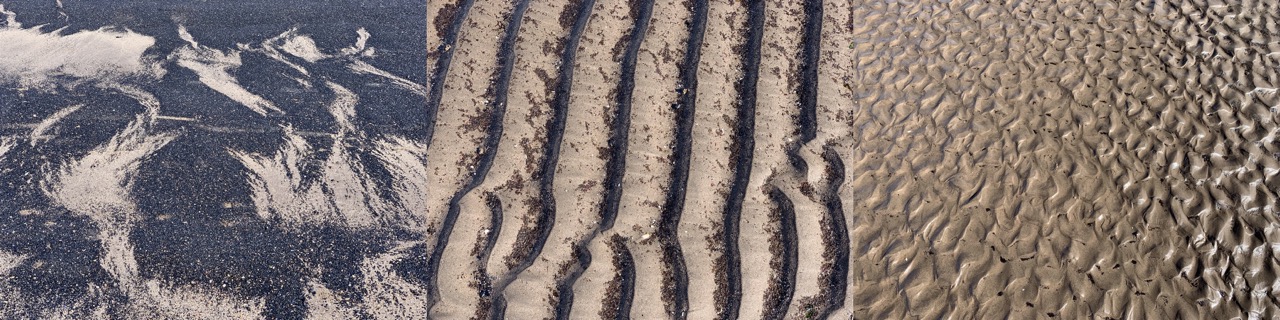

Kilpatrick Braes 06-04-2019 walkmap
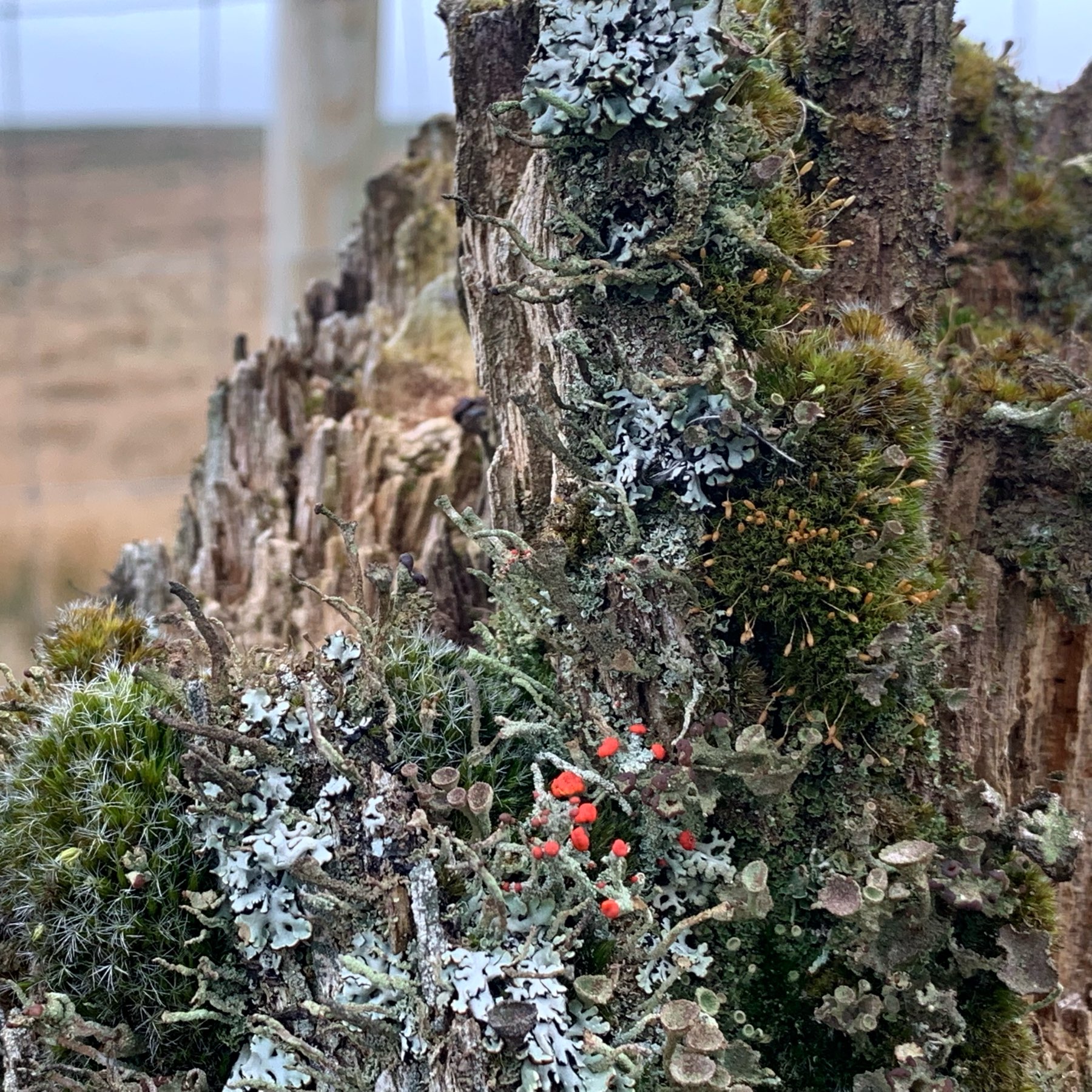
Zoom in. A world of wonder on an old fence post.
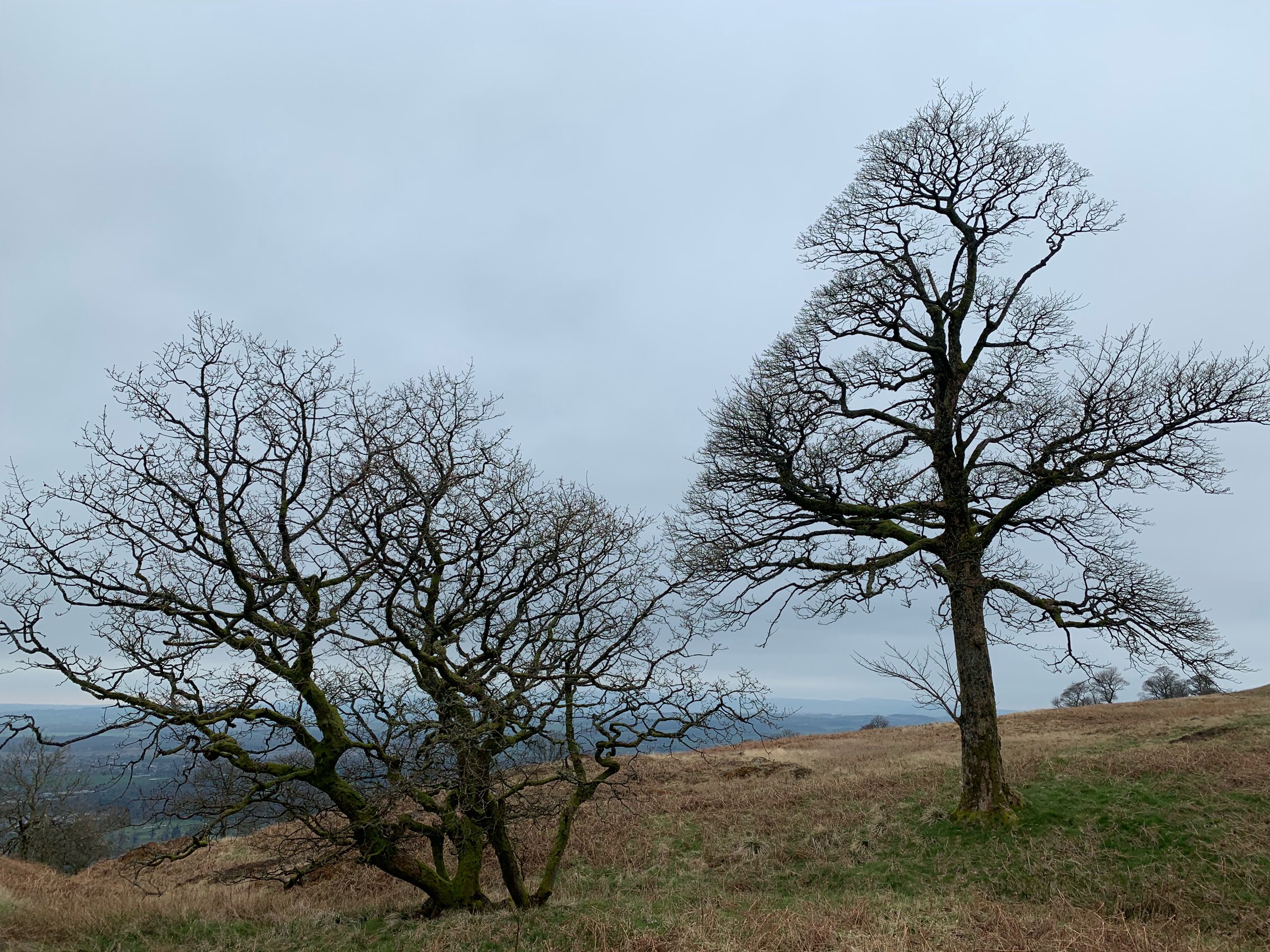
Oak and sycamore. The sycamore is starting to bud.
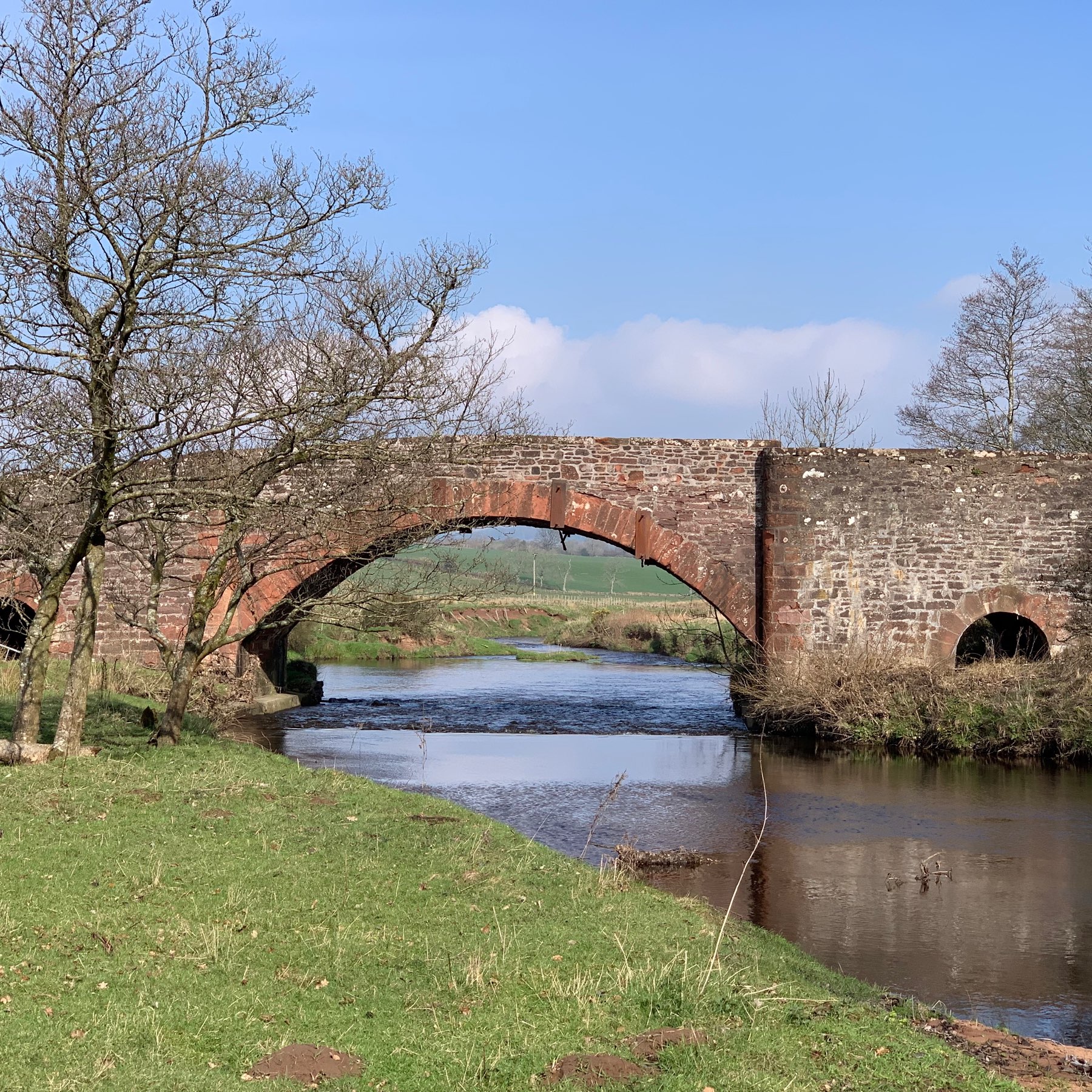
Blane Water.
 Aaron Davis
Aaron,
I love what you are doing with your Newsletter on several levels:
- A great set of personal and professional links gathered from an amazingly wide range.
- The way the links weave into your site.
- #IndieWeb
@livedtime the F shaped reading pattern was a fascinating read, I could identify the behaviours while I was reading it!
OCR again
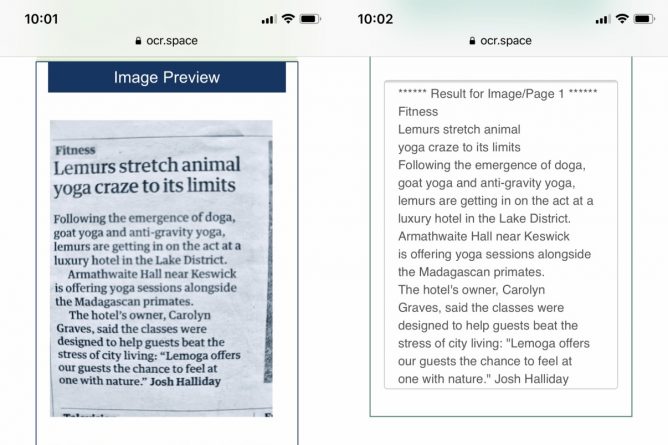
I’ve found Office Lens useful over the last few year in class. It is a good way to get some text into a document for editing. The workflow for me is a wee bit clunky, snap on phone, open app, upload. Then either open in word or switch to desktop and open from OneDrive there when it syncs.
Today I found OCR.space a free online service. I gave it a quick try on my phone.
The first attempt failed, I had to edit the photo to B&W and brighten it a little (as per screenshots above), but the results were impressively quick. There was no swapping back and forward between apps.
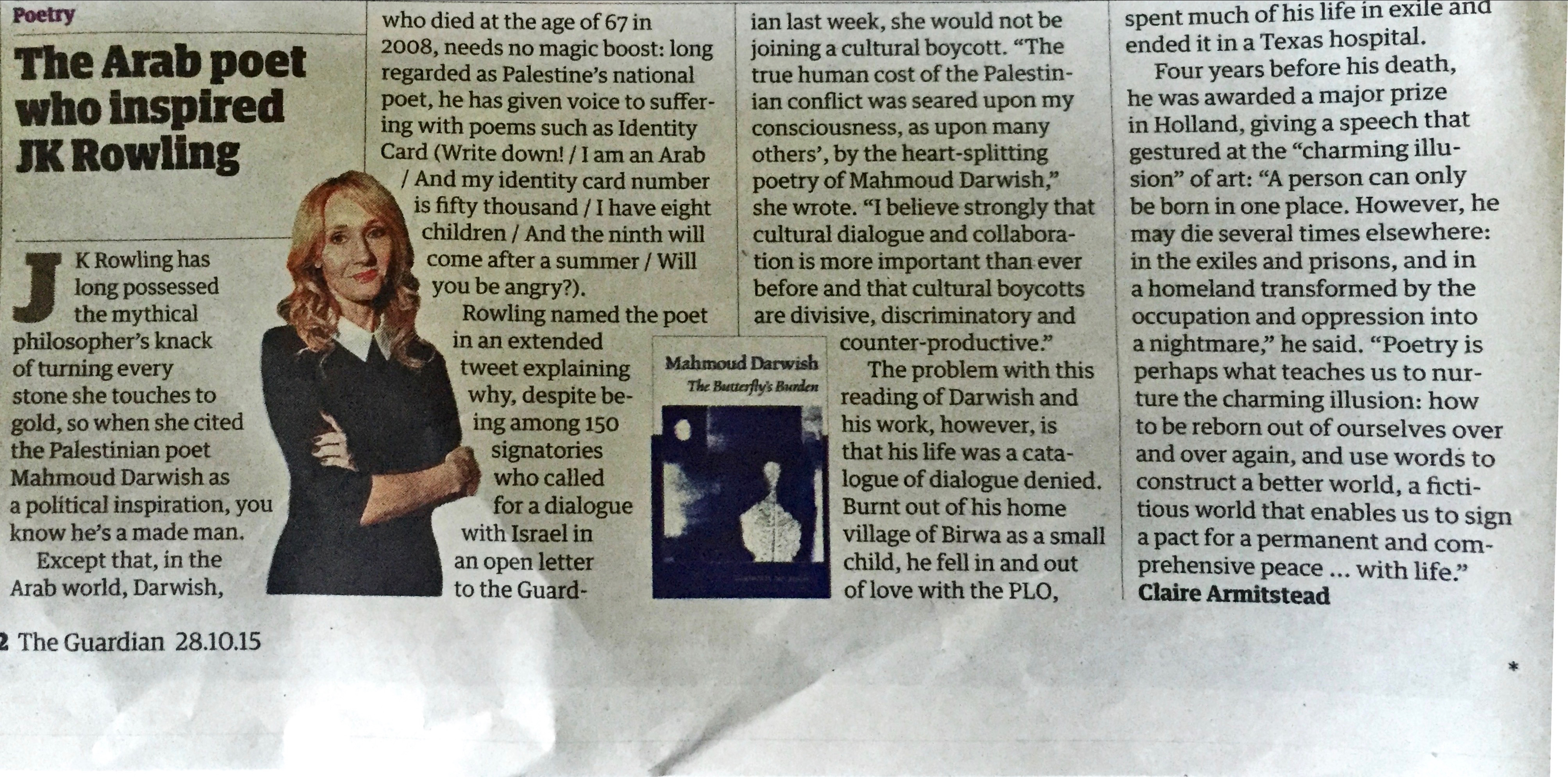
I’ve tried a multi-column image too using the same image I used back in 2015 with office lens. The results are just as good and fit my preference for text I can copy as opposed to a document I need to open.
Here is the docx Office Lens converted, and here is the OCR.space one, from This image, I had to shrink it a bit to get under 5mb for ocr.space, I don’t think Id need to do that iif I was going straight from the phone when the image would be a smaller png.
I hope to give ocr.space a test in the real world next term.
I’ve also found dictation on my phone a great way to get documents into text. Reading someone elses words seems to work better for me that thinking up my own as I go.
I found ocr.space via OCR Shortcut : shortcuts on reddit, butI’ve not tried the shortcut, the webpages seems quick enough.
“Prepping a talk for #TCC24th Online Conference, revisiting one I did in 2004. Almost every web tool I cited then is dead, gone, except for the one people have said for years would be gone. This is the ephemeral web.”
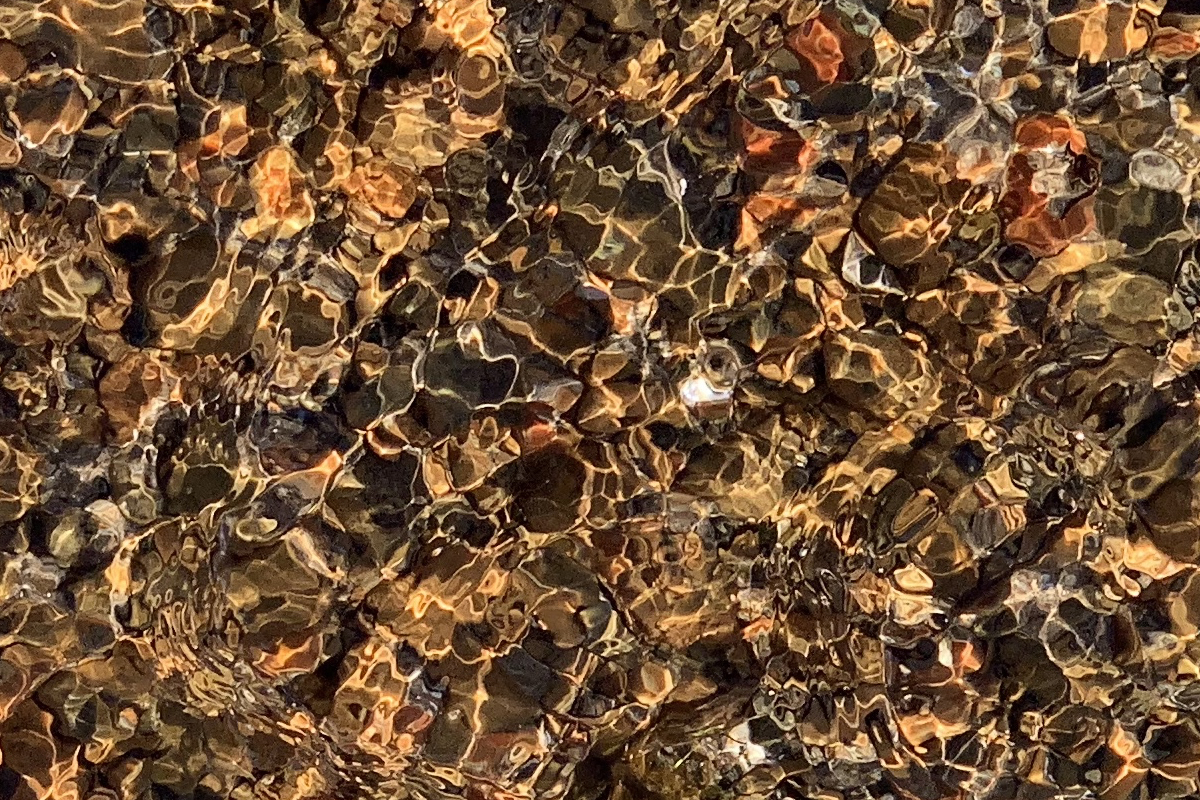
Sun, sea, pebbles (cropped)
@ds106 #tdc2638 #ds106 not so Random Patterns.