Some rather belated thoughts on returning to classroom teaching.
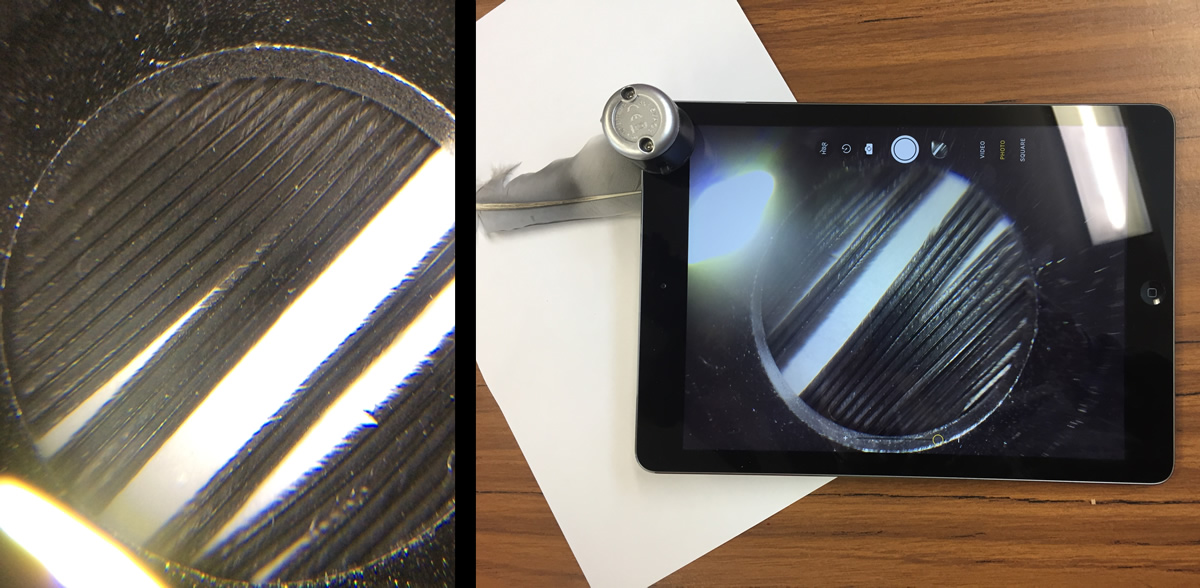
Featured Image: My own, my class is under the parachute.
Some rather belated thoughts on returning to classroom teaching.
Featured Image: My own, my class is under the parachute.

This is a summary of my presentation for PressED – A WordPress and Education, Pedagogy and Research Conference on Twitter. I’ve pasted the text from the tweets, without the conference hash tags below.
I am @johnjohnston a primary school teacher in Scotland. I acted as ‘Product Owner’ for Glow Blogs from 2014 to 2016 & continue the role on a part time basis.
Glow is a service for to all schools & education establishments across Scotland.
Glow gives access to a number of different web services.
One of these services is Glow Blogs which runs on WordPress.
All teachers and pupils in Scotland can have access to #GlowBlogs via a Single signon via RMUNIFY (shibboleth)
#GlowBlogs developed & maintained by Scottish Government considerable amount of work going into dev, testing, security and data protection. This differs from many edu #WordPress set ups as changes developed relatively slowly.
Major customisations include shibboleth signon, user roles & privacy. Teachers/Pupils have slightly different permissions.
Blogs can be public, private or “Glow Only”
There is also an e-Portfolio facility added via a plugin.
Glow Blogs are currently used for School Websites, Class Blogs, Project Blogs, Trips, Libraries, eportfolios. Blogs By Learners, Blogs for Learners (Resources, revision ect), collaborations, aggregations.
ePortfolios supported by plugin, custom taxonomy. ‘Profiles’ print or export to PDF. Pupil portfolio blogs can have sparkly unicorns or black vampire styles but the profiles that come out look clean and neat.
Pupils can learn to be on the web but with <13 we have duty of care.
Pupils can create blogs. Cannot make blogs public.
A member of staff can make pupil’s blogs public. Pupils can be members of public blog and post publicly.
Only scratched the surface of the potential of #WordPress the tools are in place, Scottish teachers and learners are exploring the possibilities but it is early days. We are tooled up for the future.
The tabs left open from yesterday. The internet is a more fascinating place that I’ve got time for.
Worth mentioning that a lot of these links are coming from micro.blog as well as my RSS reader.
his colleagues remember him arguing passionately in the 70s that it was absurd for scientists to be paid more than dustmen, because they had the inestimable privilege of loving their work
from: John Sulston interview: one man and his worm | Science | The Guardian

Some recent finds collected with pinboard
A collection of bite-size videos taking the user through free VR using Thimble and A-Frame to make relative simple and quick Web VR.
The true scale of the problem is hard to gauge, but our best guess is that there might now be as many as 1.5m deer in the UK, at least half of them in Scotland; more than at any time since the last ice age.
Might be good info for class discussion/debate/writing
now entering her fourth winter of carefully embossing serif letters into light snowfall. Before this weekend, the most recent sentence, composed entirely during a snowfall in March, 2017, cut off in the middle:
Featured images, a montage of gifs from skipi, which is stuttering away. For no particular reason.
The dilemma in supporting schools in using technology: Give out fish or teach to fish. Before I came back to school I was faced with this problem more than once.
What I would say now, in hindsight, is that if you make the solution yourself it adds risk. I thoroughly enjoy making simple scripts and workflows, but these are generally fragile. You might end up with more long term support than you thought, or worse raising and dashing expectations.
In my part-time life I am still supporting Glow Blogs. Quite often it would be easier to fix something in response to a request for help. More often now I try to write instructions instead. I can add these to the help and point the next problem a those.
I need to get back to microcasting. I enjoyed listen to this on my commute. The focus on one subject in the short form podcast is valuable.

My class have been writing short descriptive passages about soldiers in the WW1 trenches.
At the weekend I planned for them to record these over a background of sound effects. I had spent some time at freesound.org and downloaded 20 or so effects and sounds. I had converted these to MP3 files, to reduce file size and placed these in a folder in OneDrive which I then shared. I have also made a list of credits for the files, all are Creative Commons.
The plan was to get the class to listen to the files in OneDrive then ‘open’ the ones they wanted to use in bossjock jr. These could then be loaded into ‘carts’ alongside the voice recordings. The pupils then played the different sounds and record that for their final mix.
To make sure everything went smoothly I got the whole class to open OneDrive and make sure they were logged in. That first step worked fine. The problem was OneDrive reported that there was not an internet connection and showed no files or folders. Since the class had logged into Glow this was obviously wrong.
I ended using most of the morning interval and lunchtime trying to see where the problem was. Strangely when I opened the iOS Files app when also allows you to see OneDrive files, I started slowly seeing files on the pupils iPads. And when I switched back to OneDrive the appeared there. To give the pupils access to the shared folder I needed to send a url. This opens OneDrive, and that told me I needed to open the browser, doing this, and signing on to Glow again (in the browser this time) eventually gave pupils iPads a view of the shared folder. Unfortunately I couldn’t get these to open and then open in bossjock in a timely fashion. It just was taking too long.
On my iPad I had earlier made the files available off line in OneDrive. This took a while. I did manage to see the files in the Files app, from there I copied the MP3 files to the Notes app. 2 notes with about 10 files each. I quickly tested sharing these notes via Airdrop, it was pretty quick.
I suspected that airdropping notes with 10 audio attachments might be a bit slow, especially without Apple Classroom. I was wrong. In the afternoon I just dropped the notes to the pupils in groups of 4 or 5 at a time and in 10 minutes had distributed 20 audio files to all of the class. From there they could listen to the files in notes and copy the ones they liked to bossjock.
The rest of the afternoon when well, the children recorded their voices and mixed in the sound effects. For a first try the results were good. Next time I think we will record the audio live over the backgrounds that would allow us to duck the effects and make sure all of the words were clear. I think once the logistics of moving audio onto the iPads was sorted it becomes an interesting and valuable lesson. Fortunately the class missed all of the boring bits and no one asked why we had opened OneDrive earlier in the day.
featured image, screenshot of sending audio from Notes to bossjock jr.

One of the activities I get my class to do is to record themselves reading for self assessment. This is not particularly exciting or complicated but I think it is worthwhile.
We use bossjock jr a free iOS recording application 1. This allows pupils to record their reading. After they are finished they can export the recording into the Notes app and add their self assessment. This can then be air dropped to me. Using Apple Classroom means that I don’t have to accept the drop, it waits for me in Classroom until I’ve time to move then to my Notes. 2
From my point of view Notes is not the greatest app for organisation, but I can move the notes to a folder at least.
The pupils can also upload their recording to their e-Portfolios on Glow Blogs.
This is slightly trickier as they need to get the files somewhere they can be uploaded through the browser. This means a 2 step process:
1. Export the files from either bossjock or notes, via the Files app to iCloud or OneDrive 3
2. Choose the recording from Files in the file upload on blogs.
The class all have managed this fine, it might take a few goes for some of them to remember they need to export. 4
I love that you can ‘share’ media straight from Notes into the Files app.

I have also tested Drag and drop from Notes to Safari and that seems to work too, it seems easiest to drop it on the Upload Button in the WordPress media library.

I’ve not tested this with the pupils yet. Next time.

Facebook’s design features work in several ways to reinforce status quo ideas and popular people while maintaining an ancillary status for those on the margins. Given findings about the psychological effects of production versus consumption, these features then have behavioral consequences and in turn, emotional ones.
I find this sort of think fascinating. How we are affected by software. By design or as a side effect.
The big question of this article, then, has a clear answer: Comic Sans use should not be justified by claims of increased readability or benefits to dyslexic students or indeed for handwriting, but if you just like it, and your pupils like it, there is no good reason you should not use it. Or not use most other fonts for that matter. Font choice, it seems, is the least of your worries.
I’ve always followed the general prejudice against Comic Sans, but I use the similar chalkboard more often than not when making resources for pupils. In general I just don’t really notice fonts.
Featured image: a screenshot of the DarkSiteFinder.com map.
I’ve been testing the new Gutenberg editor for WordPress a little. I just sent the url to this short video in the feedback form.
I am finding using the editor a little tricky on iOS. It is a lot better in portrait mode. I can see that many folk will like Gutenberg and it has some interesting features.
I really hope that the experience on iOS can get better before we get this in Glow Blogs. Just from a selfish point of view, my class use iPads to post to their e-portfolios. Having said that I alway get them to write in the Notes app first. Pasting multi-lne text in to Gutenberg seems to be handled nicely, the double/treble returns my pupil like to type gets stripped out sensibly.