
I wish release notes would give a clue to fixes. No idea if my problems with #onenote class notebook (sync & bonkers error messages) are fixed.
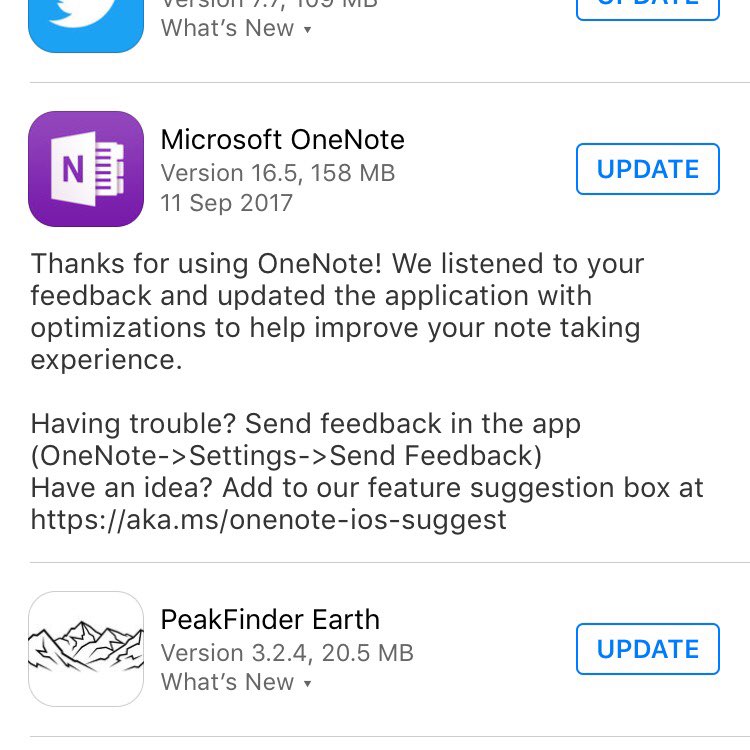

I wish release notes would give a clue to fixes. No idea if my problems with #onenote class notebook (sync & bonkers error messages) are fixed.
👍🔗 Great read Nobody’s Version of Dumb on the ‘Twitter problem’
AudioBoom is closing its free tier:
If you take no action, then after 2nd October 2017, you will no longer be able to upload new content and your account will become private. We will continue to enable distribution of your existing content for a period of a month so all your RSS feeds and web embeds will continue to work for that period. If you choose to move to another podcast provider, let us know by emailing us at support@audioboom.com and we will redirect your RSS feeds for you. We’ll need at least 5 working days to comply with your request. After 36 months from 30th August 2017, your account will be deleted (including your old podcasts and your RSS feeds, so we recommend that you arrange for redirection of your RSS feeds, download your old podcasts and back them up elsewhere, before that period expires.
from: Subscription Changes
Which is depressing news for me and for Edutalk. I have 50 odd boos which range over field recording, audio recorded for Edutalk and some microcast type posts. Edutalk has had several hundred contributions from many different people over the years.
The situation at Edutalk is more worrying. I could pay $9.99 a month to keep my own account alive. But Edutalk has had contributions from many different people, we could not expect them to pay up for the privilege of having their content syndicated onto Edutalk.
AudioBoom did not provide any export that would help with importing into WordPress (or anything else). This differs from the posterous closedown which did give a WordPress export option.
We do have a while to sort this out. There is a month until the accounts become private.
AudioBoom does have an API, and we used it before.
I am not intending to rush, so this is the plan.
Today I managed to download the json files and the mp3 I used AppleScript as I find it easier to get stuff done with that than pure shell scripting.
Thank goodness for the JSON helper for AppleScript which worked a treat.
I’ve put the script here:
| set downloadfolder to "/Users/john/Desktop/audioboom/edutalk/" | |
| –so this next bit could be a loop but doing it manual was not much of a hassle | |
| set pagecount to 9 | |
| set tag to "edutalk" | |
| set itemcount to 100 | |
| tell application "JSON Helper" | |
| set bURL to "https://api.audioboom.com/tag/" & tag & "/audio_clips?page[items]=" & itemcount & "&page[number]=" & pagecount | |
| set boos to fetch JSON from bURL | |
| set myFile to open for access "Macintosh HD:Users:john:Desktop:audioboom:edutalk_" & pagecount & ".json" with write permission | |
| set boohoo to make JSON from boos | |
| write boohoo to myFile | |
| close access myFile | |
| set imageCount to count of audio_clips of body of boos | |
| set mp3urls to {} | |
| repeat with boo in audio_clips of body of boos | |
| set end of mp3urls to high_mp3 of urls of boo | |
| end repeat | |
| end tell | |
| repeat with mp3 in mp3urls | |
| set cmd to "curl -L " & mp3 & " > " & downloadfolder & filenamefromurl(mp3) | |
| do shell script cmd | |
| end repeat | |
| return cmd | |
| on filenamefromurl(theurl) | |
| set s to "url=\"" & theurl & "\"; echo \"${url##*/}\"" | |
| return do shell script s | |
| end filenamefromurl |
in case anyone is interested.
I had to run it 10 times, I guess I could have just made a loop but as I ended up downloading 890 mp3 for a total of 2.6 GB batches of 100 files at a time seemed like a good idea.
I am a wee bit worried that there are 2186 posts syndicated from audioboo on the Edutalk site, but there does seem to be a lot of duplication presumably caused by FeedWordPress.
I’ve now got all of the data and the mp3 files I can get.
I know how to post to WordPress from AppleScript, but I’ve discovered a couple of hurdles. I don’t seem to be able to add an enclosure with AppleScript and I can’t see how to ad multiple tags to a post.
The first is probably not a problem. These posts are all so old that they will not feature in our RSS feed. I would like to include all of the tags. I may end up creating a WordPress export file or try one of the csv import plugins. There is now not such a rush. I can test these approaches on this blog with my own boos.
I guess the main lesson to be learnt here is about the temporary nature of the free layer of the web. The AudioBoo app and service were wonderful in their day but reliance on free services costs.
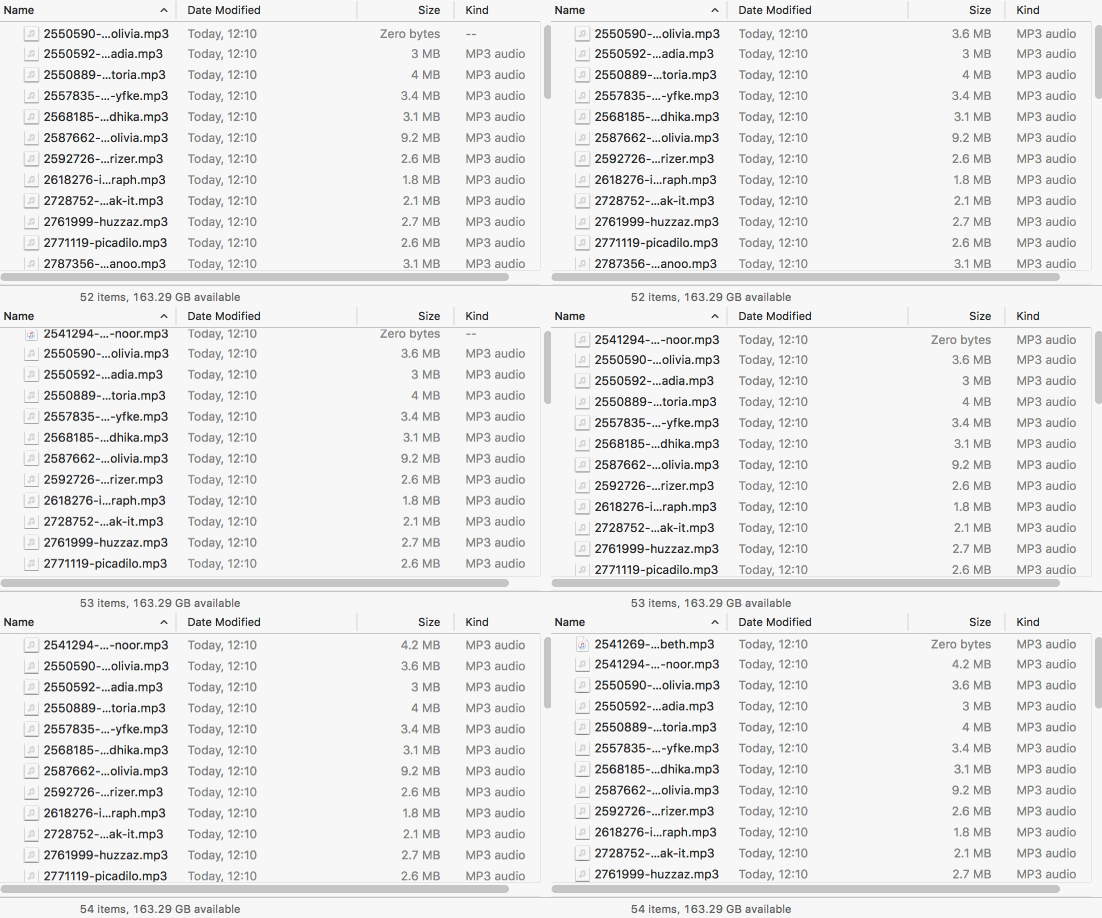
The featured images is a gif captured with Licecap, of a mp3 download.
Just downloaded >900 audioboom MP3s tagged #edutalk & related info now just need to figure out how to get them on the Edutalk WordPress site replacing posts that embedded the boos. Feeling a bit better now.
Possibly time to get a new kneeling chair.

👍🔗 To Serve The World – from a dog that does. Plus great gif @cogdog
Let's look again at Blogging 1.x, which Dave (dad of 1999.io, which I'm using here) led, starting in the last millennium. I was one of Dave's earliest users, blogging at doc.weblogs.com, which is still up, thanks to Dave's durable code and the hosting largesse of Jake Savin (@jsavin).
🔗👍
Some projects just seem to stand above the rest, because of the complexity of the work, polish of the finished product, and unique premise tying it all together. Instagif, created by Abhishek Singh, is one of those projects where everything seems to have come together perfectly. It’s a mechatronics engineering marvel, and Singh is able to really showcase his interdisciplinary chops with it.
👍🔗 Amazing: I made a camera that prints a GIF instantly
Cashel High Road.gpx 2017-09-02
walkmap