

Why we’re changing Flickr free accounts | Flickr Blog
Beginning January 8, 2019, Free accounts will be limited to 1,000 photos and videos. If you need unlimited storage, you’ll need to upgrade to Flickr Pro.
I got my mail from Flickr today explaining the changes. I’ve a pro account so it will not affect my photos at all.
I’ll be more interested in how it affects search. I often use Flickr photos to illustrate blog post, presentations and in my classroom.
I also encourage my pupils to use cc licensed images. It is hard for 8-11 year olds to attribute but the flick API allows me to help them with FlickrCC Stampr.
I wonder if the search will be less useful. There was some chat about keeping CC Images. I do hope so.
Update thanks to ronguest and jemostrom in the comments:
Photos that were Creative Commons licensed before our announcement are also safe. We won’t be deleting anything that was uploaded with a CC license before November 1, 2018. Even if you had more than 1,000 photos or videos with a CC license. However, if you do have more than 1,000 photos or videos uploaded, you’ll be unable to upload additional photos after January 8, 2019, unless you upgrade to a Pro account.
from: The Commons: The Past Is 100% Part of Our Future | Flickr Blog
That sound better:-)
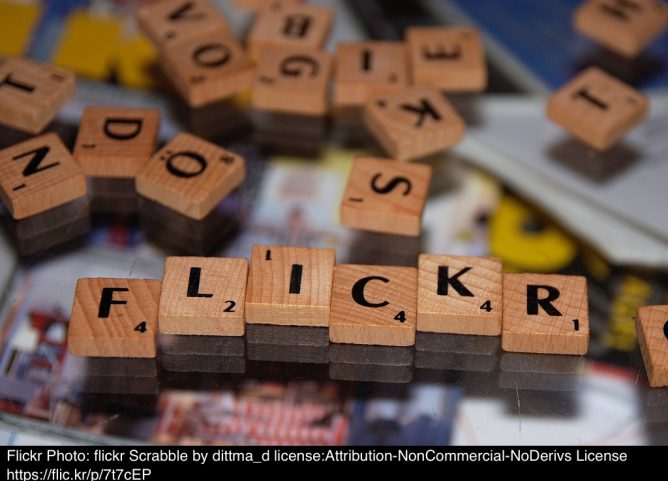
Featured image for this post: flickr Scrabble by Dirk Dittmar used under a Attribution-NonCommercial-NoDerivs 2.0 license. Stamped with the tool mentioned above.

@johnjohnston I saw, I think from Engadget, that Flickr will allow Creative Commons photos beyond the 1,000 limit. But for anyone over 1,000 that person cannot add additional photos. So it is a grandfather clause, I think, rather than an exemption.
@ronguest also all uploads that have a CC license and was uploaded before 1 Nov, see <blog.flickr.net/en/2018/1…
@jemostrom @ronguest that is good news indeed. Thanks.
interesting tool you have there. I’ll try to use it going forth. Thanks!