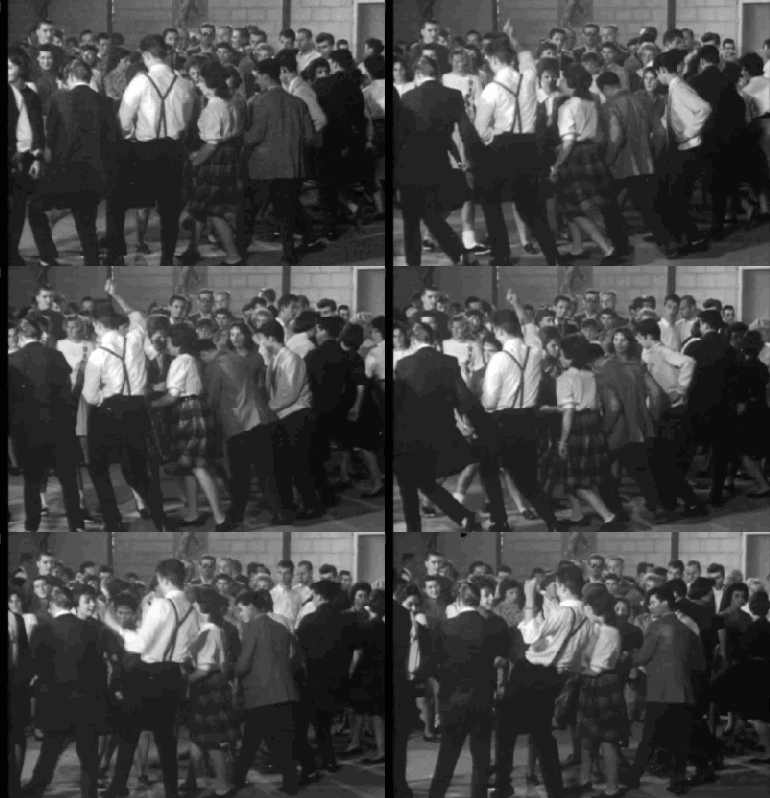
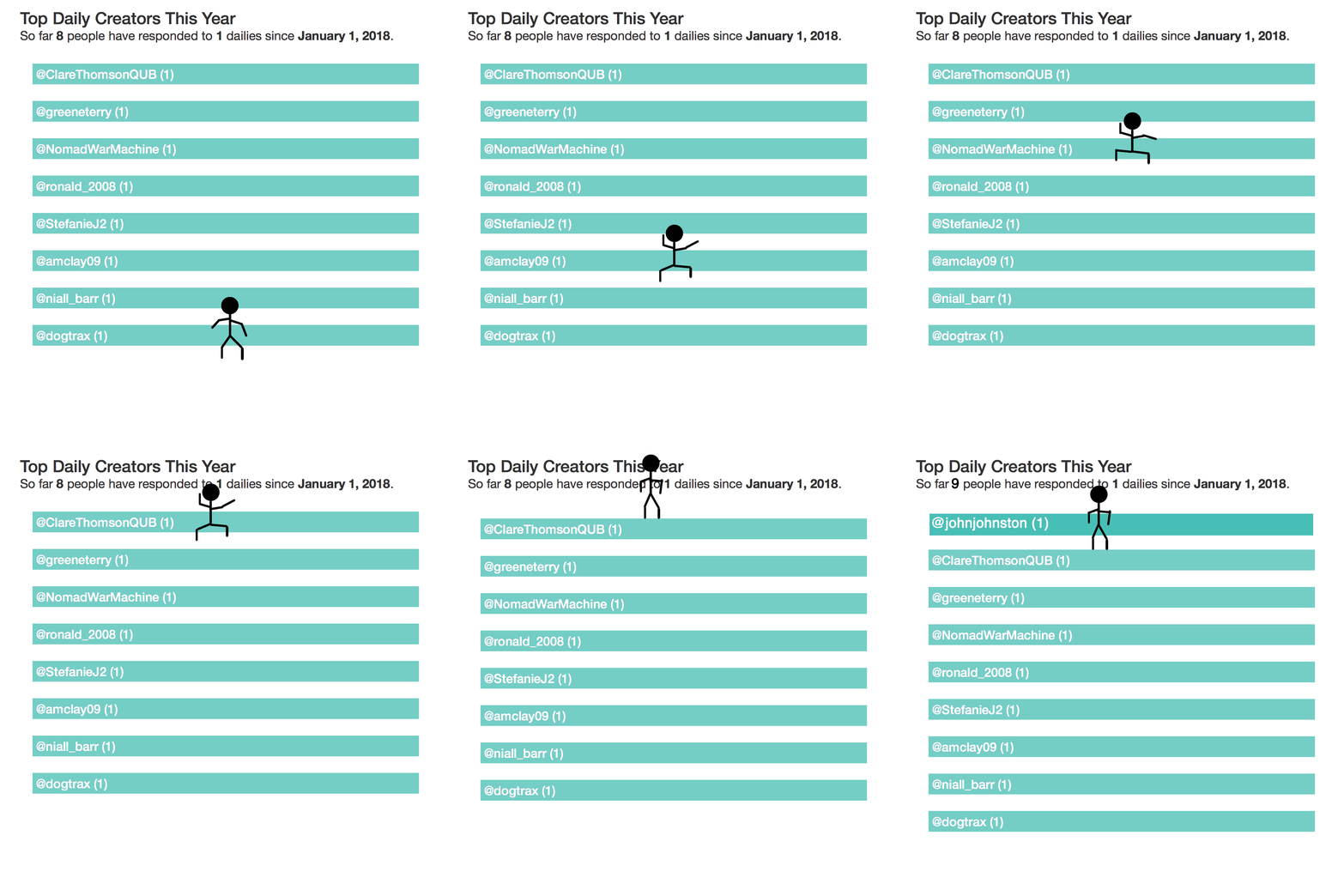
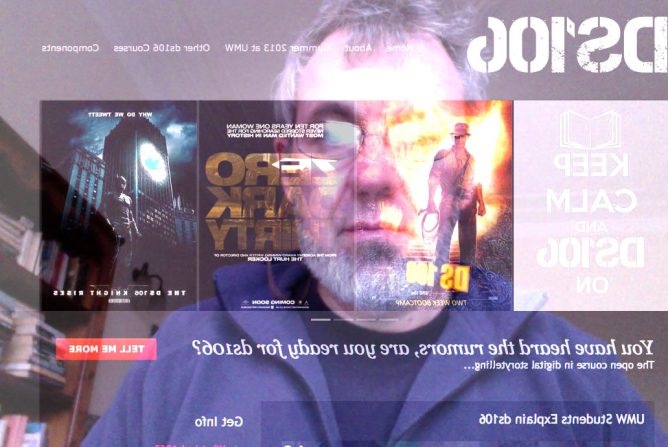
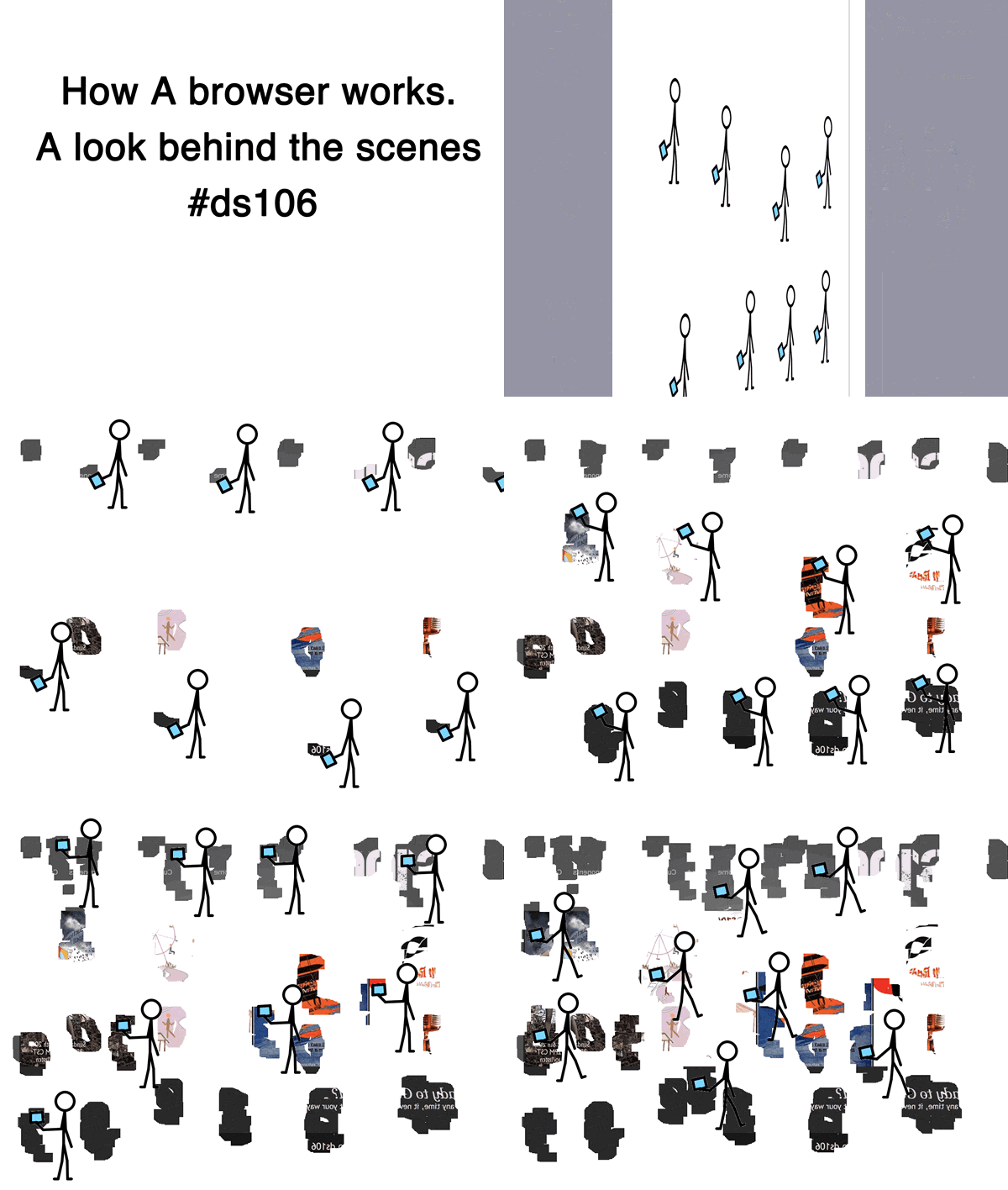
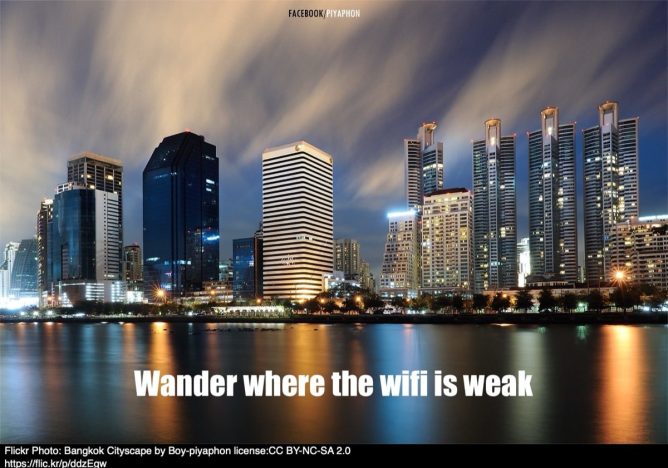
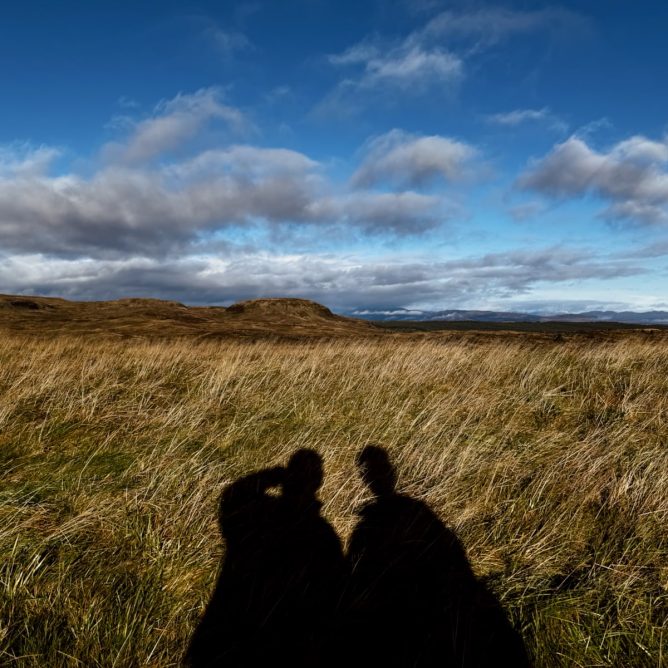
I’f I’d the skills this would not be a terrible edit and it would be animates. I do dance to a lot of Alan‘s Tunes.
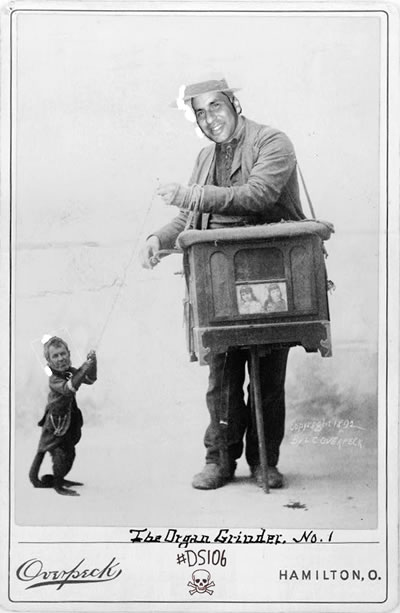
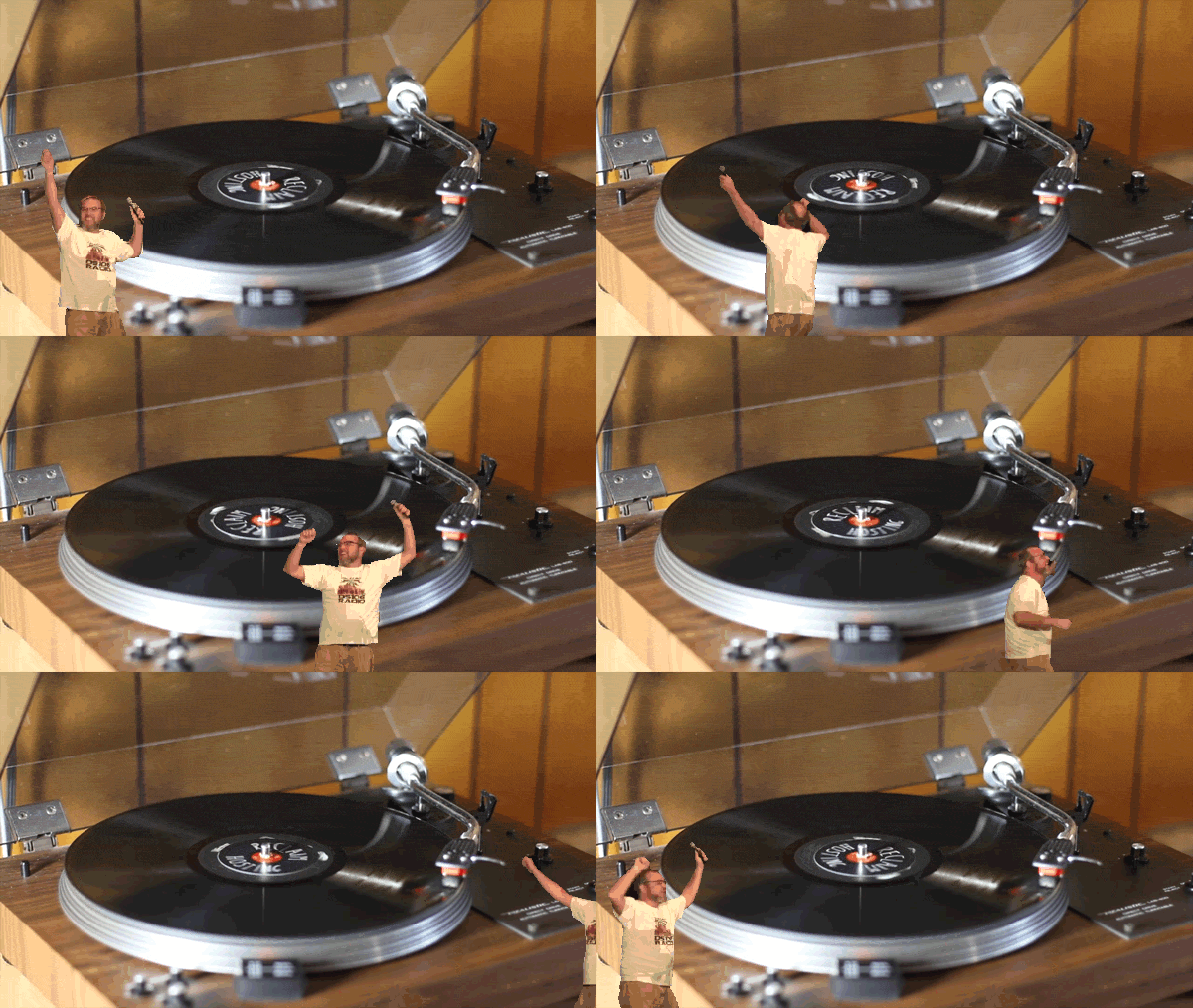
I’ve had a lot of fun and learning to make Jim Groom Dance. This is a reasonable example of how ds106 can lead you down strange paths of learning, and community. Jim took this in good part.
One of the best parts of DS106 is what some call remixing & I think of as riffing. Many of these are lost in the depths of delted twitter feeds, but one I recall was record riffing. Which ended up with this:
For me ds106 is a bit like non competitive tennis with self replicating balls that can be played on any court you like with any rules you like with the addition of be nice.
At that point I’d been reading around ds106 for a while.
I suspect my intro came from the flowering of web2.0 in education I was certainly reading Alan in 2006 and remember reading about Jim’s involvement in The Peoples Republic of Non-Programistan.
My first round was most encouraged by this idea: “#tdc2706 #ds106 “Welcome aboard, do what you like and leave the rest.” The Word according to @jimgroom
#tdc2706
Once I started I’ve not really stopped, I’ve participated in several rounds of DS106 classes, finishing some, some not. My responses are scattered over service, Twitter, Flickr, YouTube, mastodon & my blogs. I don’t respond much now, but I try to use my blog for anything I want to keep. DS106 has taught me about the impermanence of the web and how a domain of my own gives me a little stability.
Learning
tdc2185
I do not think there has been an online experience that has been as educational as DS106. It took me in to podcasting, aggregation, WordPress and more. It gave me the most positive experience of online learning &connection.
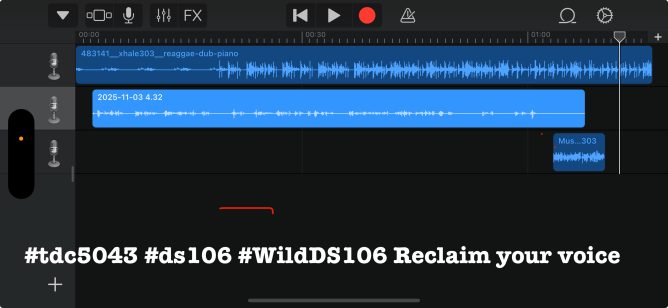
Reclaim Hosting was set up to help people to take control of their online presence. Tell us, in your own voice, why creativity and openness are important to you. Use any tool you like – we like Vocaroo.
A quick GarageBand Music Attribution-NonCommercial 4.0 International reggae dub piano by XHALE303
Find the TDC that has been least responded to or ‘Least popular’ (the opposite of https://daily.ds106.us/popular/) and add a response to it. Help it feel the #WildDS106 love!
A convoluted one, I downloaded the rss feeds for the tags from the last 100 #dailycreates and counted the items for each there were none for tdc4993 so I made this. I went through look back through the toots by @creating and lo, there were plenty of replies. It was fun working out how to download 100 feeds & count the items.
So I’ll be writing a few posts around the topic over the next week or two. This one is just to see if the syndication1 on DS106 picks up my post tagged wildDS106 when my feed gets added.
On of the most important things I learnt from DS106 is the power of RSS and syndication ↩︎
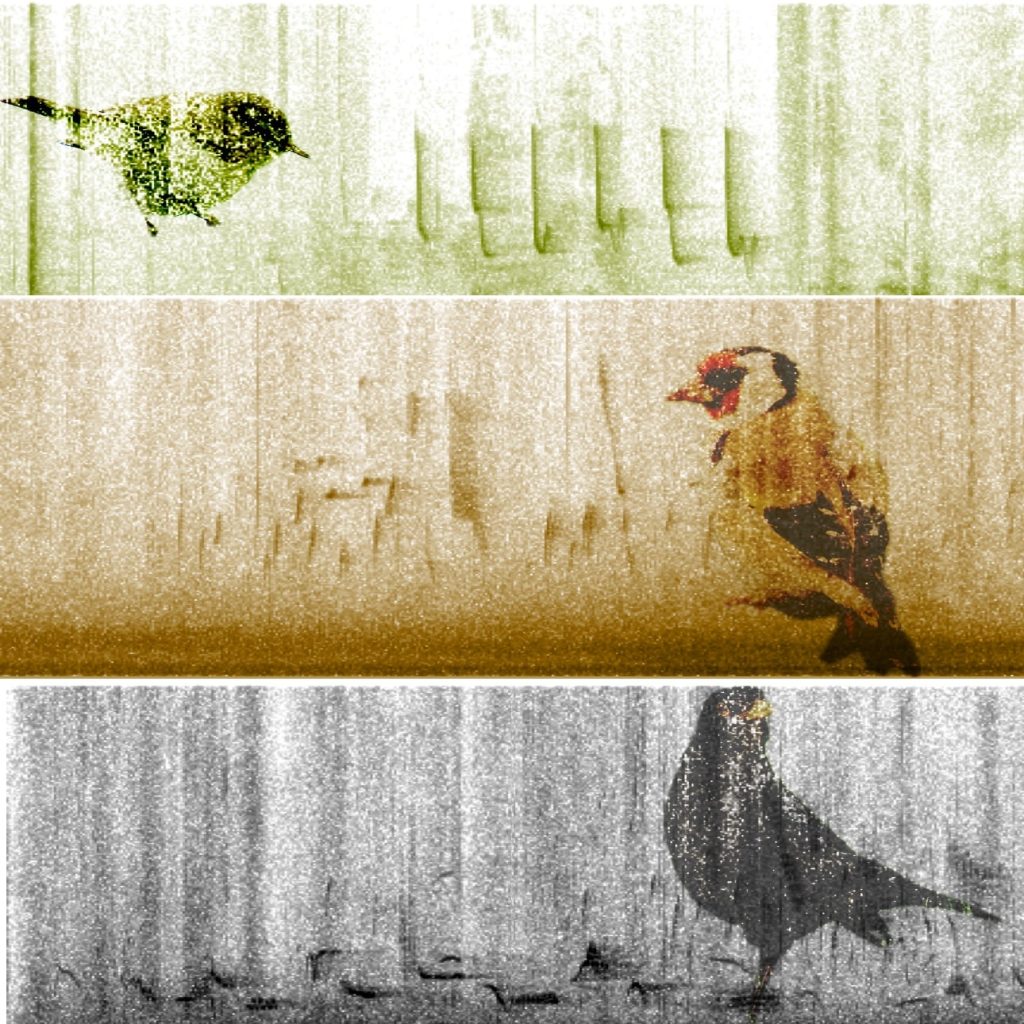
@creating#tdc4950#ds106 I don’t have a garden, but I do record a few bird sounds round and about. Here is a quick photo edit of a a few spectrograms and photos.
PlayPhrase will assemble a clip of movie scenes all having the same phrase, a small supercut if you will.
The results are slick and amusing.
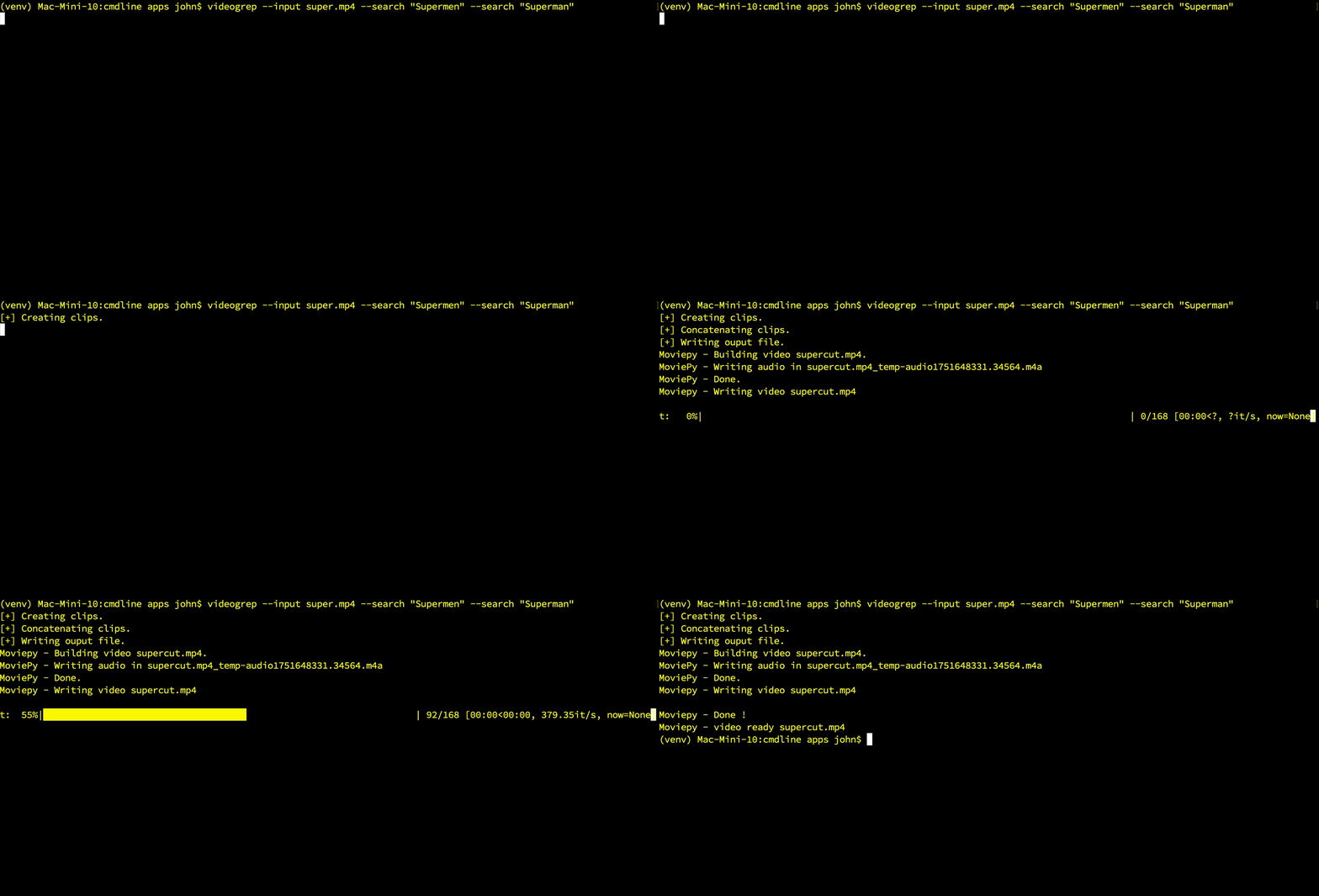
I remember creating a few Supercuts using the amazing Videogrep python script. I thought I’d give it another go. I’ve made quite a few notes on using Videogrep before, but I think I’ve smoothed out a few things on this round. I thought I might write up the process DS106 style just for memory & fun1. The following brief summary assumes you have command line basics.
I decided to just go for people saying ds106 in videos about ds106. I searched for ds106 on YouTube and found quite a few. I needed to download the video and an srt, subtitle, file. Like most videos on YouTube there are not uploaded subtitles on any of the ds106 videos I choose. But you can download the autogenerated subtitles in vtt format and convert to srt with yt-dlp. The downloading and subtitle conversion is handled by yt-dlp2.
I had installed Videogrep a long time ago, but decided to start with a clean install. I understand very little about python and have run into various problems getting things to work. Recently I discover that using a virtual environment seems to help. This creates a separate space to avoid problems with different versions of things. I’d be lying if I could explain much about what these things are. Fortunately it is easy to set up and use if you are at all comfortable with the command line.
The following assumes you are in the terminal and have moved to the folder you want to use.
Create a virtual environment:
python3 -m venv venv
Turn it on:
source venv/bin/activate
Your prompt now looks something like this:
(venv) Mac-Mini-10:videos john$
You will also have a folder venv full of stuff
I am happy to ignore this and go on with the ‘knowledge’ that I can’t mess too much up.
Install Videogrep:
pip install videogrep
I am using yt-dlt to get the videos. As usual I am right in the middle when I realise I should have updated it before I started. I’d advise you to do that first.
You can get a video and generate a srt file form the YouTube auto generated:
Should download the video, the auto generated subtitles and convert them to a srt file!
I edit the video & srt file names to make then easier to see/type
Then you can run Videogrep:
videogrep --input ds106.mp4 --search "ds106"
This makes a file Supercut.mp4 of all the bits of video with the text ‘ds106’ in the srt file.
I did a little editing of the srt file to find and replace ds-106 with ds106, and ds16 with ds106. I think I could work round that by using a regular expression in videogrep.
After trying that I realised I wanted a fragment not a whole sentence, for that you need the vtt file: I can dowmnload that with: yt-dlp –write-auto-sub –sub-lang en –skip-download “https://www.youtube.com/watch?v= tuoOKNJW7EY”
Then I rename the file to ds106.vtt delete the srt file and run
videogrep --input ds106.mp4 --search "106" –search-type fragment
I shortened ds106 to 106 as vtt files seem to split the text into ds and 106.
I ended up with 4 nice wee Supercut files. I could have run through the whole lot at once but I did it one at a time.
I thought I could join all the videos together with ffmpeg, but ran into bother with dimensions and formats so I just opened up iMovie and dragged the clips in.
at the end close the virtualenv with deactivate
reactivate with
source venv/bin/activate
This is about the simplest use of videogrep, it can do much more interesting and complex things.
I am retired, it is raining & Alan mentioned it might be a good idea. ↩︎