
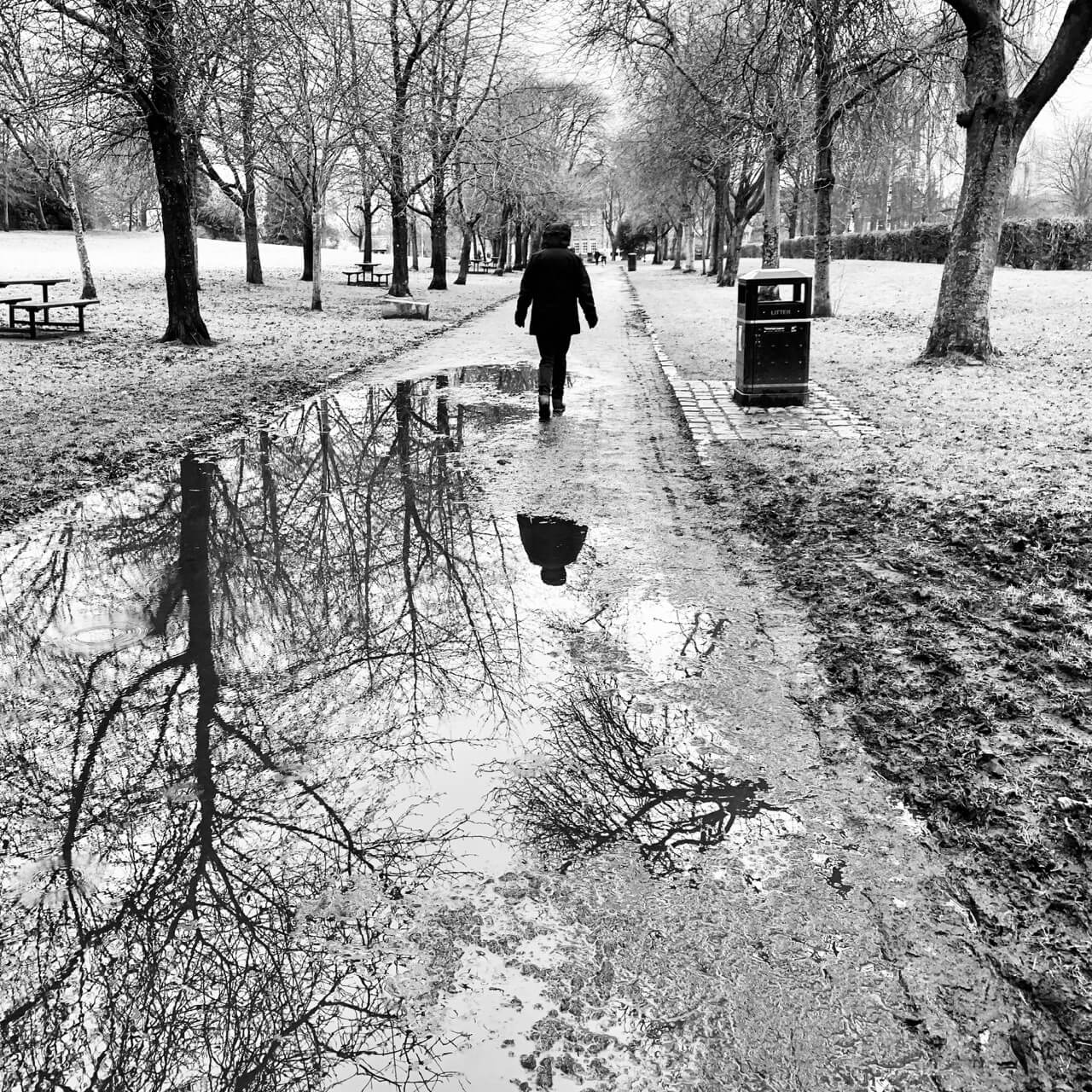
A reflective walk
Category Archives: Micro
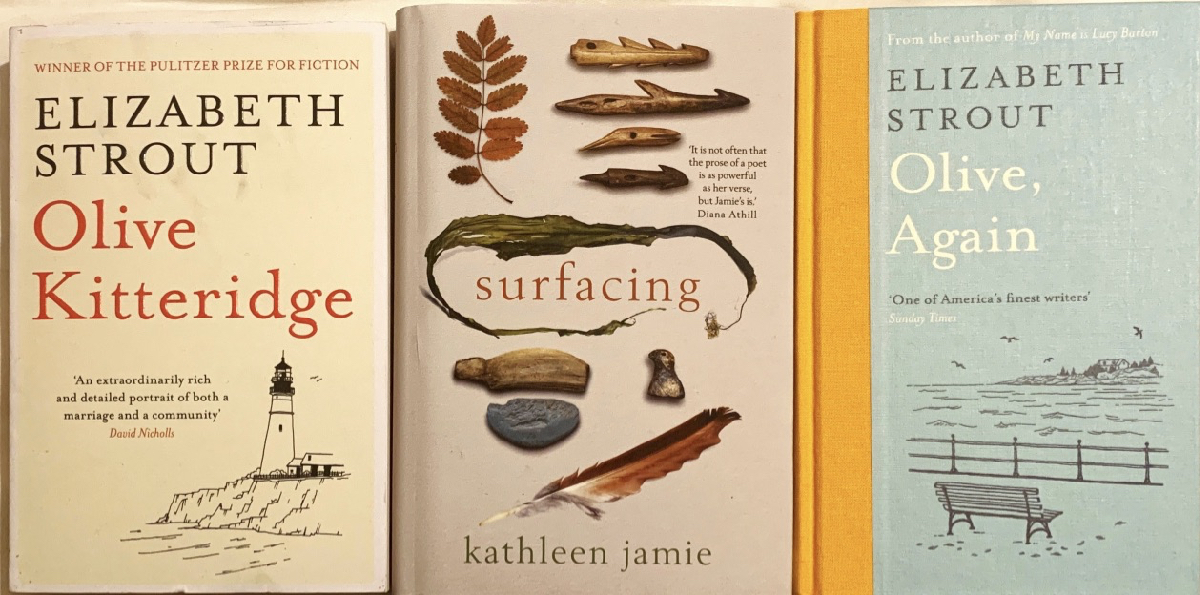
Christmas Haul of books to read. Bought by those who know me best📚
Rosewater by Tade Thompson
Read: Rosewater by Tade Thompson ★★½☆☆ I like the Nigerian setting and the less esoteric parts. Found the time jumping annoying on Kindle.
Watched: Four Adventures
Watched: Four Adventures of Reinette and Mirabelle ★★★★☆ Delightful Christmas Evening watch with family.
HT to @stefp for letting me know some Rohmer is in iTunes. 🎥
2019 in Review: Blog Reading
I’ve often made an end of year posts reviewing my blogging. I though this year I might review my blog reading. These are a few of the sites I’ve enjoyed. The blogs I try not to miss and some I would love to be able to emulate.
Cogdog blog. Alan’s blog has been a constant in my life for years. Discussing sharing, sharing WordPress code and more wrapped in a real life with a real voice. I follow Alan wherever he roams.
Read Write Collect is my main education hosepipe filter. Aaron reads and comments on a huge range of educational and web tech blogs wrapped in a tasty IndieWeb coating.
I spend more time on the gentle, eclectic Micro.blog community/aggregator than social networks nowadays. @smokey is a one man community engine nearly every week he produces a post with a list of posts and pictures he has picked out. A few of us tried this for a while, as far as I know @smokey is the only one to have kept it up.
I love Tom Woodward’s Weekly Web Harvest which I think might be auto generated from pinboard. The rest of the blog certainly isn’t auto generated but is a must read too.
Tom Smith, I follow across twitter, Instagram and now his blog. Creative Chaos.
ScotEduBlogs, an aggregation of Scottish Educational bloggers. I run this as a gift to the community, but also because it means it is easy to read great stuff from across Scottish education at all levels.
I read a lot more via RSS. My twitter browsing has decreased but I have a couple of private lists one called regular & one for primary classroom folk.
I continue to find some really good resources on twitter. I do wish more of the teachers sharing would use a blog. (much easier to keep track of, organise etc). If they are in Scotland they could join in ScotEduBlogs too.
Featured image from Image from page 285 of “Studies in reading; teacher’s manual” (1919) on flickr no known copyright restrictions.
A year of Books (& I love the WordPress display-posts plugin)
I love the WordPress display-posts plugin, I can do this:
[display-posts category="book" include_excerpt="true" include_title="false" date_query_after="2018-12-31" date_query_before="2019-12-31" posts_per_page="50" include_date="true" order="ASC"]
.post-11479 .display-posts-listing {

list-style-type: decimal;

display: flex;

flex-direction: column-reverse;

}
and get:
- (1/12/2019) - Read So Much Things to Say: The Oral History of Bob Marley – Roger Steffens 📚★★★☆☆
- (1/31/2019) - Read All Among The Barley by Melissa Harrison 📚 ★★★★☆ Thoroughly enjoyed. Some lovely writing. Perhaps too many themes pulled in at the end.
- (2/16/2019) - Read: The Priory by Dorothy Whipple ★★★★☆ I can’t imagine that this novel would get through a writers workshop or past a publisher today. Several story arcs weave, some slip away. Lovey clear writing, some nice nature and a rather comfortable happy ending. 📚
- (2/16/2019) - Read: The Blank Walk By Elisabeth Sanxay Holding 📚 ★★★★☆ A surprise. Noir-ish from the POV of a well off mother. Raced through it.
- (2/27/2019) - read: Love is Blind William Boyd ★★★☆☆
- (3/1/2019) - Amongst Women by John McGahern ★★★★☆
- (3/6/2019) - Read: Welcome to Lagos by Chibundu Onuzo ★★★★☆ Quite delightful set of characters giving a wee peek into life in Lagos at the top and bottom of the social ladder. Enjoyed.
- (3/28/2019) - Read The Far Cry by Emma Smith winner of the James Tait Black Prize for best English novel of 1949. I enjoyed this a lot. Some lovely descriptions & character revelations. I do wonder if it would get published today. 📚 ★★★★☆
- (4/20/2019) - Read The Melody by Jim Crace ★★★★☆ set in a slightly altered eastern European country, hints of strange wild creatures.
- (4/30/2019) - Monsieur Ka by Vesna Goldsworthy ★★★★☆ fascinating idea, the decedents of Anna Karenina in post war London.
- (5/7/2019) - Read: Greenbanks by Dorothy Whipple ★★★★☆ another lovely read. I like the way her stories don’t have an arc in the way a modern novel does. I am taking her books only occasionally as I am worried about running out. 📚
- (5/22/2019) - Read: My Former Heart by Cressida Connolly ★★★★☆ slow, in a good way, drift through the lives a few generations of women.
- (5/22/2019) - Read: The Heart’s Invisible Furies by John Boyne ★★★★☆ Recent social history of gay men in Ireland through the life of one and his unlikely family. Lots of jokes, set pieces and conicidences beyond belief.
- (5/27/2019) - Read Signs for Lost Children by Sarah Moss ★★★★☆ Felt like two separate books, surprisingly moving when the stories came together at the end.
- (6/24/2019) - Read Tiger by Polly Clark ★★★★☆ Enjoyed descriptions of the wilds of Siberia. The first couple of pages and the last two or three were weakest parts of the book. 📚
- (6/27/2019) - Read: Sal by Mick Kitson ★★★★☆ Enjoyed the setting and nature writing. The narrative voice of 13 year old Sal was strong and the book wears its heart on its sleeve. Felt somewhat like a YA novel.
- (7/5/2019) - Read: Transcription by Kate Atkinson ★★★★☆ WWII home front spies. Heroine Juliet is engaging & funny. Some nice twists & turns. 📚
- (7/20/2019) - Read: Someone at a Distance by Dorothy Whipple ★★★☆☆ My least favourite of a favourite author so far.
- (7/20/2019) - Read: Such Small Hands by Andrés Barba 📚 ★★★★☆ Such a disquieting book, almost unpleasant at times. Short & powerful.
- (8/1/2019) - Read: Bread Making for Beginners by Bonnie Ohara ★★★★☆ I’ve usually made bread by following the instructions on a bag of flour. Even the first recipe in this is an improvement.
- (8/9/2019) - Read: The White Guard by Mikhail Bulgakov ★★★★☆ second time round after many years, still a great read.
- (8/15/2019) - Read: So Long, See You Tomorrow by William Maxwell ★★★★★ Another one to re-read. Lovely voice. 📚
- (9/7/2019) - City of Girls by Elizabeth Gilbert ★★★★☆ for the first half, some nice fast paced banter. Really laughed out loud.
- (9/7/2019) - The Fortnight in September by R.C. Sherriff ★★★★★ a lovely unexpected delight. A 2 week family holiday in 1930s Bogner described in gentle detail. Tender and a little sad.
- (9/15/2019) - Read: The Book of Night Women by Marlon James ★★★★★ this is a hard book to put down but hard to read the iniquity and violence.
- (10/15/2019) - Read Ask Again, Yes by by Mary Beth Keane ★★★☆☆
- (10/15/2019) - Read: Cloudstreet by Tim Winton ★★★☆☆ I probably would not have finished this if I had another novel to hand, but I did enjoy it more as I went on. Family saga, I imagine this would speak to Australians more than me.
- (10/15/2019) - Read: Bloodchild by Octavia E. Butler ★★★☆☆
- (10/30/2019) - Read: John Crow’s Devil by Marlon James ★★★☆☆ my least favourite Marlon James so far. Got a bit too “magic realist” for me around the middle. 📚
- (11/16/2019) - Read: Calypso by David Sedaris ★★★☆☆ I think I prefer David Sedaris on the radio in small doses. I did laugh out loud a few times 📚
- (11/16/2019) - Read: The Confessions of Frannie Langton by Sara Collins ★★★☆☆ 📚 l think I would have liked this better if I'd read it quicker.
- (12/1/2019) - Read: The Dutch House by Ann Patchett ★★★★☆ good fun modern fairy tale, with some unlikely happenings.
- (12/9/2019) - Read: The Leavers by Lisa Ko ★★★★★ great read that grew and grew on me. Chinese illegal immigrants in New York and back in China. Great characters and story.📚
- (12/16/2019) - Read: Shadows on Our Skin by Jennifer Johnston ★★★★★ heartbreaking. 📚
- (12/20/2019) - Read: Marilyn and Me by Ji-min Lee ★★★★☆
- (12/27/2019) - Read: Rosewater by Tade Thompson ★★½☆☆ I like the Nigerian setting and the less esoteric parts. Found the time jumping annoying on Kindle.
- (12/30/2019) - Read: Olive Kitteridge ★★★★★ As good as I expected. I was completely absorbed by stories. Probably the last book I'll finish this year and possible the best.
Giggles and ‘joy jumps’: rats love games of hide and squeak, scientists find a shorter version of this was in The Observer today as a year defining moment. Quite delightful.

I love Flickr. I’ve had a pro account for years. Maybe you should too.
Not because my photos are in anyway professional, but because of the wonderful things Flickr does. Flickr allows me to store and organise my photos. I can look at pictures by friends, acquaintances and all sorts of groups.
Most importantly Flickr curates and organises creative commons licensed and public domain photos. These are searchable and Flickr give access to them via an API that is useful and usable by non-professionals. I’ve had an amazing amount of fun and use (professionally as a teacher). To me Flickr is an important part of the web, I have a pro account to support that.
If you use Flickr and don’t have a pro account you can get 25% off with the code 25in2019 or use this link.
Marilyn and Me by Ji-min Lee
Read: Marilyn and Me by Ji-min Lee ★★★★☆
Not sure if I’ve ever read a book by a Korean before! Enjoyed, and was educated by this one. Marilyn is more in the title than the tale.